Archer C6 V6/US Easymesh Issue

Archer C6 V6/US Easymesh Issue

Archer C6 V6/US Easymesh Issue
3 weeks ago - last edited Saturday
Model: Archer C6  
Hardware Version: V6
Firmware Version: 1.1.2 Build20251212 Rel.63031

I recently bought two TP-Link Archer C6 routers and set them up in a mesh network. Initially everything worked perfectly, but after a few days people on the WiFi started complaining about random internet drops every few minutes. Symptoms included:

  • YouTube buffering randomly
  • WhatsApp calls disconnecting and reconnecting
  • General lag/spikes on wireless devices- Like the internet stopped for 5-6s
     

Important detail: wired devices connected through Ethernet never lose connection and work perfectly fine the entire time.
 

At first, I noticed the mesh system kept preferring the 2.4GHz band even though 5GHz coverage should have been enough for the whole area. So I reset both routers and separated the 2.4GHz and 5GHz SSIDs, then connected devices only to the 5GHz network.
 

That temporarily fixed the issue, but after a few days the exact same problem came back.
 

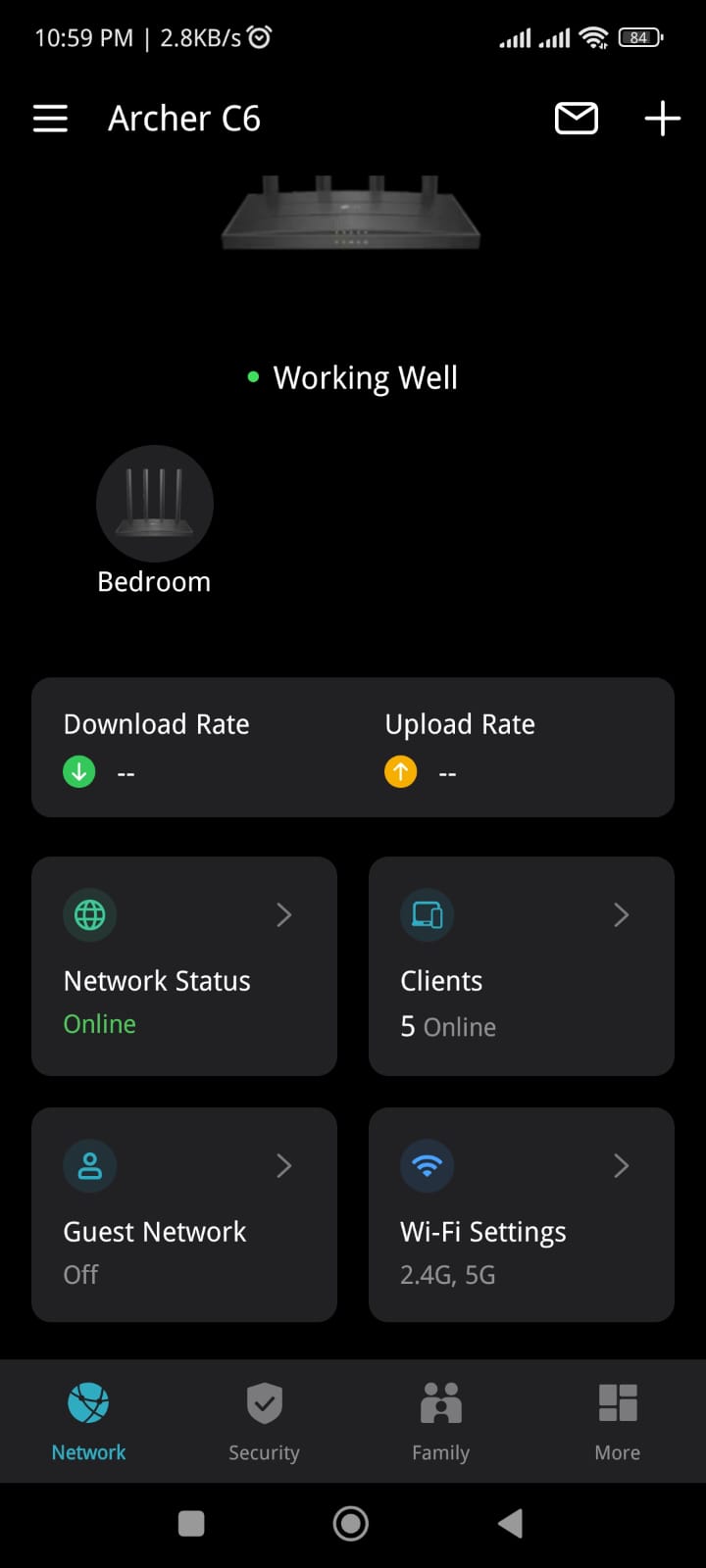
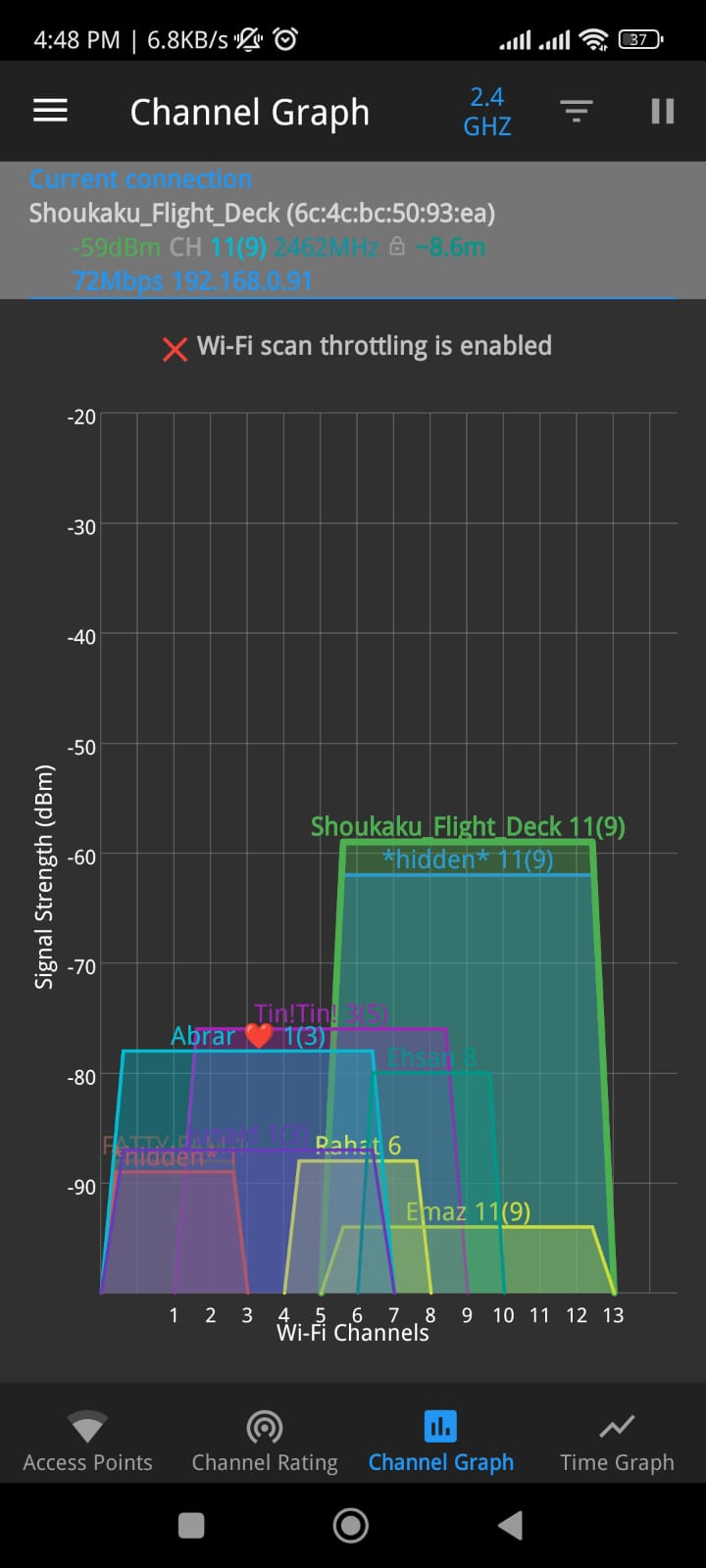
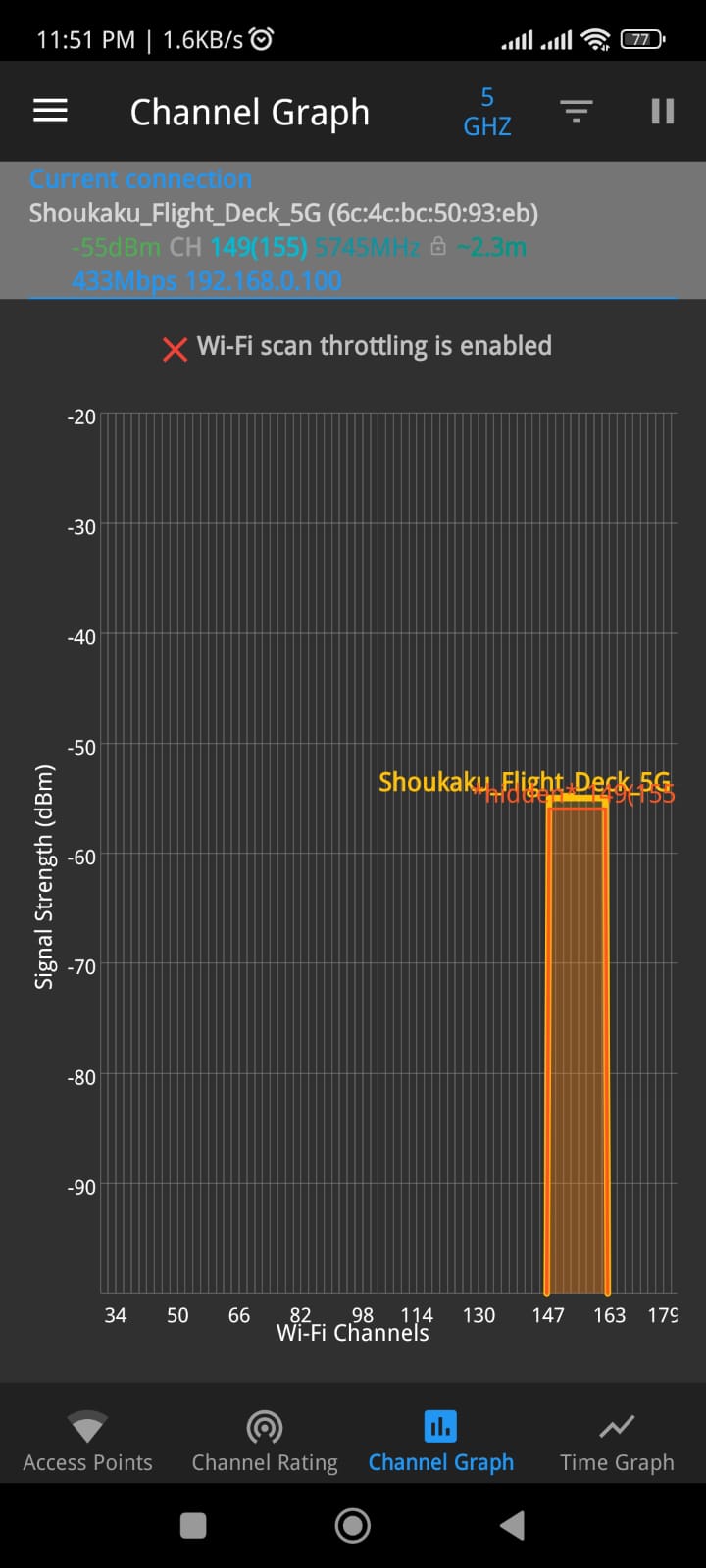
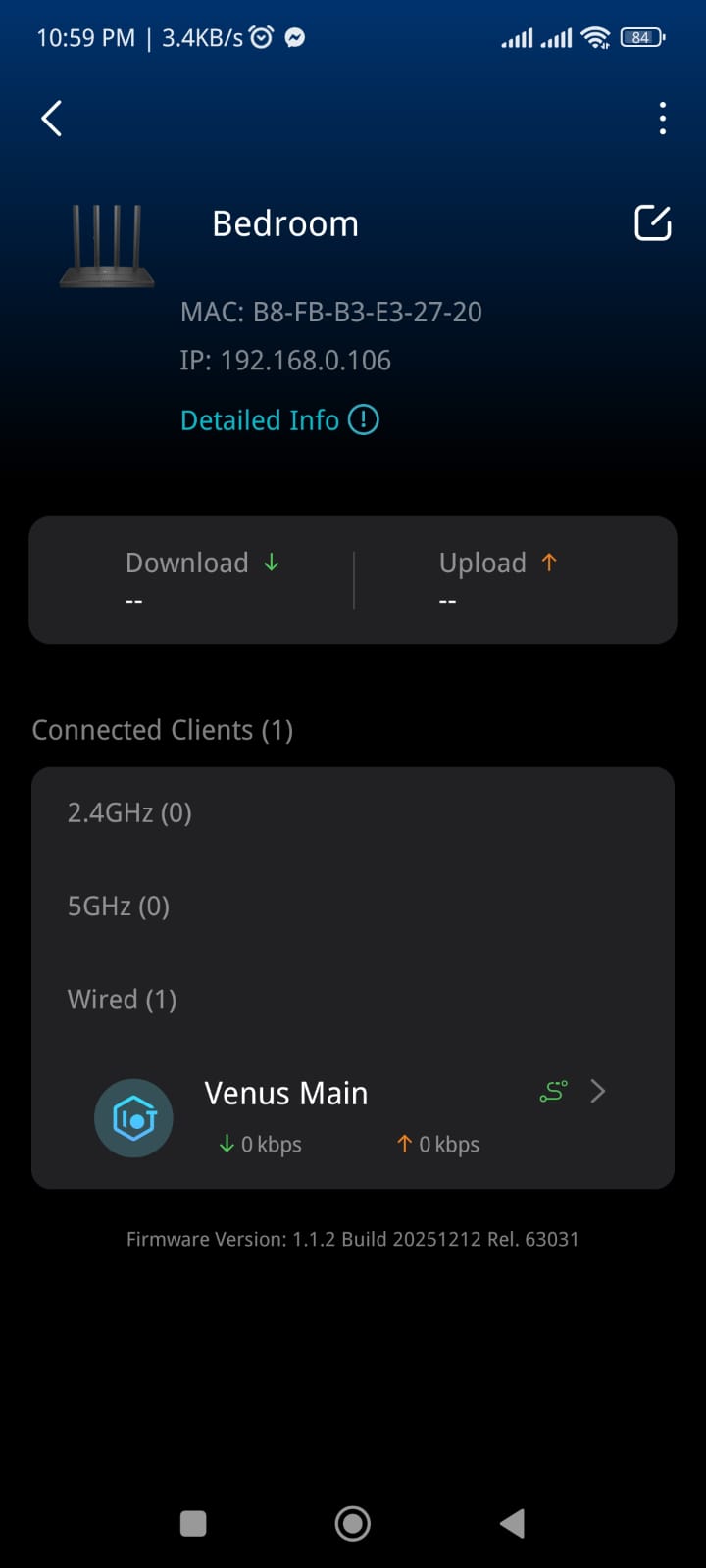
After more troubleshooting in the TP-Link Tether app, I noticed all devices were connecting to the main router instead of the closer mesh/sub router in the bedroom. I then checked using a WiFi analyzer app and saw that the bedroom/sub router was showing up as a hidden network on both 2.4GHz and 5GHz.

I reset only the sub router, and immediately:

  • the hidden networks disappeared,
  • the mesh node became visible again,
  • devices started connecting to the correct router,
  • and the connection became stable again.
     

But after a few days, the issue returned again in the same way.


So currently it seems like:

  • the main router continues working,
  • wired devices are stable,
  • but the mesh node/sub router somehow partially “breaks” after some time and starts behaving like hidden SSIDs only, causing devices to stick to the main router and resulting in unstable WiFi.
     

Has anyone experienced this with Archer C6 mesh setups? 

  0      
0
#1
Options
1 Accepted Solution
Re:Archer C6 V6/US Easymesh Issue-Solution
Friday - last edited Saturday

Hello @ICU_Rishad ,

Thanks for contacting our community.


The hidden SSIDs that you mentioned may be the backhaul network between these two routers. Based on the troubleshooting steps you have taken, it looks like your satellite router's SSID disappears after a few days.


Please try the additional steps below:

1. Confirm that you didn't connect the clients to the guest network.

2. Please save the router's backup file: How to create and restore from a backup file on your TP-Link Router

3. Then swap the roles of the two routers for comparison—that is, configure the original satellite node as the main router.


Welcome to Our Community! Get the latest posts: △New Firmware for Archer GE550/GE650 V1 Introduces AI-QoS, EasyMesh IoT Expansion, and More! △New Firmware Releases for Archer BE805 V1/BE450 V1 to Support VPN Merge, New ECO Mode, and More! More posts, please see: △ Get the Ongoing Pre-release Firmware for Wi-Fi Routers Here— Subscribe for Updates! Urgent problems with your Wi-Fi Router, Range Extender, or DSL Modem? Please reach out via private Messages or @Joesph-TP in your new thread directly. Click Or ☆Recommended Solution if the post/answer helps.
Recommended Solution
  0  
0
#3
Options
2 Reply
Re:Archer C6 V6/US Easymesh Issue
3 weeks ago

  0  
0
#2
Options
Re:Archer C6 V6/US Easymesh Issue-Solution
Friday - last edited Saturday

Hello @ICU_Rishad ,

Thanks for contacting our community.


The hidden SSIDs that you mentioned may be the backhaul network between these two routers. Based on the troubleshooting steps you have taken, it looks like your satellite router's SSID disappears after a few days.


Please try the additional steps below:

1. Confirm that you didn't connect the clients to the guest network.

2. Please save the router's backup file: How to create and restore from a backup file on your TP-Link Router

3. Then swap the roles of the two routers for comparison—that is, configure the original satellite node as the main router.


Welcome to Our Community! Get the latest posts: △New Firmware for Archer GE550/GE650 V1 Introduces AI-QoS, EasyMesh IoT Expansion, and More! △New Firmware Releases for Archer BE805 V1/BE450 V1 to Support VPN Merge, New ECO Mode, and More! More posts, please see: △ Get the Ongoing Pre-release Firmware for Wi-Fi Routers Here— Subscribe for Updates! Urgent problems with your Wi-Fi Router, Range Extender, or DSL Modem? Please reach out via private Messages or @Joesph-TP in your new thread directly. Click Or ☆Recommended Solution if the post/answer helps.
Recommended Solution
  0  
0
#3
Options