
I Spent a Month Using a VIGI NVR for My Home
 NeilR_M

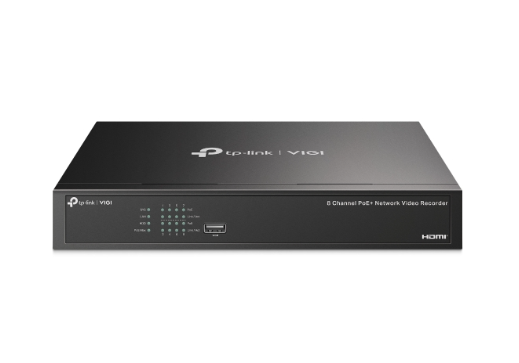
Neil with the Community Team here! With the Fusion Pro releasing soon™️, I borrowed a VIGI NVR for a month to use at home.
Use Case:
I have SD cards in my Tapo Cameras, but I was looking for a better interface to review footage. App navigation is nice, but I prefer a keyboard and mouse to be able to scan events and footage. I also like pulling up the cameras from a computer rather than opening my phone. Lastly, I wasn’t sure, from personal experience, which events Tapo cameras could track when added to an NVR via ONVIF.
My Network:
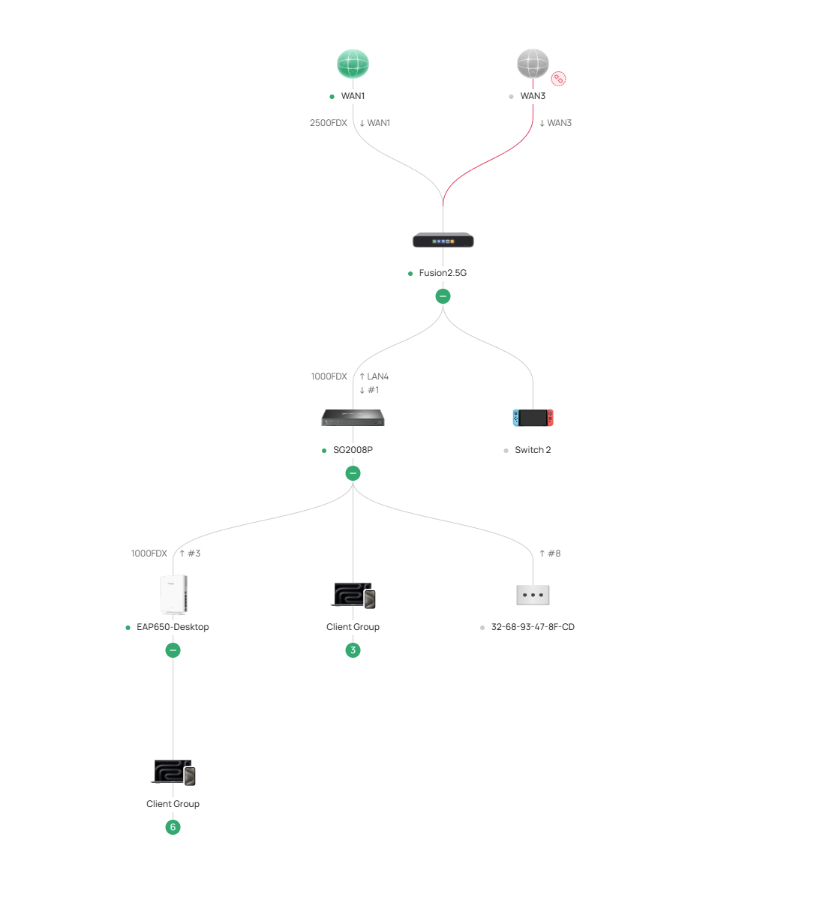
I’ve got a pretty basic network setup and only a few smart devices.
Gateway: Fusion 2.5G v1.0, firmware version 1.0.30
Switch: SG2008P v3.20, firmware version 3.20.24
AP: EAP650-Desktop v1.0, firmware version 1.5.6
Relevant Smart Devices: Tapo C120, Tapo C260
VIGI: NVR2008H-8MP, EasyCam C540S
Setup:
In terms of network setup, I actually detailed the setup in a reference guide I released this month! Check it out here:
Secure Your Surveillance Network in 5 Minutes — Why Cameras Need Their Own VLAN
You can see how I set up my Surveillance network, only accessible from specific clients.
To access the NVR outside of my network, I remote into my home network via IPSec VPN, then use Microsoft’s RDP to access my home PC. My home PC also has VIGI VMS installed to take advantage of the AI features.
What I Found:
The VIGI interface is very helpful to use with my Tapo cameras at home. PTZ controls translate to the cameras, which helps me keep track of the little creature that roams my house during the day.
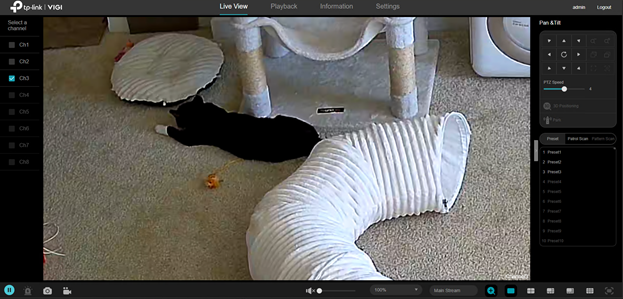
Tapo’s tracking feature automatically keeps tabs on her, and this persists when the camera is added to the NVR.
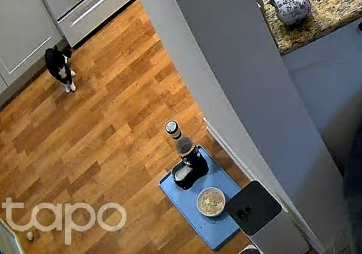
Also useful to note: the patrol routines from the Tapo app persist as well. The routines show up in the VIGI NVR as the Patrol Paths.
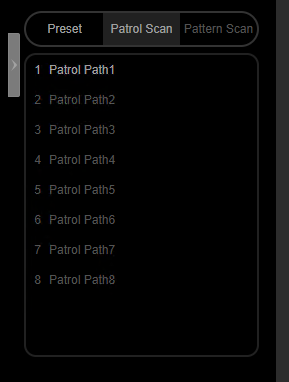
Presumably, other third-party cameras with their own routines would persist as well. (If anyone wants to sponsor my home surveillance, let me know :] )
Unfortunately, the downside of the cameras over ONVIF comes in the form of event tracking. I only have access to Motion Detection events. Helpful if you have outdoor cameras and just need to see when something moves in one specific area, but not so helpful if you’re using the camera indoors and are flooded with detection events throughout the day.
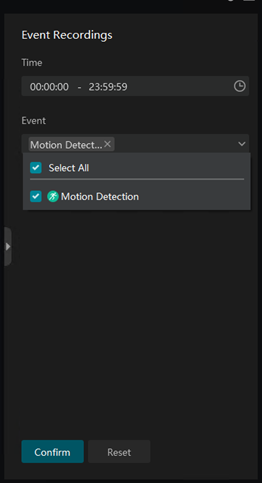
We don’t get many visitors at home, so I wasn't able to use many of the People Search or Object Search with my EasyCam, but the largest benefit I can see is the extra storage it provided. Over the course of the month, my 3 cameras were continuously recording, and the 2TB drive is only half full. Considering that the Tapo cameras only have enough space for 30 days of recording (dependent on the SD card size), it’s very helpful to have external storage.
I’m willing to do some more testing once I get a Fusion Pro, so let me know what experiments you’d like me to run and detail for the Community! Happy to share, happy to experiment with you all.