@JohnGhost
In TP-Link devices,
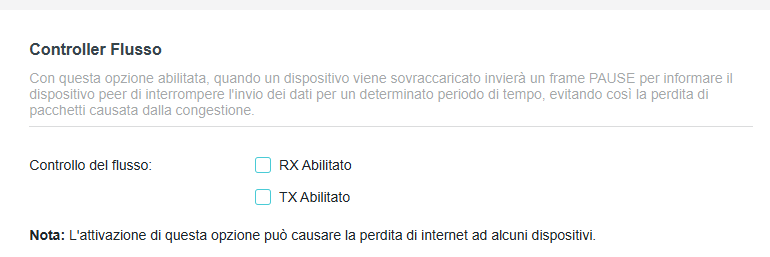
Flow Control is
a feature designed to prevent packet loss during network congestion. When enabled, an overloaded device sends a "PAUSE" frame to its peer, telling it to temporarily stop transmitting data until it can catch up and clear its buffer.
When to Enable or Disable It
Industry consensus generally recommends leaving Flow Control
disabled by default for standard home and gaming networks. However, specific setups dictate whether you should switch it on or off.
- Leave Disabled (Recommended for most networks): If you are running latency-sensitive applications like VoIP, streaming, or competitive gaming, turning Flow Control on can cause "head-of-line blocking," where a delay in one packet halts all other traffic.
- Enable (Recommended for heavy file transfers): If you use dedicated iSCSI networks, NAS (Network Attached Storage), or have devices of drastically different speeds (e.g., sending massive files from a 10Gbps server to a 1Gbps client), enabling it ensures the slower client doesn't drop packets.
- Mixed Speeds on Gateways: Some TP-Link routers (like the Omada ER707-M2) require Flow Control enabled when using heavy 2.5Gbit WAN connections to prevent speed degradation on local LAN ports