
Web UI Issues On Archer BE400/BE6500

Since past few months my Archer BE400 has issues with Web UI managements. Recently updated the firmware to the official release 1.4.3 but the issues are not gone.
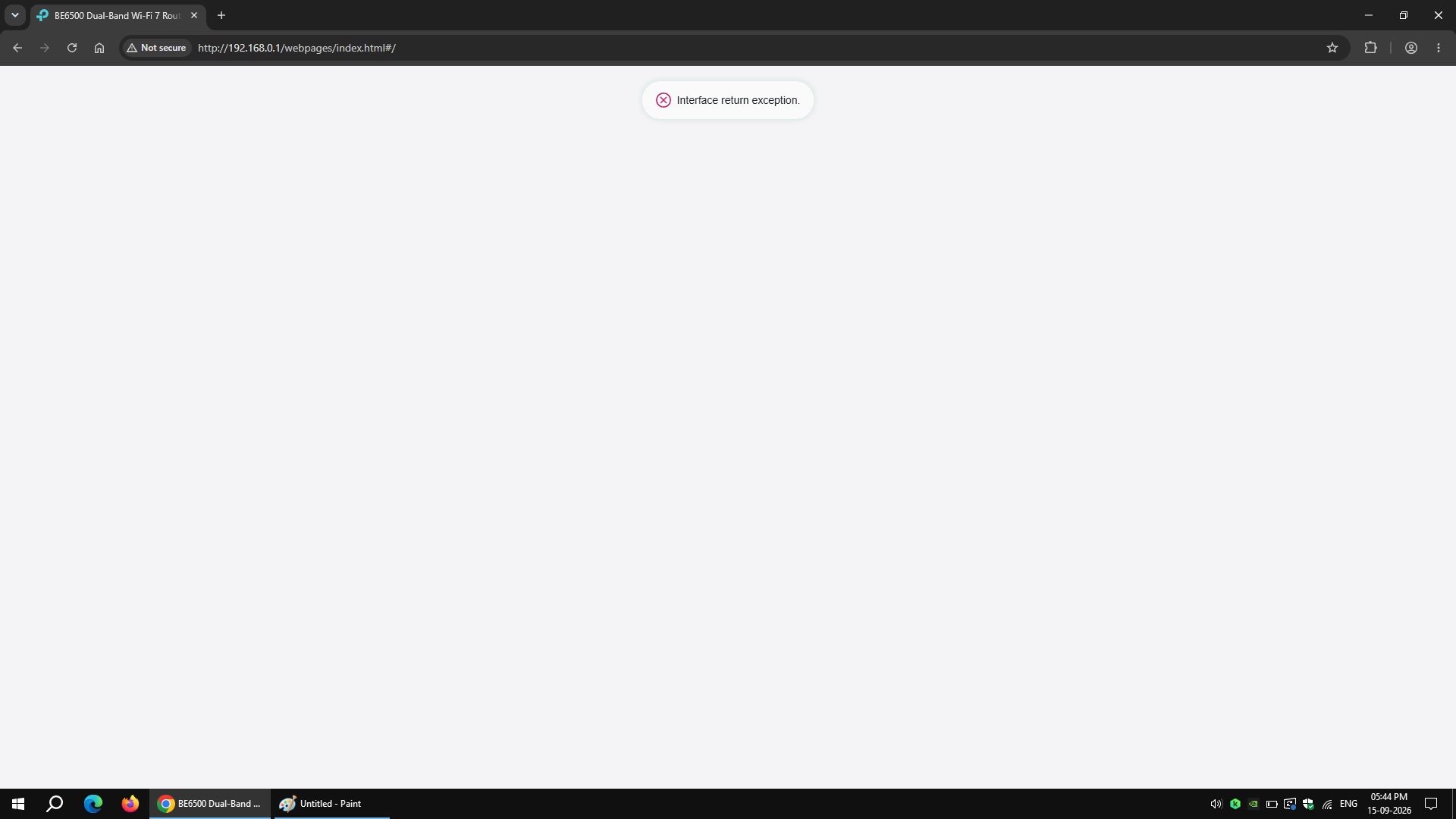
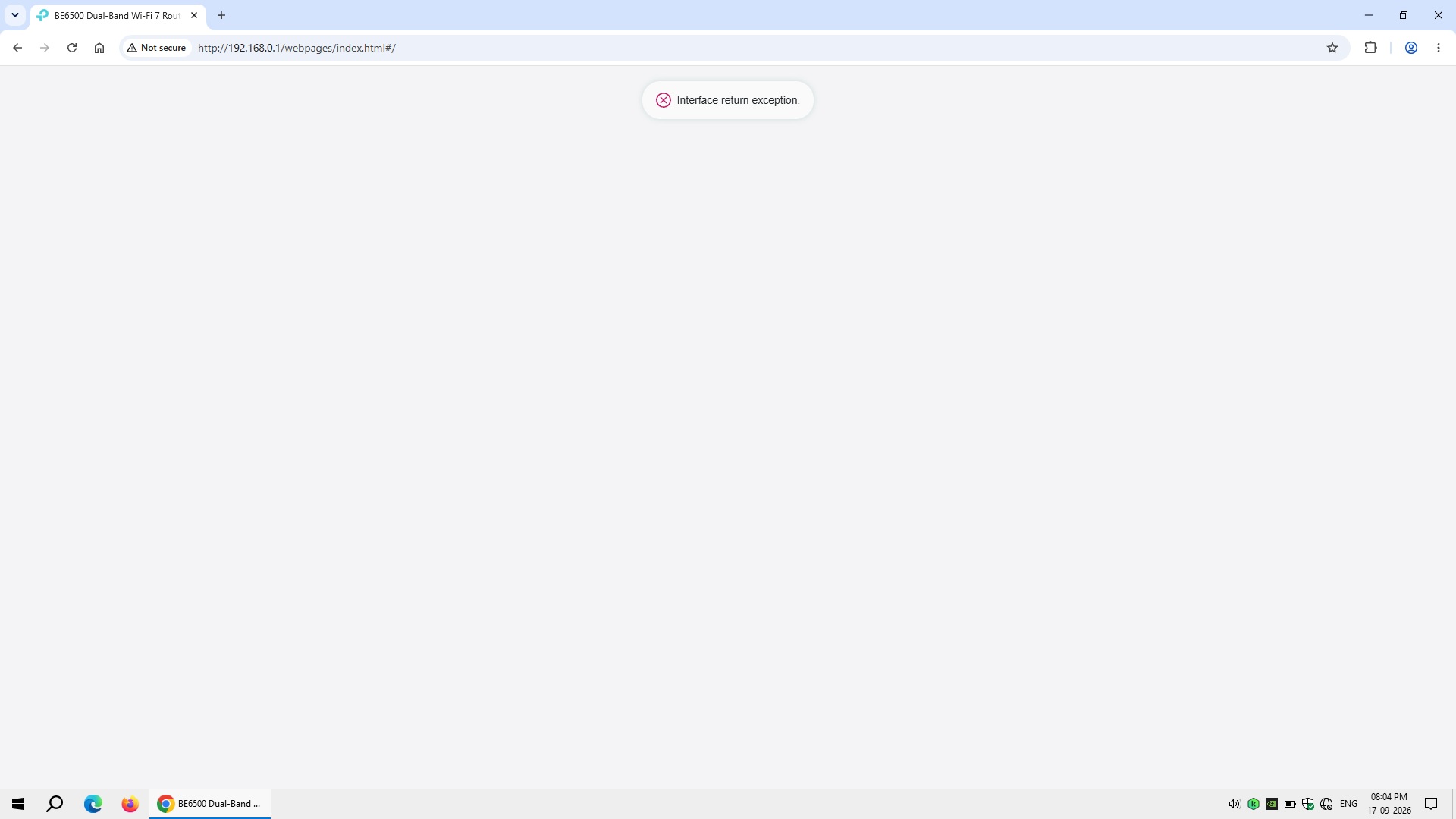
1. Whenever I reboot the router (both cold boot and reboot), the initial accessing of the Web UI always says "Interface return exception". And I had to refresh the page everytime. Though it does not persist until the next reboot. Any power cut or reboot, the issue came back. Factory reset did not fix it.
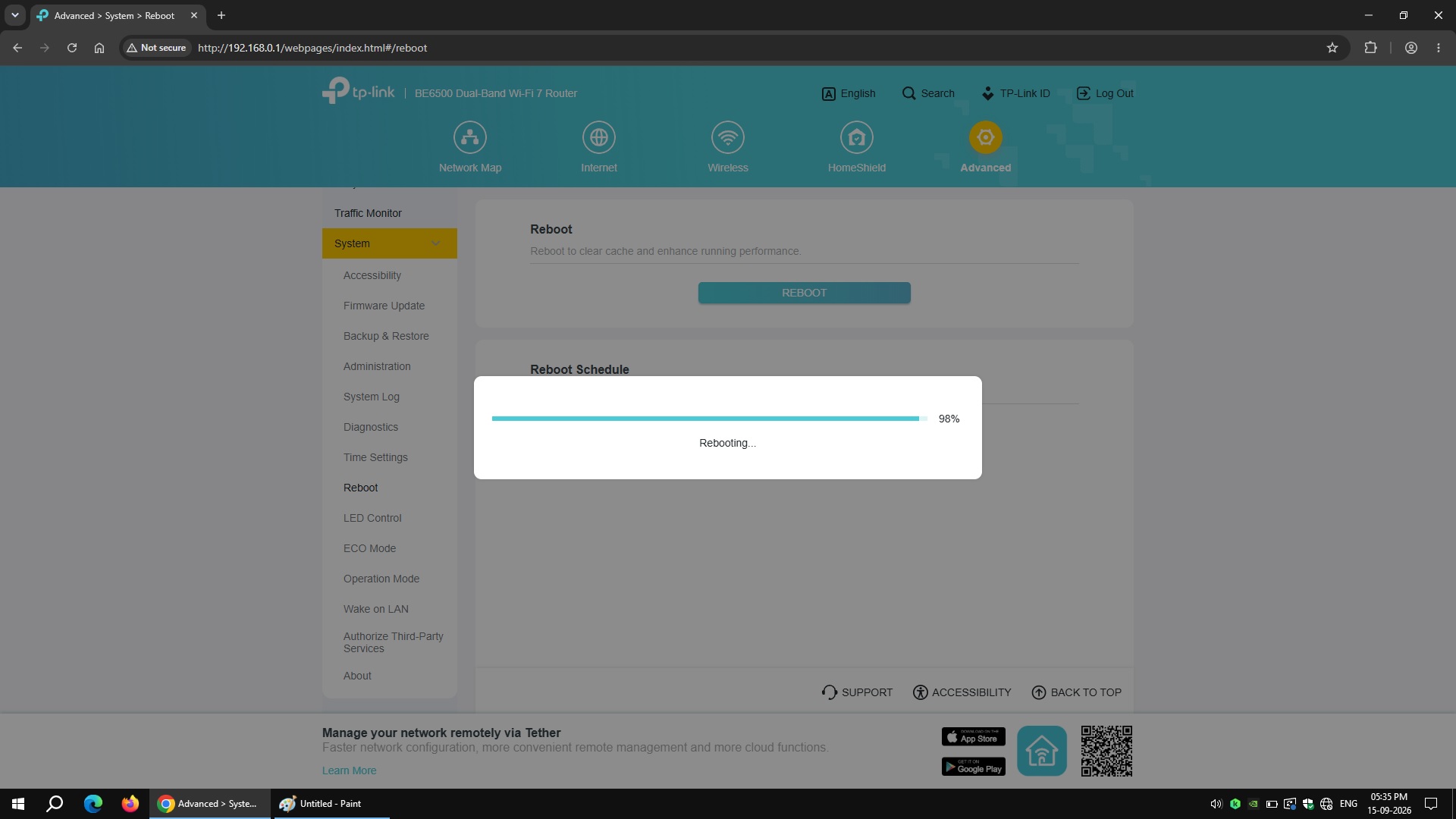
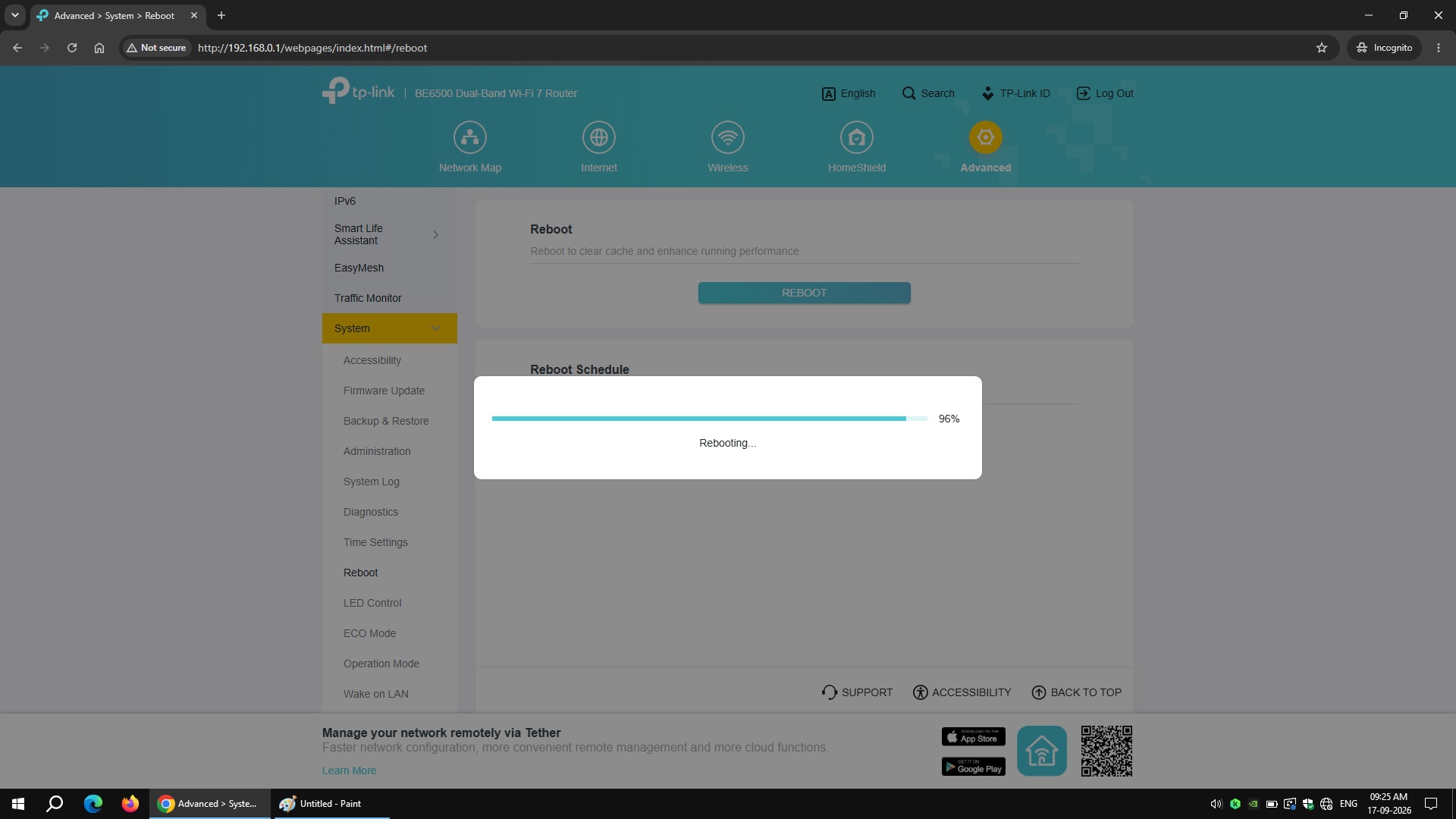
2. While rebooting, even after 98% rebooting status, the Wi-Fi connection is still not establish. Had to wait everytime for 4 plus minutes.
3. Web UI is also very laggy even while Log In. A silly bug of The 2.4 GHz and 5 GHz Advanced Settings needs 2 clicks to EXPAND the hidden settings right after entering 2.4 GHz and 5 GHz Wi-Fi passwords.
4. Rebooting/booting time is also very long. As my area has frequent power cut, had to wait for a long time everytime to get back online.
- Copy Link
- Subscribe
- Bookmark
- Report Inappropriate Content

Hi @Elaiaen ,
It seems your case requires further analysis. We recommend that you contact your local technical support, and they will assist you based on the situation.
- Copy Link
- Report Inappropriate Content

Have you tried to use another browser like Mozilla. I tested BE400 v1.2 with the latest three FW releases and there's no issue with its WebGUI.
Another option would be to clear your Chrome browser cache or open the BE400 WebGUI in an Incognito window to bypass the browser cache.
- Copy Link
- Report Inappropriate Content
@terziyski Tried Mozilla Firefox as well in Private browsing mode but the issue is still there.
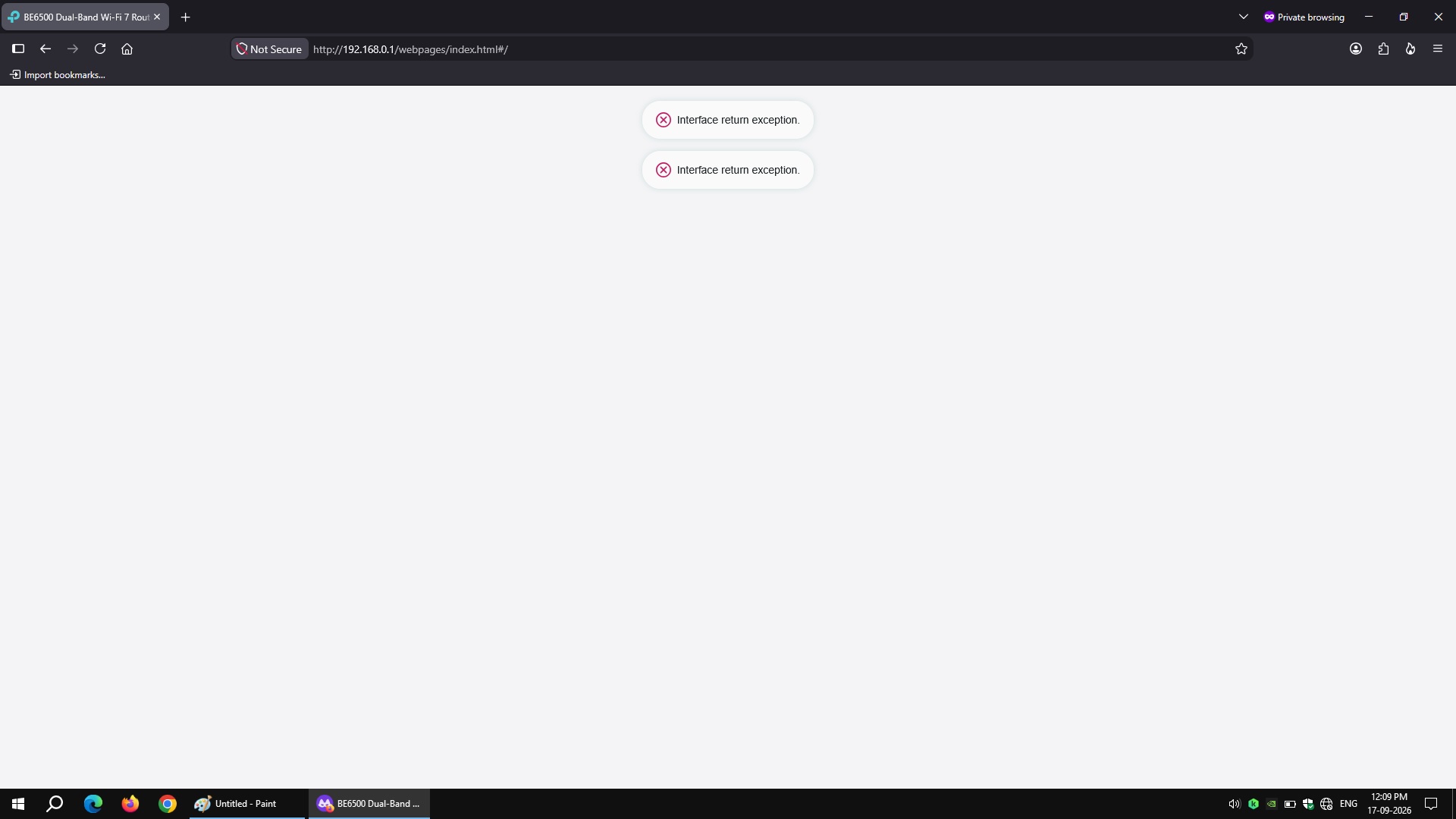
Also, I did cleared Chrome and Firefox browser cache. Still the same.
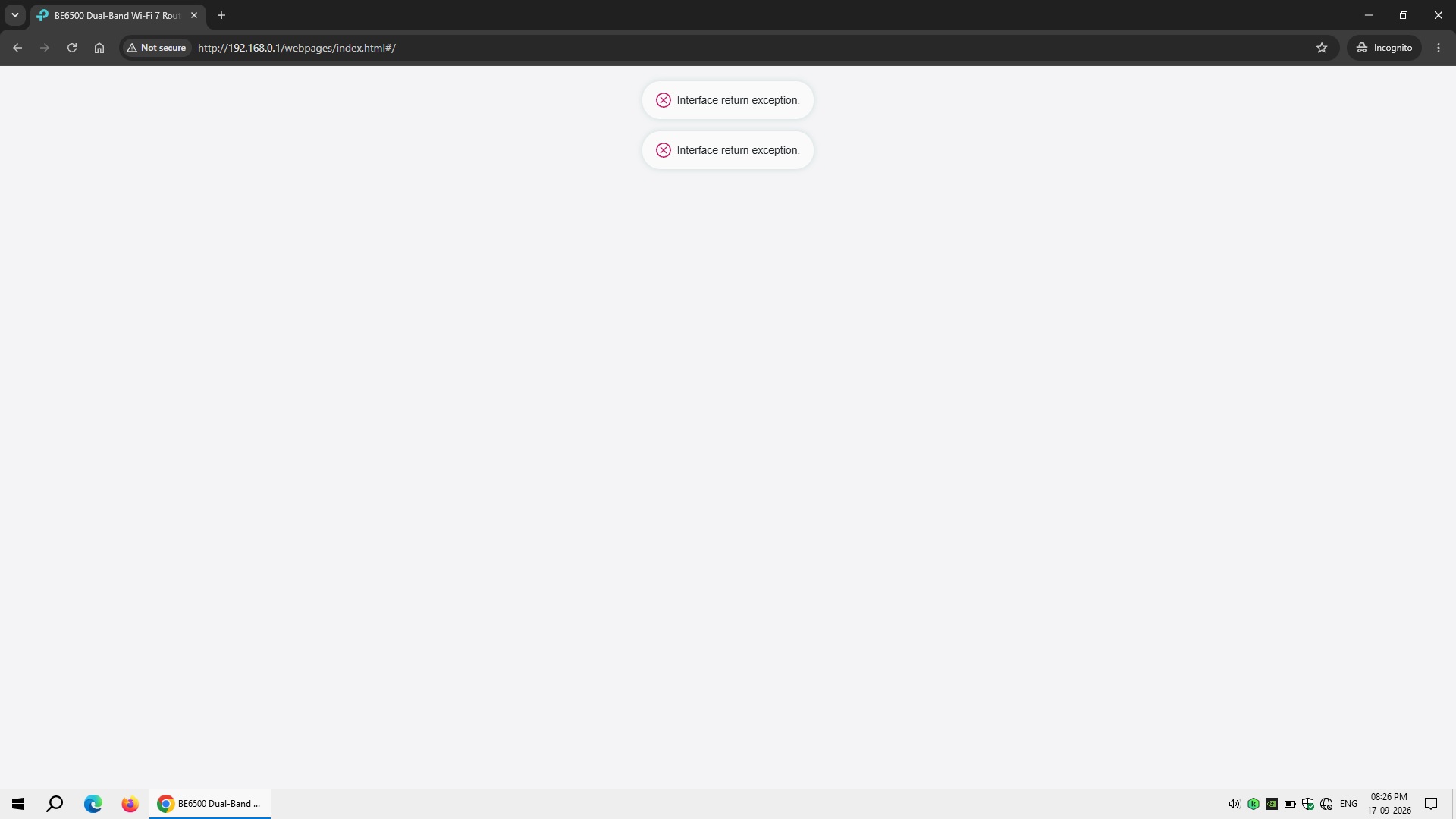
And also, I tried Chrome in Incognito mode, same issue.
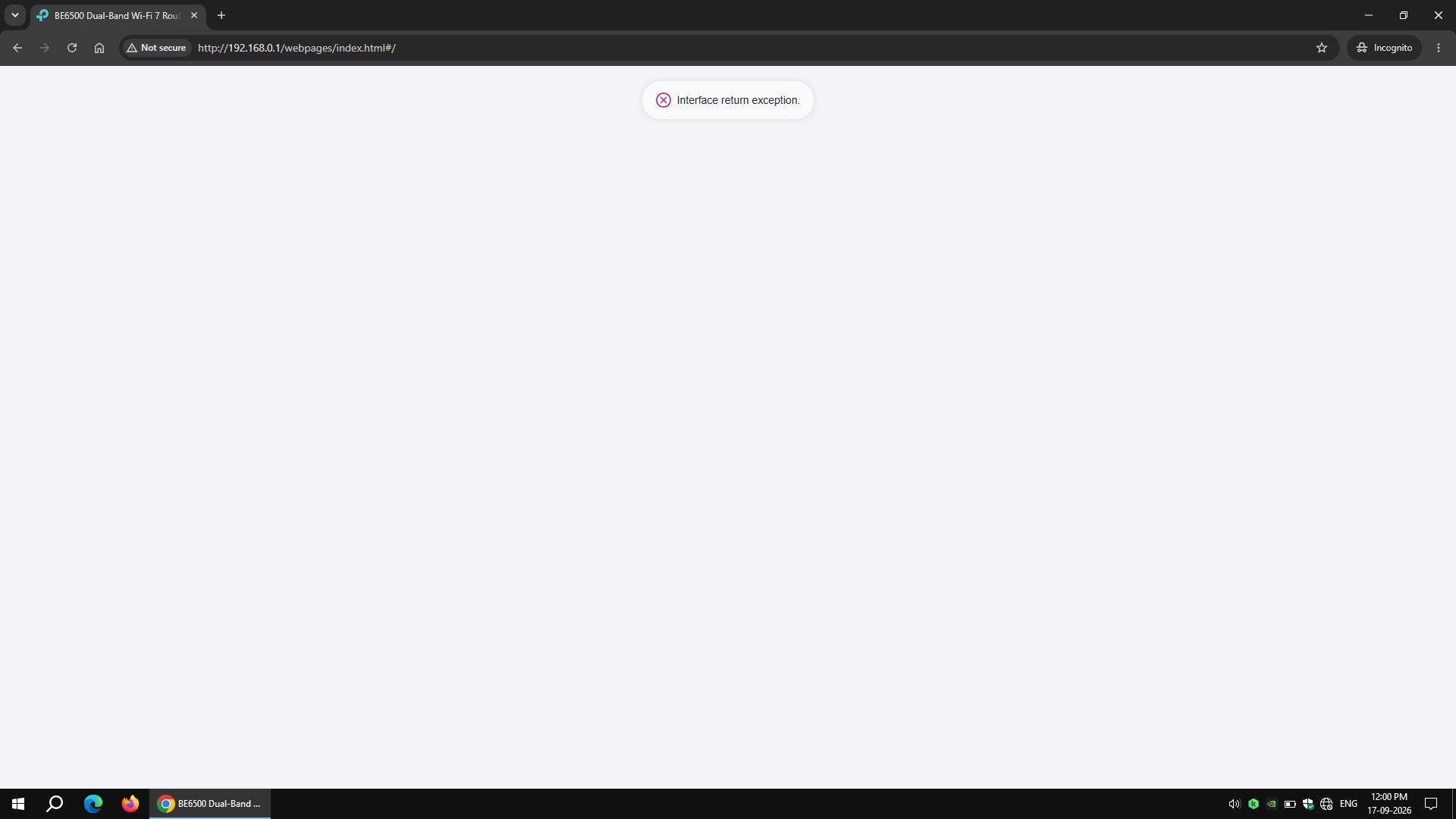
I tried every possible way:
1. Changed the router's LAN IP to 10.0.0.1, 192.168.1.1, 192.168.2.1 (same issue).
2. Tried tplinkwifi.net (same issue).
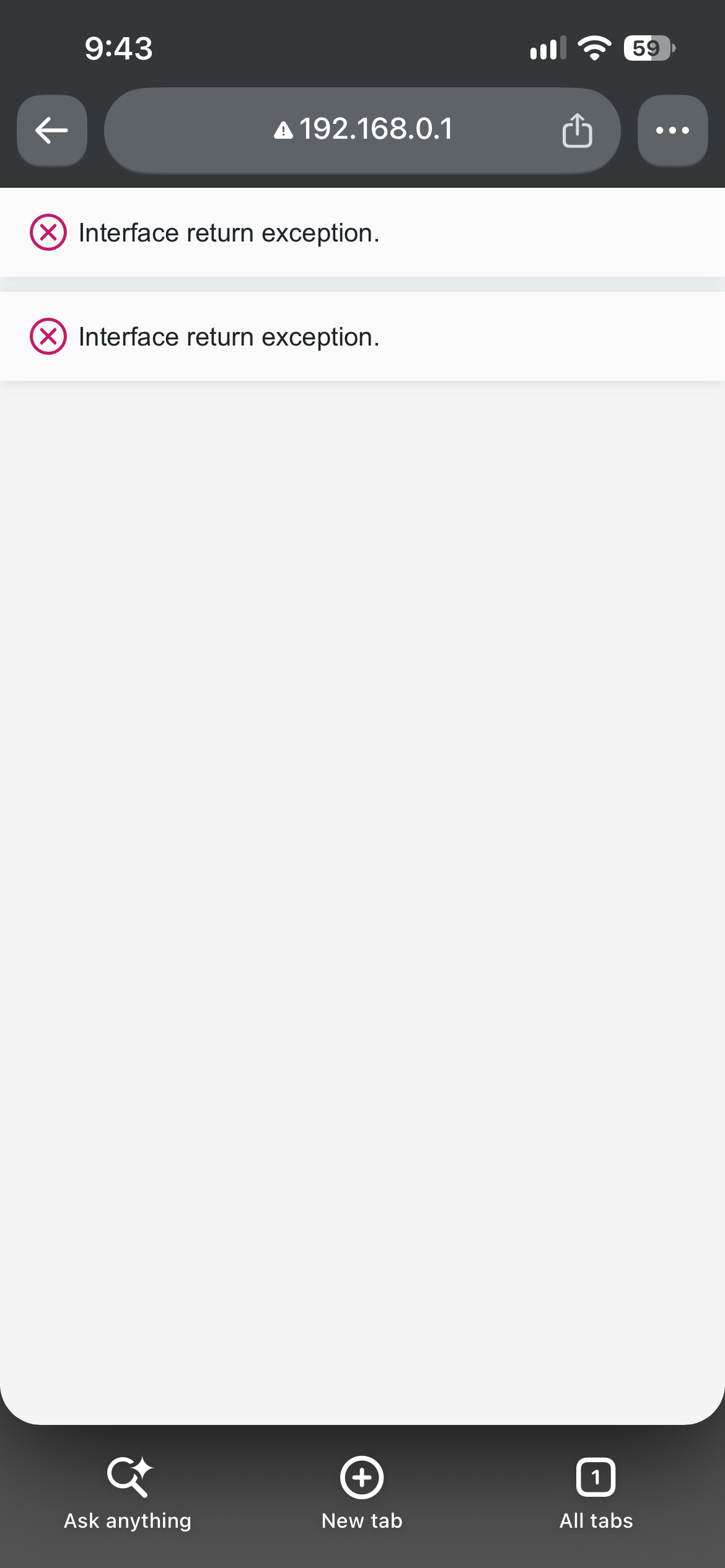
Same issue on phone's browser as well.
This also needs to be addressed. The rebooting loading status is also not synced properly. Even at 96% status, Wi-Fi connection is not establish between the router and its clients.
A fix is needed for these issues.
- Copy Link
- Report Inappropriate Content
I am looking at the Internet status icon in your system tray:
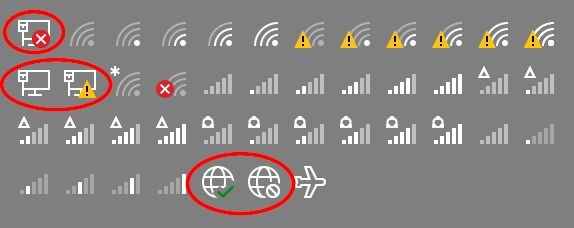
If you're trying to access the router WebGUI before the wired connection is established, this could be the reason for the error message.
If that's not the case try the following:
- The Fix: Temporarily switch your web browser (or your computer operating system) to Light Mode.
- Clear your browser cache or open an Incognito/Private window while in Light Mode, then try reaching
192.168.0.1again.
- Ensure the router is powered on.
- Locate the physical Reset button hole on the back panel of your Archer BE400.
- Use a paperclip or pin to press and hold the Reset button for 10 to 15 seconds.
- Release the button when the front LED lights begin blinking or changing patterns. Let the router fully reboot over 2-3 minutes before attempting to connect again.
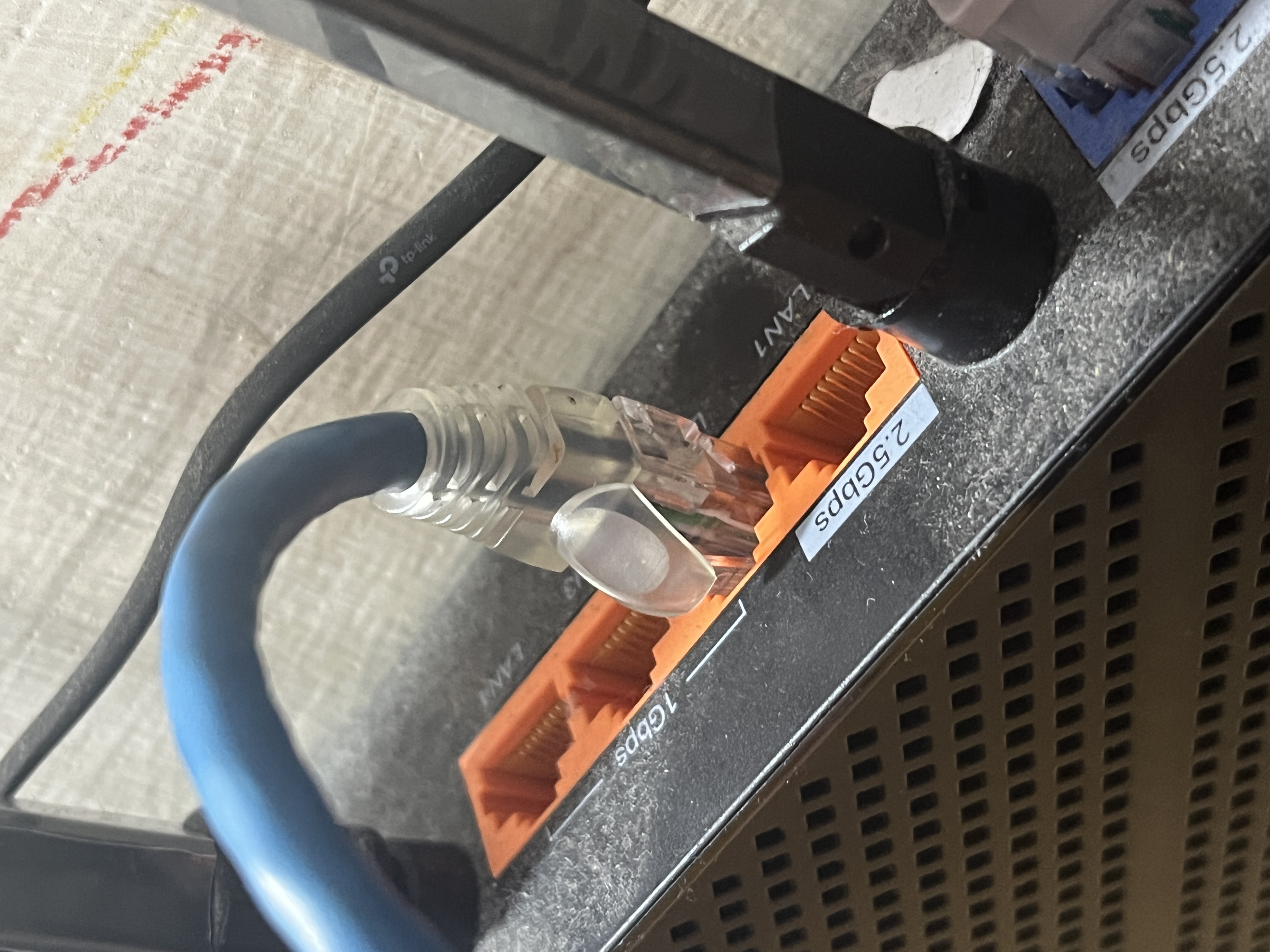
- If the issue persists: Take a physical network cable and plug your computer directly into one of the 1 Gbps LAN ports (LAN ports 2, 3, or 4) on the back of the device, and test again.
- Copy Link
- Report Inappropriate Content
@terziyski The error occurs on both LAN and Wi-Fi.
Light Mode. LAN connection:
Light Mode. Incognito Mode. LAN connection:
Light Mode. Wi-Fi connection:
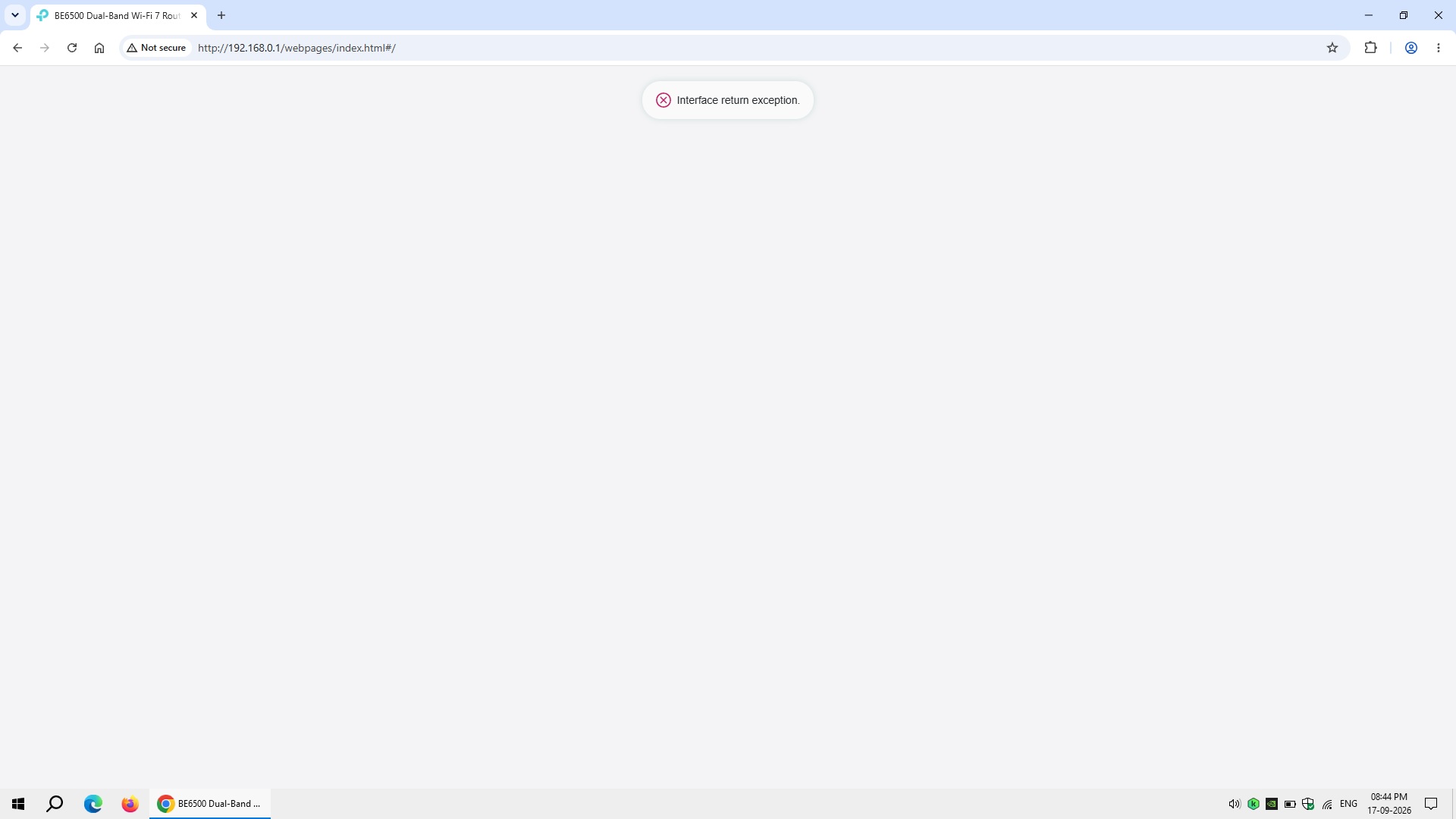
The error occurs on both computer and phone browser.
The glitch in recent TP-Link firmware you've mentioned not only applies in Dark Mode but in Light Mode as well.
Performed a hard/physical factory reset a few times, but the error/issue still re-occurs.
LAN connection with 1Gbps port resulting the same issue.
Tried this Pre-Release firmware 1.4.4 Build 20260723 with no luck.
TP-Link needs to review its firmware for bugs thoroughly and release a fix for these 2 issues:
1. "Interface return exception" issue
2. "Rebooting status percentage time-out before re-establishing a LAN and Wi-Fi connection" issue.
Using a currently officially supported router and having these issues is utterly disappointing.
- Copy Link
- Report Inappropriate Content
Hi @Elaiaen ,
It seems your case requires further analysis. We recommend that you contact your local technical support, and they will assist you based on the situation.
- Copy Link
- Report Inappropriate Content
Hi @Joseph-TP, I will try contacting them. BTW, is there any beta/pre-release firmware I could try? I already tried pre-release 1.4.2 and 1.4.4.
- Copy Link
- Report Inappropriate Content
Hi @Elaiaen ,
There is currently no new firmware available. Has the issue you are experiencing changed at all?
- Copy Link
- Report Inappropriate Content
@Joseph-TP The issue still persists. No changes. I'm looking forward for the next official firmware release and I hope it will get fixed. Thanks.
- Copy Link
- Report Inappropriate Content
Information
Helpful: 0
Views: 770
Replies: 8
Voters 0
No one has voted for it yet.