
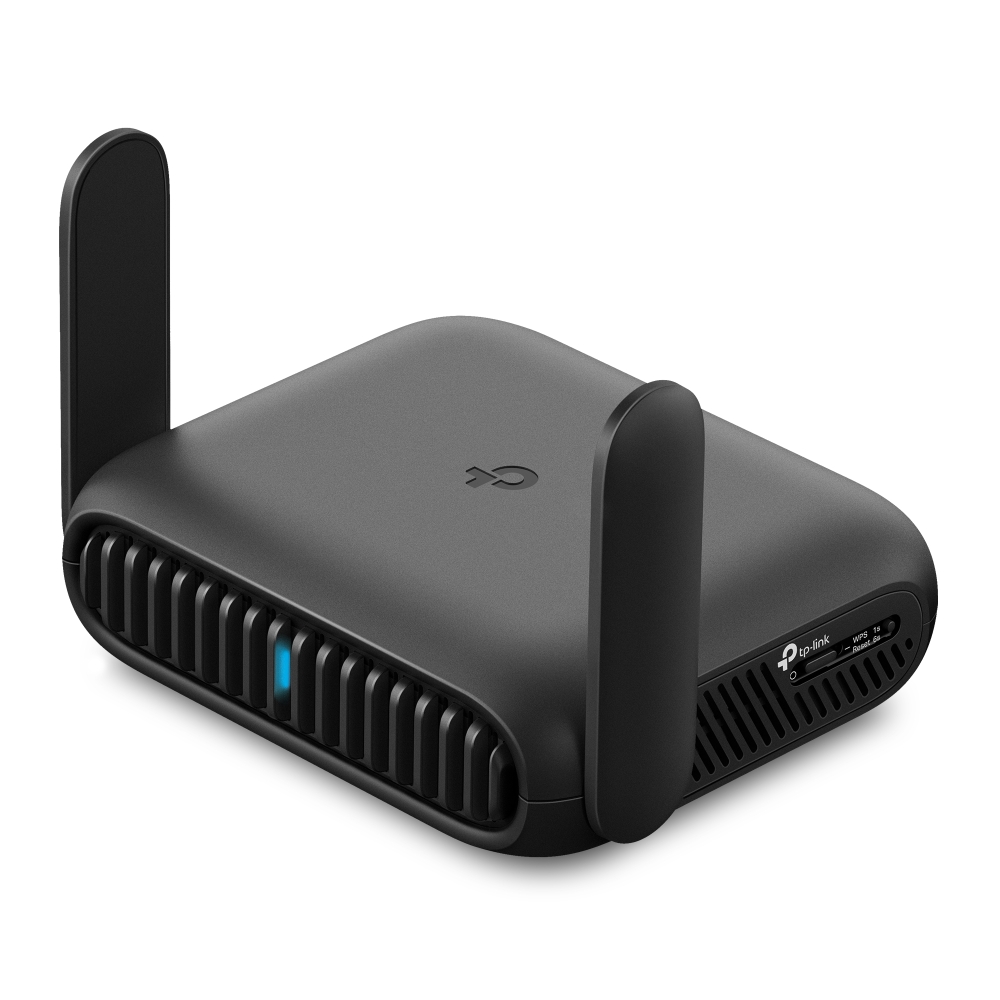
Travel Routers
Whether you're looking for advice on setting up your Travel Router for a trip, troubleshooting your vacation network's configuration, sharing tips for staying connected on-the-go, or exploring the best travel router for your needs, you've come to the right place.
Join the conversation, ask questions, and help fellow travelers make the most of their TP-Link Travel Routers!
Travel Routers

Friends or family are over, someone pulls out their phone, and eventually you hear: “Hey, what’s your Wi-Fi?” Do you tell them the Guest Network password? Pull up a QR code? Maybe you’ve gone a step f
Guest NetworkHighlighted Thread
By
 Ryan
Ryan0Helpful
69Views
What is Hotspot Mode? Hotspot Mode lets your TP-Link travel router connect to an existing Wi-Fi network, such as a hotel, airport, café, or campsite Wi-Fi, and then share that connection through your
Hotspot ModeInstallationHighlighted Thread
By
Ryan
Ryan0Helpful
140Views
Wi-Fi 7 Connectivity — Wherever You Are Hey TP-Link Community, Our Travel Router Line has been growing lately with the addition of multiple Wi-Fi 6 models, like the TL-WR1502X and TL-WR3002X. Now, we’
Highlighted ThreadWi-Fi 7VPN
3Helpful
9236Views
AnnouncementsIntroducing VPN Merge - More Control, Flexibility, and Convenience for Your VPN Connections
VPN Merge Brings Flexibility, Convenience, and Security for Work and Entertainment We’re excited to announce a new, Enhanced Option for our existing VPN Client feature: the new, powerful VPN Merge Fea
Highlighted ThreadVPNWi-Fi 7
By
Ryan
Ryan0Helpful
1334Views
What is a Travel Router? Travel routers are compact devices that offer versatility and flexibility for on-the-go connectivity, and can significantly enhance your experience while traveling. What Does
2Helpful
29073Views

A brief introduction to Deco, OneMesh™, and Range Extenders In the article below each type of network is summarized not to detail, but to give a general sense of what benefit each one has. This can be
6Helpful
41918Views

Routers are an essential part of our lives and are the driving force behind the rapid rise of the internet. Router, as its name implies, “routes” traffic between devices and the internet. One key tech
3Helpful
9564Views
In our home, we usually install a Wi-Fi extender to get complete coverage throughout the house. But we soon run—well, walk—into some problems. For instance, moving from the living room to our bedroom,
3Helpful
34469Views
We found that some forum users have difficulty in getting the model number of their own device so that they failed to post a thread or no model number chosen in their thread. This article will show yo
By
Tony
Tony1Helpful
4022Views
“It’s with the man in the center. Smart pass out to the right! He’s got past his man with those step-overs. The crowd are getting nervy. 0 – 0 on the scoreboard and five minutes left on the clock. It’
By
Carl
Carl0Helpful
18911Views
Wi-Fi 6 is the next generation standard in Wi-Fi technology that builds and improves upon the current 802.11ac Wi-Fi standard. Wi-Fi 6 was created to meet our increasing demand for a network that can
4Helpful
9821Views
Have you ever suffered from weak or even no Wi-Fi connectivity in specific spots where you live? Or have you ever experienced that your wireless signal somehow disappears in certain corners of your ho
1Helpful
11724Views