Method To Delete CWMP aka TR-069 from my Web UI-No ISP Equipment

Method To Delete CWMP aka TR-069 from my Web UI-No ISP Equipment

Method To Delete CWMP aka TR-069 from my Web UI-No ISP Equipment
2026-06-07 00:09:18
Model: Deco X55  
Hardware Version: V1
Firmware Version: 1.8.0 Build 25102213 Rel. 43970

Modem:                   Arris Surfboard SB8200 

Model:                     Deco X55

Hardware Version:  1.6

Firmware Version:   1.8.0 Build 25102213 Rel. 43970


A few pieces of information which I hope will help:

• My modem and Deco X55 are owned by me. 
• I do not use any equipment from my ISP.

• My Deco X55 V1.6 is used in router mode.

• I do not remotely access my network.

• I use the Whitelist. I feel it's safer to approve devices.


NAT Forwarding

Port Forwarding

Do Not Use

SIP ALG

Disabled >

UPNP

Disabled >


I log into my Deco web UI quite frequently to look through my logs. I logged in today to install the early release Firmware 1.10.0 due to seeing it included Enhanced Network Stability (I’ve recently started having devices drop then reconnect quickly quite frequently) as well as Optimized Client Identification (for some reason my whole house Generac is identified incorrectly).


Device Brand - Ring

Device Model - Video Doorbell 

I do have a Ring Video Doorbell.


When I started having devices disconnecting/reconnecting, I first had a Comcast technician (absolutely very knowledgable) take a look at my coax and a few additional things. He took care of everything he could but ultimately the main line was damaged which feeds the neighborhood including my dedicated coax for my internet service.
 

Once he finished, he tested my modem and said (showed me) the readings he was receiving showed my modem was working great. After the work replacing the main line was finished he said I shouldn’t have any additional issues. I logged into my web UI after the work was complete to look through my logs and everything looked great.


Recently I started noticing quick drops/reconnects, the reason I decided to install the early release firmware.


Upon logging in I immediately saw a protocol which has NEVER been there, CWMP. I did not add this protocol and I want to delete it immediately. I went through everything in the web UI, the Deco app and searched the Community in order to try to find any information on how to delete it. However, I couldn’t find anything (I understand I could have very easily missed it and if I did, I apologize). 


I would greatly appreciate help with instructions to delete CWMP aka TR-069. 


FYI - for some reason I don’t always receive notifications when I receive a reply. I login to the Community every couple of days to check just in case someone replied and I didn’t receive a notification.


Thanks to everyone in advance for any assistance provided. Much appreciated! 💯


Always Be Kind❤️
  0      
0
#1
Options
17 Reply
Re:Method To Delete CWMP aka TR-069 from my Web UI-No ISP Equipment
2026-06-07 02:24:55

  @StephH 


As far as I know there is no way to turn it off at this time. Going to have you open up a support ticket on this.


First please access the Deco web UI by entering "tplinkdeco.net" in your browser. Navigate to Advanced > System > System Log, select "ALL" in the log type, and save the file to your local computer. Then follow the steps below making sure to attach the logs to the email.

I recommend sending an email to forumsupport.usa@tp-link.com with the following information:

Subject: [Forum Escalation][ID 865926] Method To Delete CWMP aka TR-069 from my Web UI-No ISP Equipment

Forum Nickname: [User Provided]

Thread URL: https://community.tp-link.com/us/home/forum/topic/865926?moduleId=2424

Model&Version: [User Provided]

Description: [User Provided]

Any Other Relevant Information (Logs, Config Files, Images, etc.): [User Provided]

In the template above please fill in the areas that say [User Provided].  This will open a case with our engineering team, and they will work with you via email. 


Need help with the Deco app, setup, Ethernet backhaul, network switch or rolling back firmware? Router or AP mode? https://community.tp-link.com/us/home/forum/topic/699816?page=1
  1  
1
#2
Options
Re:Method To Delete CWMP aka TR-069 from my Web UI-No ISP Equipment
2026-06-09 04:59:25

  @HelpFixDecoApp 


Thank you for your reply. You provided very clear instructions. Much appreciated!!! ✅

Always Be Kind❤️
  0  
0
#3
Options
Re:Method To Delete CWMP aka TR-069 from my Web UI-No ISP Equipment
2026-09-24 22:04:21

61ddceee607f46fc9852b0b4ff461d62


35a458e1db7c4ef882cff456c0a87678  @HelpFixDecoApp  my reply was being changed as I was trying to do it fast. Your avatar was removed. I'm going to delete it. I'm hoping nothing else was changed, but I'm
 

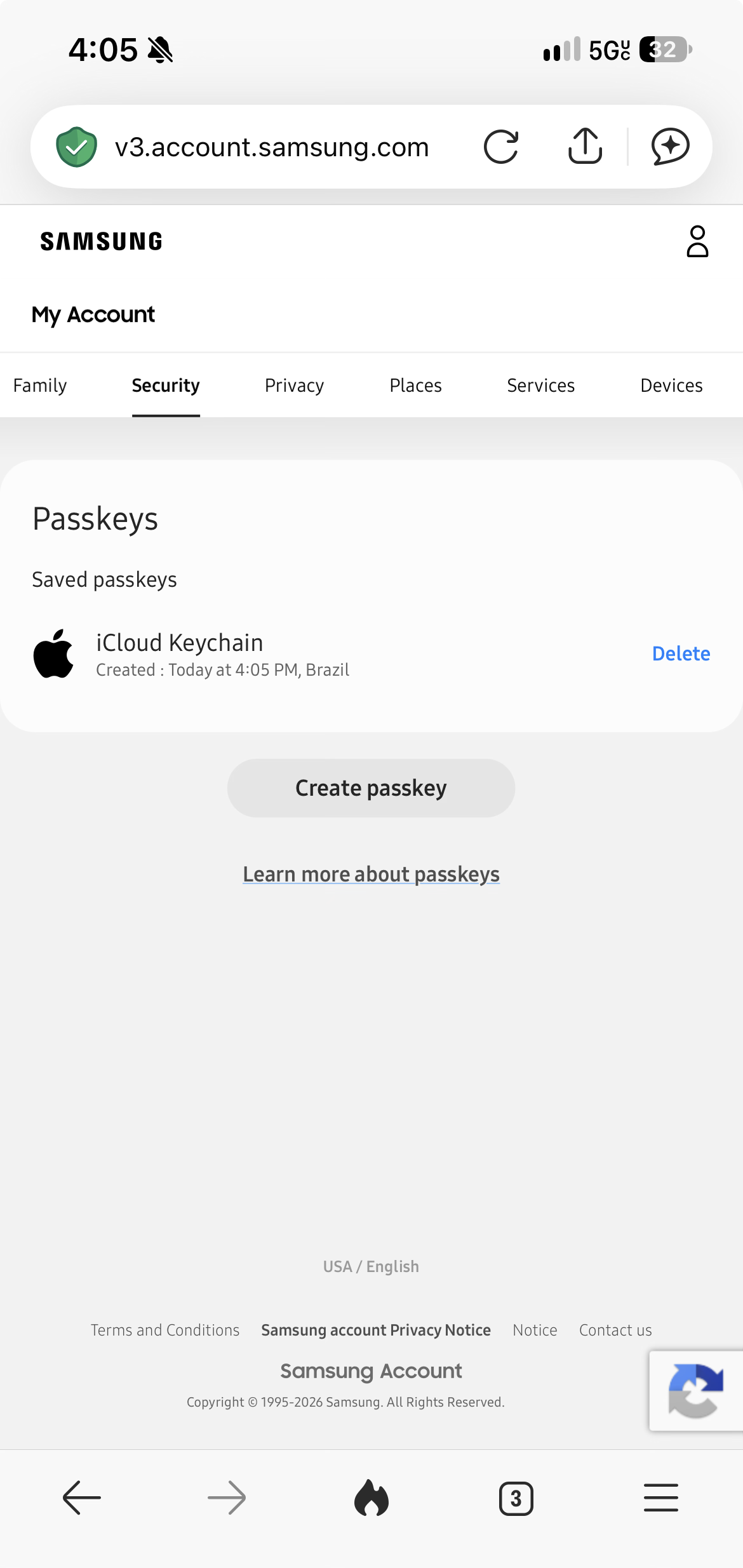
This is the second time I've been able to login to the community and hopefully this is in English. I did exactly what you said but as with everything else, I'm assuming it's going elsewhere. I did the survey and was hoping at the end. There'd be a comment box and I made a few comments and then added about trying to get through to support hoping somebody would reach out, but that's been a while and I haven't heard anything. But second iPhone, which thought would be fine but within an hour total control I'm going to attach screenshots. When I did that with the first time I was able to login I came back to my message. It was gone and random letters were typed. I may end up putting a screenshot and sending it separately. Can't even think straight my logs are being deleted and now I can't even login to the webUI. Everything's being changed the the local police, the State Police forensic unit, Apple, my ISP are all involved and I was told it's probably going to be going to the federal level. It's been a complete nightmare. It's strictly my devices that are severely compromised and not one other device that connected to my network and he the intruder is how I referred to him logs and changes things. I've got my phone camera area wrapped due to some things that happened and out of everything that has angeredme off the most because it was involving taking pictures of new outfits I bought for my youngest granddaughter. This has been a complete nightmare and we haven't had WiFi since June 11, now it gets turned on when I'm told a specific time to turn it on and then turn it off. I'm talking to type this so I can do this fast and hopefully it makes sense and there's no typos. I'm going to try to attach screenshots and it may end up being separate in entries beneath this one. I don't know if I'm even saying that, right.  I was on the phone, making an appointment hung up received an alert from keychain and a password have been changed in the form of my appointment and the same with one of my medications to call my passwords off of my devices. Apps added, passwords changed logging into particular accounts I could go on and on. I use NordVPN, but he's got that info. Basically it's not my phone anymore nor are any of my other devices. This message might not even post because as I think I said above, I don't have control of this phone. I need to change my email, but I'll lose the security plus that I pay for and I think that's just not right. Apologies if this doesn't make sense I think I said above I was talking very fast using the talk to type whatever it's called. I just cannot think straight and hopefully the screenshot attached shows if this does post. I'm gonna try to add other screenshots. I do appreciate the information you provided very much!


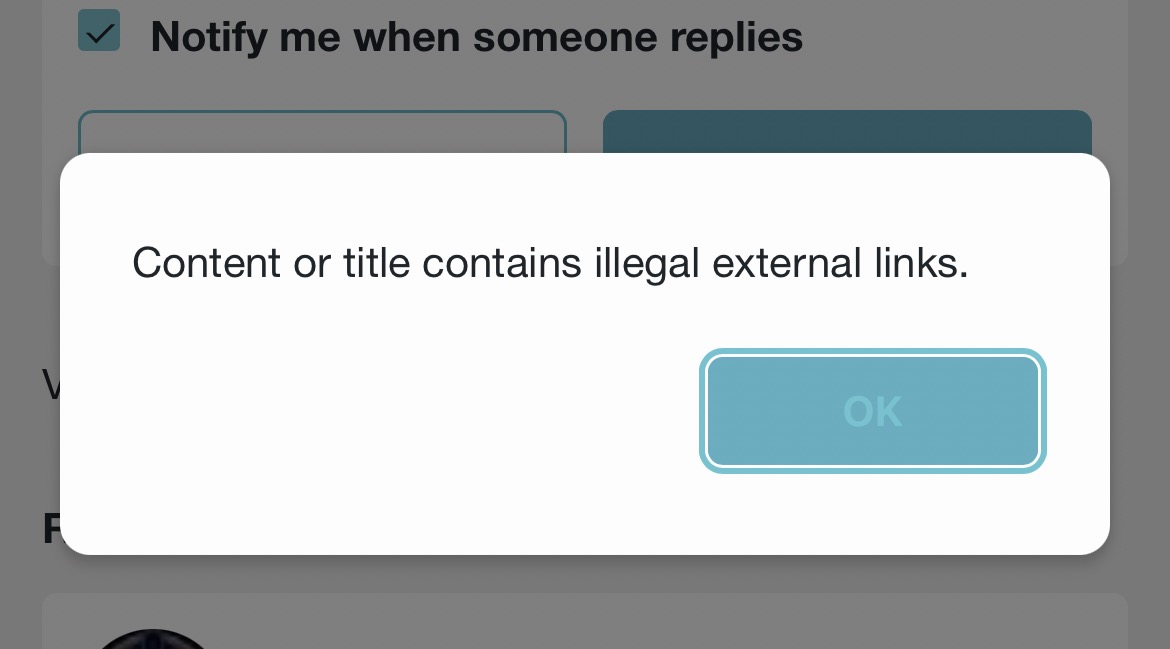
***I don't think I'm gonna be able to post because I'm receiving this message. I copied and pasted it. 
Content or title contains illegal external links.
I have to assume it's the screenshots.


Always Be Kind❤️
  0  
0
#5
Options
Re:Method To Delete CWMP aka TR-069 from my Web UI-No ISP Equipment
2026-09-24 22:16:03

04c7efba03684fcebf59858c8403ec01

  @HelpFixDecoApp 

this wasn't from today. It was a while ago.


Always Be Kind❤️
  0  
0
#6
Options
Re:Method To Delete CWMP aka TR-069 from my Web UI-No ISP Equipment
2026-09-24 22:29:31

25504d4569a1433b9d74363df78d58a1


  @HelpFixDecoApp 


This is today and everytime I look at the Deco app. 

Always Be Kind❤️
  0  
0
#7
Options
Re:Method To Delete CWMP aka TR-069 from my Web UI-No ISP Equipment
2026-09-24 22:31:32

e7fe133ba7cd4d718b491eec8afe304e  @HelpFixDecoApp not me nor email ad


Always Be Kind❤️
  0  
0
#8
Options
Re:Method To Delete CWMP aka TR-069 from my Web UI-No ISP Equipment
2026-09-24 22:34:09
Always Be Kind❤️
  0  
0
#9
Options
Re:Method To Delete CWMP aka TR-069 from my Web UI-No ISP Equipment
2026-09-24 22:45:21

  @StephH 


Please stand by, getting a member of the staff invovled to see if they can figure out whats going on.


Thanks 

Need help with the Deco app, setup, Ethernet backhaul, network switch or rolling back firmware? Router or AP mode? https://community.tp-link.com/us/home/forum/topic/699816?page=1
  0  
0
#10
Options
Re:Method To Delete CWMP aka TR-069 from my Web UI-No ISP Equipment
2026-09-25 17:59:05

  @StephH 


We definitely want to help get this sorted for you. I sent you a DM to request a few additional details so we can work toward resolving this.


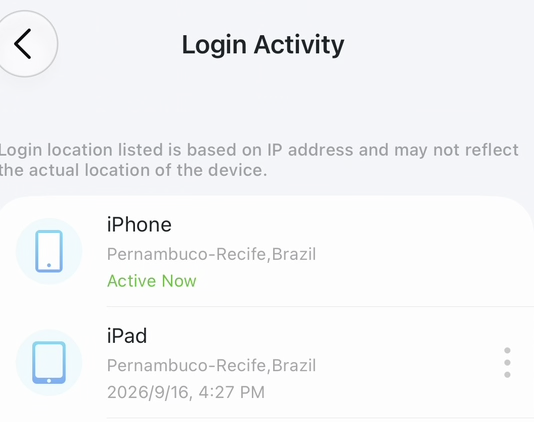
In the meantime, since it looks like you have two-factor authentication turned on (based on the Trusted  Devices screenshot), please refer to Step 7 in this FAQ to remove any untrusted devices from the Trusted Devices menu in your Deco app: How to turn on Two-Factor Authentication (2FA) in Deco app | TP-Link


Once any untrusted devices are removed, please change your TP-Link ID password using the steps here: Forgot Your TP-Link ID Password or Locked Out | Deco Password Reset Guide


Then, please reset your Decos and re-add them via the Deco app: How to Reset Deco: Reset or Reboot Your Deco Whole-Home Wi-Fi System | TP-Link

  0  
0
#11
Options
Re:Method To Delete CWMP aka TR-069 from my Web UI-No ISP Equipment
3 weeks ago

  @Ryan 

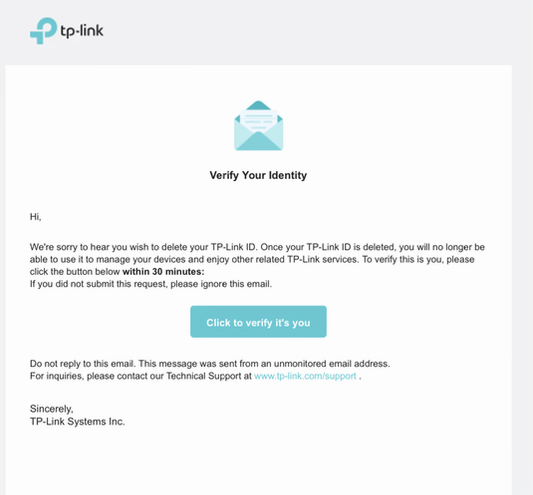
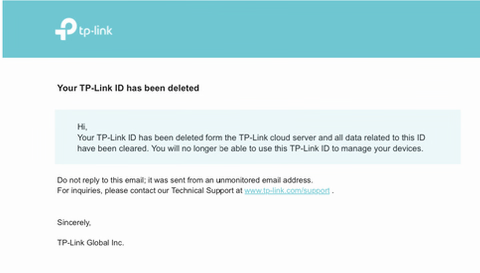
Everything you listed to try I tried months ago. However, the password gets changed. And like I said I have no control of either of my iPhones, any of my iPads, my MacBook Air and I have my second Apple Watch strictly for health reasons but can't wear it for the same reason, my devices at this time aren't mine. I had Apple wipe my MacBook Air OS. For all I know possibly posts have been made that are not mine. I added screenshots that showed I thought I had a secure email, however, I opened it only to see (posted screenshots the last time I was able to login) several emails between TP-Link and IT canceling my TP-Link account. I so wish there was an option to use an authenticator app like Google authenticator in order to use 2FA. I'm going to begin using the security keys. I know exactly which I'm going to purchase. 
 

I truly appreciate the feedback! I got a screenshot that I have wanted to get and am storing it in several places as well as taken pictures of it with a friend's device. I'm going to try to add additional screenshots after I finish this message. I'll hopefully be able to add the one I referenced above. By the time this is over the $2,000.00 worth of equipment sitting unopened in my desk I planned to begin using is going to be obsolete!


Oh and if I were to remove the untrusted device it'd be my iPhone. 

Always Be Kind❤️
  0  
0
#12
Options