Installed new AX21 router and two ethernet links do not show up

Installed new AX21 router and two ethernet links do not show up
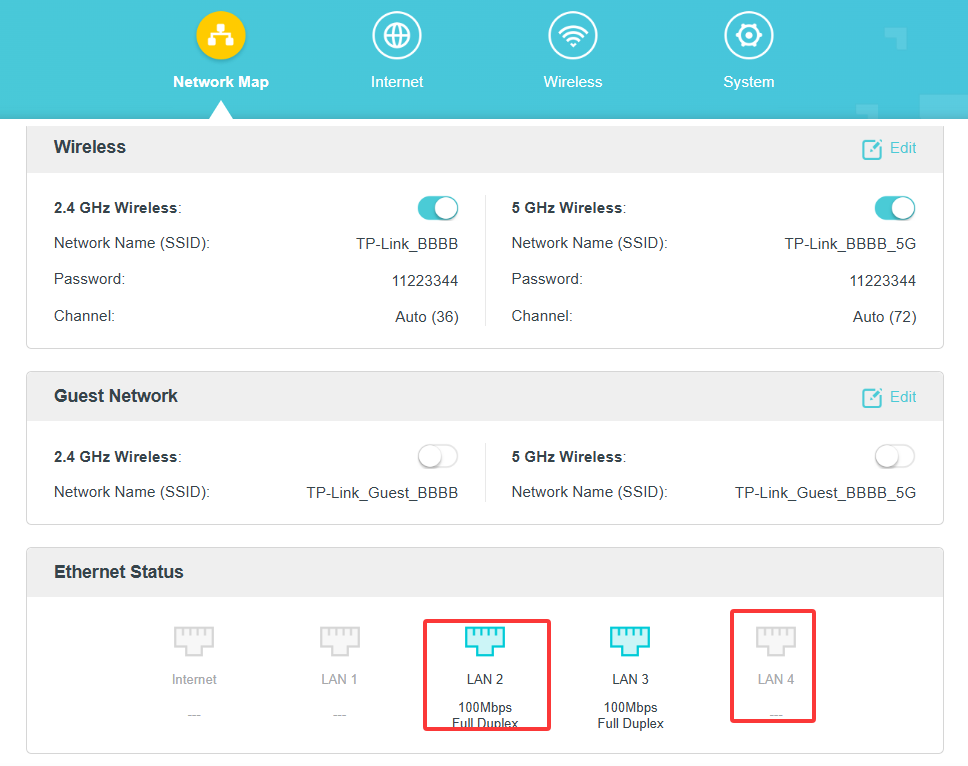
I replaced another TP-Link router with a new one and set as an acess point. It is connected to a Frontier eero. Now two devices connect to the ethernet ports are not coming up. I have a laptop and desktop connected to the router and they are ok. What can I look for to see why the two are not being seen by the router. Both of these devices worked with the old TP-Link router (version 4.6) which was set as a wireless router mode.
Thanks;
David