
Switching connections between multiple extenders

We have several different extenders in different areas of the house (all connected directly to the modem, not piggybacked off each other), but our devices do not switch between them when we move around the house because each extender is its own "network". It's very frustrating. How can we get this to work as a single network so we don't have to manually switch to the strongest signal depending on where in the house we are?
- Copy Link
- Subscribe
- Bookmark
- Report Inappropriate Content

@CSchveder74 Does the RE220 have a WiFi Coverage setting? (I have a few REs but different models and have noticed a similar issue in different parts of the house as well). You could try adjusting this down from default of Maximum Coverage. Try Intermediate first and then Minimum if there's no improvement.
- Copy Link
- Report Inappropriate Content
@jzchen How would that help our devices to automatically switch between the extenders based on which one has the strongest signal? Because that is the problem. Since they are not all the "same network" our devices don't automatically switch between them.
- Copy Link
- Report Inappropriate Content
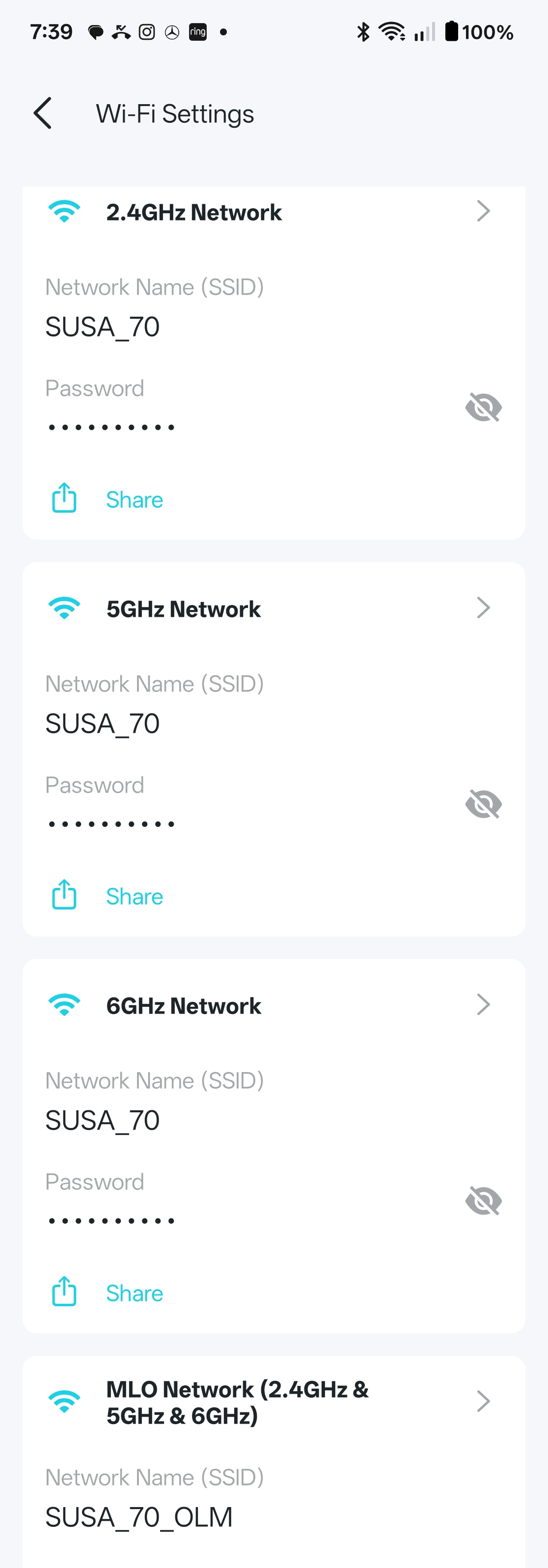
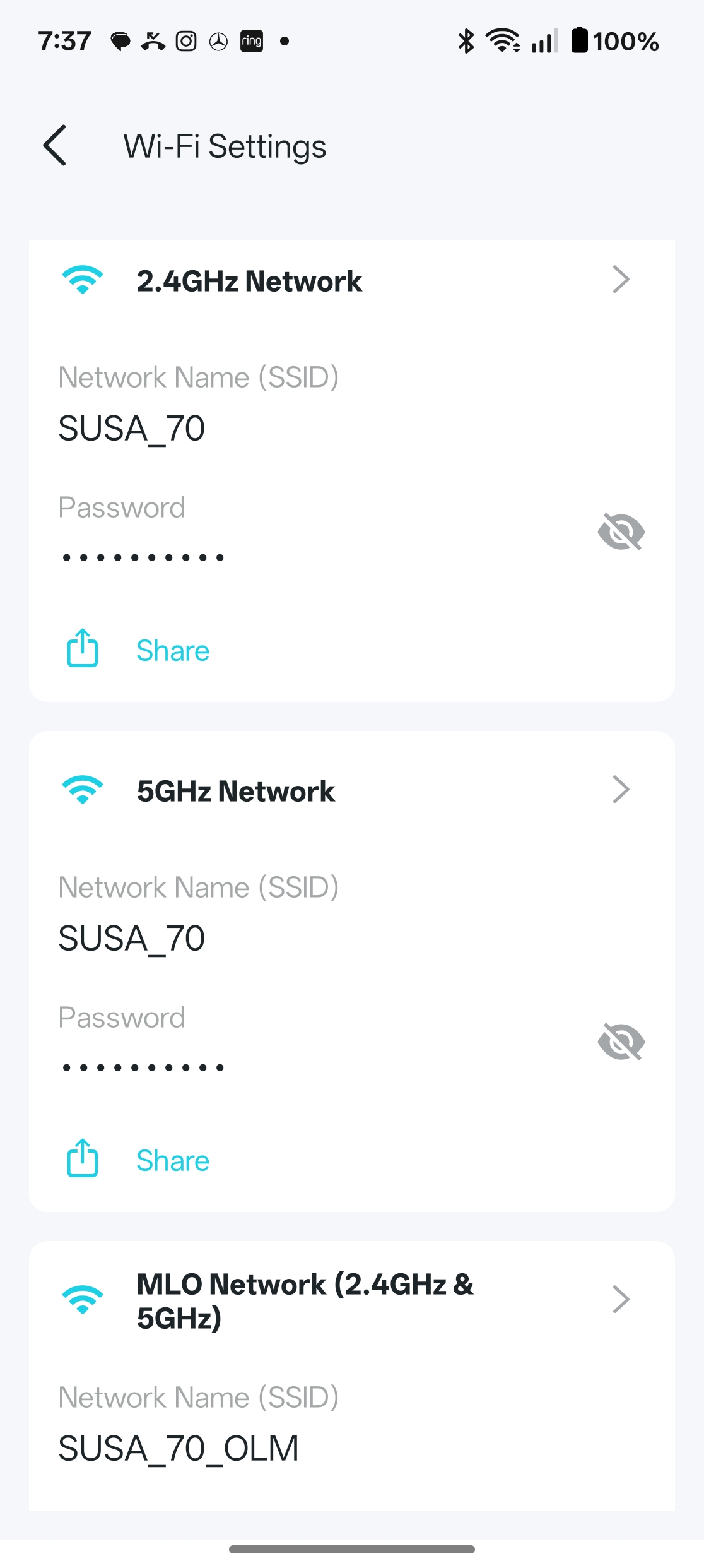
@CSchveder74 I was able to set them all to the same SSID and password/passkey. I suggest go try to manually edit them to the same. I also have SmartConnect enabled where I saw it (for band steering). Make sure they have the latest firmware installed if it doesn't allow the same SSID (and password).
- Copy Link
- Report Inappropriate Content
- Copy Link
- Report Inappropriate Content
Information
Helpful: 0
Views: 113
Replies: 4
Voters 0
No one has voted for it yet.