
iPhone 17 Pro WiFi 6E issues
iPhone 17 Pro WiFi 6E issues

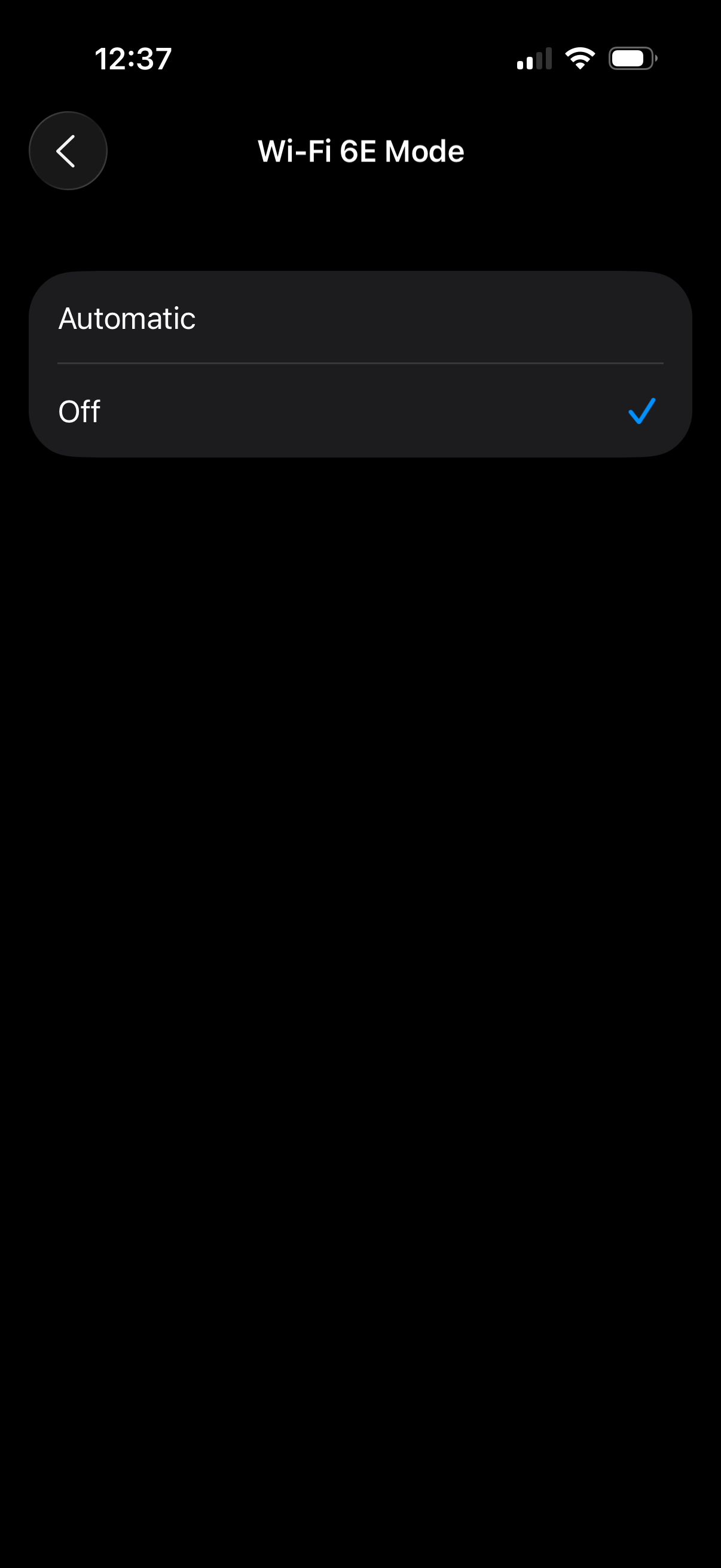 Just an fyi. I run the EAP772 access points that are Wifi 6E capable and this new phone runs laggy as hell. There are definitely some issues using WiFi 6E on iOS 26. If I disable 6E in the WiFi menu it then runs perfect. This is the only 17 Pro in the house. All the other phones are 16s running iOS 18 with no degradation using WiFi 6E. If you notice the same laggy internet you should disable WiFi 6E until resolved by Apple.
- Copy Link
- Subscribe
- Bookmark
- Report Inappropriate Content

- Copy Link
- Report Inappropriate Content


Hi @Tazed1
Sorry for the confusion, the US version had been released now.
https://support.omadanetworks.com/us/product/eap772/v2/?resourceType=download
- Copy Link
- Report Inappropriate Content
I have tested the new US version firmware 1.3.4 and it did not resolve the problem. The problem was Apple iOS 26. A new iOS 26.1 was just released and the problem is now resolved. WiFi 6/7, MLO and WiFi6E is finally working correctly. There is no longer any lag and the phone WiFi is now very responsive with the latest version. Thanks for your assistance. This was an Apple problem.
- Copy Link
- Report Inappropriate Content
- Copy Link
- Report Inappropriate Content

is there an update on this fix? I have an iPhone 17 pro max, and m5 iPad Pro both on iOS and iPad os 26.2 and after installing the deco system they get severe lag in games and steaming. Speed test shows 1gbps transfer but constant pauses in streaming and lag in games where you lose connection temporarily.
- Copy Link
- Report Inappropriate Content
Hi @Wafflefaced
Are you using Omada products or Deco products?
I just wanted to let you know that this is for business discussion only. If you need help with Deco products, please start a new thread in the Home forum.
- Copy Link
- Report Inappropriate Content
Information
Helpful: 0
Views: 6786
Replies: 16
Voters 0
No one has voted for it yet.