Hotspot URL for operator with cloud controller

Hello,
I am just deploying for the first time omada devices.
I setup an AP in a coworking space.
I configured captive portal with voucher.
I created also an operator to be able to manage vouchers but i cannot find a way to connect to the hotspot management portal directly.
I tried this
For Cloud-based Controllers:
Visit the URL https://URL of the controller/ControllerID/login/#hotspot , and use the operator account to enter the Hotspot system.
https://community.tp-link.com/en/business/forum/topic/795570
But it's not working.
- Copy Link
- Subscribe
- Bookmark
- Report Inappropriate Content
Hi @helyousa
https://community.tp-link.com/en/business/forum/topic/795570?replyId=1608242

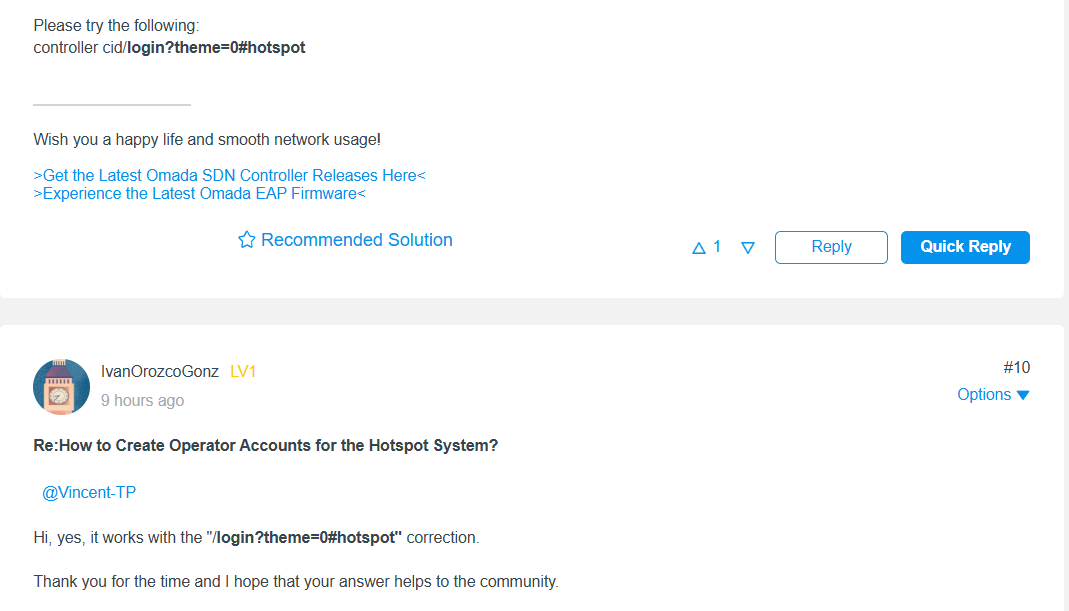
Please try to modify the URL as above mentioned and see if it helps.
- Copy Link
- Report Inappropriate Content
Hi @helyousa
https://community.tp-link.com/en/business/forum/topic/795570?replyId=1608242

Please try to modify the URL as above mentioned and see if it helps.
- Copy Link
- Report Inappropriate Content
Hello thank you it works great when i am already connected but in private browser it's not working. The logo keep turning in loop.
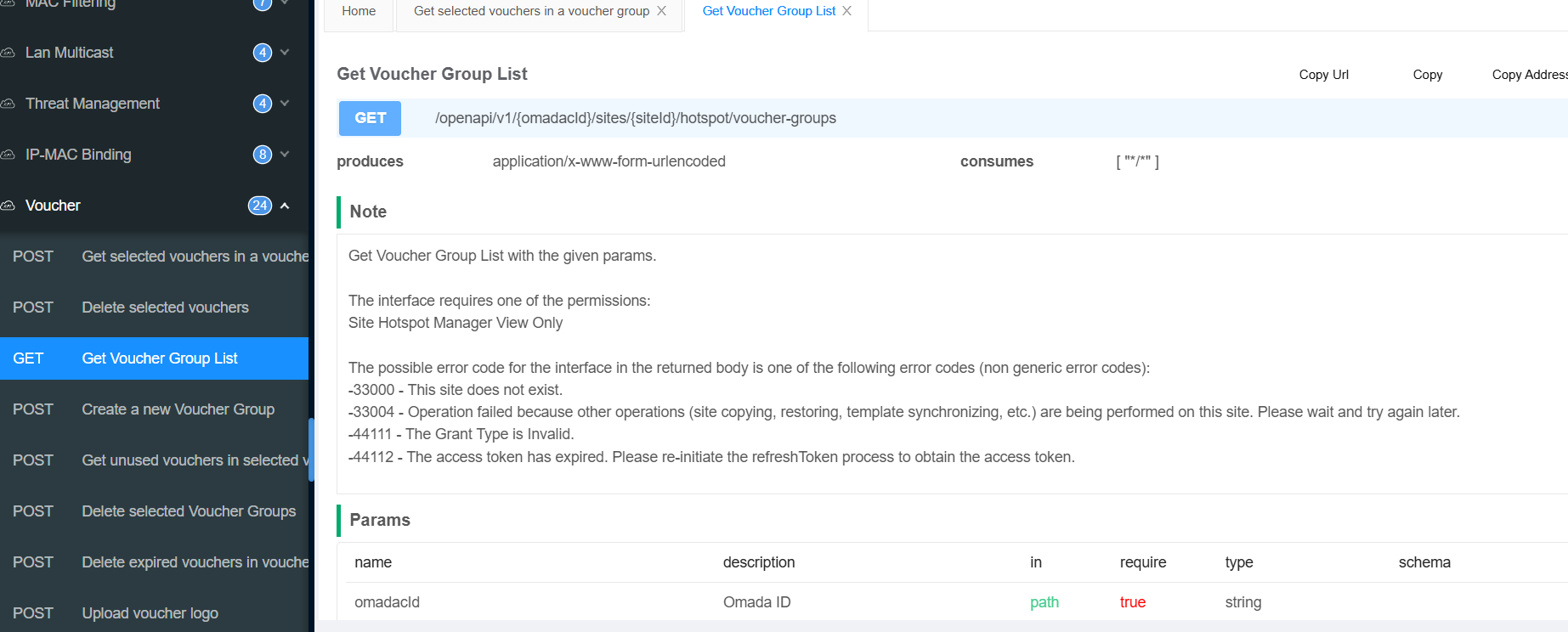
Other point, can i retrieve voucher codes through API ?
- Copy Link
- Report Inappropriate Content
Hi @helyousa
The private/incognito window might have filtered out these configurations. Using private browsing mode is not recommended (for this operation).
Other point, can i retrieve voucher codes through API ?
>>>Yes. 
You can get the API document here:
- Copy Link
- Report Inappropriate Content
Information
Helpful: 0
Views: 609
Replies: 3
Voters 0
No one has voted for it yet.