
EAP 245 Upgrade ???? not working

I try to upgrade these routers to the latest firmare but says invalid files, brought from Amazon.
I do not understant, give me these errors

- Copy Link
- Subscribe
- Bookmark
- Report Inappropriate Content


@BusyMind Looks like this device's firmware is specifically for Canada, you'll find the most recent firmware version for this region here:
EAP245 | AC1750 Wireless MU-MIMO Gigabit Ceiling Mount Access Point | Omada Network Support
For the record, v5.0.5 is the most updated firmware version for this device.
- Copy Link
- Report Inappropriate Content
@BusyMind
I had tried also to forget the device and load the firmware directly into device as below. I do not know from where V3.0 [Custom] appears here on controler on the device itself says
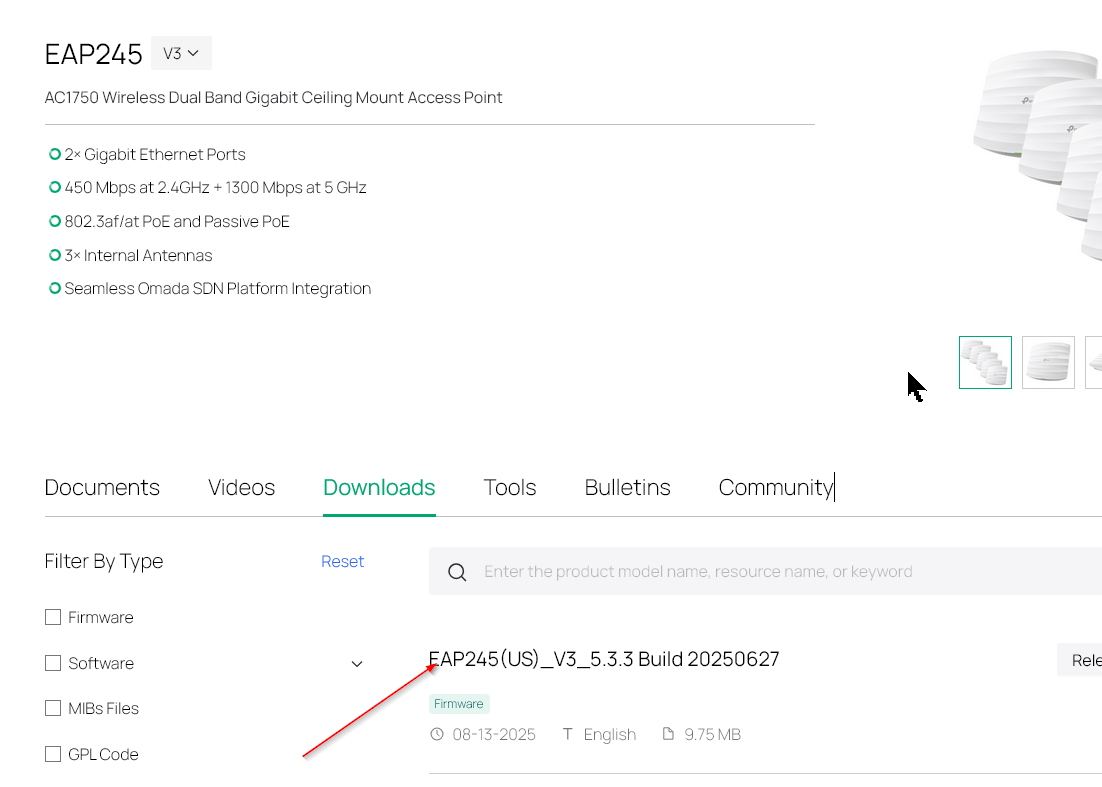
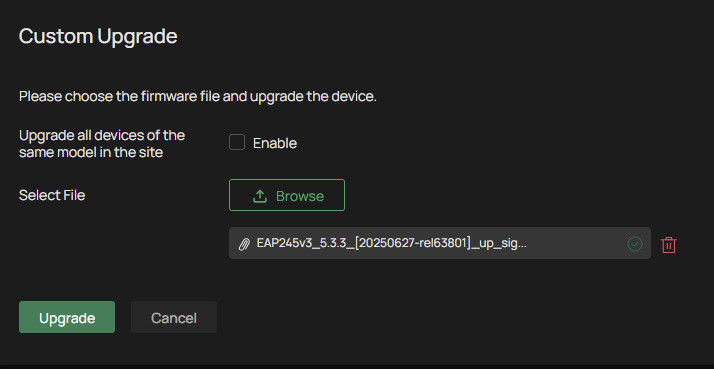
the exact version. The loaded firmware are [US] version, I use us firmware what is wrong then ?
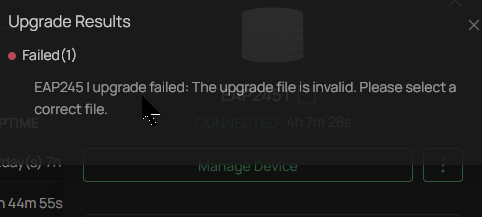
Failed
- Copy Link
- Report Inappropriate Content
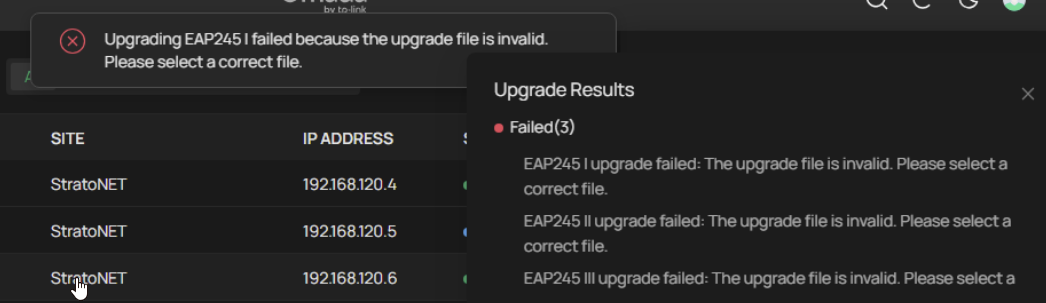
Tried with v5.3.2 for minimum pre-requirement, says cannot install v5.3.3 without this pre-requirement version ... same thing
Tried with edge, chrome, firefox
- Copy Link
- Report Inappropriate Content
@BusyMind Looks like this device's firmware is specifically for Canada, you'll find the most recent firmware version for this region here:
EAP245 | AC1750 Wireless MU-MIMO Gigabit Ceiling Mount Access Point | Omada Network Support
For the record, v5.0.5 is the most updated firmware version for this device.
- Copy Link
- Report Inappropriate Content
Then on each devices (when forget them and enter on main configuration) why says (US) version of firmware ?. On device sticker says US version. Everything seems messed up.
So "Canadian" version is quite old then. I am writing from Canada, yes, but I have US version devices.
- Copy Link
- Report Inappropriate Content

@NeilR_M since 5.0.5 is from 2022 is there any chance of updates coming to these models. These models really need to have updated firmware.
- Copy Link
- Report Inappropriate Content
Information
Helpful: 0
Views: 592
Replies: 5
Voters 0
No one has voted for it yet.