my NVR can't connect to Omada Guard everytime there is power outage.

my NVR can't connect to Omada Guard everytime there is power outage.

my NVR can't connect to Omada Guard everytime there is power outage.
2 weeks ago - last edited Thursday
Model: VIGI NVR1008H  
Hardware Version: V2
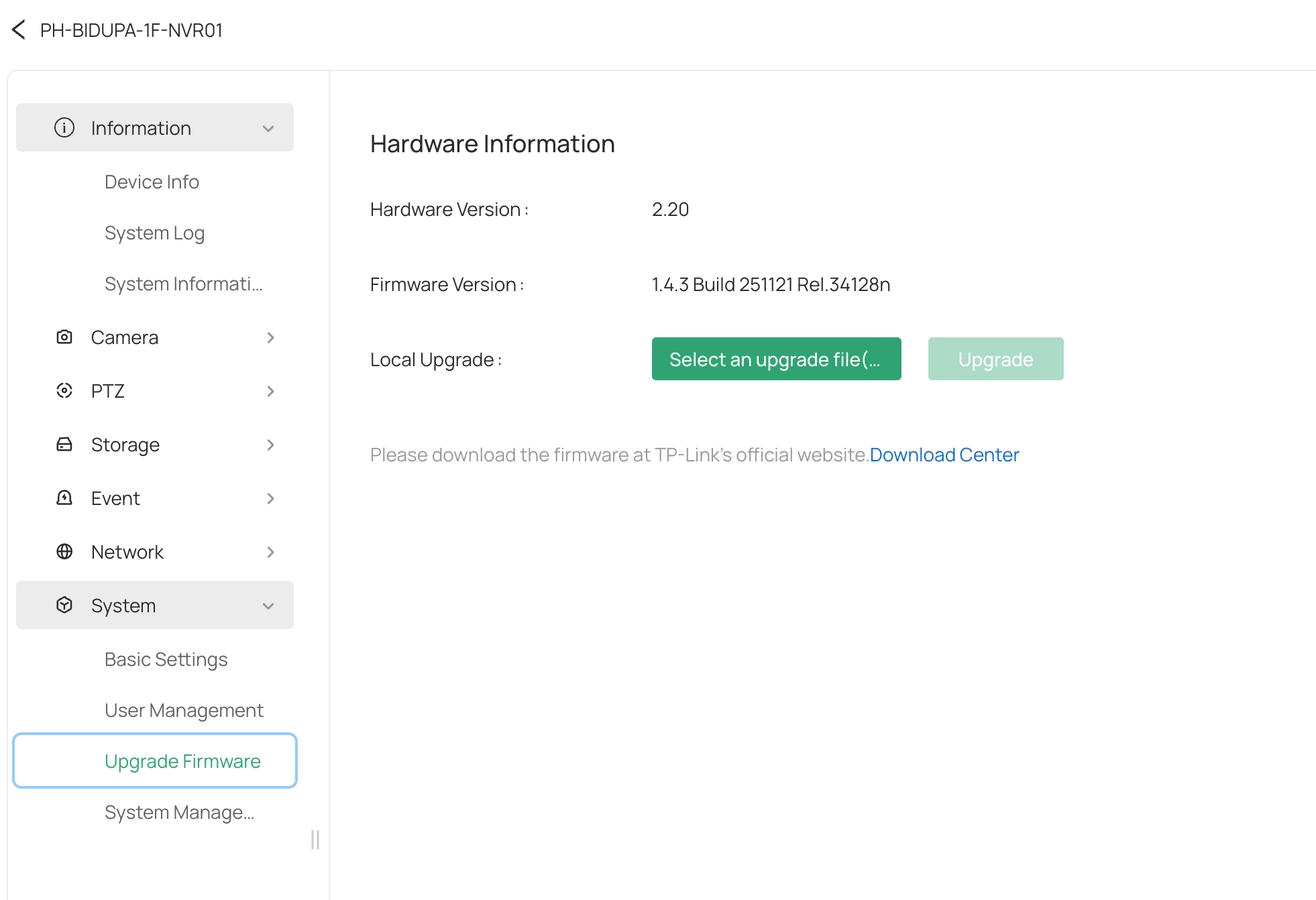
Firmware Version: 2.2


Ive been using Omada Guard for almost 6months. I dont see any issue when i migrated from VIGI Apps to Omada guard. So i bought same model NVR1008H but different hardware version 2.2. My old NVR1008H is version 1.0 and its been stable for almost 5yrs!

Anyway im a bit frustrated coz my hometown have a frequent blackout. Everytime  power outage happens , i have to ask my wife to connect laptop (my raspberry remote access is also down) so that i can remotely access my NVR1008 (2.2). the workaround is to toggle dhcp/static IP setting.  After changing. It will immediately able to view my Omada Guard cloud.  LAN is not an issue coz my NVR records all my CCTVs footage. So the failure is that my NVR doesnt send communication to Omada Guard coz i observed that in my Omada Controller. No Application Traffic was happening at all. 


My old NVR 1.0 is fine but not for 2.2. Is there a problem on this hardware version 2.2?


0
0
#1
1 Accepted Solution
Re:my NVR can't connect to Omada Guard everytime there is power outage. -Solution
2 weeks ago - last edited Thursday

 Hi, @Wifi-freak 
Thank you for posting on our business forum.


If you want to remotely access to the Omada Guard, you need to enable the Cloud Access, and the controller also needs to connect to the Internet.

Also, your devices must have active access to the cloud service to connect to Omada Guard properly.

Therefore, please confirm that, after power is restored following an outage, does your router require a certain amount of time to recover the internet connection, and does your NVR also need extra time to get connected to the network after the router is back online.

We also suggest you verify whether NVR 1.0 and NVR 2.2 are using the same network source. Alternatively, you can try swapping their connection positions to test if the same issue also occurs on NVR 1.0 after the change.


Recommended Solution
0
0
#2
3 Reply
Re:my NVR can't connect to Omada Guard everytime there is power outage. -Solution
2 weeks ago - last edited Thursday

 Hi, @Wifi-freak 
Thank you for posting on our business forum.


If you want to remotely access to the Omada Guard, you need to enable the Cloud Access, and the controller also needs to connect to the Internet.

Also, your devices must have active access to the cloud service to connect to Omada Guard properly.

Therefore, please confirm that, after power is restored following an outage, does your router require a certain amount of time to recover the internet connection, and does your NVR also need extra time to get connected to the network after the router is back online.

We also suggest you verify whether NVR 1.0 and NVR 2.2 are using the same network source. Alternatively, you can try swapping their connection positions to test if the same issue also occurs on NVR 1.0 after the change.


Recommended Solution
0
0
#2
Re:my NVR can't connect to Omada Guard everytime there is power outage.
13 hours ago
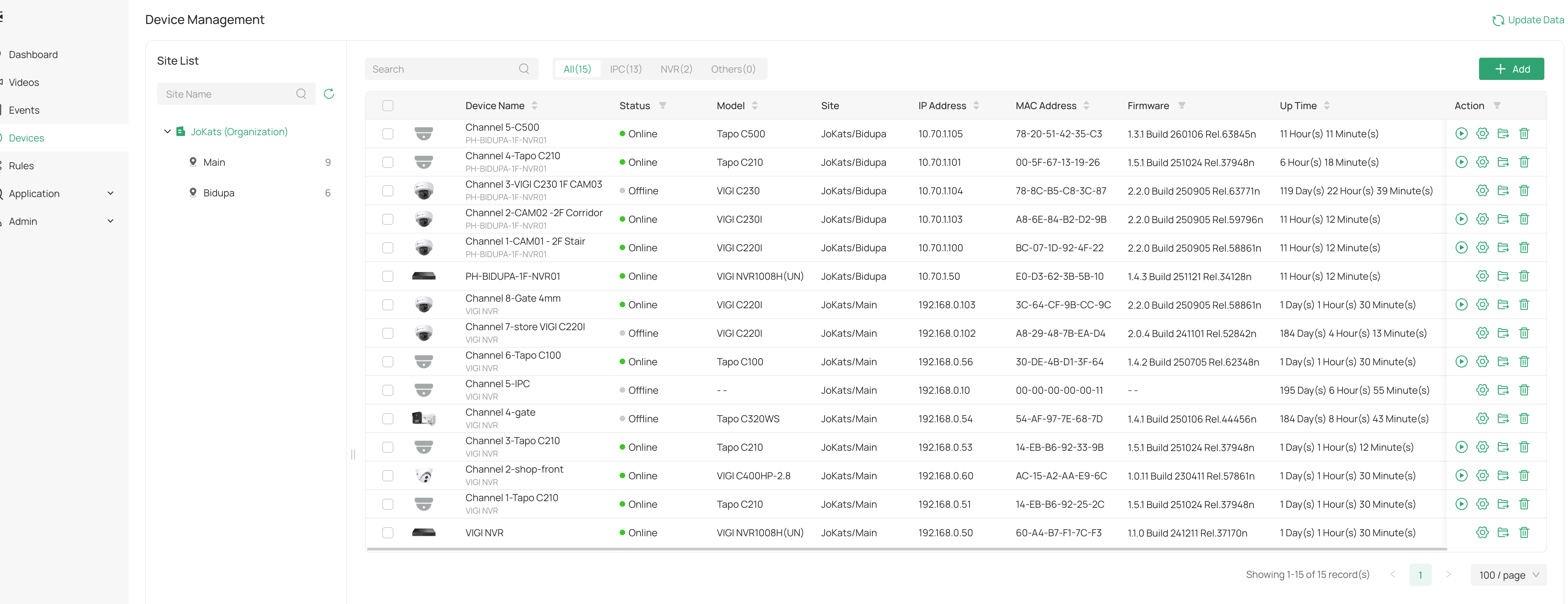
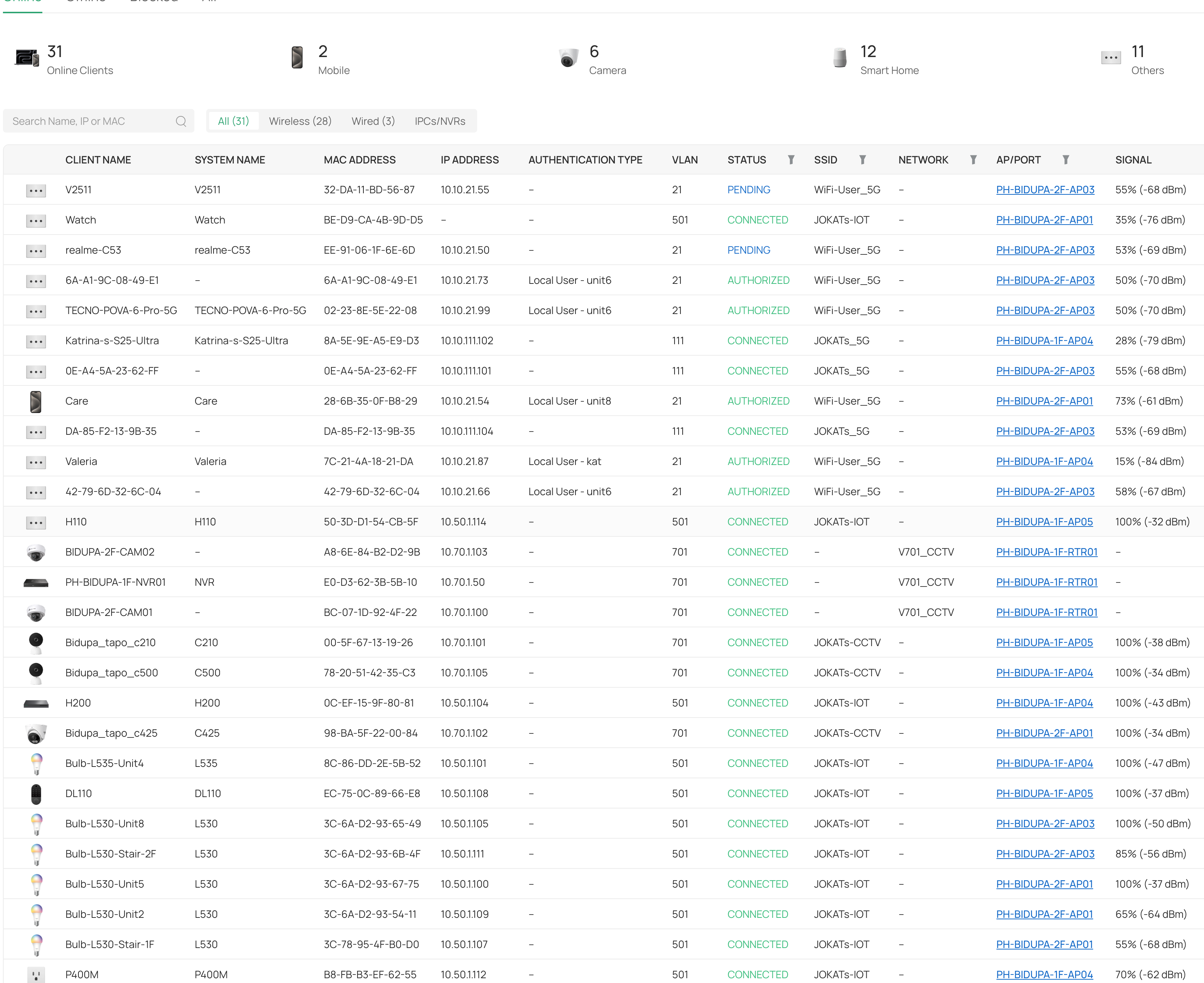
Hi Jeremy, please have a look in my screenshot. they are separate sties. they are also in production. They are running in Omada Guard for more than 6months. The only problem is NVR2.2 is not working everytime there is a poweroutage. My Vigi CAM and tapo is working fine! i can acces them via Vigi or Tapo app. and what you mean by active access to the cloud service? do i have to do manually? my two NVRs were runnning all the time in Omada Guard. My tapo camera, laptop, im running in full omada networks they are ok. except for the NVR 2.2. I cant swap NVR1.0 and NVR2.2 they are on production.
0
0
#3
Re:my NVR can't connect to Omada Guard everytime there is power outage.
13 hours ago

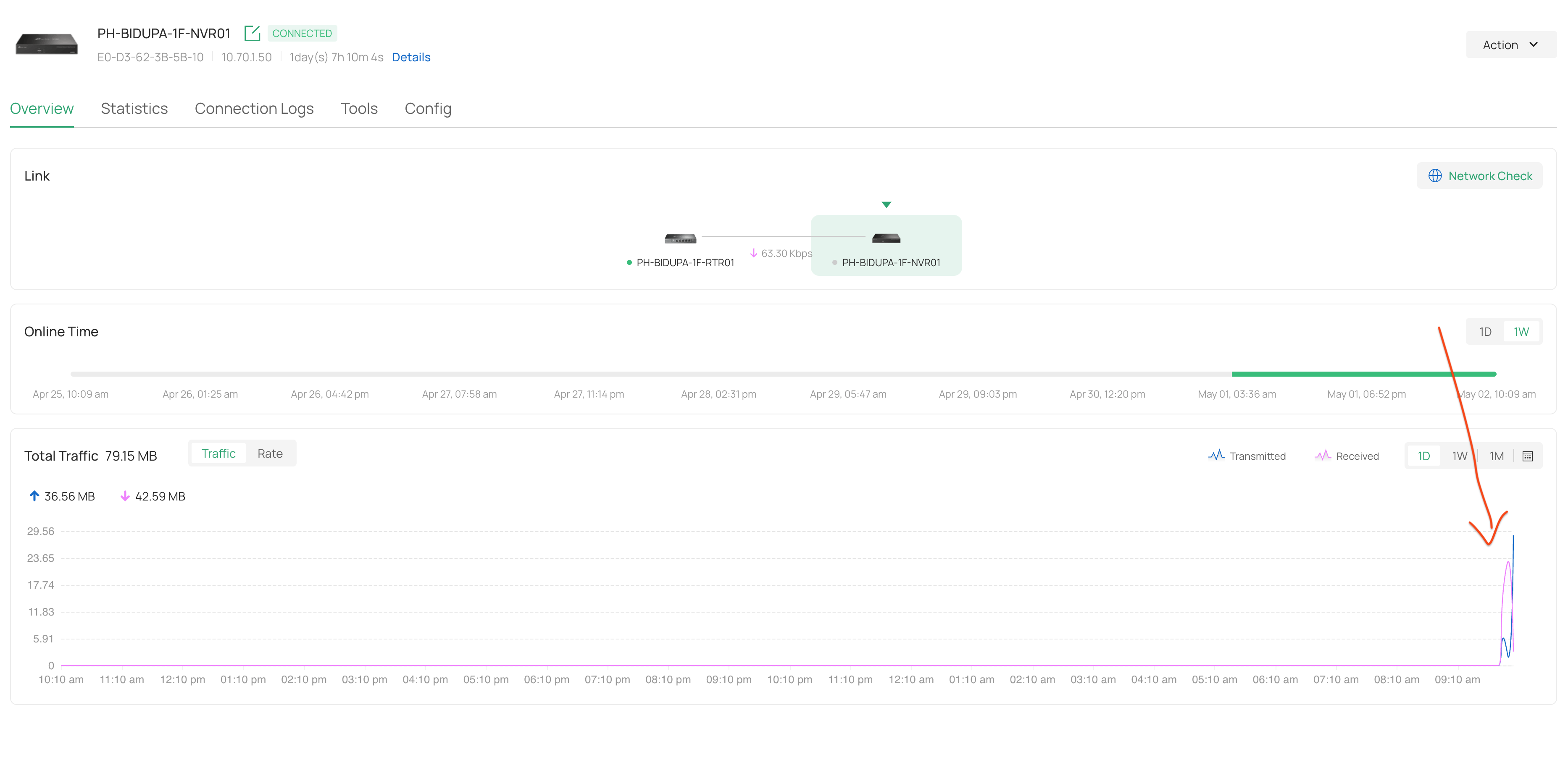
also here's the proof there' no problem with my network and internet. Since my wife went to visit there, so as i told you have to switch dynamic/static ip addressing of my NVR2.2 all the time.This is the workaround solution everytime poweroutage happen. FYI when my NVR1.0 has a poweroutage, i dont normally do that workaround. 


After my workaround solution, you can see the traffic getting reached to my Omada Router


0
0
#4