
Omada App Descriptions
Omada Controller
The flagship app of the Omada ecosystem, the Omada Controller allows you to manage and monitor your network from a single, centralized platform. With the Omada App, you can monitor your network from anywhere by granting cloud access to your On-Premise Omada Controller as well.
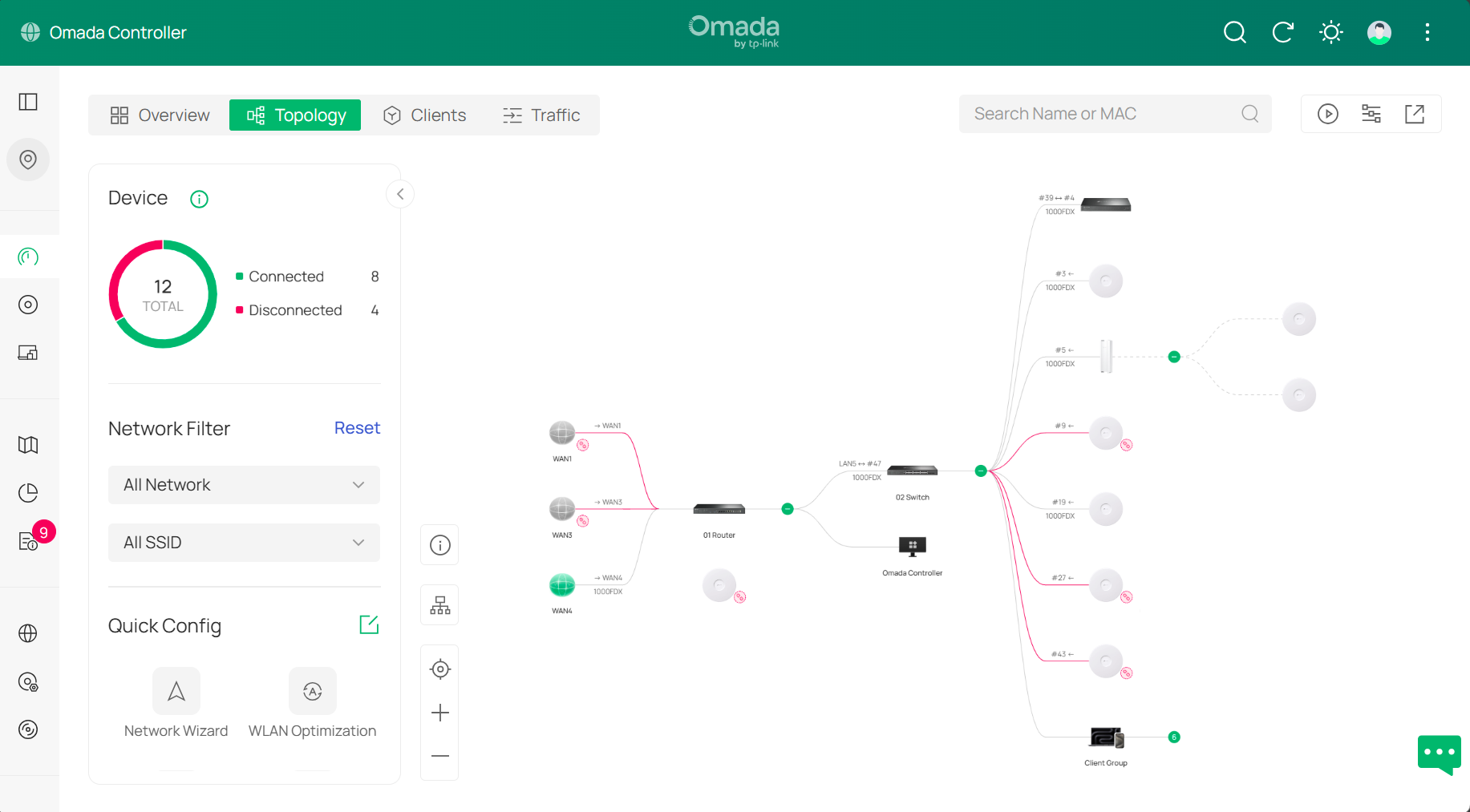
Download the Omada Controller here: Omada Controller
Mobile Apps: Omada App for Android | Omada App for iOS
Omada Discovery Utility
The Omada Discovery Utility is a desktop application that helps you quickly find and manage your Omada EAPs in different subnets. It provides an easy way to configure and monitor your devices without needing to access each one individually. It also allows you to Batch Adopt devices.
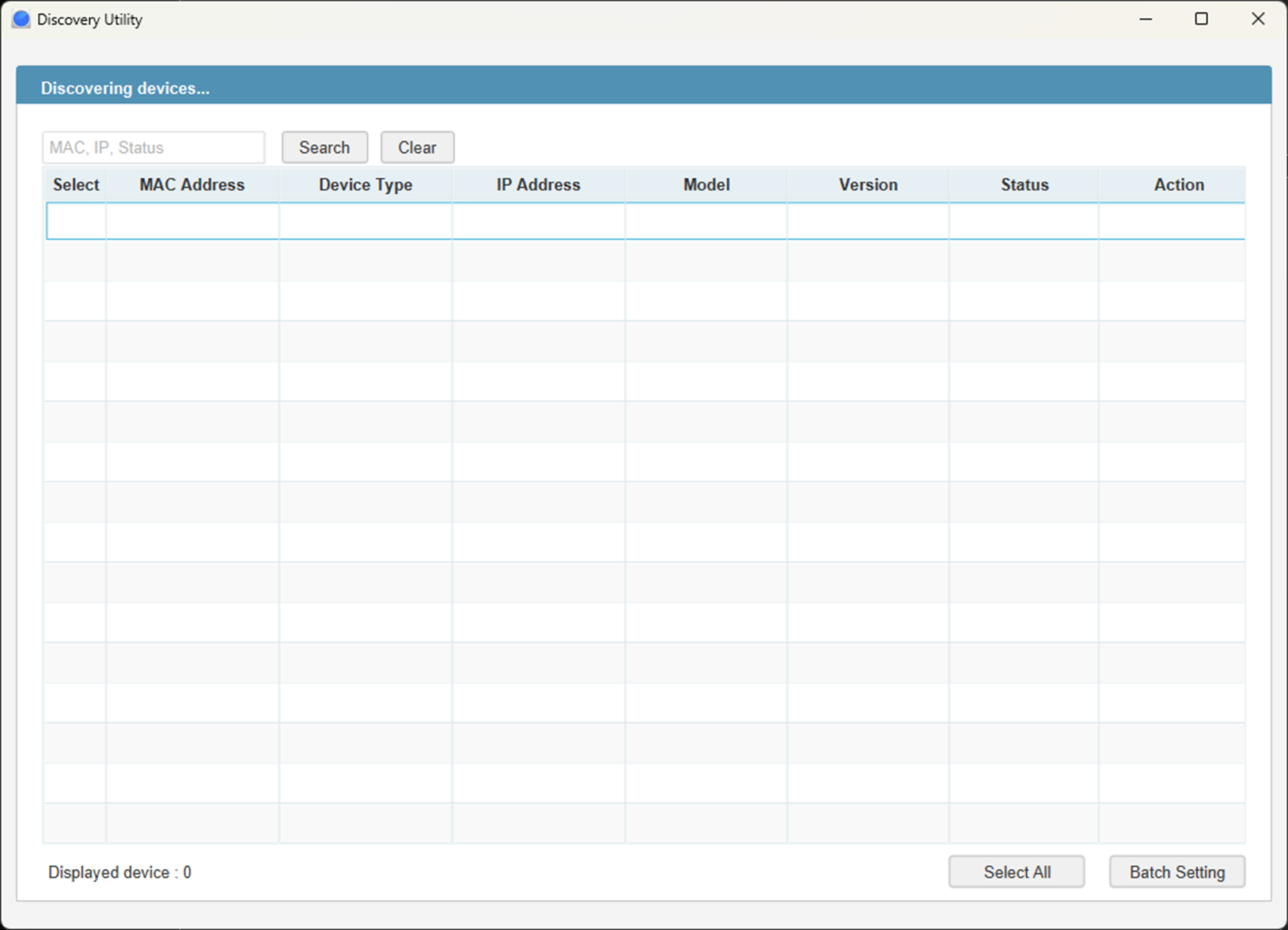
Download the Omada Discovery Utility here: Omada Discovery Utility
Easy Smart Configuration Utility
The Easy Smart Configuration Utility is a desktop application that allows you to configure and manage your Easy Smart Switches. Similar to the Omada Controller, the Easy Smart Configuration Utility provides a centralized platform to change configurations and monitor Easy Smart Switches.
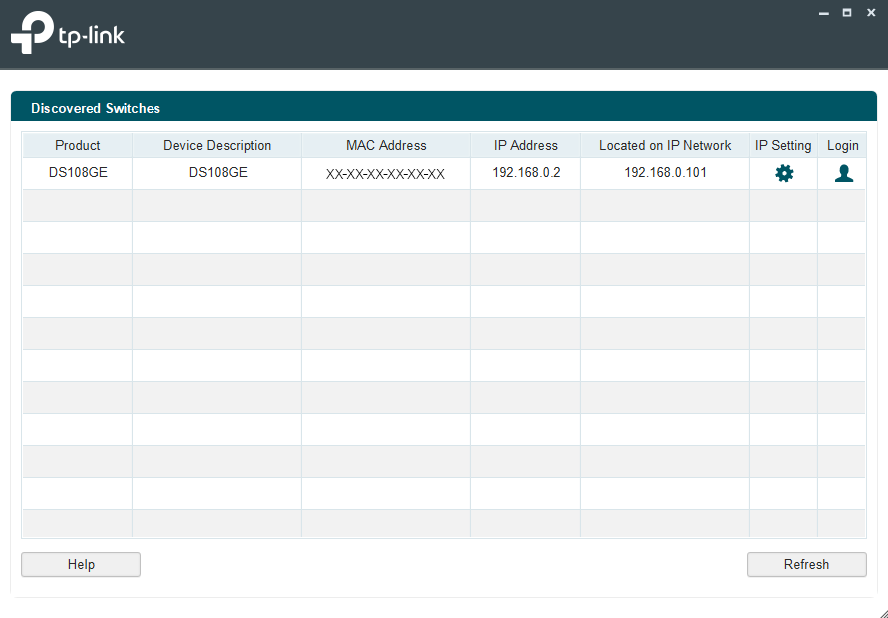
Download the Easy Smart Configuration Utility Here: Easy Smart Configuration Utility
VPN Client
The Omada VPN Client is an application that allows you to easily manage your VPN profiles and connect to your network securely. It has support for all types of VPNs supported by Omada Gateways, so you can connect to different VPNs with ease.
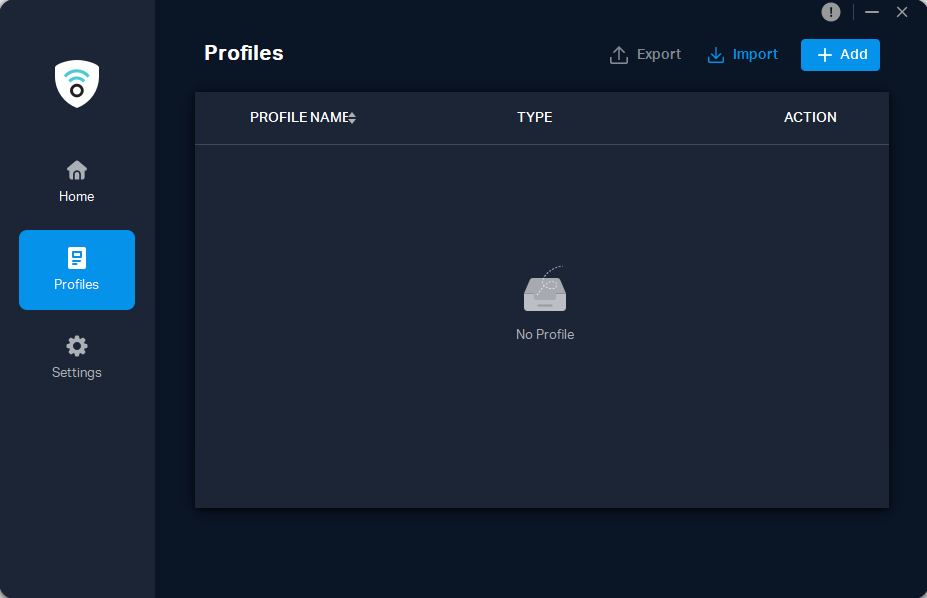
Download the Omada VPN Client here: Omada VPN Client
Wi-Fi Navi
Wi-Fi Navi is a mobile application designed to help you troubleshoot your network connectivity.
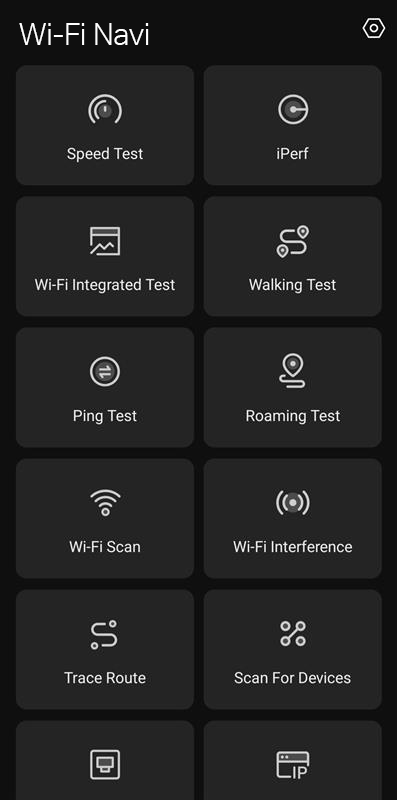
For more info, check out our official blog post here! Introducing Omada Wi-Fi Navi App
Download the Wi-Fi Navi App here: Wi-Fi Navi App for Android | Wi-Fi Navi App for iOS
Omada Guard PC Client
The Omada Guard PC Client is used to monitor and manage your Omada Central enabled security devices. You can view camera feeds live, playback recorded footage, manage events, and configure device settings from your PC.
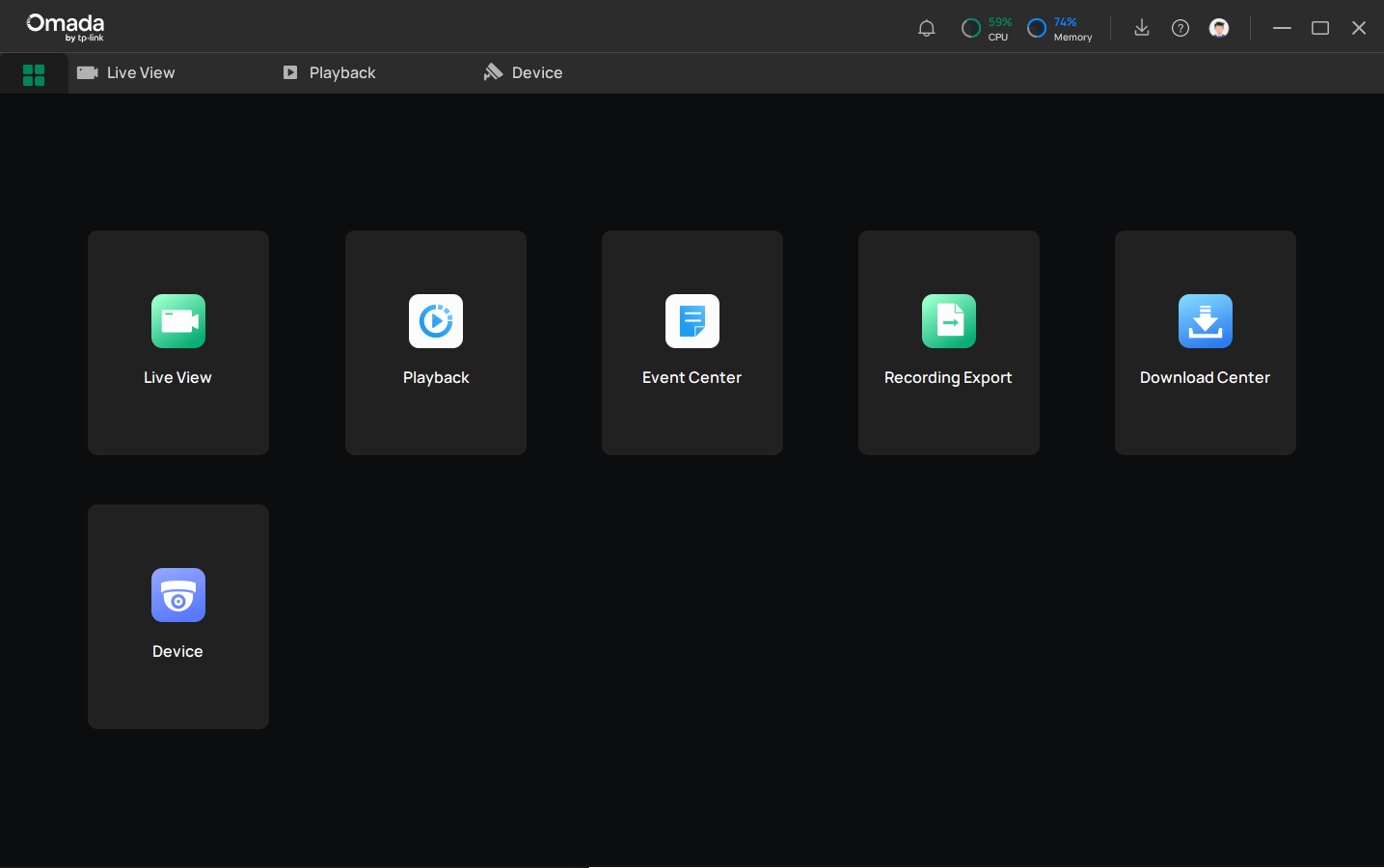
Download the Omada Guard PC Client here: Omada Guard PC Client