CPE710 to EAP225

CPE710 to EAP225

CPE710 to EAP225
CPE710 to EAP225
Wednesday
Model: CPE710  
Hardware Version:
Firmware Version:

Hi. 


We purchased a CPE710 to connect to our house internet via an AV1000. Then we want to bridge to another CPE710 to go into a shop. We want to connect the shop CPE710 to an EAP225 to provide wifi into the metal building. I had the 710's connected and setup, and the EAP225 is set up, but I can't seem to get the internet from 710 to connect to the EAP225 (so when I connect to the EAP225 wifi, it will connect with a strong signal, but no internet. Something is set up wrong. Can anyone provide me steps for the whole process (or recommend a video)? 


Thanks!

  0      
  0      
#1
Options
3 Reply
Re:CPE710 to EAP225
Wednesday

Hi  @amtoelle 


If you plug a PC into the LAN port of the client CPE, will the PC get Internet access? Please make sure to test with the same Ethernet cable.


Here is a troubleshooting guide for your reference:

How can I set up the AP + Client topology successfully?


  1  
  1  
#2
Options
Re:CPE710 to EAP225
Wednesday - last edited Wednesday

  @Vincent-TP so I'm able to connect the client into the network, and with the lan into my computer, it shows the network name but it does not have Internet. All three lights are on, on the client cpe710 unit.


Then after a light but of time, it seems to stop connecting to the wireless and the Ethernet says unidentified network. In phanos, the wireless connection doesn't show up and when I click survey, there is nothing there. 


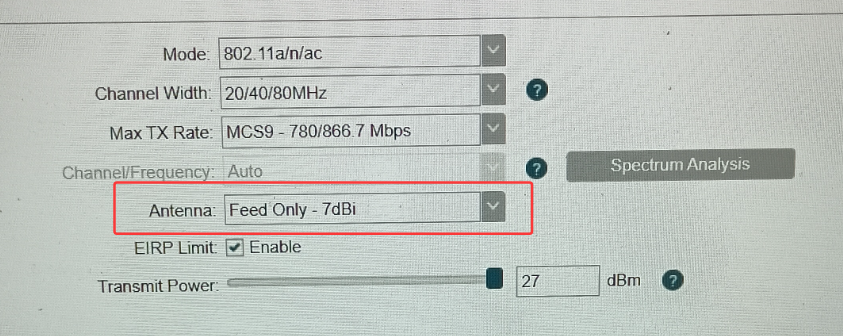
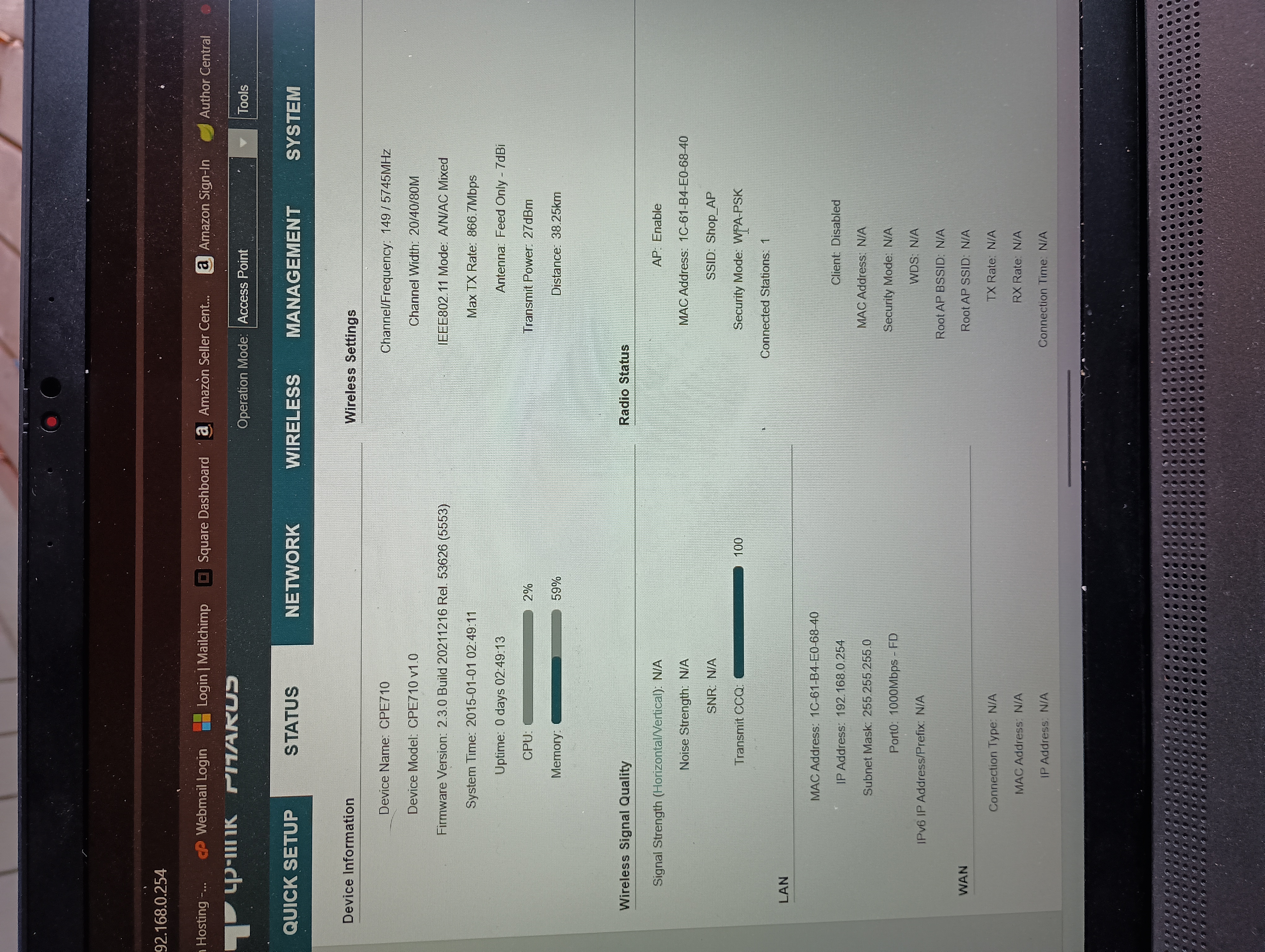
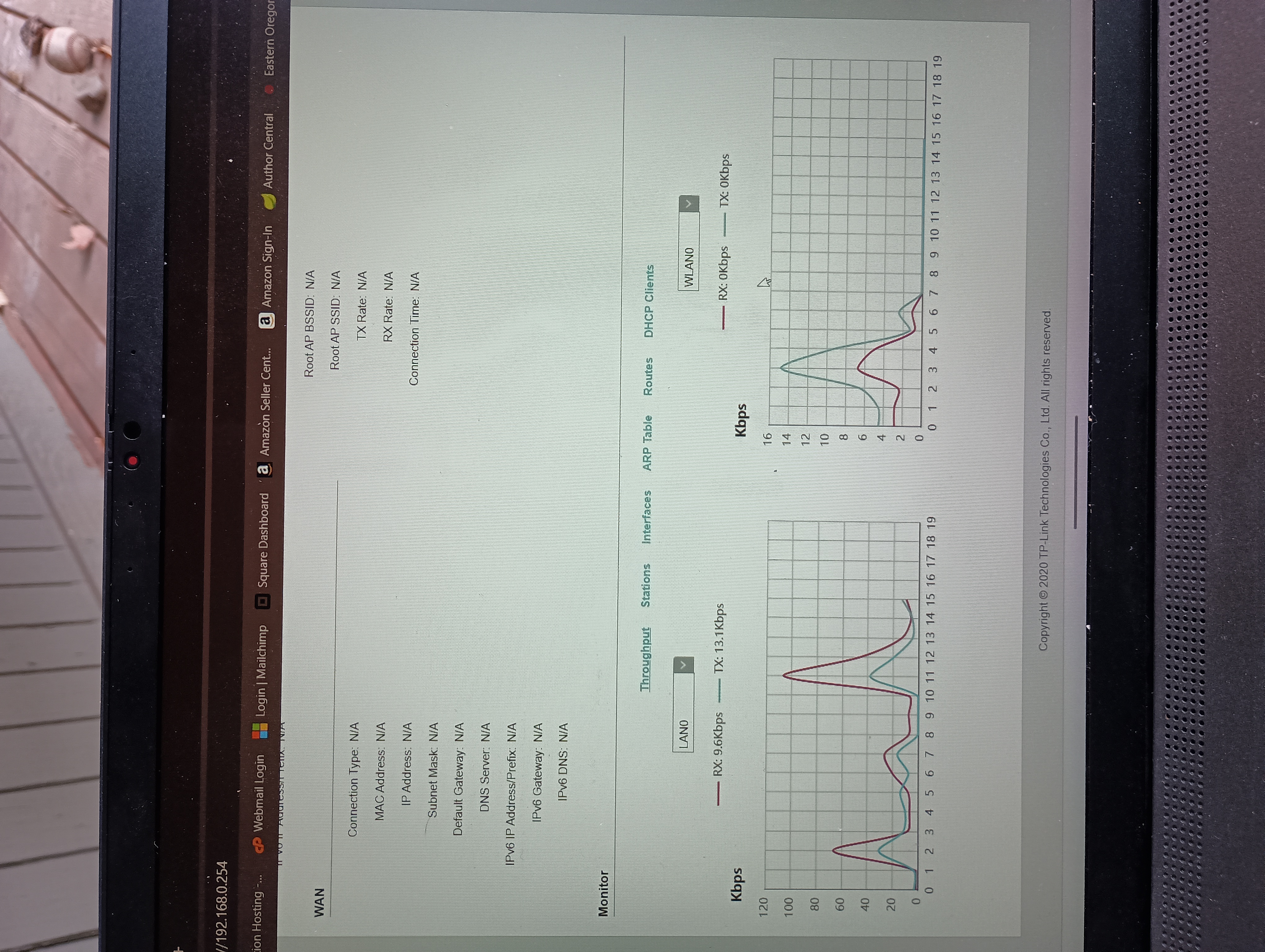
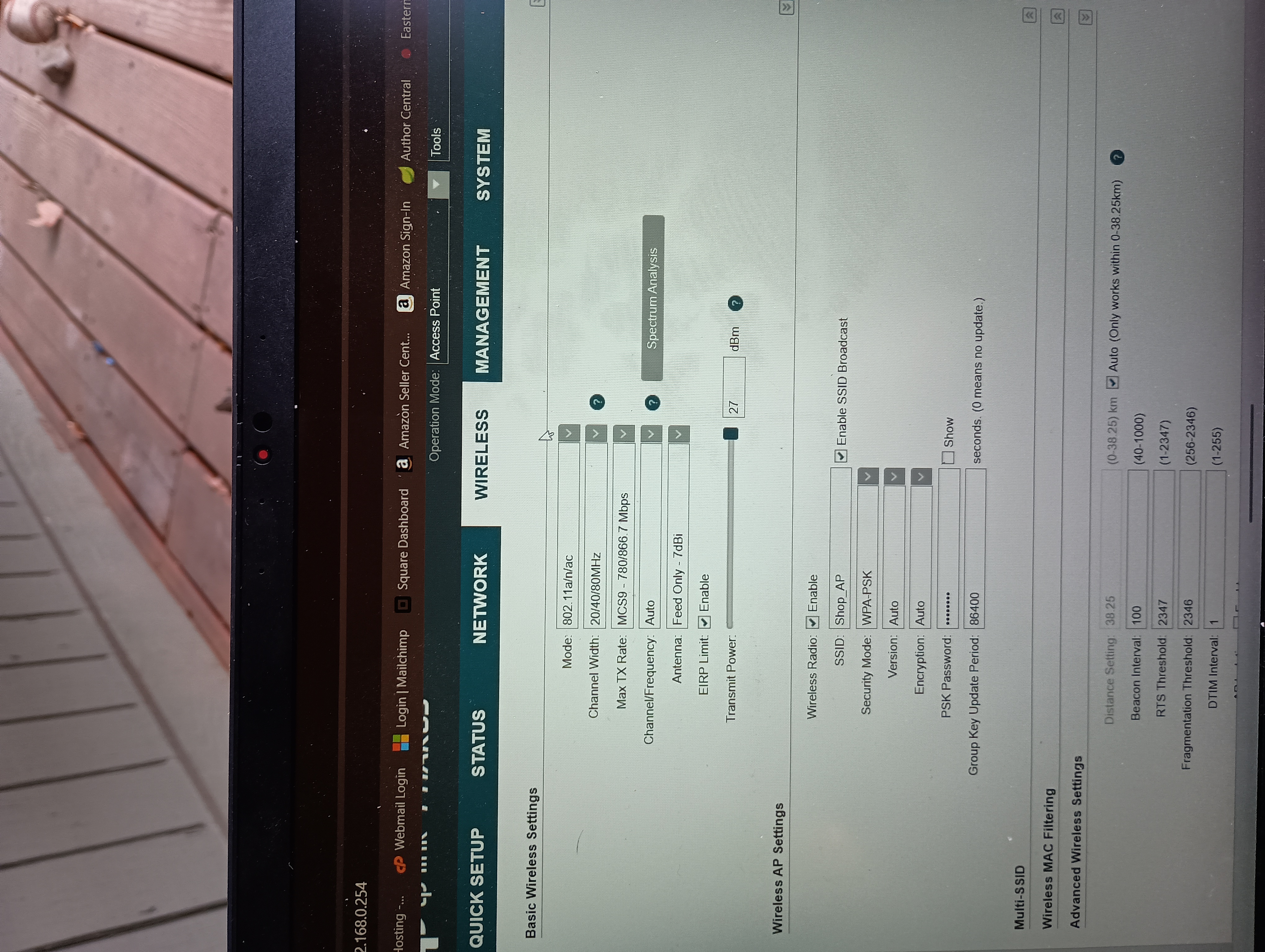
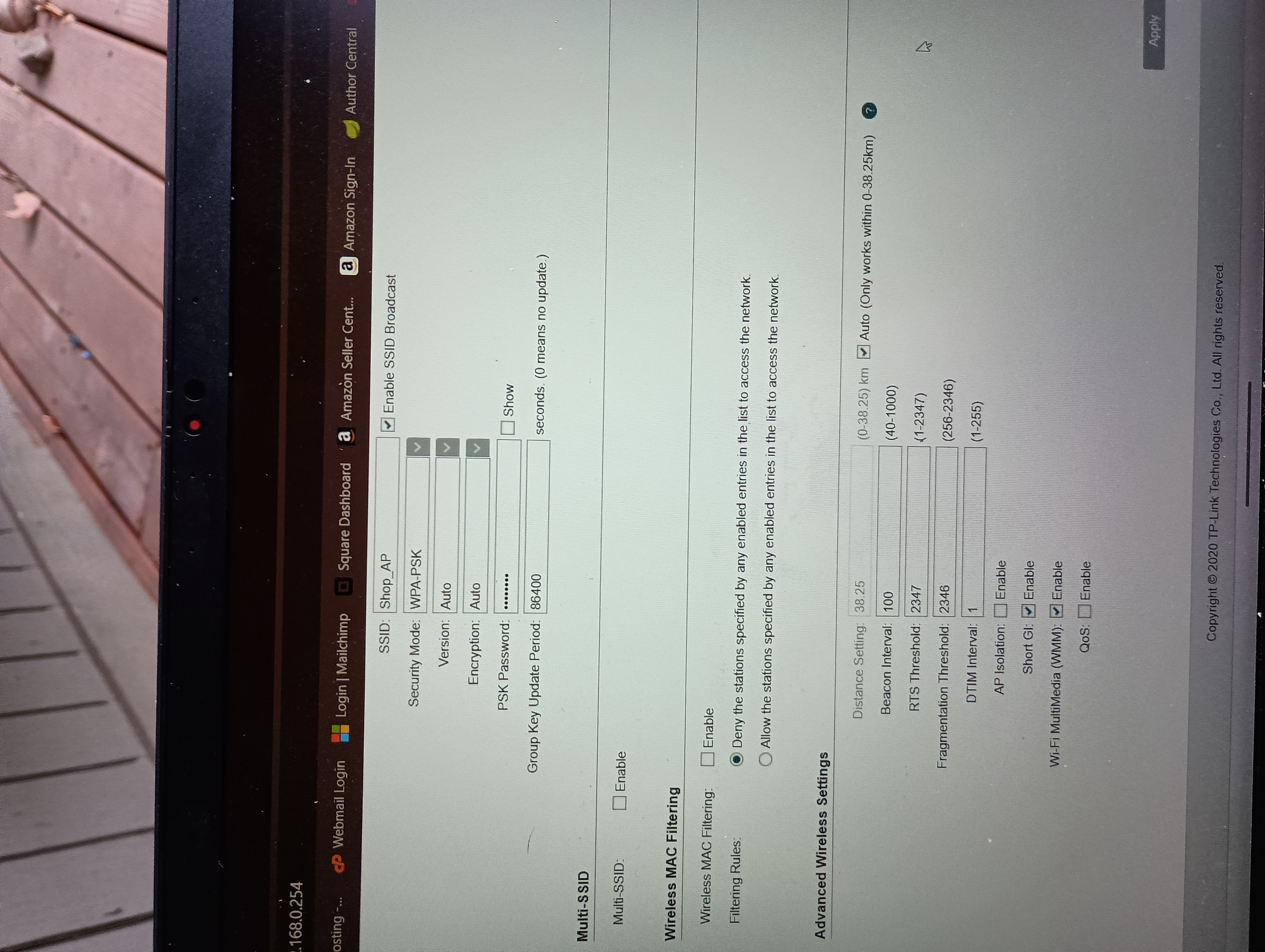
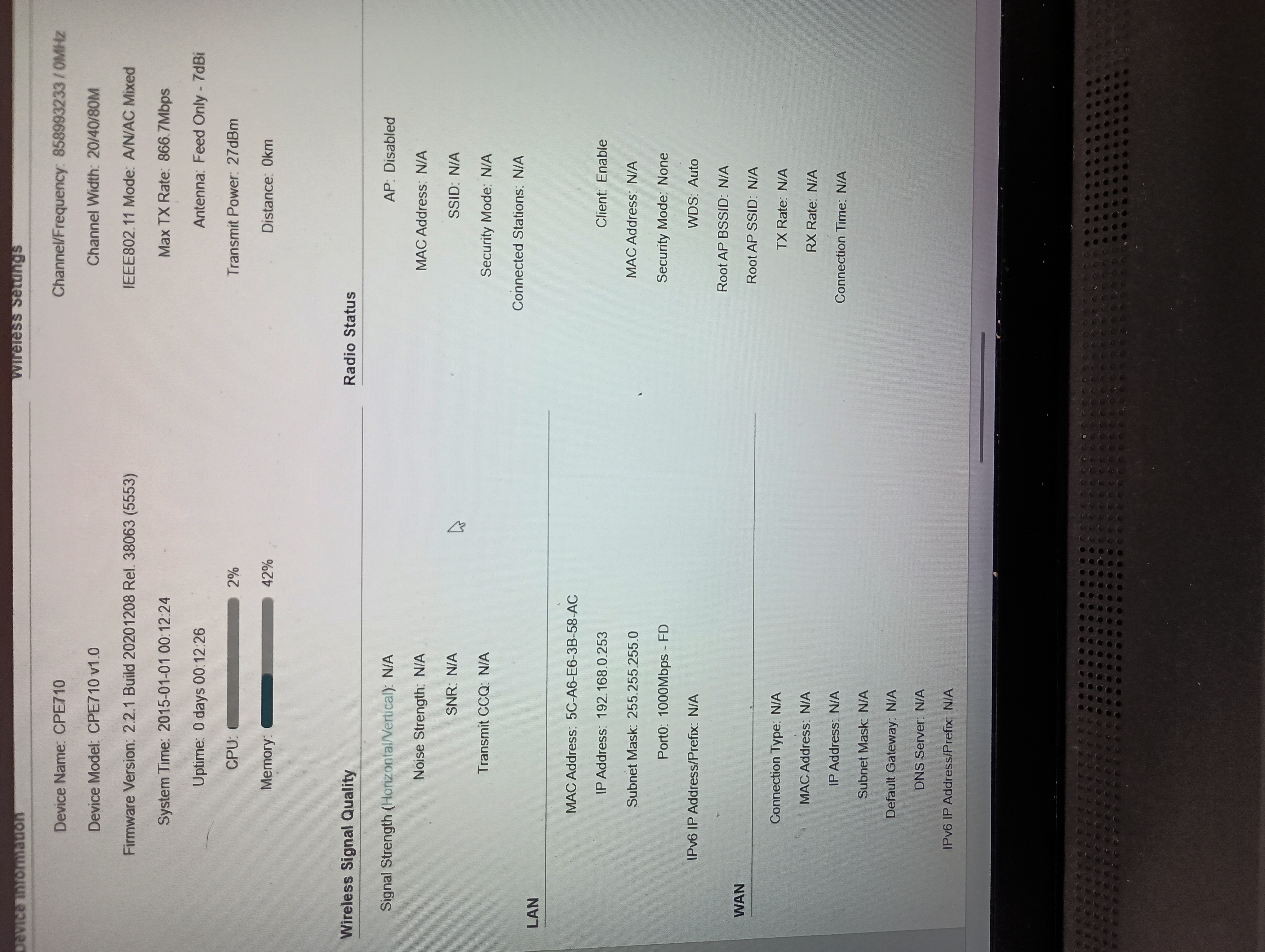
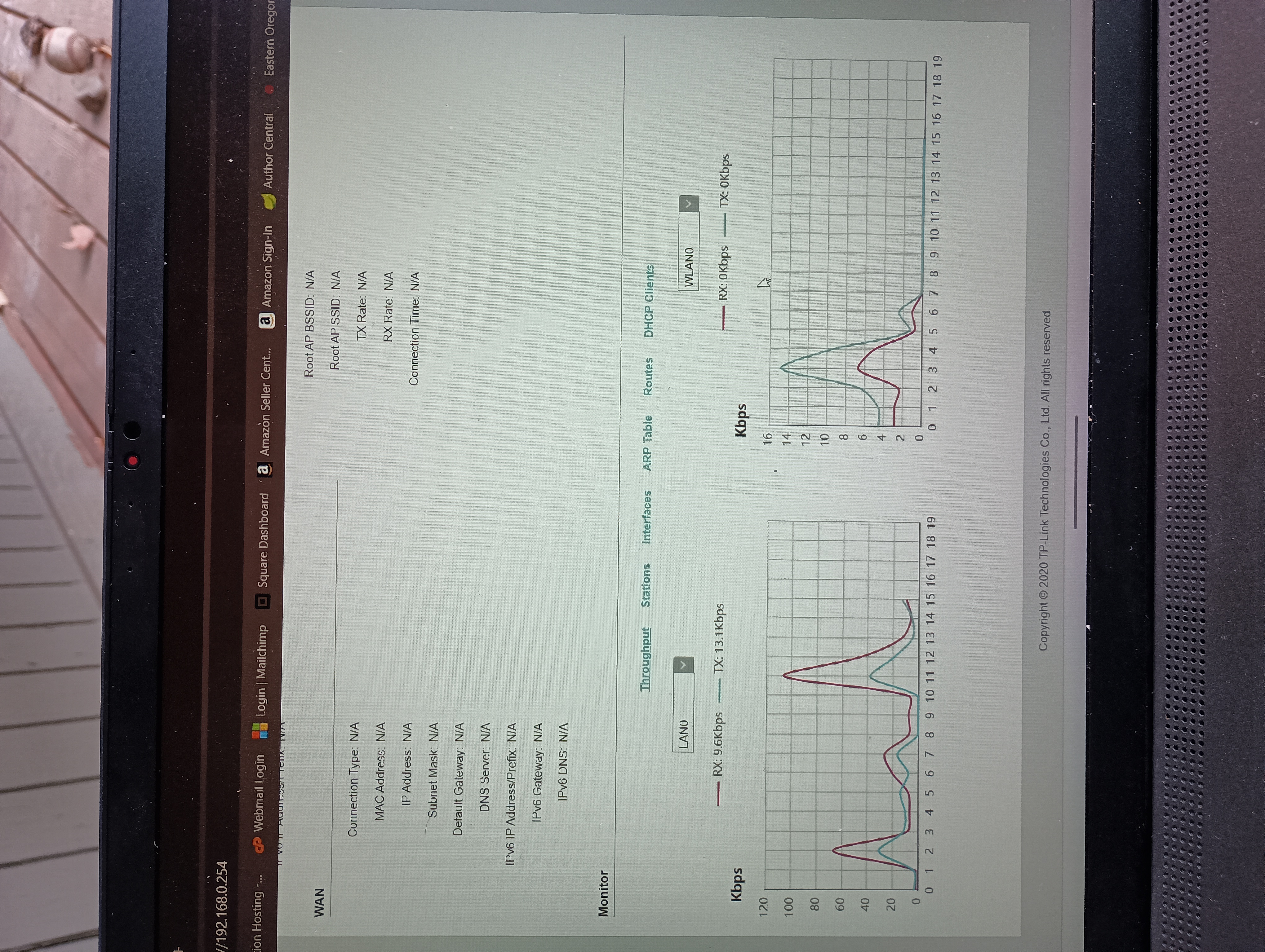
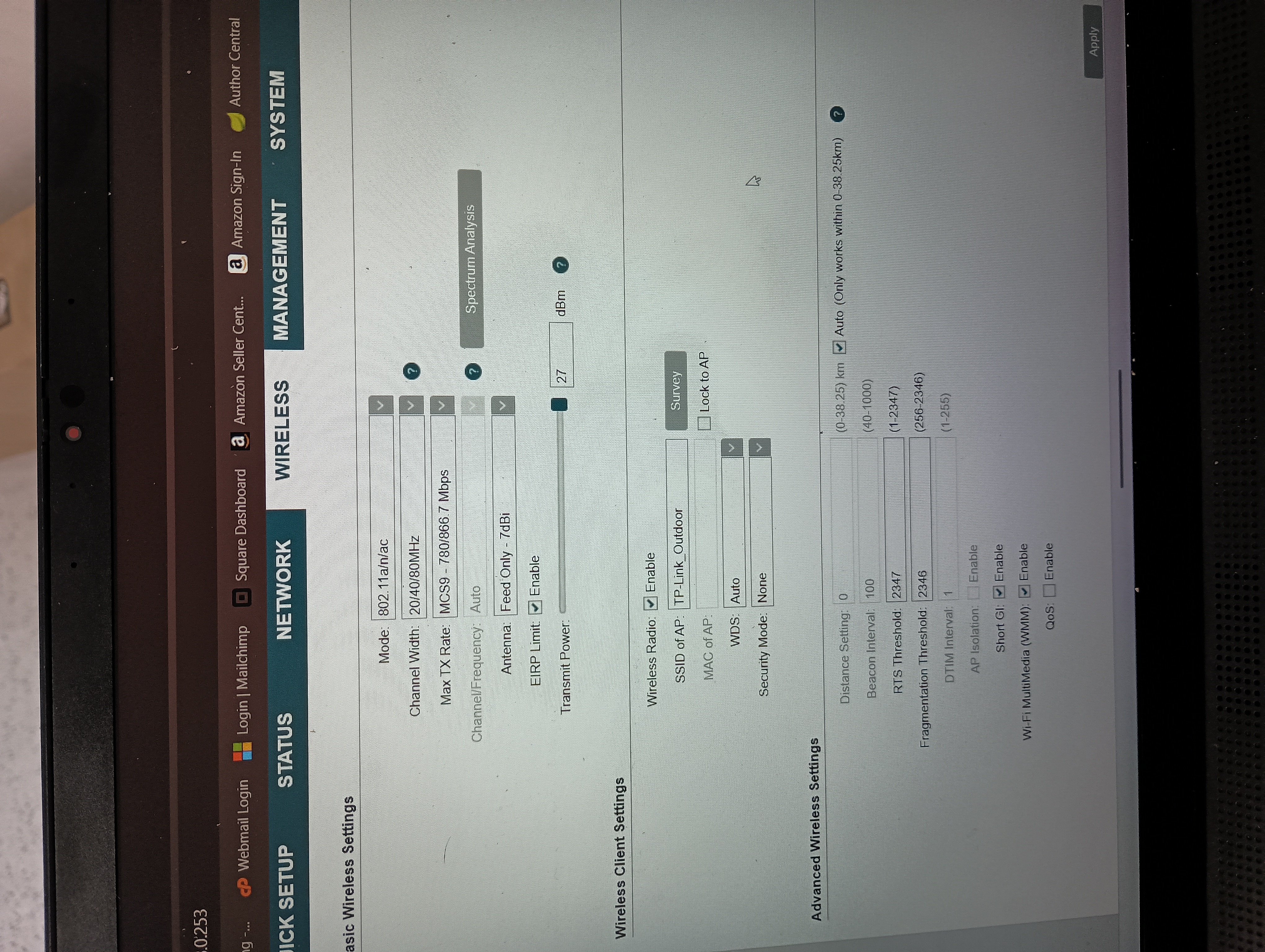
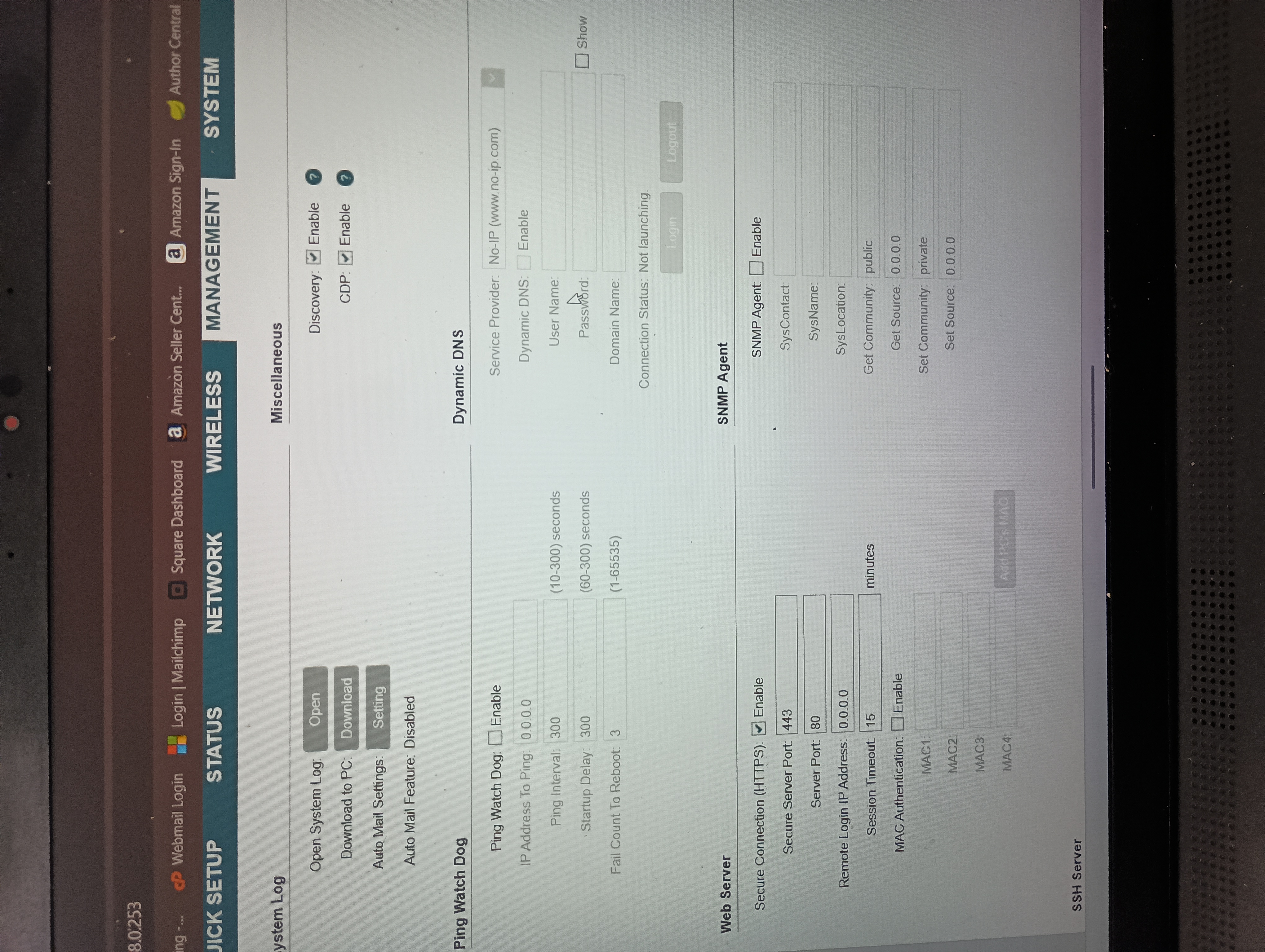
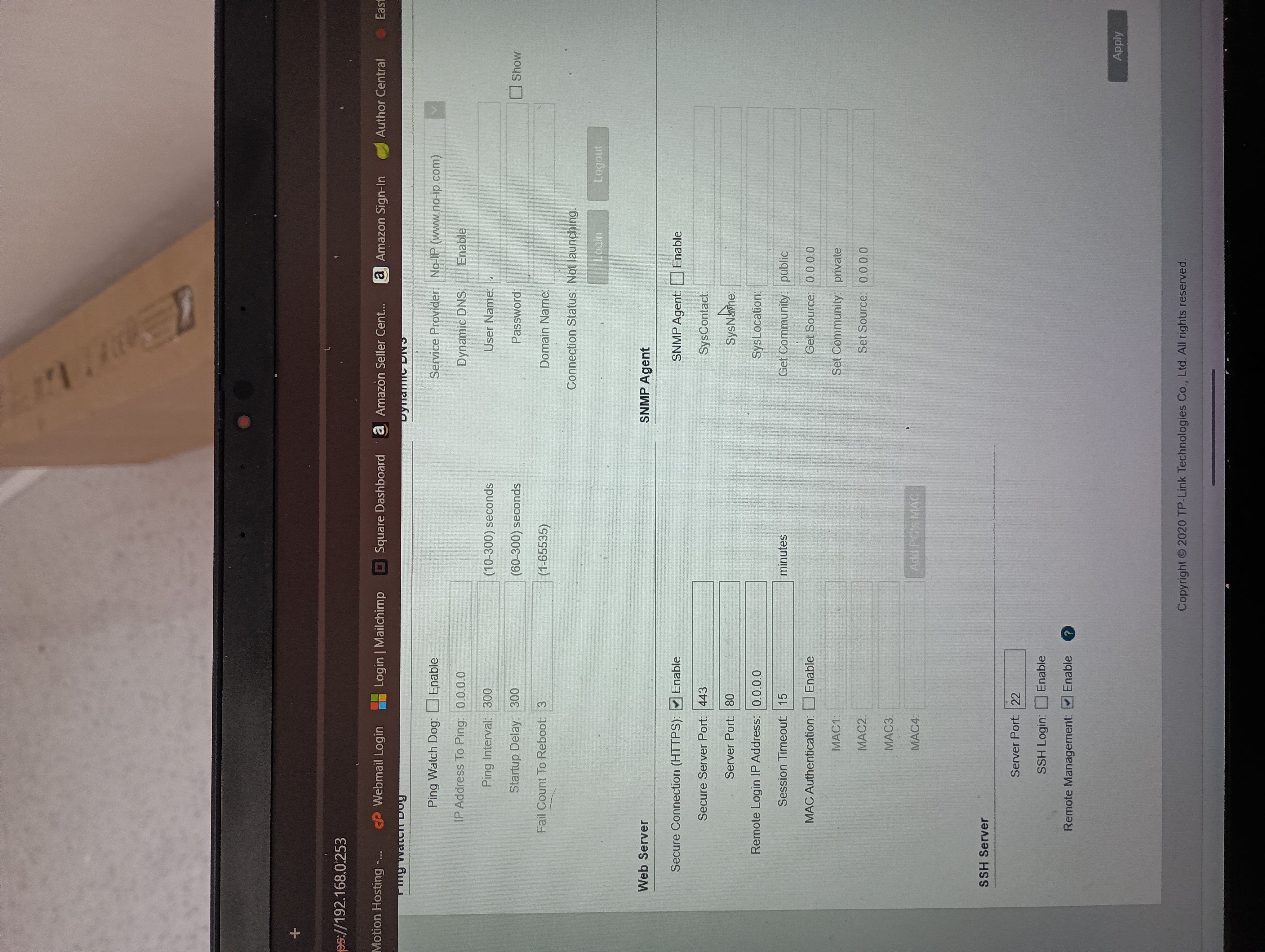
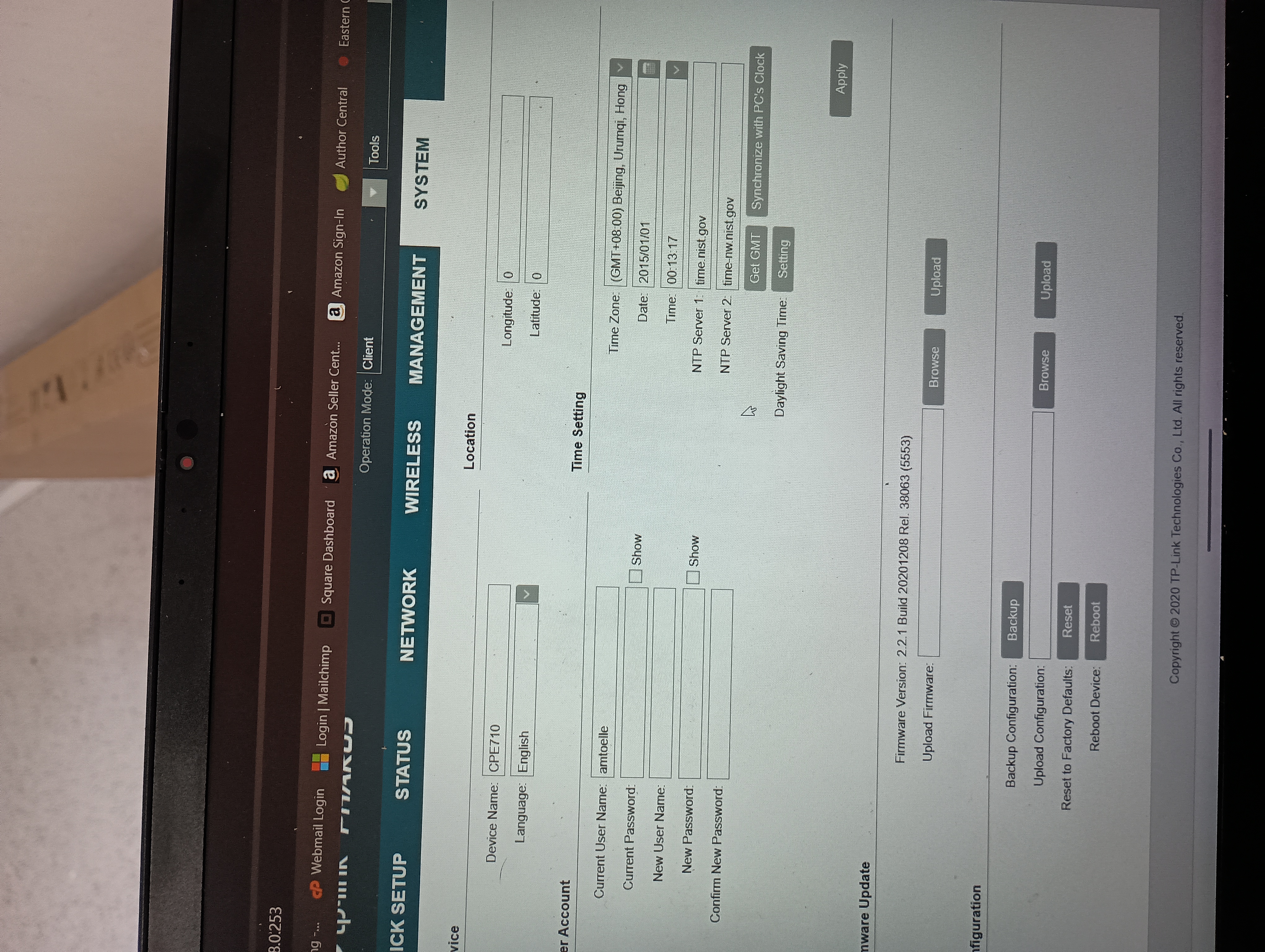
Not sure if they help, but here are the settings for the AP.


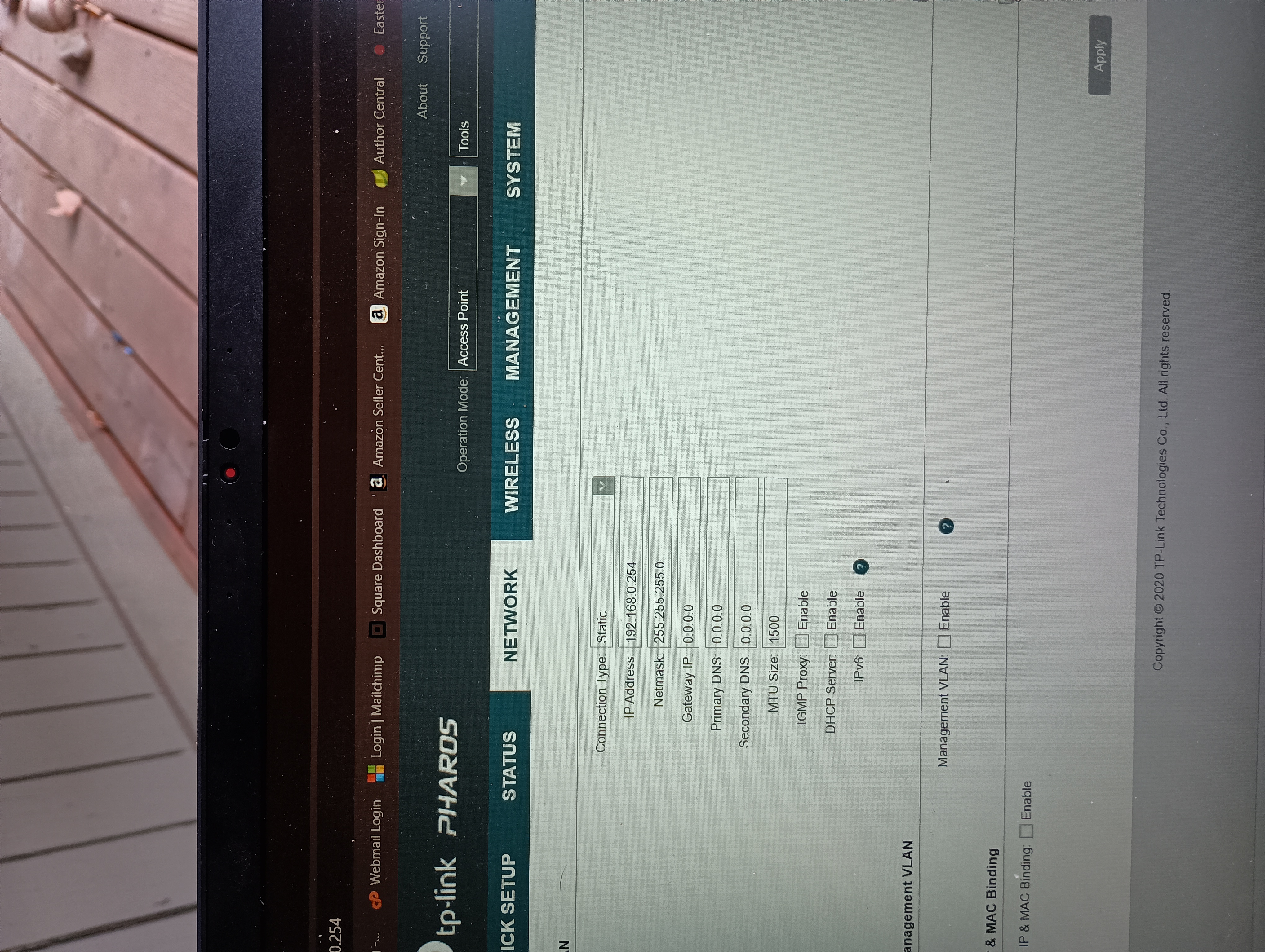
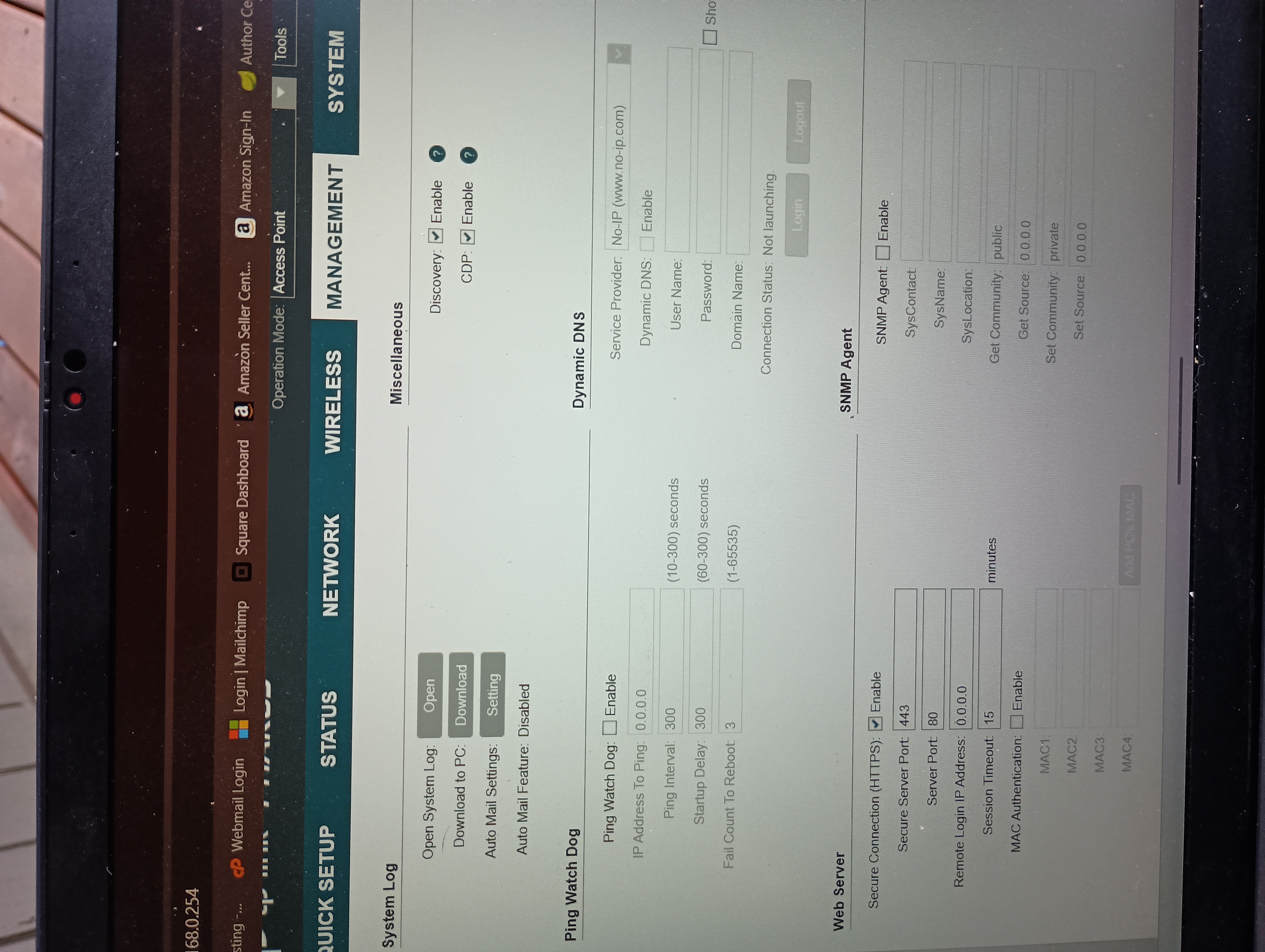
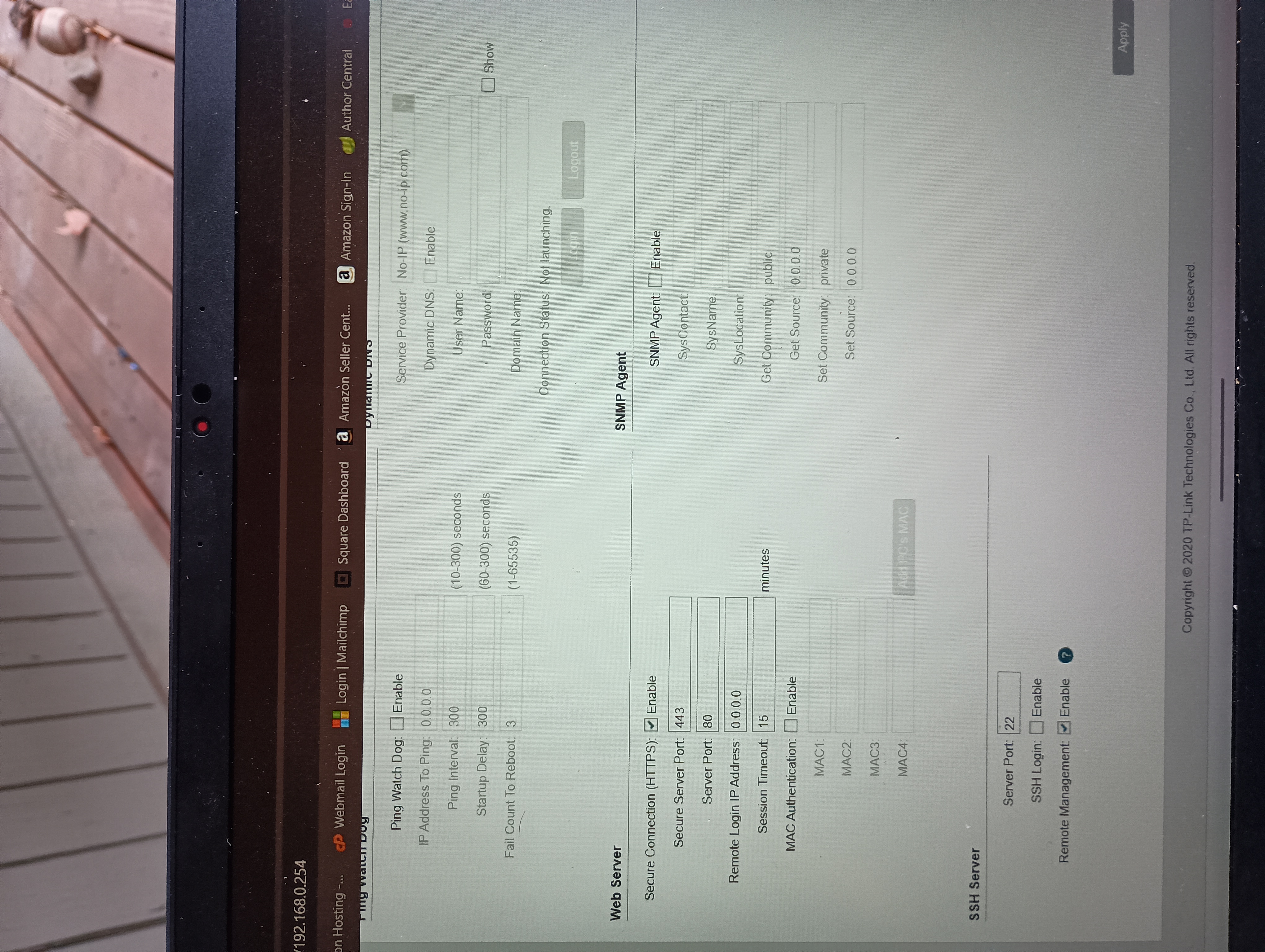
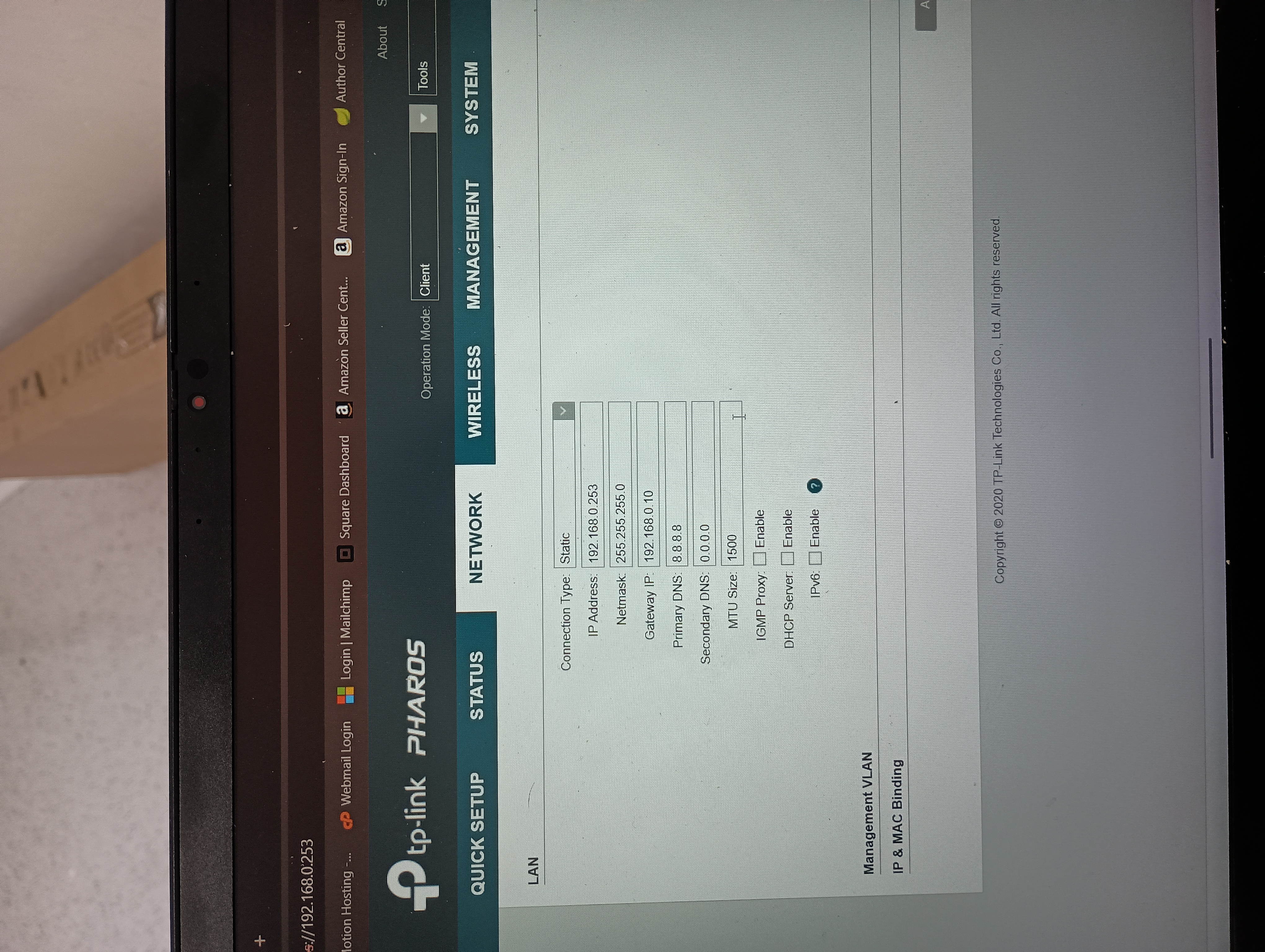
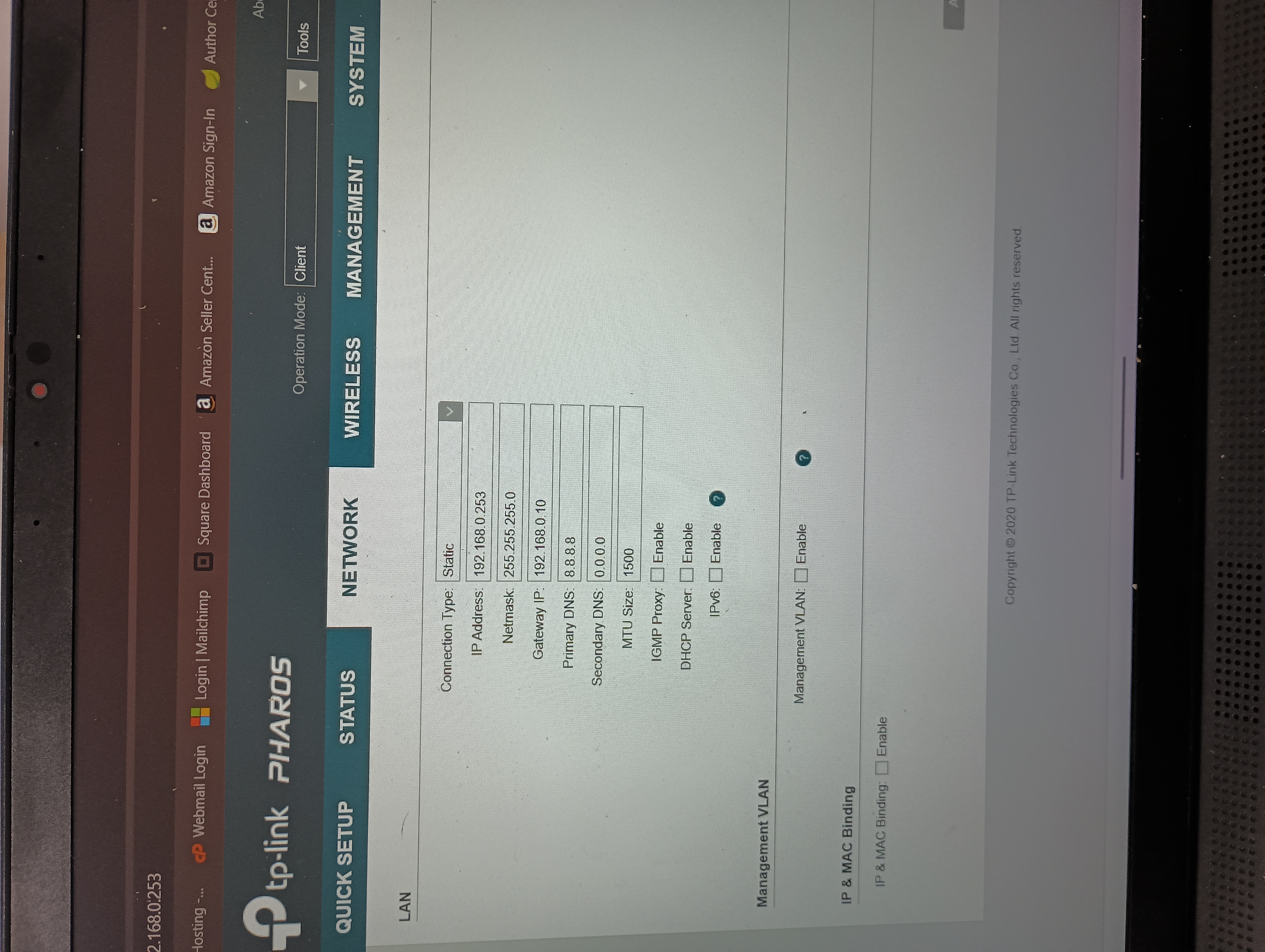
And here are from the client. For the gateway IP and primary DNS they were all 0's in the client when I originally, but I was trying something different and forgot to change it back prior to taking a photo. 


  0  
  0  
#3
Options
Re:CPE710 to EAP225
Thursday

Hi  @amtoelle 


Thanks for the reply.

Here are two configurations that need to be changed:

1. Antenna Type: for your situation, Feed Only is for indoor wifi coverage, which is not your case. Please change it back to the default one.


2. Distance settings:

It's recommended to set it to 1.1 times the real distance. For example, the two CPEs will be installed 1 km apart, and the distance setting can be set to 1.1 km.

And it should be the same for the access point and the client.


  0  
  0  
#4
Options