
Omada SG2210P (managed without controller) - losing access to web interface after a few days

Hello,
I have an Omada SG2210P ( this one https://www.omadanetworks.com/uk/business-networking/omada-switch-access/sg2210p/ ) which is configured in a home network.
Network-wise it works fine, but after a few days of working I completely lose access to the web interface.
I am trying to access the switch management interface from the same machine/ip that I can access it after the reboot, but after a few days when I try to access the http web interface - the page never loads up in the browser.
SSH works to the point of asking for login and password but after I enter the password, the terminal locks up and does not proceed further.
Only rebooting the switch works.
Hardware: 5.20
Firmware: SG2210P(UN)_V5.20_5.20.15 Build 20251031 (latest)
I have attached my switch configuration to this thread (removing secrets) - any advice would be much appreciated.

- Copy Link
- Subscribe
- Bookmark
- Report Inappropriate Content
hey Tim,
I went through RMA process and requested a replacement unit. After replacement it's been smooth sailing - no issues whatsoever (with the same config/setup). Knock wood.
replacement unit hw version is same as I had - 5.20
- Copy Link
- Report Inappropriate Content


Hi@ivmreg
Thanks for posting in our business forum.
May I ask the error screenshot when you failed to access the SG2210P via web UI and SSH? Can you provide the network topology for us?
Is this issue happening from the beginning of installation or it was working fine before? Is it happening at random after a few days of normal working?
- Copy Link
- Report Inappropriate Content
Hi @Hank21
Answering your questions:
May I ask the error screenshot when you failed to access the SG2210P via web UI and SSH?
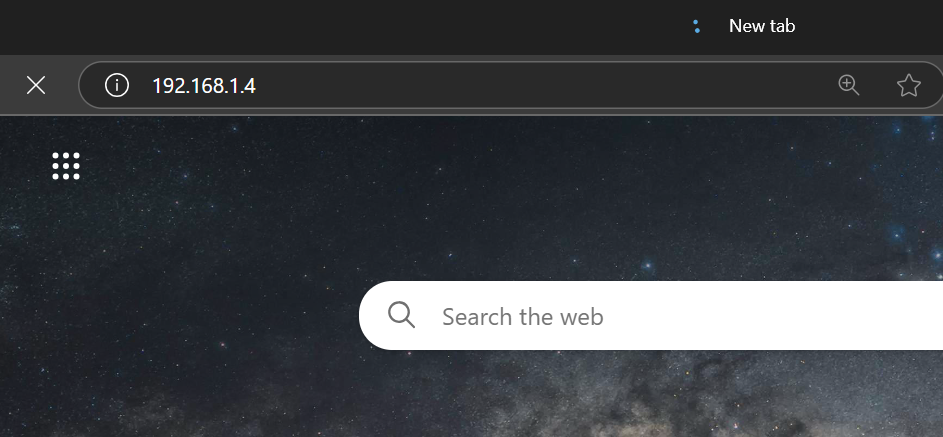
this is a new tab in the browser with switch IP entered. The page loading indicator keeps spinning and page never loads.
SSH:
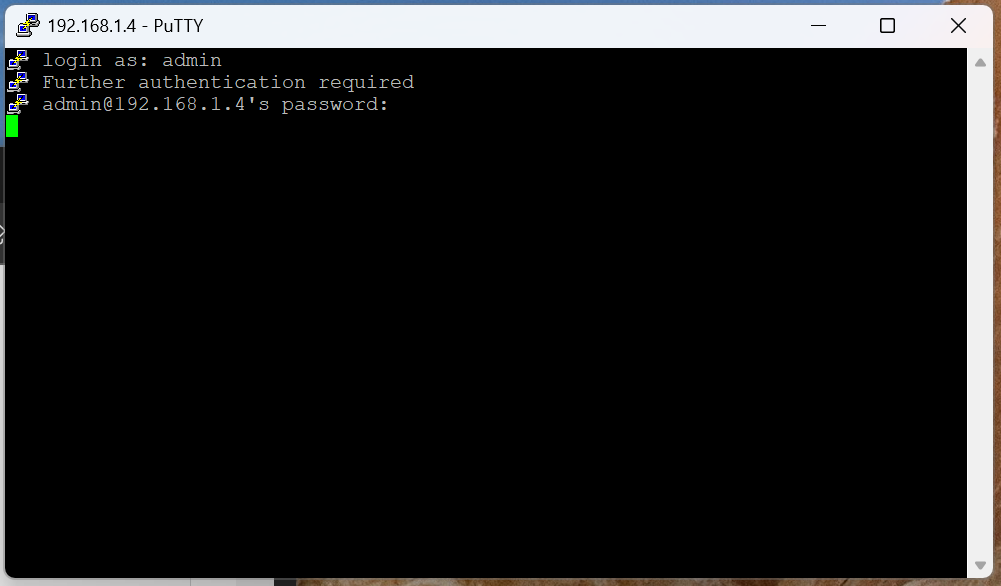
SSH prompt is successful, and after entering login username and proper password, the terminal shell never loads
After a while (1-2 minutes?) I get:
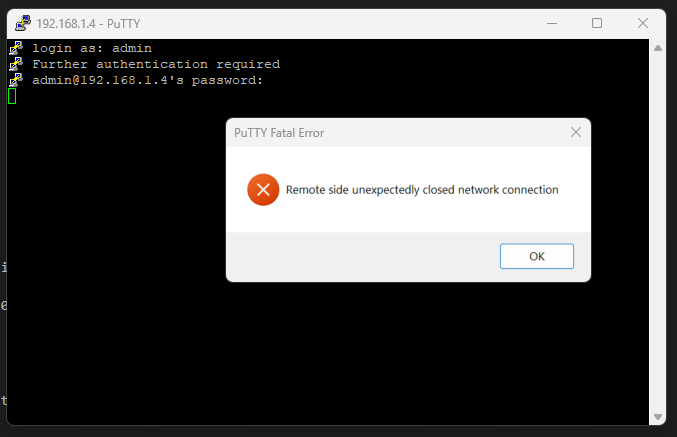
Network Diagram:

Is this issue happening from the beginning of installation? -
Yes, it happens from the beginning of the installation.
- Copy Link
- Report Inappropriate Content

Hi @ivmreg, any chance you have a duplicate IP?
- Copy Link
- Report Inappropriate Content
- Copy Link
- Report Inappropriate Content
Hi @ivmreg
Thank you so much for taking the time to post the issue on the TP-Link community!
To better assist you, I've created a support ticket via your registered email address and escalated it to our support engineer to look into the issue. The ticket ID is TKID260121839 please check your email box and ensure the support email is well received. Thanks!
Once the issue is addressed or resolved, welcome to update this topic thread with your solution to help others who may encounter the same issue as you did.
Many thanks for your great cooperation and patience!
- Copy Link
- Report Inappropriate Content

I'd love to know how this resolves. I'm having the same issues, and I'm quite sick of unplugging the thing every couple days
- Copy Link
- Report Inappropriate Content
hey Tim,
I went through RMA process and requested a replacement unit. After replacement it's been smooth sailing - no issues whatsoever (with the same config/setup). Knock wood.
replacement unit hw version is same as I had - 5.20
- Copy Link
- Report Inappropriate Content
Information
Helpful: 0
Views: 600
Replies: 7
Voters 0
No one has voted for it yet.