How to Troubleshoot SFP+ DAC RX Errors?

How to Troubleshoot SFP+ DAC RX Errors?

How to Troubleshoot SFP+ DAC RX Errors?
Monday - last edited Monday
Tags: #SFP
Model: TL-SG3210XHP-M2  
Hardware Version: V2
Firmware Version: 2.0.10 Build 20250121 Rel.50059


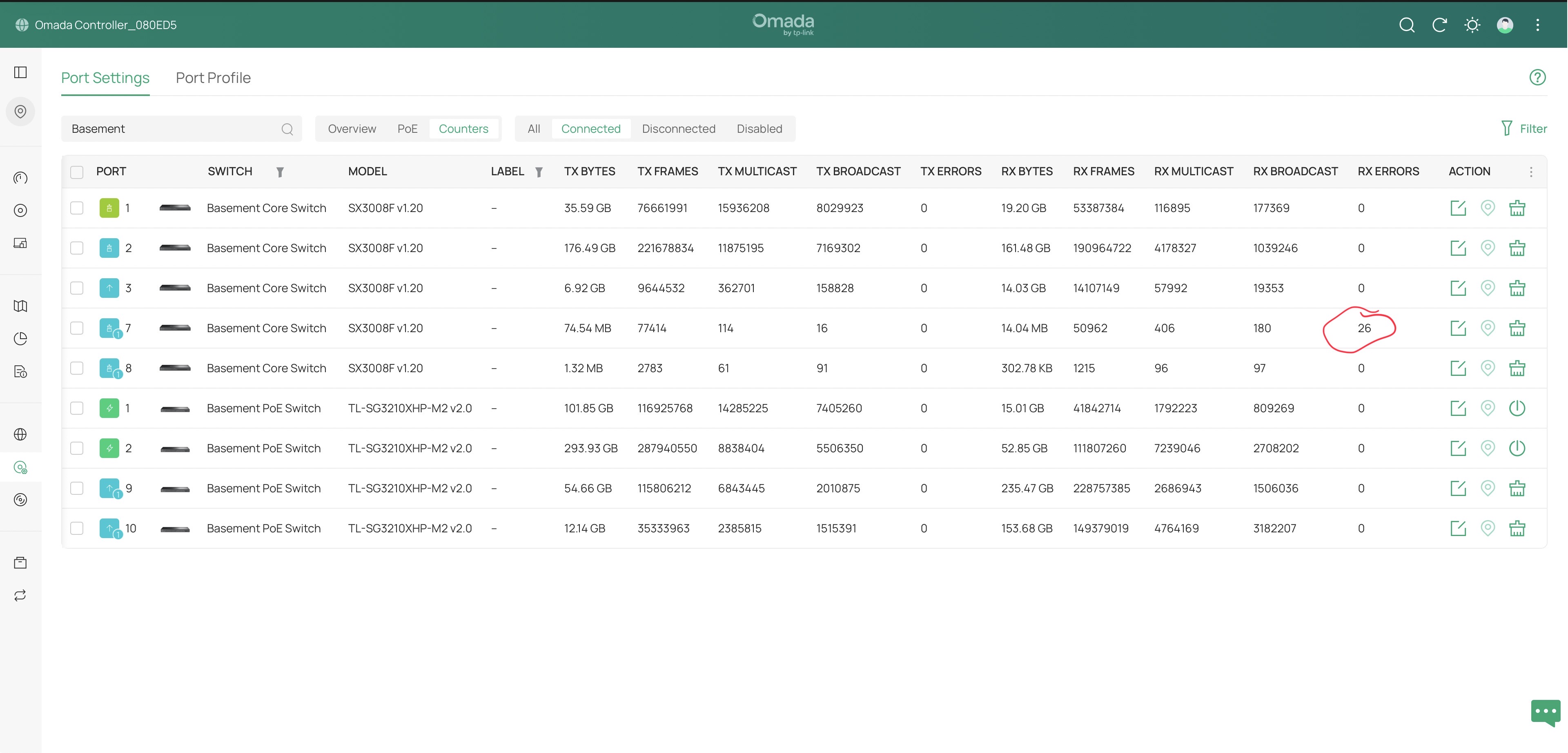
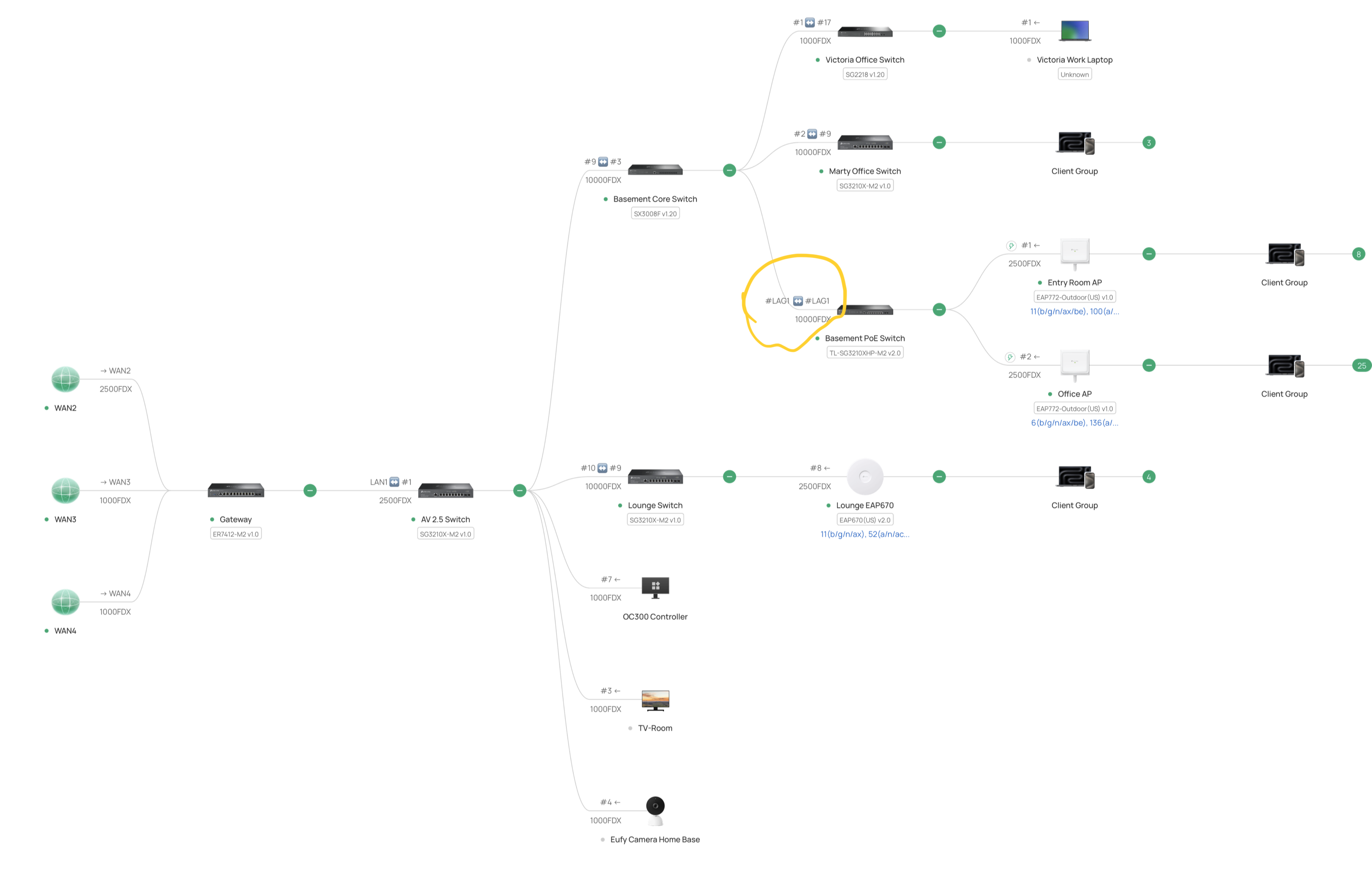
TL-SG3210XHP-M2 ports 9 and 10 are connected via LAG over DAC to SX3008F ports 7 and 8. Everything mostly "just works" but RX errors are logged on whatever is connected to TL-SG3210XHP-M2 port 9. Changing out DACs and swapping ports on SX3008F has no impact; the errors are always from whatever port is connected to TL-SG3210XHP-M2 port 9.


What is the best way to troubleshoot this?

  0      
  0      
#1
Options
1 Reply
Re:How to Troubleshoot SFP+ DAC RX Errors?
Yesterday

Hi @Dr_Marty,


It seems you already narrowed the issue down to switch port 9.  You may need to replace the switch, but here's some other things to consider...


  1. Verify that all the fans are working properly
  2. Make sure there is proper cooling airflow around the switch
  3. If it's possible dirt or dust is the culprit, you could try cleaning the port to see if that makes a difference
  0  
  0  
#2
Options