Problems with LAG connection between SX3008F and SG3452XMPP with SM5110-SR modules

Problems with LAG connection between SX3008F and SG3452XMPP with SM5110-SR modules

Problems with LAG connection between SX3008F and SG3452XMPP with SM5110-SR modules
Friday - last edited Saturday
Tags: #LAG
Model: TL-SX3008F   SG3452XMPP  
Hardware Version:
Firmware Version:

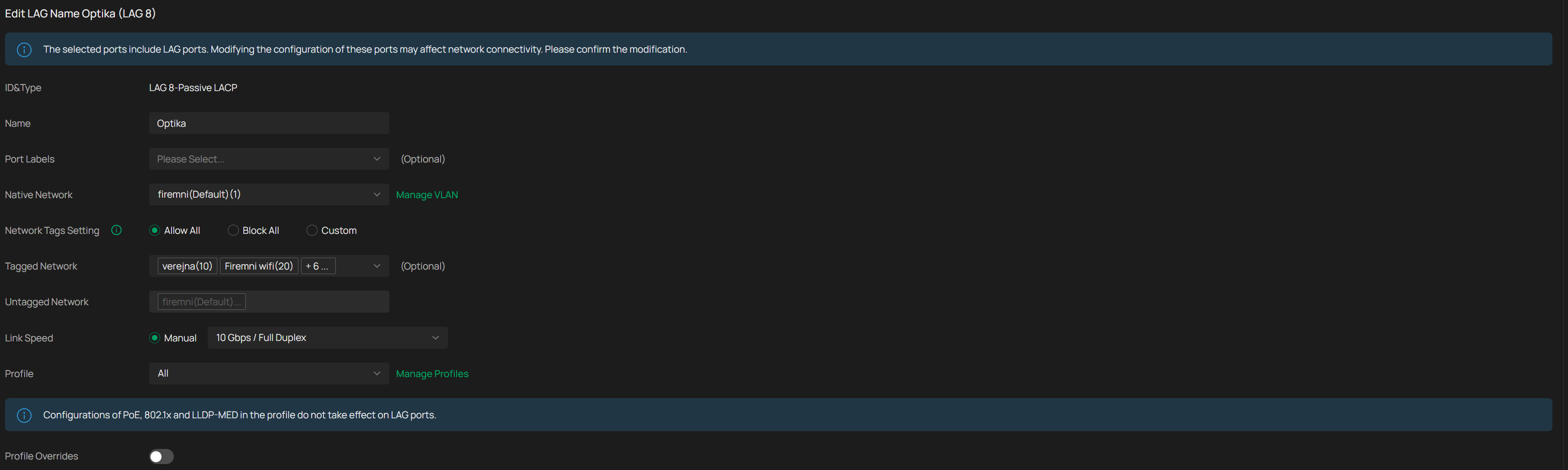
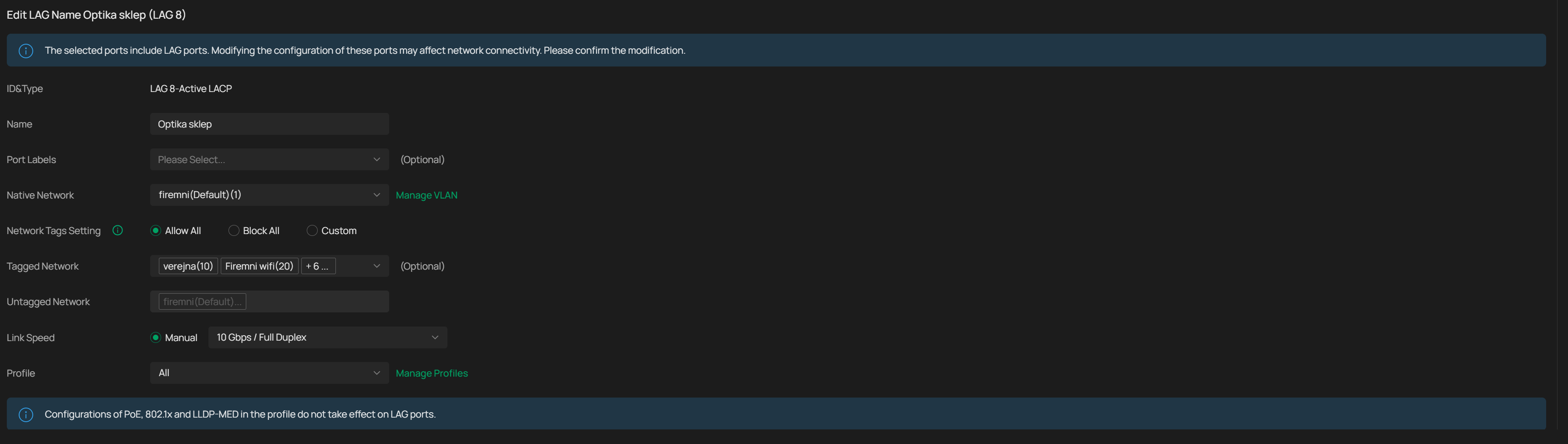
I would like to make LAG connection between SX3008F and SG3452XMPP (both running latest stable firmware) via SM5110-SR modules. If I use only one module on both sides I get stable 10 Gbit connection with no drops, ping is stable etc.. If I try to setup LAG connection (in OC300, latest stable firmware) using two modules on both sides it looks OK in Omada but I immediately get lost pings, about 2-3% and everyone is complaining that network is slow. I tried both static LAG and LACP (one switch active, one switch passive), but results are always the same.


I tried different SFP+ ports on both switches, different LC cables but results are always the same. If I use single module on each side, connection is always stable, it doesn't matter which module I use from 4 I have or what combination with LC cables I try.


Switches are about 80 meters away so DAC cable is not an option.

  0      
  0      
#1
Options
3 Reply
Re:Problems with LAG connection between SX3008F and SG3452XMPP with SM5110-SR modules
Saturday

Hi  @NeoCZ 

Thanks for posting in our business forum.

May I confirm your network topology and the specific firmware version of your TP-Link devices?

Did you try to test the modules with the same model SM5110-SR which are in total 4?

By the way, how did you test the network and got the result about 2-3% of lost ping?

Best Regards! >> Omada EAP Firmware Trial Available Here << >> Get the Latest Omada SDN Controller Releases Here << *Try filtering posts on each forum by Label of [Early Access]*
  0  
  0  
#2
Options
Re:Problems with LAG connection between SX3008F and SG3452XMPP with SM5110-SR modules
7 hours ago

  @Hank21 


I tried deleting and setting up LAG (LACP) one again and now it seems to be working fine. If the problems reappear, I will let you know.

  0  
  0  
#3
Options
Re:Problems with LAG connection between SX3008F and SG3452XMPP with SM5110-SR modules
4 hours ago

@Hank21 

Ok, so after an hour the problem is back. I've noticed CPU usage went to about 50% from 5-10% on both switches after enabling LAG and went back to low values after disabling LAG. 


For the first hour it looked normal, ping was OK, responsiveness of network was same as before. After that, network felt sluggish, ping started to show losses from 2-5%.


Ping measurement was done using ping command from Windows with /t parameter form one side of this LAG connection to server on other side.


Firmware versions are 1.20.12 for SX3008F and 1.0.15 for SG3452XMPP.


  0  
  0  
#4
Options