
EAP615-Wall: How deactivate PMF

I got an EAP615-Wall, Firmware 1.5.4 Build 20250515, stand-alone.
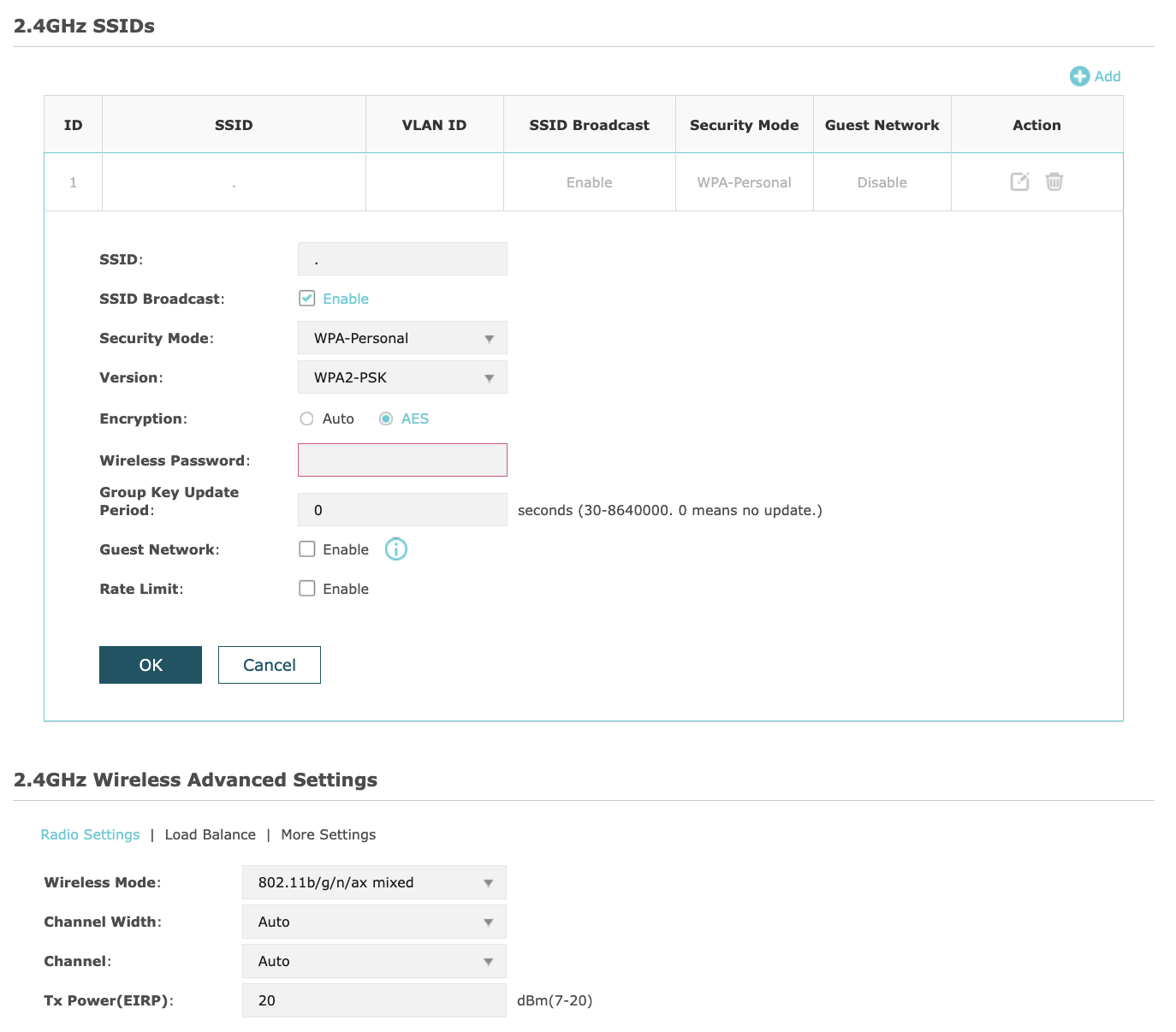
Some of my older devices need 2.4Ghz WPA2 without Protected Management Frames. How do I deactivate PMF? I cannot find the option in the web interface.
I do not have a hardware controller.
- Copy Link
- Subscribe
- Bookmark
- Report Inappropriate Content


Hi @arminbw
Thanks for posting here.
There is no need to disable PMF specifically. PMF is backward compatible with WPA2 networks.
In other words, even if the client does not support PMF, it can still connect to the internet normally.
Some of my older devices need 2.4Ghz WPA2 without Protected Management Frames.
>>>Are these devices unable to connect to the network? If yes, please give us more details, including:
what type and brand are these clients?
the screenshots of the SSID settings;
- Copy Link
- Report Inappropriate Content
Hi @arminbw
Thanks for posting here.
There is no need to disable PMF specifically. PMF is backward compatible with WPA2 networks.
In other words, even if the client does not support PMF, it can still connect to the internet normally.
Some of my older devices need 2.4Ghz WPA2 without Protected Management Frames.
>>>Are these devices unable to connect to the network? If yes, please give us more details, including:
what type and brand are these clients?
the screenshots of the SSID settings;
- Copy Link
- Report Inappropriate Content
Information
Helpful: 0
Views: 232
Replies: 1
Voters 0
No one has voted for it yet.