
Connection Logs Keeps Showing No Data

HI
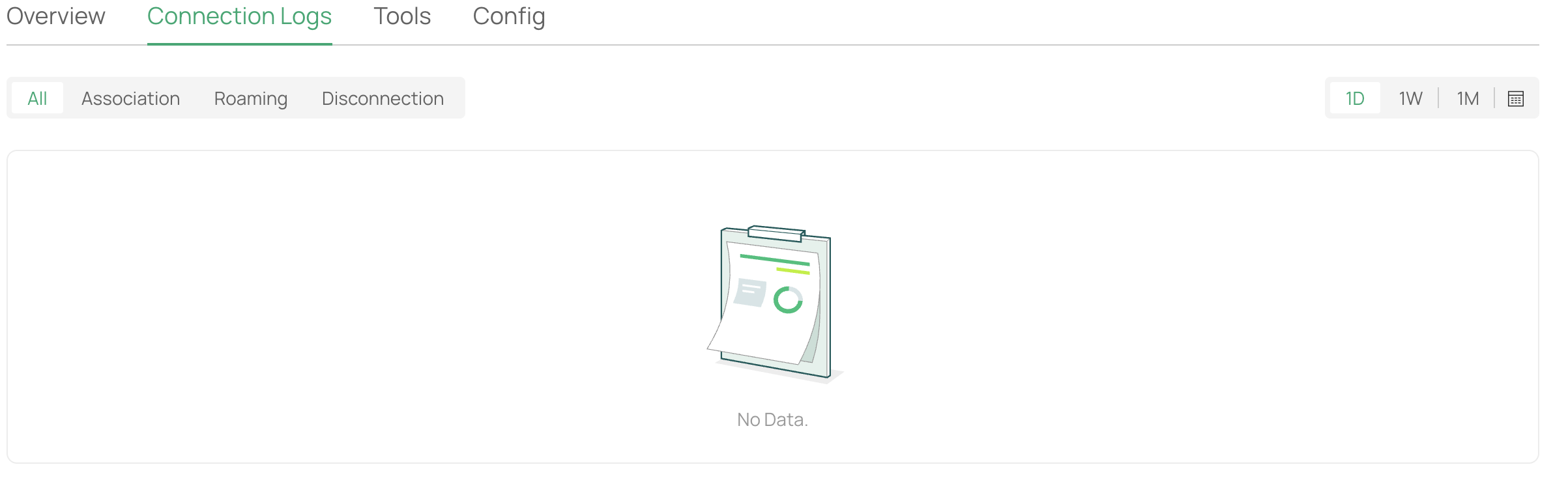
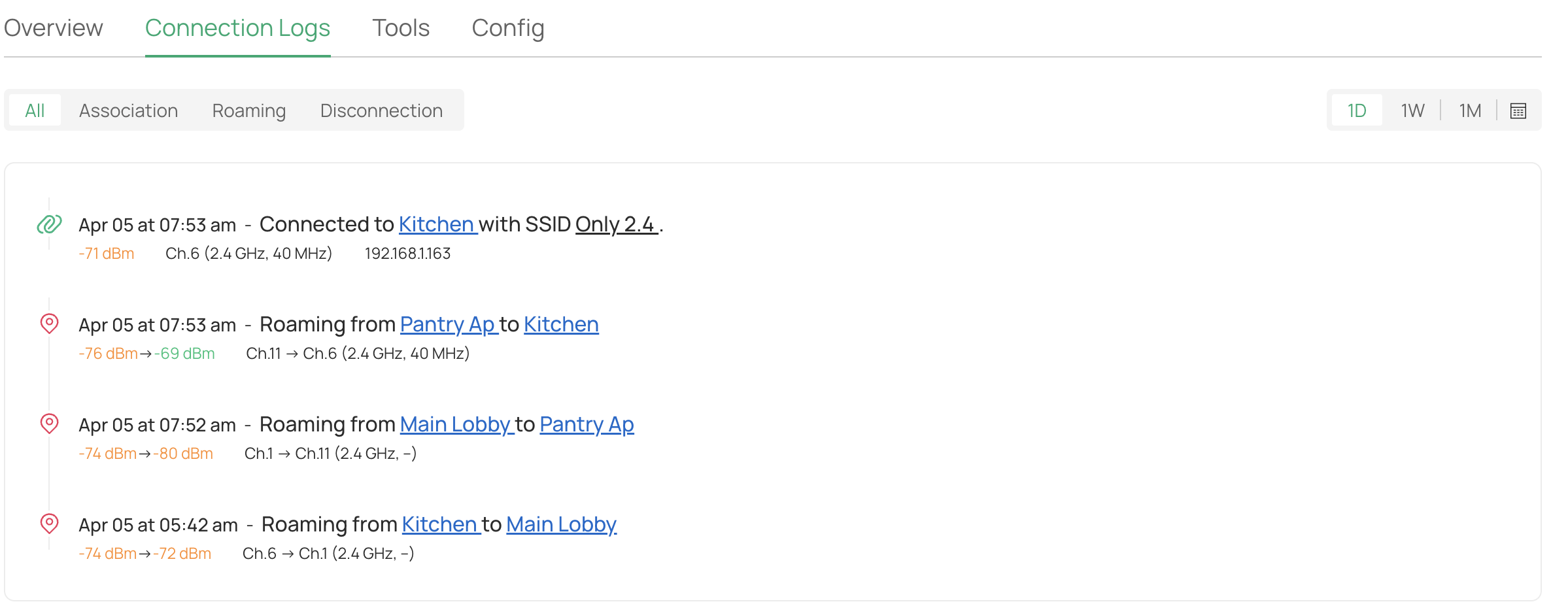
Today morning OC300 got the new FW 1.33.9, through the controller, everything seems to be working fine for now, just one thing I noticed that the client connection logs keeps showing no data, please look into this as it seems to be an issue. Please see the screen shots, some time restarting OC300 helps. Thanks
- Copy Link
- Subscribe
- Bookmark
- Report Inappropriate Content


Hi,@Vishlamba
Thank you for posting on our business forum.
Could you please navigate to Global View > Settings > History Data Retention and check whether the Client History Retention function is enabled? If it is currently disabled, please turn on this option.
Additionally, we would like to confirm whether this issue existed before you upgraded your Controller firmware.
If the issue still persists after the adjustment above, would you be willing to conduct a comparative test by downgrading your Controller to the previous version, to help us verify whether the problem is caused by the new firmware?
Thank you very much for your cooperation and patience.
- Copy Link
- Report Inappropriate Content
Hi this is definitely not a new issue I had seen this since 6.1 FW was released on all my controller OC200 and OC300 both and it doesn't happen all the time, and not to all clients. its like hit and miss, still if you would like to downgrade ill be happy to do that. As this feature if very important for me as I use a lot of automation devices that work wireless, so let me know which FW would you like to downgrade to and which one OC200 or OC300 as all if my controller are running on 6.2.0.17. Thanks
- Copy Link
- Report Inappropriate Content
Hi, @Vishlamba
Thank you very much for your patience waiting for our response.
Since you have mentioned this issue has occurred on both older and newer versions of your controller, you do not need to downgrade your controller firmware for the time being.
Please follow the suggestions below for preliminary troubleshooting:
1.Please navigate to Global View > Settings > History Data Retention, and check whether the Client History Retention function is enabled. If it is currently disabled, please turn on this option.
2.Please go to Logs > Logs Settings > Events > Content Settings, and confirm that you have enabled the corresponding log types in the Client section, such as Client Online / Client Offline.
Meanwhile, could you please provide us with the following information to help us locate the problem:
1.Does this issue occur to both wired and wireless clients?
2.When the client logs show no data, have you checked whether the affected clients are still connected to the network?
Thank you again for your cooperation.
- Copy Link
- Report Inappropriate Content
Information
Helpful: 0
Views: 215
Replies: 3
Voters 0
No one has voted for it yet.