
EAP670(US) v2.0 upgraded to firmware 1.3.7 now broadcasting Bluetooth

I was trying to pair a bluetooth device to my phone the other day and noticed this device showing up. I was able to track it down to the access point. I don't remember this appearing prior to upgrading to the latest available firmware. I tried turning the bluetooth radio off via the controller ( device config -> bluetooth) and also disabling the default bluetooth advertising profile but it's still there. I also tried to factory reset the AP but didn't make any difference. Is there any way to disable bluetooth on this AP now or at least change the name it's broadcasting?
- Copy Link
- Subscribe
- Bookmark
- Report Inappropriate Content
@xeno9283 Thanks for bringing this up! Can confirm this is happening to me as well, same symptoms, EAP version (670), and firmware version (1.3.7). WifiMan is able to detect that the weird symbol name is the EAP and replace it with the local domain name while im on the network. One notable difference is that I am running my 670 in standalone, and as far as I can tell there are not any settings related to bluetooth in the standalone interface. Any help with this would be appreciated as if it doesn't need to broadcast id rather it didn't.
- Copy Link
- Report Inappropriate Content

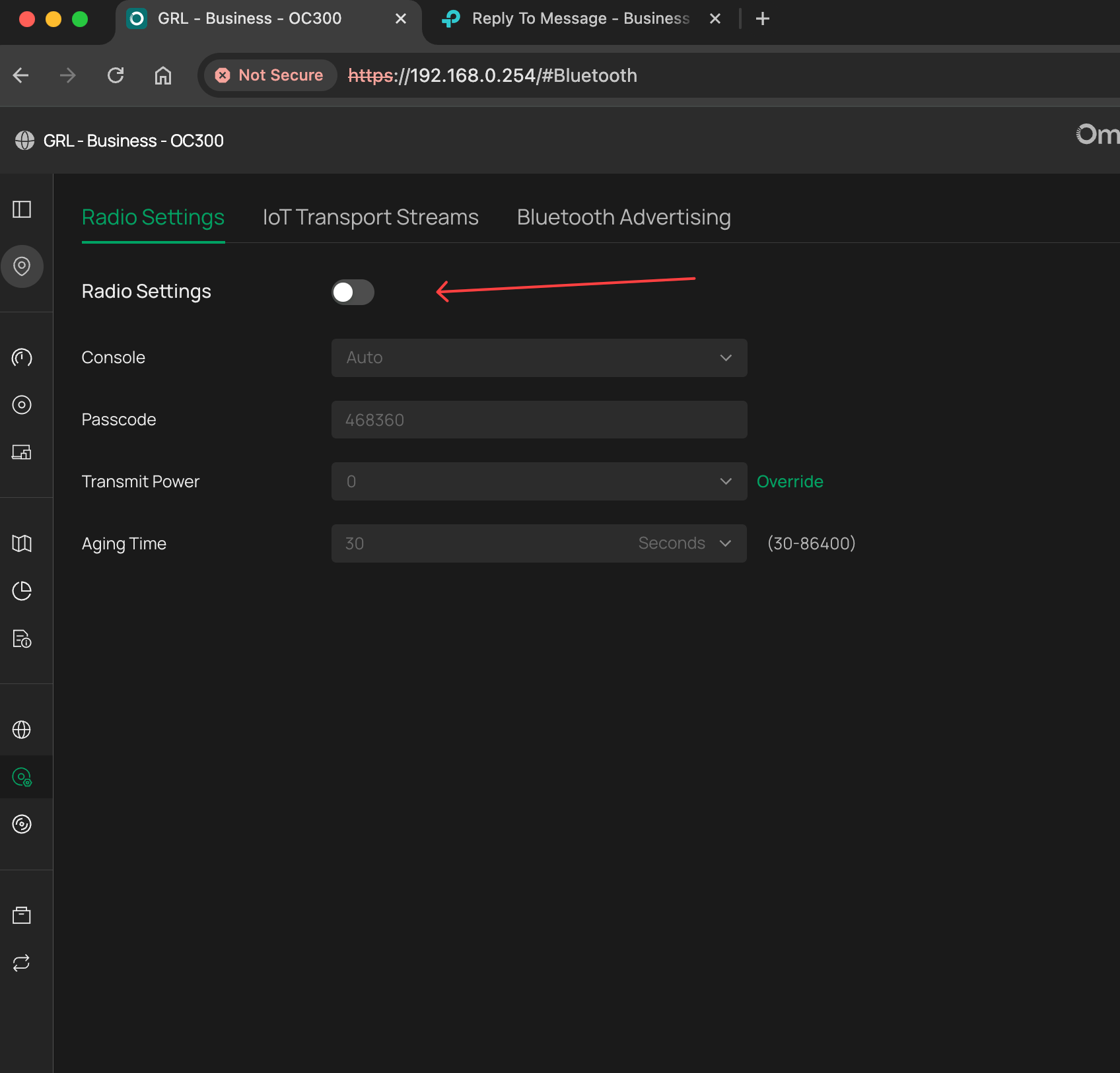
Site > Device Config > Bluetooth
Havent tested this, buyt the option is there to disable the radios
- Copy Link
- Report Inappropriate Content


Hi @xeno9283
After upgrading both our controller and Omada devices that are adapted to V6.1 or above version, then Bluetooth IoT feature will be supported.
You can refer to this How to Configure Bluetooth feature on Omada Controller | Omada Network Support
- Copy Link
- Report Inappropriate Content
@Gabriel-TP That feature sounds really nice for the people who need it! It doesn't really explain why it's enabled/broadcasting by default though? Or why it would be broadcasting in standalone without a controller.
- Copy Link
- Report Inappropriate Content
Gabriel-TP wrote
Hi @xeno9283
After upgrading both our controller and Omada devices that are adapted to V6.1 or above version, then Bluetooth IoT feature will be supported.
You can refer to this How to Configure Bluetooth feature on Omada Controller | Omada Network Support
@Gabriel-TP This seems like a bug. As I stated in the original post I have unchecked the "Enable" checkbox on the bluetooth radio setting in the controller.
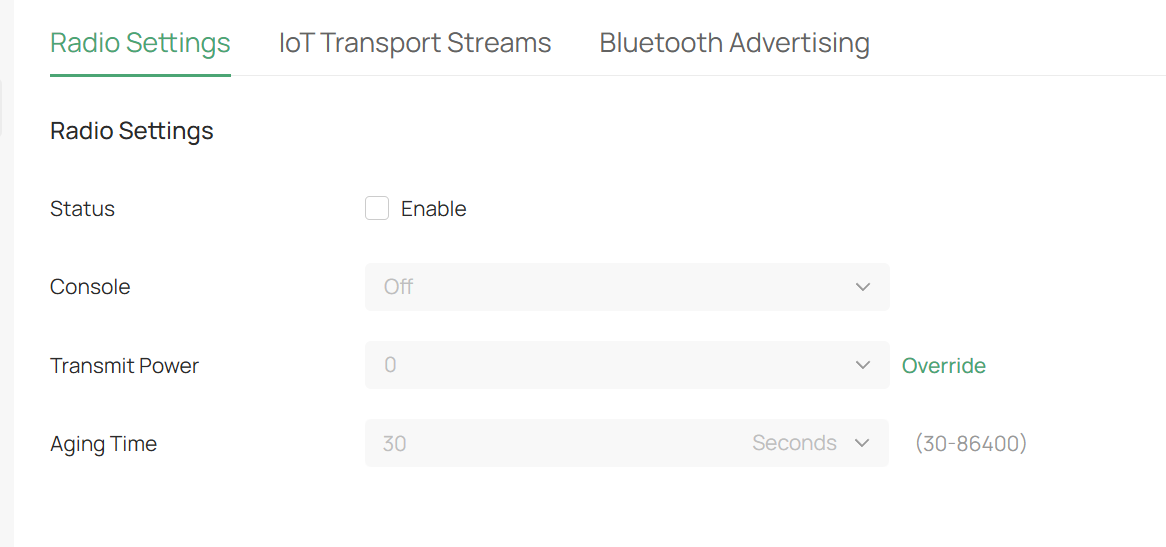
I don't know whether or not the firmware is "adapted to v6.1" as the terse release notes state only "Recommended Omada Controller version 6.0 or above." I'm running version 6.2.0.17.
- Copy Link
- Report Inappropriate Content
Information
Helpful: 2
Views: 123
Replies: 5
Voters 2

