Manage EAP245 V1 via the Omada app

Manage EAP245 V1 via the Omada app

Manage EAP245 V1 via the Omada app
Tuesday - last edited Yesterday
Model: EAP245  
Hardware Version: V1
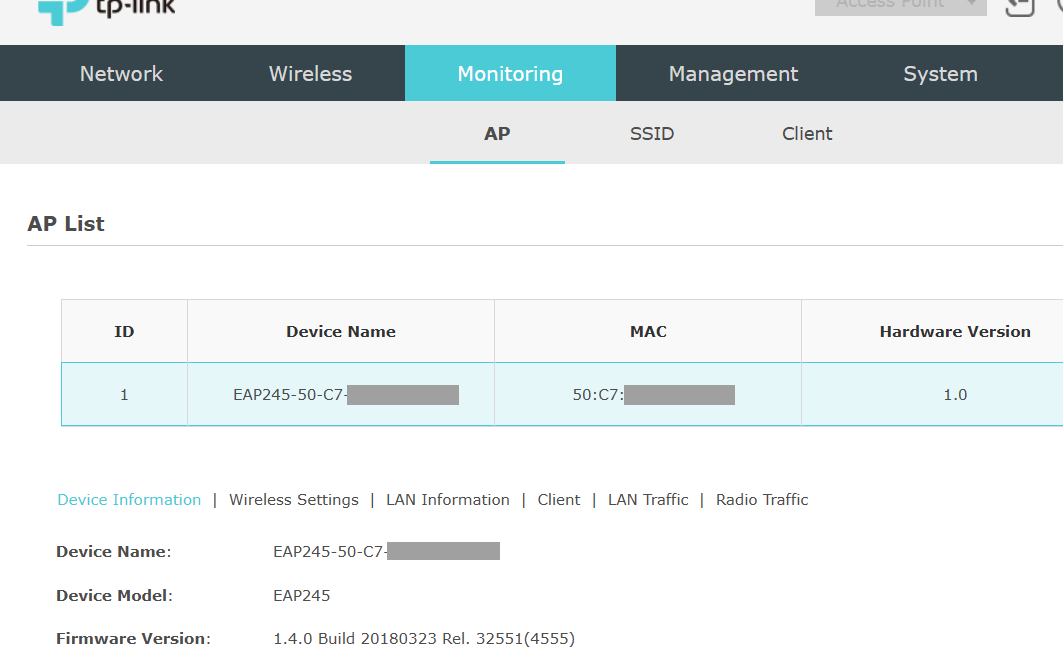
Firmware Version: 1.4.0 Build 20180323

Hi,


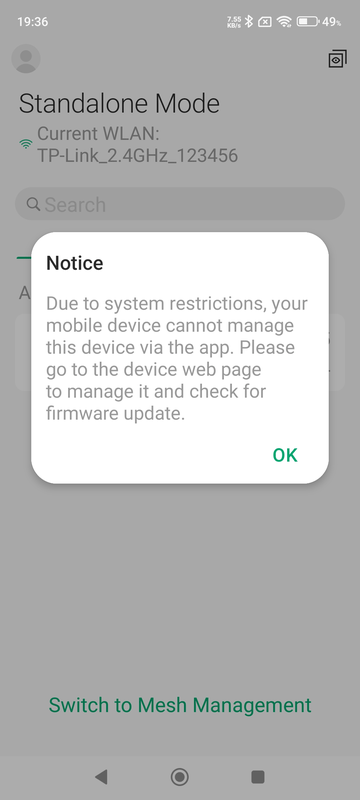
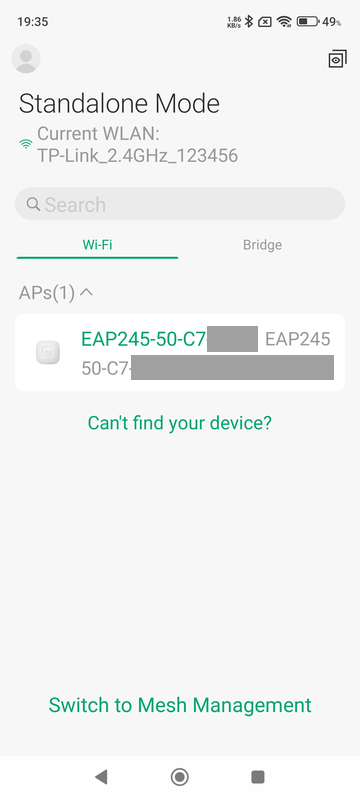
I know this piece of hardware is quite old, but I am trying to manage a single standalone EAP245 V1 via the Omada app and I am unable to do so.


This website https://www.omadanetworks.com/en/omada_compatibility_list/ states that "*EAP245 V1, EAP ... are also compatible with Omada App in standalone mode.", so I assume this should be possible.


What I already tried without success:

- Tried with older versions of the Omada app (all the way down to version 2.1.7 from 2019)

- Connected the EAP245 V1 to another network

- Reset the EAP245 V1 to factory default settings


0
0
#1
1 Accepted Solution
Re:Manage EAP245 V1 via the Omada app-Solution
Yesterday - last edited Yesterday

Hi @woozle 


The EAP245 model, which only supports TLS v1.0, has reached its End of Life (EOL). Currently, the Android app's management restrictions are based on the device's TLS protocol support. Specifically, devices that only support TLS v1.0 will encounter a management restriction, resulting in the error message shown in the screenshot. 
This restriction is enforced at the Android system level, starting from Android version 15 and above. Therefore, if you're using an Android device running version 15 or later, management restrictions will apply. Conversely, devices running Android versions earlier than 15 should still be able to manage the device normally.

Recommended Solution
0
0
#2
2 Reply
Re:Manage EAP245 V1 via the Omada app-Solution
Yesterday - last edited Yesterday

Hi @woozle 


The EAP245 model, which only supports TLS v1.0, has reached its End of Life (EOL). Currently, the Android app's management restrictions are based on the device's TLS protocol support. Specifically, devices that only support TLS v1.0 will encounter a management restriction, resulting in the error message shown in the screenshot. 
This restriction is enforced at the Android system level, starting from Android version 15 and above. Therefore, if you're using an Android device running version 15 or later, management restrictions will apply. Conversely, devices running Android versions earlier than 15 should still be able to manage the device normally.

Recommended Solution
0
0
#2
Re:Manage EAP245 V1 via the Omada app
11 hours ago

  @Gabriel-TP 


Thanks! You are correct. I have now installed the Omada app on an older smartphone running Android 13 and I can manage the EAP245 V1 with it.

0
0
#3