
Business Community >
All Threads >
Omada Software Controller - how do I change my site's device account?
Omada Software Controller - how do I change my site's device account?
Omada Software Controller - how do I change my site's device account?
Posts: 3
Helpful: 0
Solutions: 0
Stories: 0
Registered: 2026-02-13

2026-02-13 13:12:34 - last edited 2026-02-16 01:55:03
Posts: 3
Helpful: 0
Solutions: 0
Stories: 0
Registered: 2026-02-13
Omada Software Controller - how do I change my site's device account?
2026-02-13 13:12:34 - last edited 2026-02-16 01:55:03
Tags:
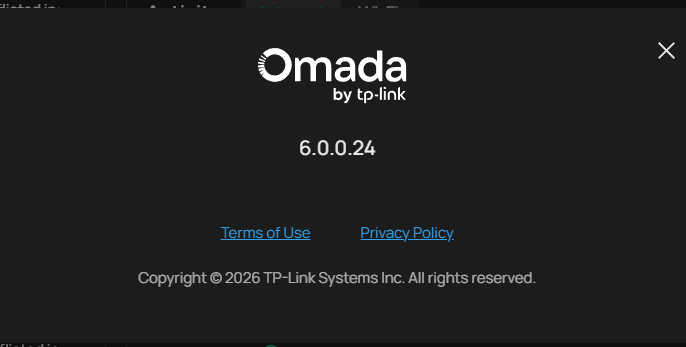
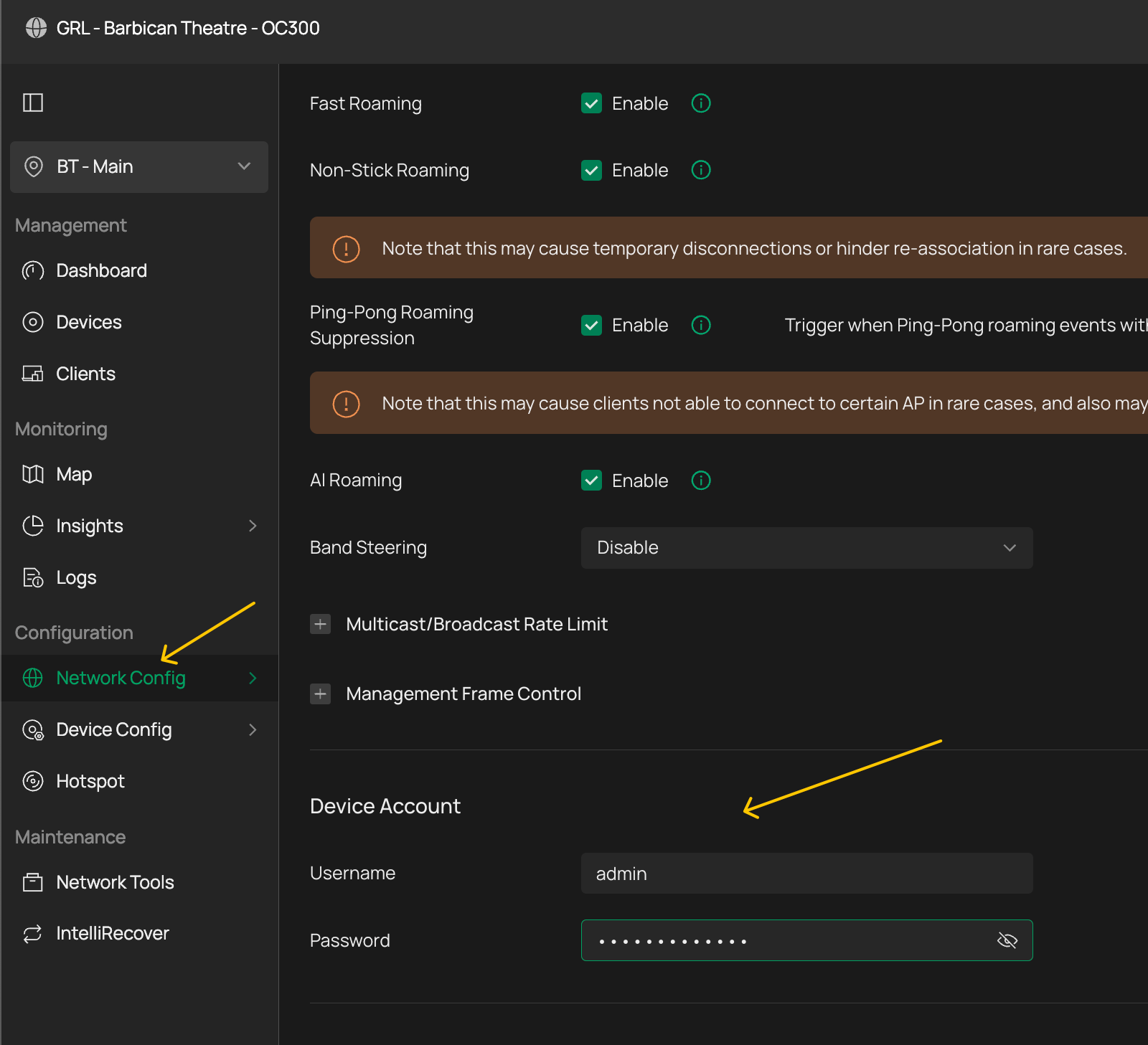
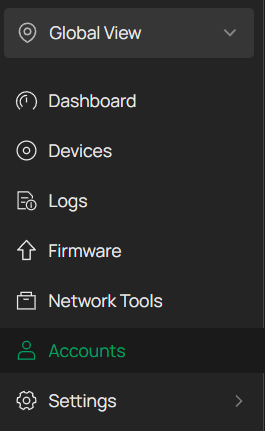
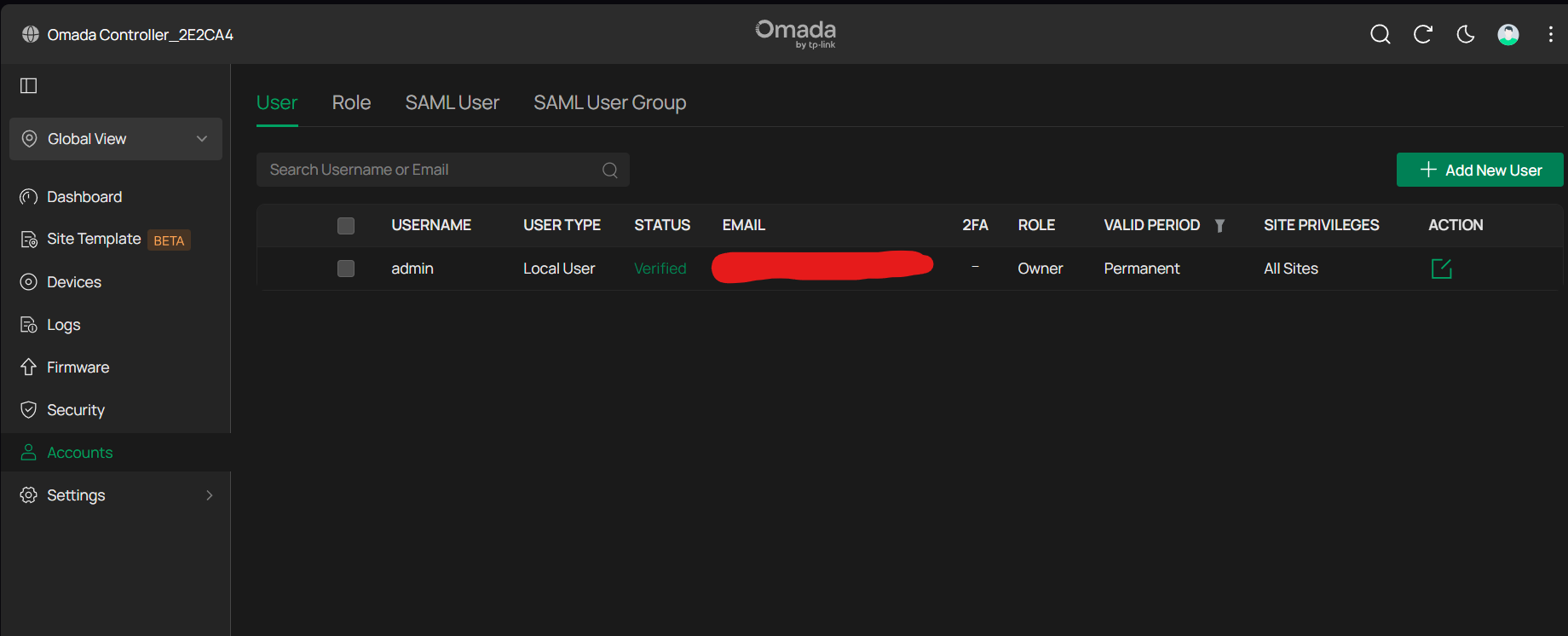
I am using the omada windows software to manage my ER7206 router. When I created my site for it, I created an initial device account username and password for it. Now I need to update the device account username and password. I cannot see where the option is.
#1
Options
- Copy Link
- Subscribe
- Bookmark
- Report Inappropriate Content
Thread Manage
Module Manage
Announcement Manage
1 Accepted Solution

Posts: 1165
Helpful: 457
Solutions: 156
Stories: 0
Registered: 2022-01-02
Re:Omada Software Controller - how do I change my site's device account?-Solution
2026-02-15 16:40:33 - last edited 2026-02-16 01:55:03
Recommended Solution
1
We appreciate your feedback. Feel free to let us know more. Log in to submit feedback.
1
We appreciate your feedback. Feel free to let us know more. Log in to submit feedback.
#4
Options
- Copy Link
- Report Inappropriate Content
Thread Manage
Module Manage
Announcement Manage
4 Reply

Posts: 325
Helpful: 119
Solutions: 97
Stories: 0
Registered: 2024-01-31
Re:Omada Software Controller - how do I change my site's device account?
2026-02-13 14:39:08 - last edited 2026-02-16 01:55:00
0
We appreciate your feedback. Feel free to let us know more. Log in to submit feedback.
0
We appreciate your feedback. Feel free to let us know more. Log in to submit feedback.
#2
Options
- Copy Link
- Report Inappropriate Content
Thread Manage
Module Manage
Announcement Manage
Posts: 3
Helpful: 0
Solutions: 0
Stories: 0
Registered: 2026-02-13
Re:Omada Software Controller - how do I change my site's device account?
2026-02-15 08:54:08
0
We appreciate your feedback. Feel free to let us know more. Log in to submit feedback.
0
We appreciate your feedback. Feel free to let us know more. Log in to submit feedback.
#3
Options
- Copy Link
- Report Inappropriate Content
Thread Manage
Module Manage
Announcement Manage
Posts: 1165
Helpful: 457
Solutions: 156
Stories: 0
Registered: 2022-01-02
Re:Omada Software Controller - how do I change my site's device account?-Solution
2026-02-15 16:40:33 - last edited 2026-02-16 01:55:03
Recommended Solution
1
We appreciate your feedback. Feel free to let us know more. Log in to submit feedback.
1
We appreciate your feedback. Feel free to let us know more. Log in to submit feedback.
#4
Options
- Copy Link
- Report Inappropriate Content
Thread Manage
Module Manage
Announcement Manage
Posts: 3
Helpful: 0
Solutions: 0
Stories: 0
Registered: 2026-02-13
Re:Omada Software Controller - how do I change my site's device account?
2026-02-16 01:55:12
@GRL thanks so much!
0
We appreciate your feedback. Feel free to let us know more. Log in to submit feedback.
0
We appreciate your feedback. Feel free to let us know more. Log in to submit feedback.
#5
Options
- Copy Link
- Report Inappropriate Content
Thread Manage
Module Manage
Announcement Manage
Posts: 3
Helpful: 0
Solutions: 0
Stories: 0
Registered: 2026-02-13
2026-02-13 13:12:34 - last edited 2026-02-16 01:55:03
Posts: 3
Helpful: 0
Solutions: 0
Stories: 0
Registered: 2026-02-13
Information
Helpful: 0
Views: 308
Replies: 4
Voters 0
No one has voted for it yet.
Tags
Report Inappropriate Content
Transfer Module
New message