Problems with LAG connection between SX3008F and SG3452XMPP with SM5110-SR modules

Problems with LAG connection between SX3008F and SG3452XMPP with SM5110-SR modules

Problems with LAG connection between SX3008F and SG3452XMPP with SM5110-SR modules
Yesterday - last edited Yesterday
Tags: #LAG
Model: TL-SX3008F   SG3452XMPP  
Hardware Version:
Firmware Version:

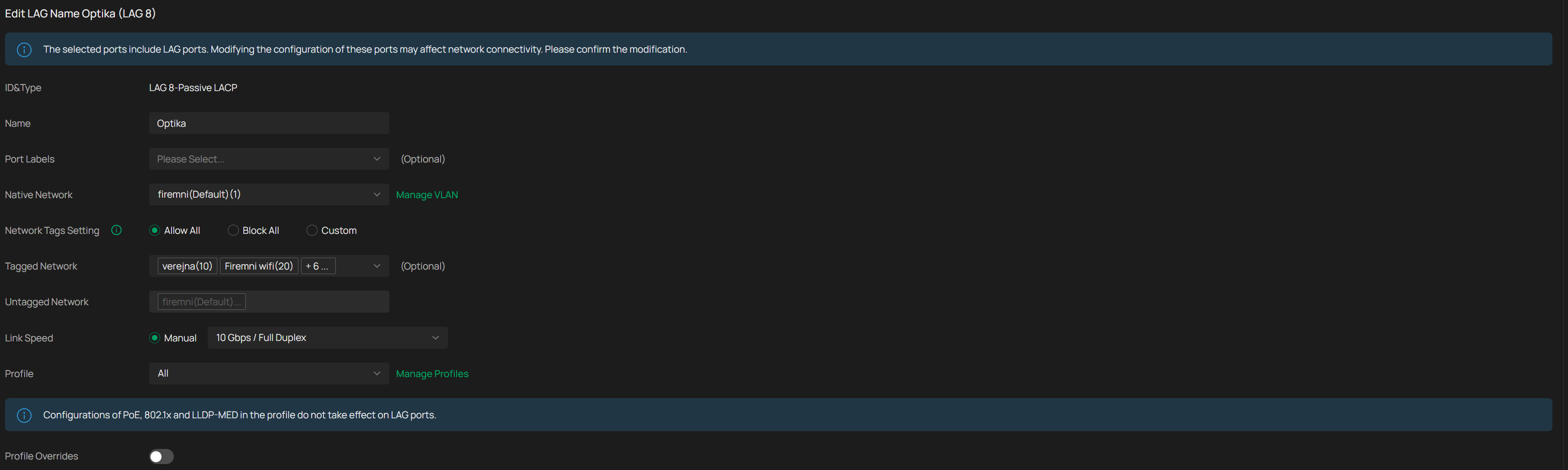
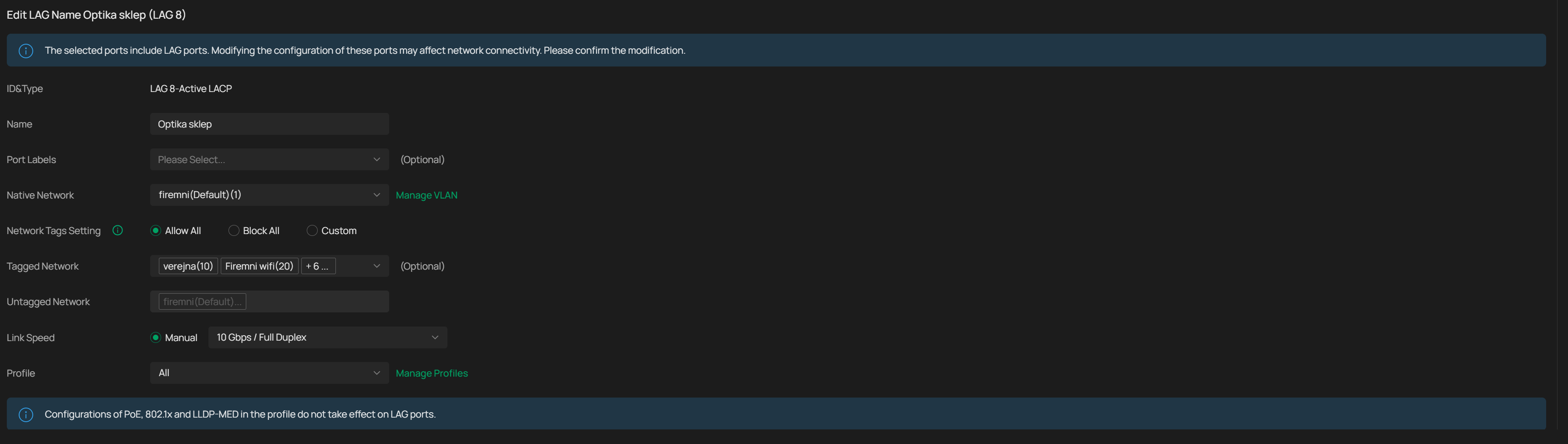
I would like to make LAG connection between SX3008F and SG3452XMPP (both running latest stable firmware) via SM5110-SR modules. If I use only one module on both sides I get stable 10 Gbit connection with no drops, ping is stable etc.. If I try to setup LAG connection (in OC300, latest stable firmware) using two modules on both sides it looks OK in Omada but I immediately get lost pings, about 2-3% and everyone is complaining that network is slow. I tried both static LAG and LACP (one switch active, one switch passive), but results are always the same.


I tried different SFP+ ports on both switches, different LC cables but results are always the same. If I use single module on each side, connection is always stable, it doesn't matter which module I use from 4 I have or what combination with LC cables I try.


Switches are about 80 meters away so DAC cable is not an option.

  0      
  0      
#1
Options
1 Reply
Re:Problems with LAG connection between SX3008F and SG3452XMPP with SM5110-SR modules
20 hours ago

Hi  @NeoCZ 

Thanks for posting in our business forum.

May I confirm your network topology and the specific firmware version of your TP-Link devices?

Did you try to test the modules with the same model SM5110-SR which are in total 4?

By the way, how did you test the network and got the result about 2-3% of lost ping?

Best Regards! >> Omada EAP Firmware Trial Available Here << >> Get the Latest Omada SDN Controller Releases Here << *Try filtering posts on each forum by Label of [Early Access]*
  0  
  0  
#2
Options