
EAP 787 too hot to touch
EAP 787 too hot to touch

So I ever use access points usually used mesh routers and got tired of speed drops so I bought the EAP787 and installed it. I'm kinda confused and upset cause I touched it 3 days later and it was so hot it burn me . That was with a poe++ Injector so I plugged in a 12v DC adapter and got the same results. I contacted tp-link and they told me it's not supposed to burn me when I touch it and they are warranty it. So I bought a eap650 from Amazonite to temporarily use while tp-link is doing there thing with the warranty. The eap650 gets so hot I barely can touch it. It's not as bad but I'm kinda disappointed in tp-link cause they are not telling customers if these access points run hot or not. What's the normal ranges . Is it going to catch on fire and kill my 6 children? Come on tp-link! I need some specifications
- Copy Link
- Subscribe
- Bookmark
- Report Inappropriate Content
@NeilR_M we can check the internal temperature from the app? I'll look in to it when I get home. I'm at work right now. The hole situation has me bummed out. So where does TPlink sell the 12v DC adapter for it
- Copy Link
- Report Inappropriate Content


@Brian93505 Apologies, I was misinformed. You can't check the temperature through the app, but you can check the CPU and memory usage to see if the device is overloaded.
- Copy Link
- Report Inappropriate Content
Hi @Brian93505
Regarding the temperature issue you mentioned, I would like to provide a brief explanation. The units are in Fahrenheit, which roughly convert to approximately 41.7°C, 50.6°C, and 61.1°C, respectively. For Wireless Access Points (APs):
- 41–51°C: Typically normal. Many electronic devices feel hot to the touch after running for a while, especially when using PoE power, under full load, or in high ambient temperatures. You can compare this with other appliances in your home, such as a television, to get a sense of it.
- ~61°C: Slightly high. Based on the installation environment photos you provided and the wireless issues you mentioned, if possible, please try replacing the PoE Ethernet cable and observe whether the situation improves after it has been running for a while. Alternatively, you can use a DC power cord. If the issue persists, please discuss further steps with the technical support team.
Regarding the burn you mentioned, could you specify which part of which EAP you touched? How long had that EAP been powered on at the time?
- Copy Link
- Report Inappropriate Content
@Vincent-TP the bottom is about 44. C and feels fine. The top where it makes contact with the celling is hot. It's probably normal?. That's with my home temperature at 75 degrees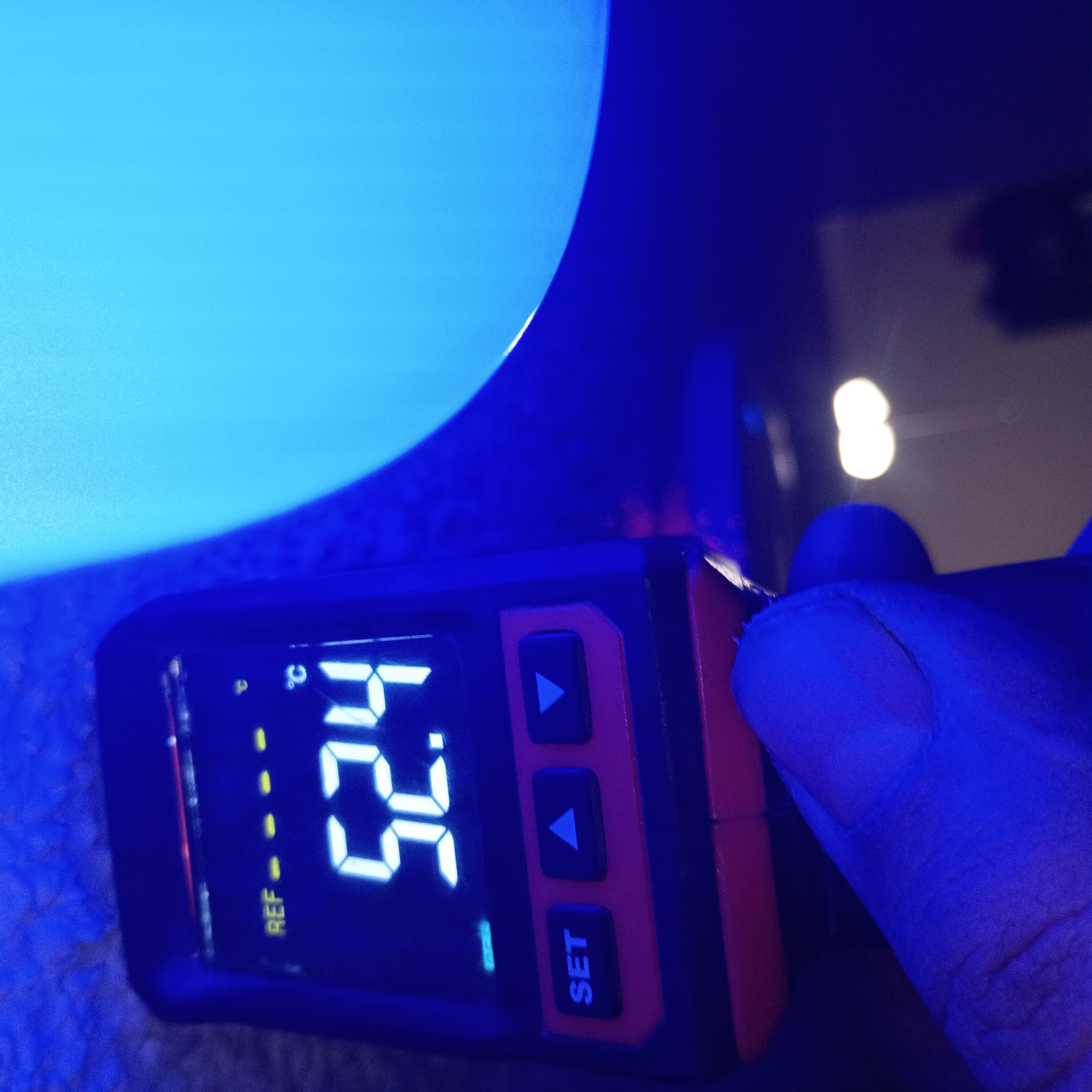
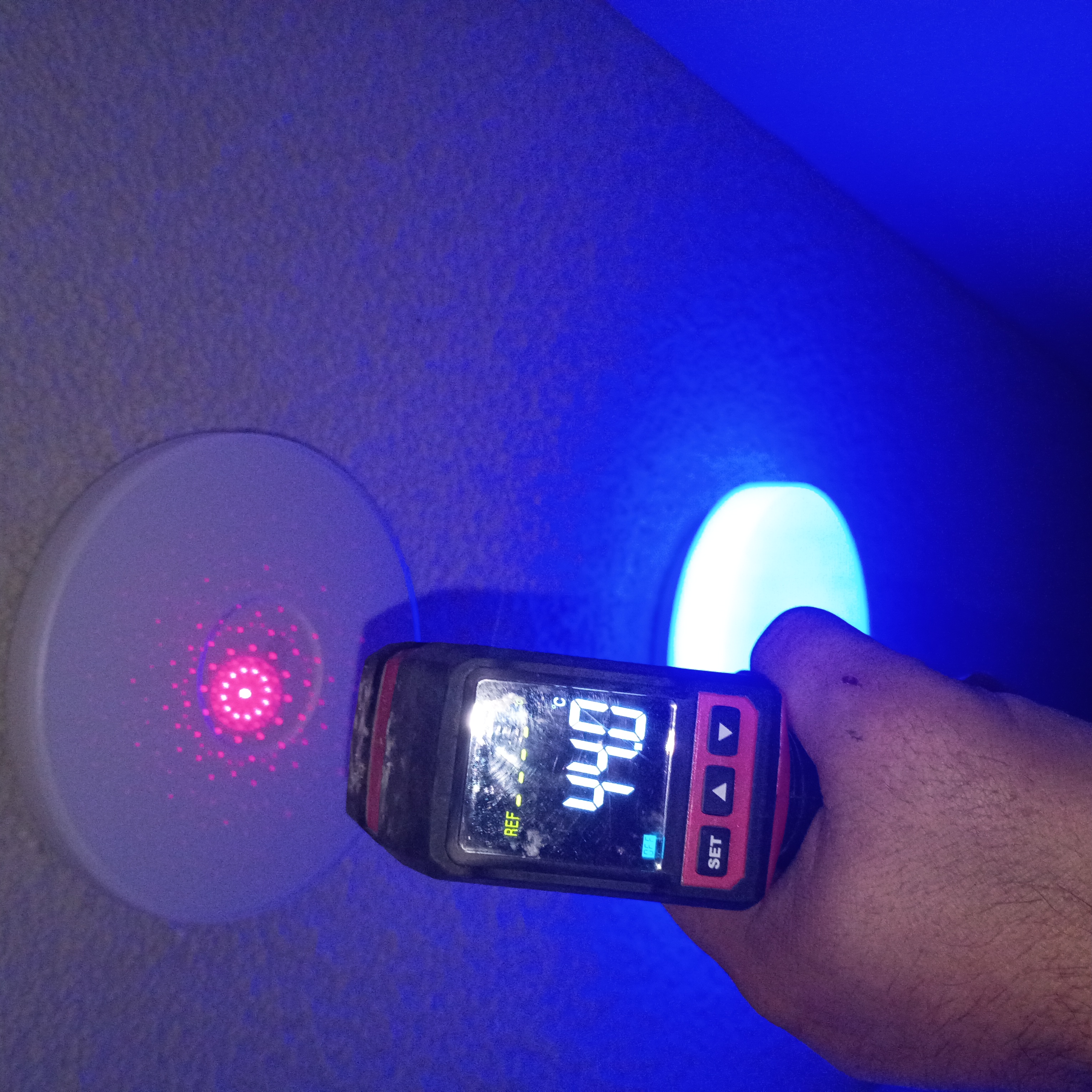
- Copy Link
- Report Inappropriate Content
@Brian93505 I tried the 12v adapter, TP-link poe++ injector, replacing the Ethernet cable and now I have the omada ES206XPP-M2 poe++ switch powering it. I used up all my resources so I don't have any more funds to continue trying to repair or figure it out. My wife don't work and we have 5 kids. If it stops working I'll warranty it again and I'm buying new smoke detectors this weekend just in case it catches fire.
- Copy Link
- Report Inappropriate Content

Hi @Brian93505
Thanks for the feedback.
At an ambient temperature of 24°C, the surface of the ceiling-mounted AP facing the ceiling, which reaches around 52°C, is generally considered normal (on the warmer side but within a common range). This is because heat dissipation is poor on the side attached to the ceiling, and the internal chip temperature will be even higher. It is not uncommon for the outer surface to reach 45–60°C, especially when using PoE power, operating in dual-band at full capacity, and handling many users or heavy traffic.
Taking into account the information we’ve discussed, the temperature of your EAP is not considered high, and I don’t believe it would cause a fire. Installing a smoke alarm is a good idea anyway, as safety should always come first.
Regarding the wireless instability issues you mentioned earlier, I recommend working with the support team to troubleshoot.
As for warranty claims, that’s also completely reasonable if you want, and it should be handled by the support team.
- Copy Link
- Report Inappropriate Content
@Vincent-TP I lowered my AP yesterday, I kinda was thinking the design was making it get hot when it was mounted to the ceiling. Soon as I removed the AP the temp drop 30deg so I reattach the ceiling plate to hold the AP about 3/4 of a in away and it made the world of difference. From the ground it's not even noticeable and the AP is about 44.C After 24 hours .
Im happy to say I believe this issue has been resolved. TP-Link pluse put temperature specifications in the manuals so people linked me don't have to panic thinking our house is going to burn down. 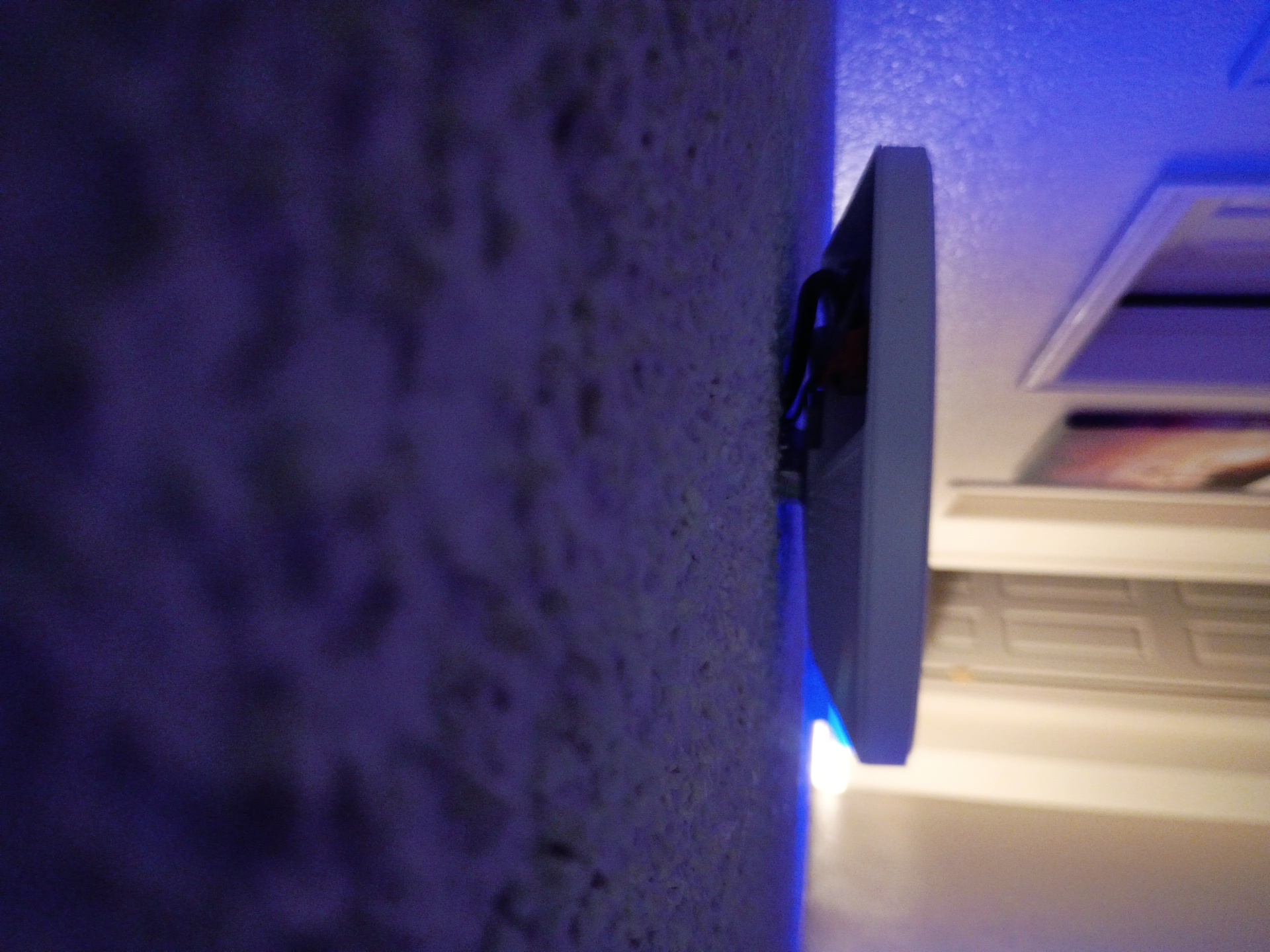
- Copy Link
- Report Inappropriate Content
Hi @Brian93505
Thank you very much for your update.
To confirm, do you mean that you didn’t install the mounting bracket during the initial setup?
I will report this to the relevant department and request that a reminder be added to the installation instructions.
- Copy Link
- Report Inappropriate Content
@Vincent-TP I did have the bracket installed but the AP making contact with the celling holds in heat. I removed the bracket and reinstalled it so that there is about 3/4 of an inch gap between it and the celling. That way the AP is held away from the celling about 3/4 of a inch. It allows a lot of heat to escape. Tp-link can easily fabricate mounting plates that hold these APs a little away from the celling if customers are having issues with them getting hot like was.
- Copy Link
- Report Inappropriate Content
Thanks for the info and suggestions.
- Copy Link
- Report Inappropriate Content
Information
Helpful: 1
Views: 1468
Replies: 20
Voters 1