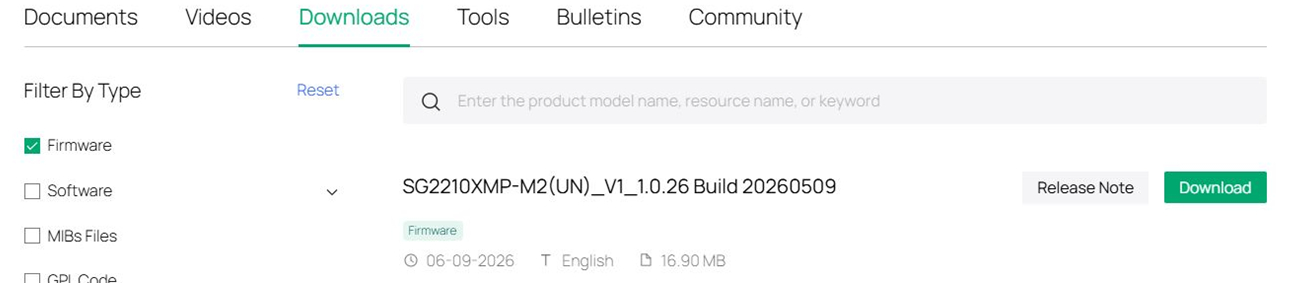
SG2210XMP-M2 unable to disable POE auto recovery

Setup
I have a SG2210XMP-M2 v1.0 switch connected to 3 POE cameras on ports 2, 3 and 4.
Wifi AP EAP670 is on port 1. No Omada cloud controller, just using the web interface.
The cameras power on and work fine and even POE auto recovery itself works fine with no problems with pinging the cameras.
I have set up POE auto recovery with startup delay of 120s if that matters.
Issue
The issue is trying to DISABLE the POE auto recovery feature either by:
i) unchecking the Global config "Enable" button
ii) by editing an item under Port Config (and unchecking Enable per item)
iii) by attempting to delete an item
all lead to a crash in the web interface and the blinking status LED on the switch to stop. This requires a hard reset to reboot the switch.
Disabling POE auto recovery is required when changing cameras / updating firmware for the camera etc.
I've tried adding only one camera / entry on the POE auto recovery with the same results.
As soon as one ping has been done, I am unable to disable the POE auto recovery.
I've also tried do a full factory reset and reconfiguration (ie not restoring a saved config) with the same results.
Could it be a bug in this firmware?