
Knowledge Base A Quick Guide to 802.1Q VLANs


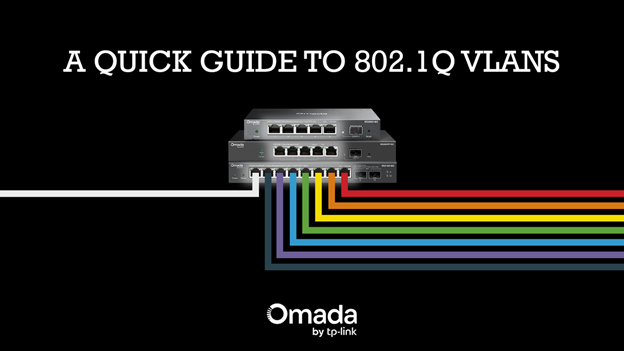
If you’re just getting into networking, one concept you’ll want to learn is VLANs (Virtual Local Area Networks).
VLANs are a way to separate a network into distinct parts and keep them isolated from each other. For a visual example, imagine you have a 48-port network switch, but two departments need to share it. These departments have internal resources that can’t be shared outside their departments. You could purchase two separate 24-port switches, but instead, you can assign half the ports to one VLAN for Department A and the other half to another VLAN for Department B. That way, Department A traffic stays within its assigned VLAN, and vice versa.
How do VLANs work?
On the back end, the switch isolates traffic by mapping every port to a specific VLAN ID. The switch uses this ID internally to decide where that traffic is allowed to go, ensuring networks stay separated. This is useful for securing your network and isolating broadcast storms.
A great example is creating a VLAN specific to IoT or smart devices. If a smart device is compromised, it may become a gateway for an attacker to access private servers on the same network. Smart devices like cameras may also generate a lot of traffic to an NVR, which can disrupt other devices on the network. By placing these devices in their own VLAN, you limit their access to the rest of the network unless explicitly allowed. This helps keep your home or business running smoothly while protecting more sensitive systems.
Tag Your Ports
As mentioned before, the switch tracks traffic internally using a VLAN ID, but what if you need a port to support multiple VLANs? That’s where VLAN tagging comes in. A switch can tag its ports with multiple VLAN IDs. For tagged traffic, only VLAN IDs that match the list of allowed VLANs on that port are allowed to pass through. If traffic comes through on that port with a VLAN tag that doesn’t match the port’s list of allowed VLANs, that traffic is dropped. If traffic comes through without a tag, the switch will assign the default VLAN ID of that port, also known as the PVID.
For those new to networking, did this make it easier to understand how to use VLANs? For those more experienced, what made VLANs finally click for you? Let us know in the comments!
