
Best steps to migrate OC200 to OC300 and have them working on the same IP at the end?

Hi,
I have an OC200 controller and about 10 network devices managed by it.
The OC200 and all devices are set up with static IP addresses (not using DHCP).
I would like to migrate to OC300 (I got it for free, so I just want to use it).
What would be the proper way to migrate to OC300 and end up with OC300 at the IP address that now OC200 uses?
My plan is:
- Connect OC300 and assign it a temporary static IP address.
- Use the controller migration tool and follow the instructions in it.
- Disconnect OC200 and manually change the static IP address in OC300 Settings -> Controller Settings to the one that was used by OC200.
- ??? -> Profit
Will step 3 mess up the setup too much? Will the devices on the network find the new controller? I'm not using DHCP for their configuration, so setting option 138 will not really help? How do Omada devices that are set up with static IP (not using DHCP) find the controller?
- Copy Link
- Subscribe
- Bookmark
- Report Inappropriate Content

You dont even need to use the migration tool, there is an even easier way that will restore almost all of the settings, including all sites and devices in one go
Update OC200 and OC300 to matching Omada versions (eg 6.0.0.36)
Make a full configuration backup of OC200 (Global > Maintenance)
Boot and configure the OC300 with a static IP matching your OC200 but keep it off the network (direct link to computer). Make sure computer and OC300 can communicate
Restore the configuration file on the OC300
Disconnect OC200
Connect OC300 into network, boom, all devices and sites will be there and completely readopt
Since you did a full config restore, you just need to update a few setting in Global (controller name, IP settings, cloud access etc)
- Copy Link
- Report Inappropriate Content


@Hooch Thanks for posting, your steps seem fine. Omada devices send out discovery packets that allow them to find controllers on the network, so you should be able to re-adopt the devices after the migration process.
- Copy Link
- Report Inappropriate Content
You dont even need to use the migration tool, there is an even easier way that will restore almost all of the settings, including all sites and devices in one go
Update OC200 and OC300 to matching Omada versions (eg 6.0.0.36)
Make a full configuration backup of OC200 (Global > Maintenance)
Boot and configure the OC300 with a static IP matching your OC200 but keep it off the network (direct link to computer). Make sure computer and OC300 can communicate
Restore the configuration file on the OC300
Disconnect OC200
Connect OC300 into network, boom, all devices and sites will be there and completely readopt
Since you did a full config restore, you just need to update a few setting in Global (controller name, IP settings, cloud access etc)
- Copy Link
- Report Inappropriate Content
@GRL I'll try this method. Thank you.
- Copy Link
- Report Inappropriate Content
For anyone reading this in future.
What I did.
1. Checked version of Omada on OC200.
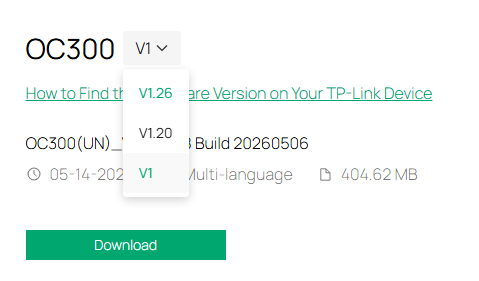
2. Downloaded firmware with that Omada version for OC300.
3. Connected OC300 to PC, created dummy site. Updated manually to new firmware via panel.
4. Changed static IP to IP of old OC200 controller.
5. Restored backup that I created on OC200.
6. Disconnected OC200 and connected OC300 in it's place.
7. Done
- Copy Link
- Report Inappropriate Content

mate thanks a lot!
I got ABI, which stands for acquired brain injury, after a stair accident 3 years ago. I'm actually building my own international gaming business.
I'll work through this step by step and improve your post for future reference. I will also update the bottom-line information and switch over now from OC200 to OC300 just for the 1GB support, which is lacking on OC200.
- Copy Link
- Report Inappropriate Content
@IIIdefconIII
For anyone reading this in the future.
What I did.
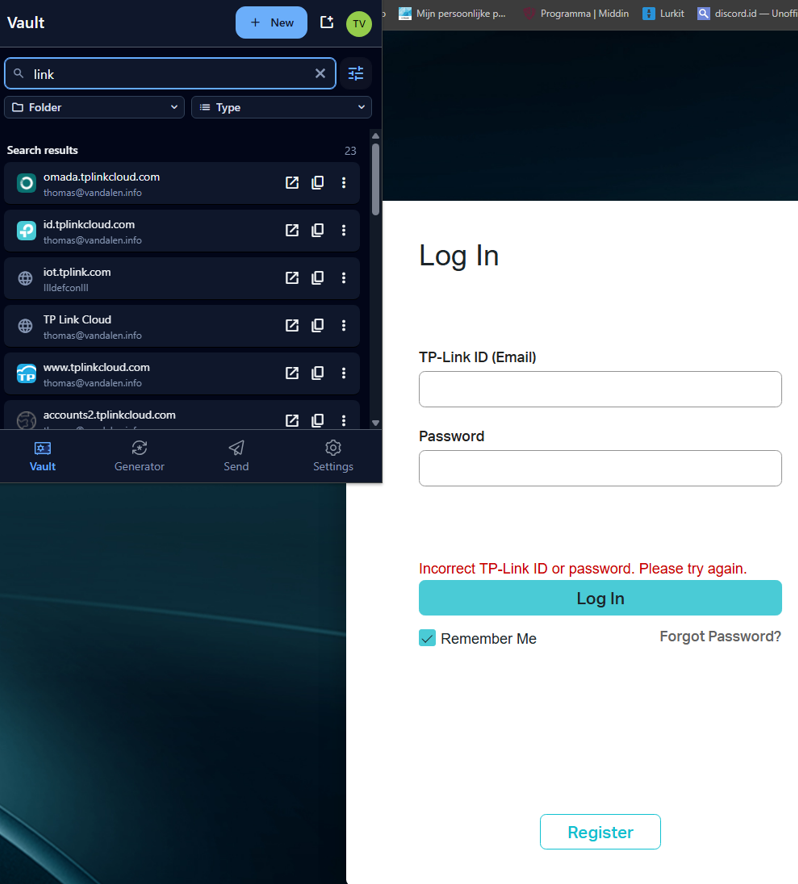
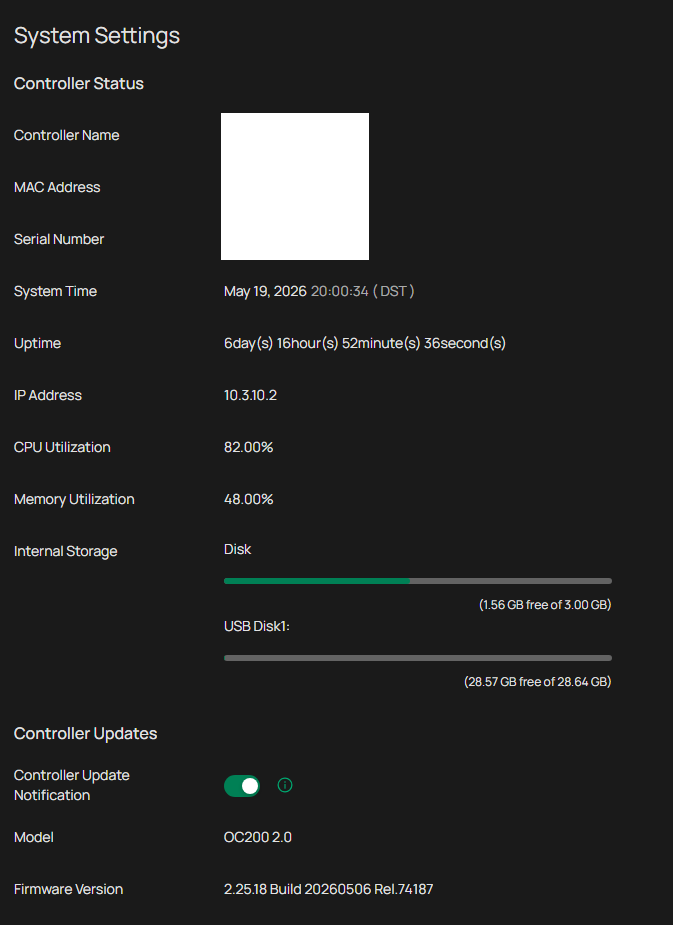
1. Checked the version of Omada on OC200.
As a stoner, it took me 30 minutes to reset my passwords.
2. Downloaded firmware with that Omada version for OC300.

3. Connected OC300 to PC, created dummy site. Updated manually to new firmware via panel.
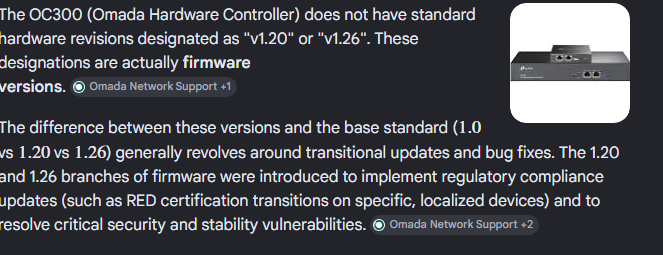
"v1" on the box... Is this the firmware or model /hardware version? Wondering if the box says v1.0
EDIT: Sometimes AI is faster then God. (My guess is that the 1.0 on the box just show which firmware version it came with... I'll probably see next step
4. Changed static IP to IP of old OC200 controller.
Finding next not DHCP claimed available adress:
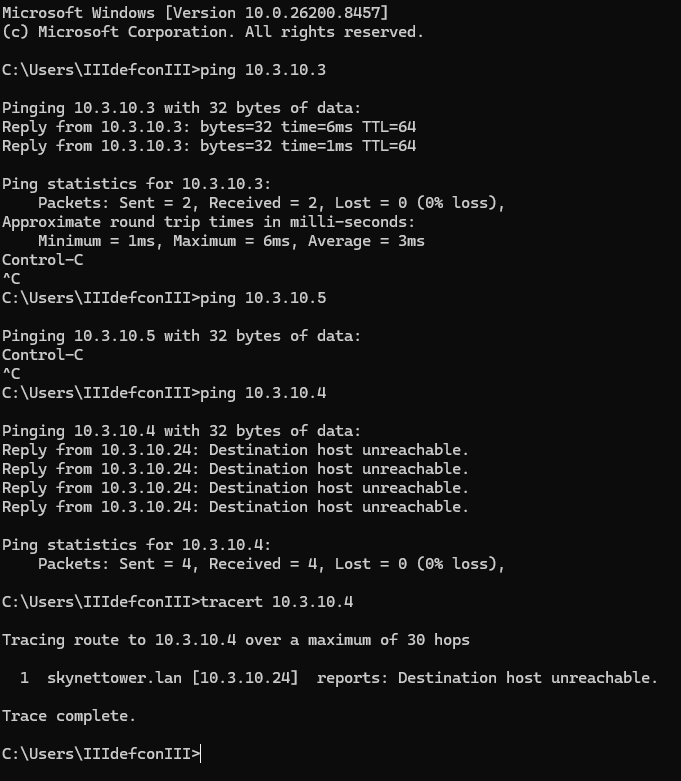
... Checking the double check,... this is confusing...(current controller)

2.25.18
Ok I'm too green now continuing this week #selfnote, bookmark my shhh post.!
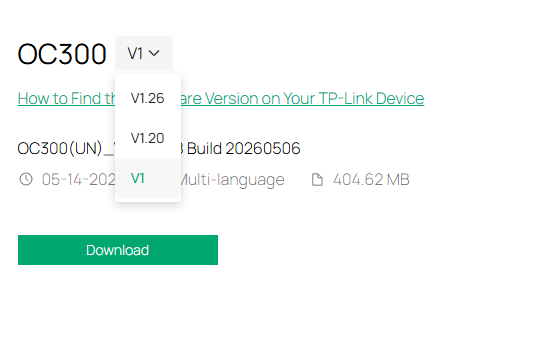
EDIT AGAIN GOING TO CHECK THE FTP SITE AND STUFF NOW FOR ALPHA OR BETA REALEASE!
EDIT2: fimrware upgrded the oc300 to correct firmware.
5. Restored backup that I created on OC200.
6. Disconnected OC200 and connected OC300 in its place.
7. Done
All good!
- Copy Link
- Report Inappropriate Content
Information
Helpful: 0
Views: 1411
Replies: 6
Voters 0
No one has voted for it yet.