
Local VIGI VMS ver 2.1.25 - Login timeout
Local VIGI VMS ver 2.1.25 - Login timeout

Hello Everybody
I have installed Local VIGI VMS ver 2.1.25 on 2x notebooks. Want to login for the 1st time, getting error " Login timeout"
And when I click forget password it get error "This site can’t be reached"
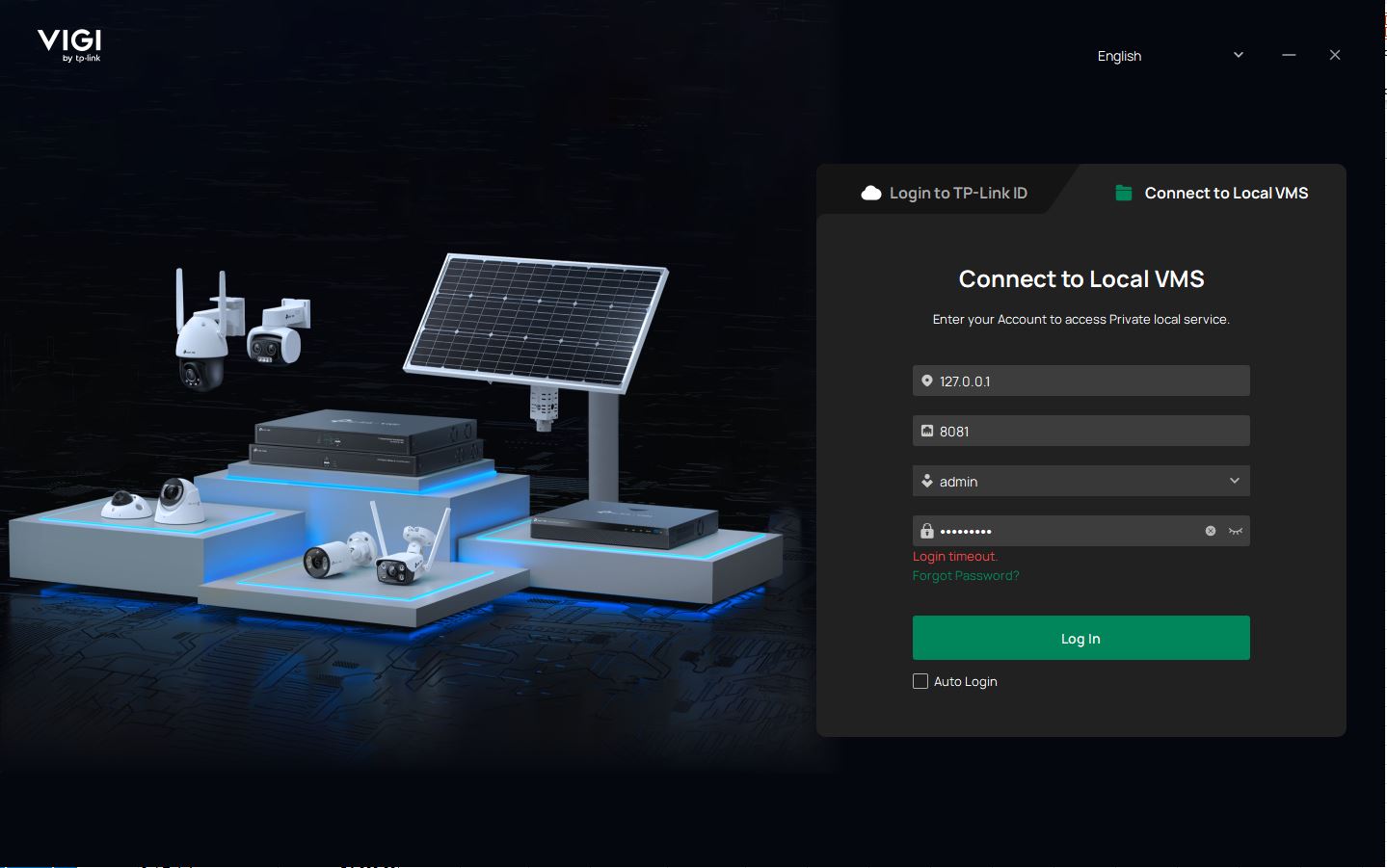
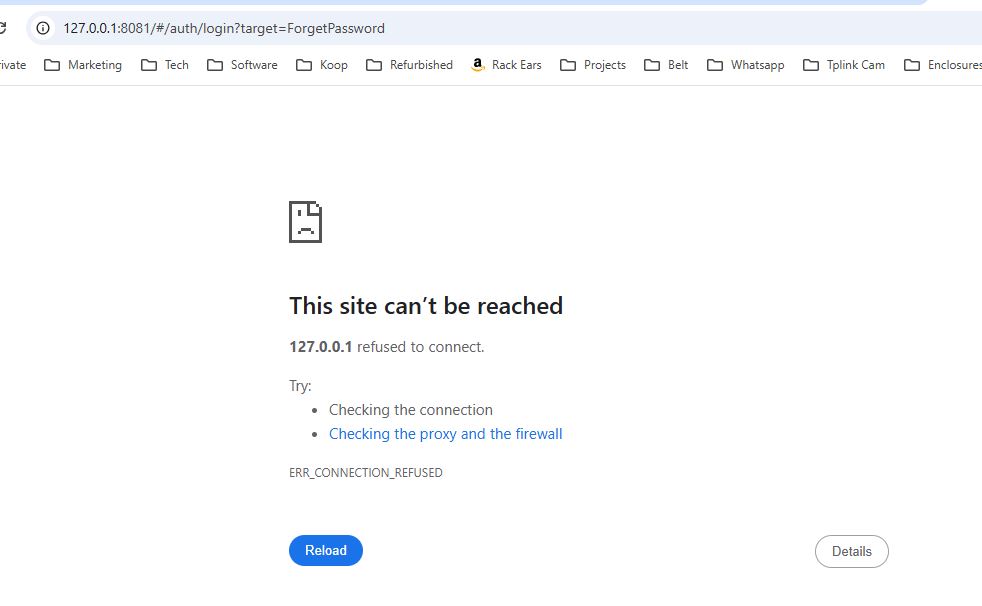
- Copy Link
- Subscribe
- Bookmark
- Report Inappropriate Content


@AquilaTech V2.1.25 is for the PC Client. I just checked, there is an option to Use without Login on the PC client, shown here.
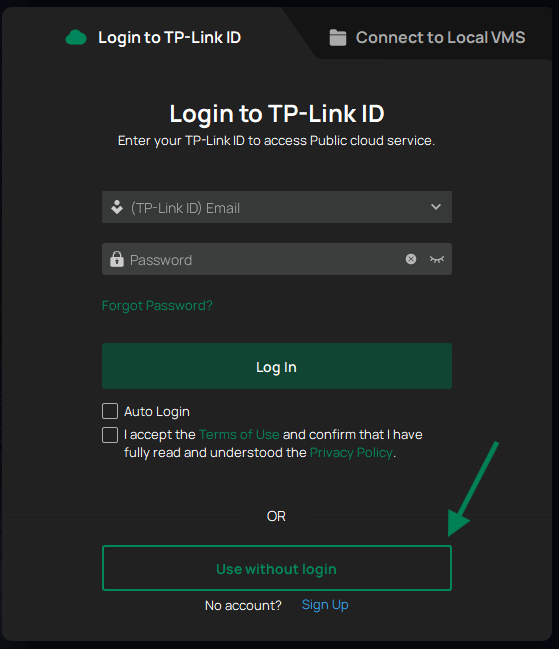
VMS is ideal if you have a computer you'd like to host the camera server on, but feel free to try out both and see what works better for you.
- Copy Link
- Report Inappropriate Content
@AquilaTech Can you double check that the VMS service is actually running? Opening the VIGI VMS Service Manager, the Basic Service should be toggled ON under Status.
- Copy Link
- Report Inappropriate Content
- Copy Link
- Report Inappropriate Content
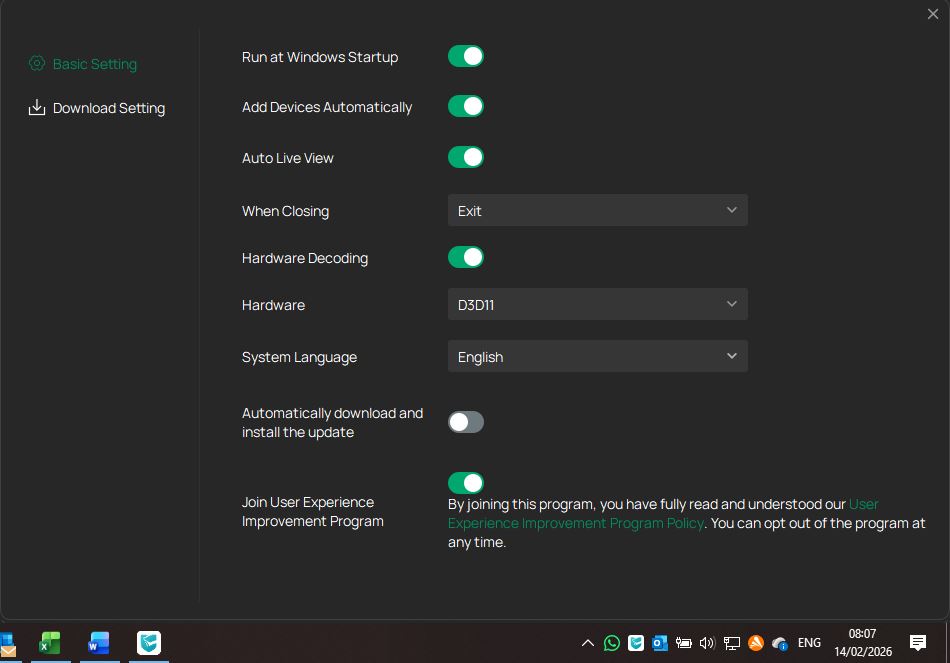
@AquilaTech The newest version service manager should look like this
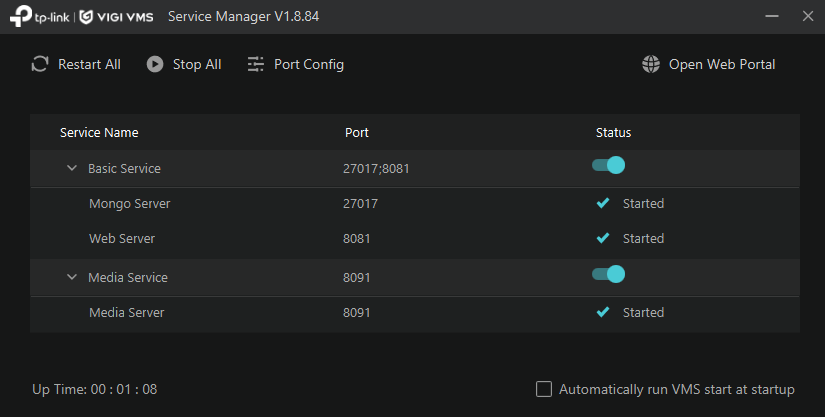
If the VMS is running, there should be an application in your icon tray at the bottom that pulls up a window like this. There, you should be able to check if the service is running.
- Copy Link
- Report Inappropriate Content
This is what I have on bought notebooks, dont have a service manager. Where can I find service manager?
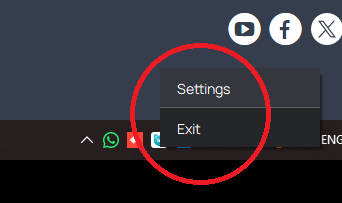
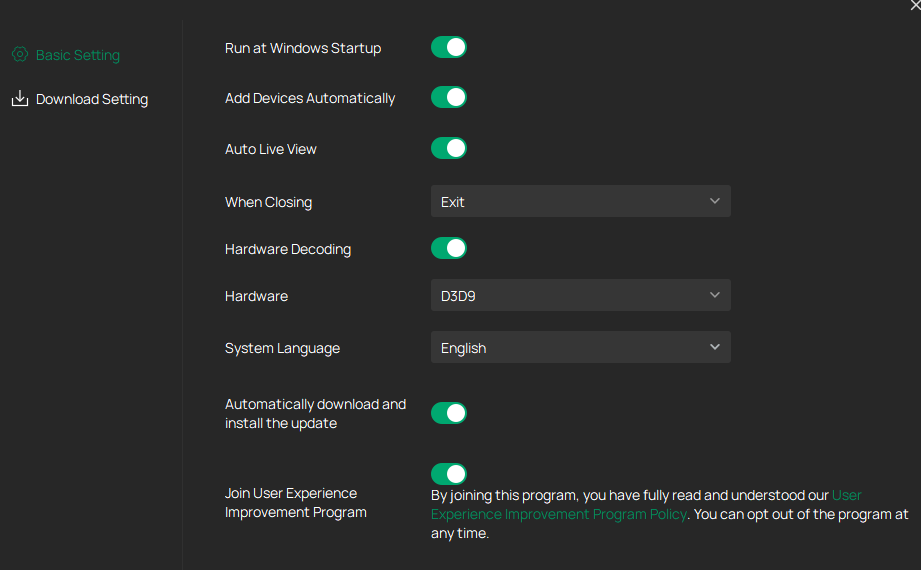
- Copy Link
- Report Inappropriate Content
@AquilaTech Can you reinstall using the file downloaded from this link: VIGI VMS V1
- Copy Link
- Report Inappropriate Content
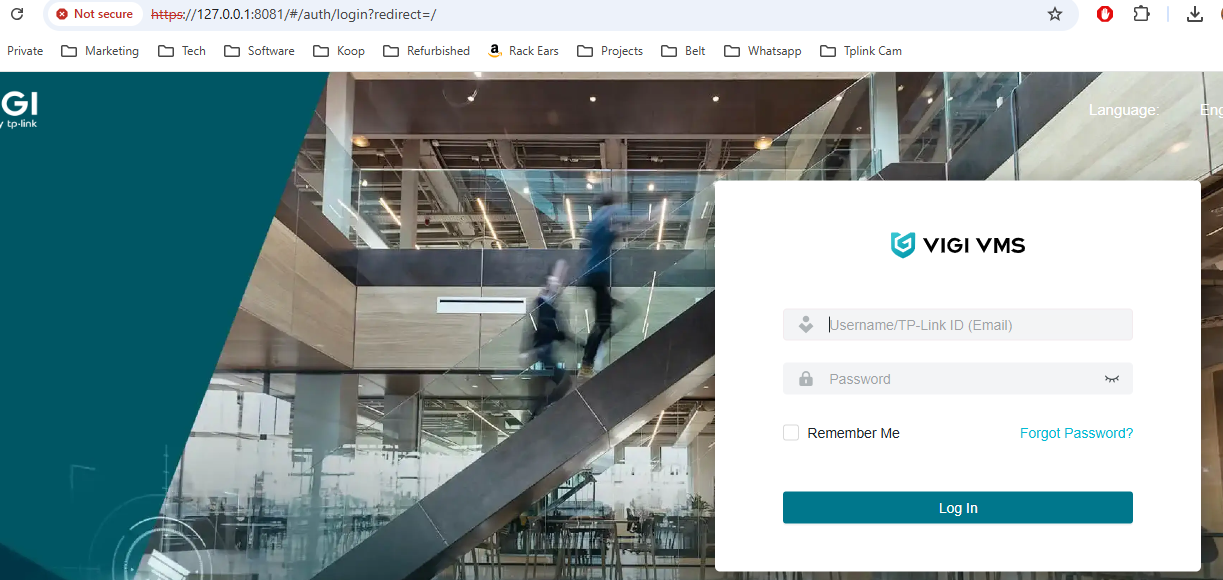
I have installed VIGI VMS_1.8.84_64bits. Getting following screen but can login, what username and password must I use?
- Copy Link
- Report Inappropriate Content
@AquilaTech If you set up another version of VMS on this computer, you should be able to use the same login you set before. Otherwise, try your TP-Link ID and password, if you have one.
- Copy Link
- Report Inappropriate Content
Ok VIGI VMS_1.8.84 working. So why does VIGI VMS_1.8.84 work but not VIGI VMS ver 2.1.25????
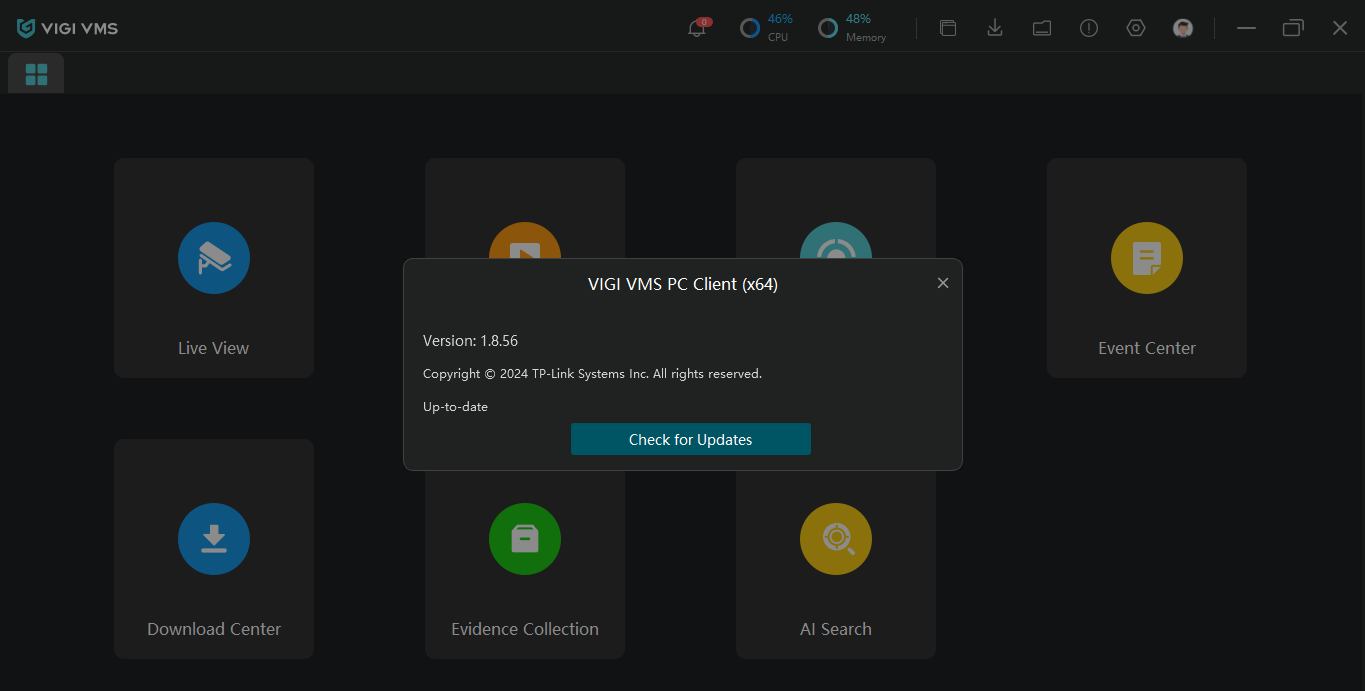
- Copy Link
- Report Inappropriate Content
@AquilaTech V2.1.25 is for the PC Client. I just checked, there is an option to Use without Login on the PC client, shown here.
VMS is ideal if you have a computer you'd like to host the camera server on, but feel free to try out both and see what works better for you.
- Copy Link
- Report Inappropriate Content

@NeilR_M This method did not work either.
- Copy Link
- Report Inappropriate Content
Information
Helpful: 0
Views: 1120
Replies: 11
Voters 0
No one has voted for it yet.