
DPI Function makes some Internet Sides loading extremly slow

I noticed (already a while ago) when I turn the DPI function of my gateway on some sides, such as the one from "Kärcher" or "Automobilwoche" take forever to load.. even when in the VLAN of the device were I try to access the site, no filtering is enabled.
I want to use the the DPI function as AD & Analytics blocker, the function works well just some websites such as the ones I named take forever to load.
Not sure maybe it is related to the MTU issue I found earlier on the ER8411? Since the thing with the sides load forever is a bit similar?
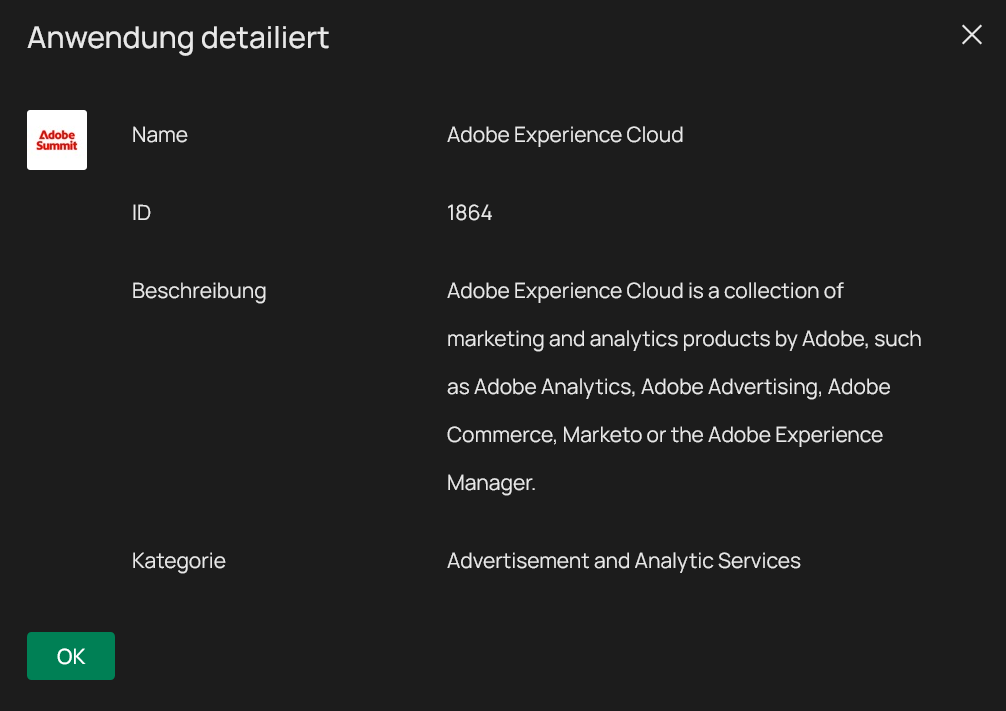
Edit: Not sure what I did wrong but after some retries the issue is actually gone. The adblocking function works, works pretty well but do not enable the adobe experience cloud, see attachment. Whyever this causes many sites to not work properly also some parts of BMWs website do not load fully/ extremly slow when enabled. If disabling this at first does not take any effect restart your gateway, with the DPI function turned off. That fixed it for me.
Thanks for everyone and of course TP-Links support for helping!
- Copy Link
- Subscribe
- Bookmark
- Report Inappropriate Content


Hi @Julian2111
Thanks for posting in our business forum.
May I ask what is your network topology?
Can we check the configuration screenshot of the DPI as well? Except for the mentioned websites, other websites work well when DPI enabled?
- Copy Link
- Report Inappropriate Content
@Hank21 Yes other websites work absolutely fine. Just with the ads blocked when the filter list I created (with all analytic & advertising apps) is enabled.
Interesting, on my remote site (Gateway is the ER7412-M2), the issue exists as well.
That is all that happens, just a loading icon without something happening. As you can see Firefox displays TLS-Handshake with XXX will be established/ carried out. 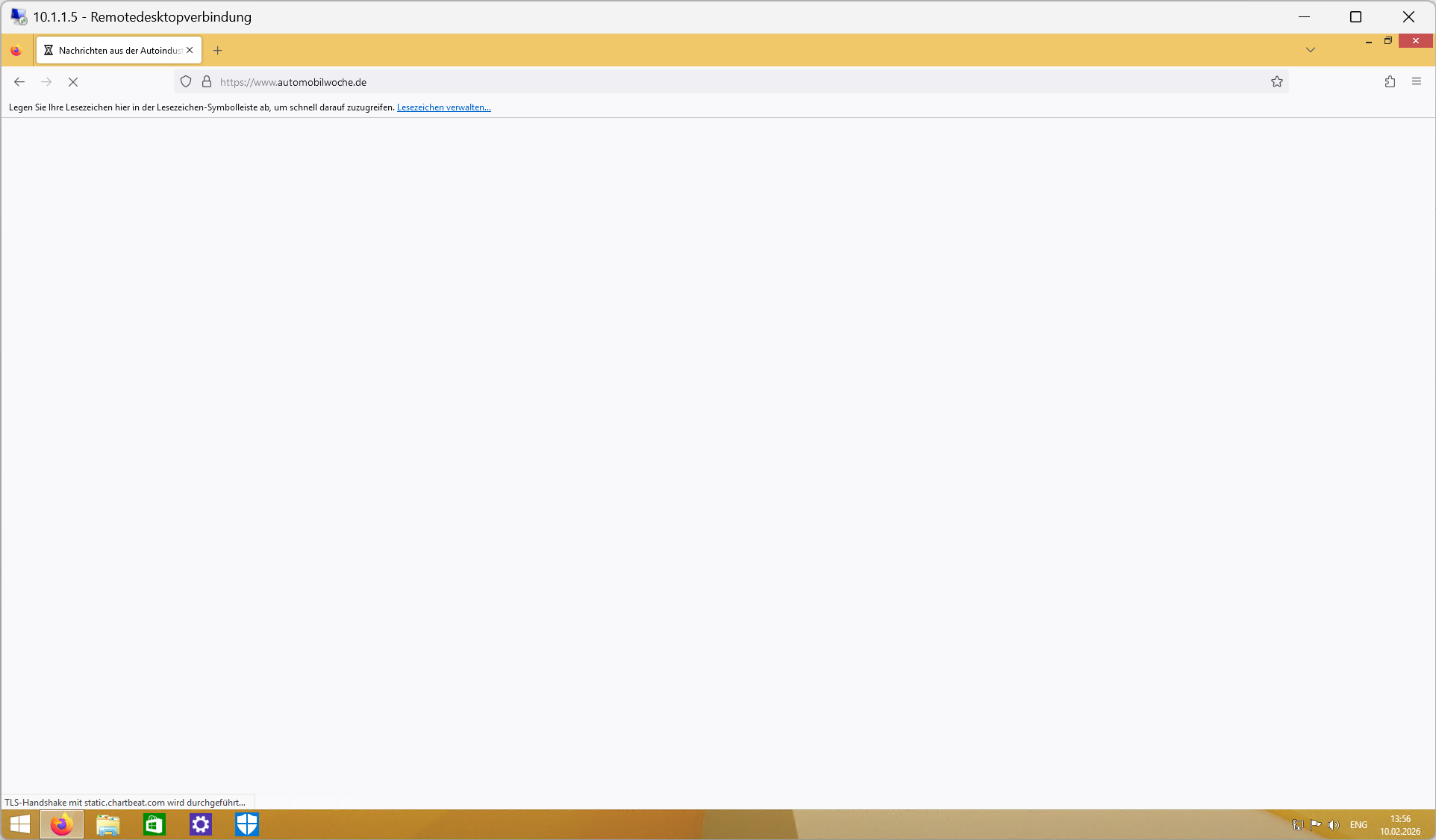
That is how my settings look (for both sides).
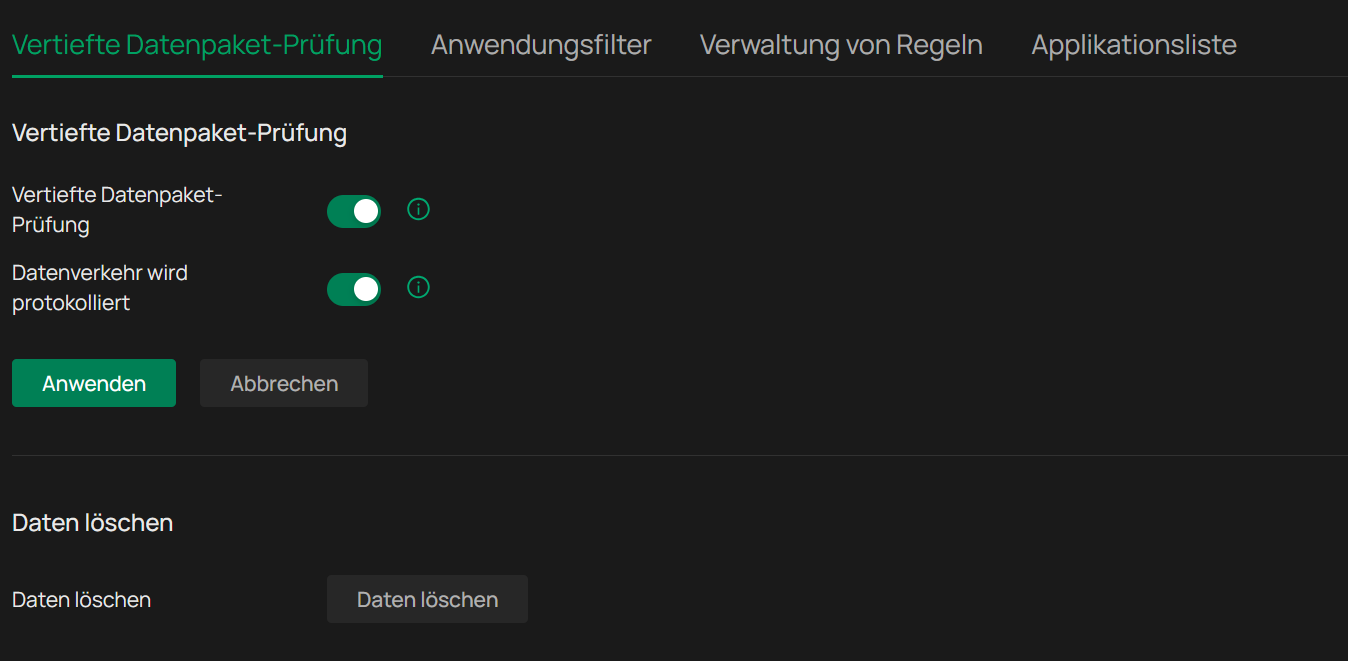
Even when I deselect all restrictions the issue still happens, nothing else is configured in between.
The PC is connected to the SG3428X-M2 (on the remote side directly to the Gateway) and the switch via SFP+ to the Gateway.
DNS is the Gateway, iPv6 is disabled.
- Copy Link
- Report Inappropriate Content
Hi @Julian2111
Thanks for your valuable feedback.
Is it meaning that these specific websites cannot be loaded even DPI disabled?
If so, did you try to access the websites on your phone with data turned on, or use PC when connecting to the hotspot from phone?
You may try to setup the DNS under your Internet to 8.8.8.8 or other frequently used public DNS servers. Or you can try to decrease the MTU value as well in the same place.
- Copy Link
- Report Inappropriate Content
No, when turned off entirely everything works completely fine.
When I enable the function itself, but with no filter lists enabled, the sites do not load anymore.
Changing the DNS does not change something.
I will try the MTU thinggy these days.
- Copy Link
- Report Inappropriate Content

Hi, can you pls., out of curiosity, also test the CoBa onlinebanking start page (commerzbanking)? This is one of my test sites. Since updating to 1.36 I am having the same issue as you. For commerzbanking Firefox in the status line indicates TLS handshake runing. Page finally loads, but it takes veeeery long until the login page is shown (also some elements show first and then elements come bit by bit).
No difference here if DPS is on/off.
Thanks!
- Copy Link
- Report Inappropriate Content
@Eg64 Not on my end, there it loads directly, what is your internet provider?
This is the firmware of my gateway at the moment.

PS. Sorry for the late reply the last days the login page of the forum was on my end broken...
- Copy Link
- Report Inappropriate Content
@Julian2111 No worries! Ex-Arcor, now Vodafone. DNS 1.1.1.1 and 1.1.1.2.
- Copy Link
- Report Inappropriate Content
@Eg64 I use the default Telekom DNS servers, did you turn in the settings of Firefox the DNS over HTTPS things off?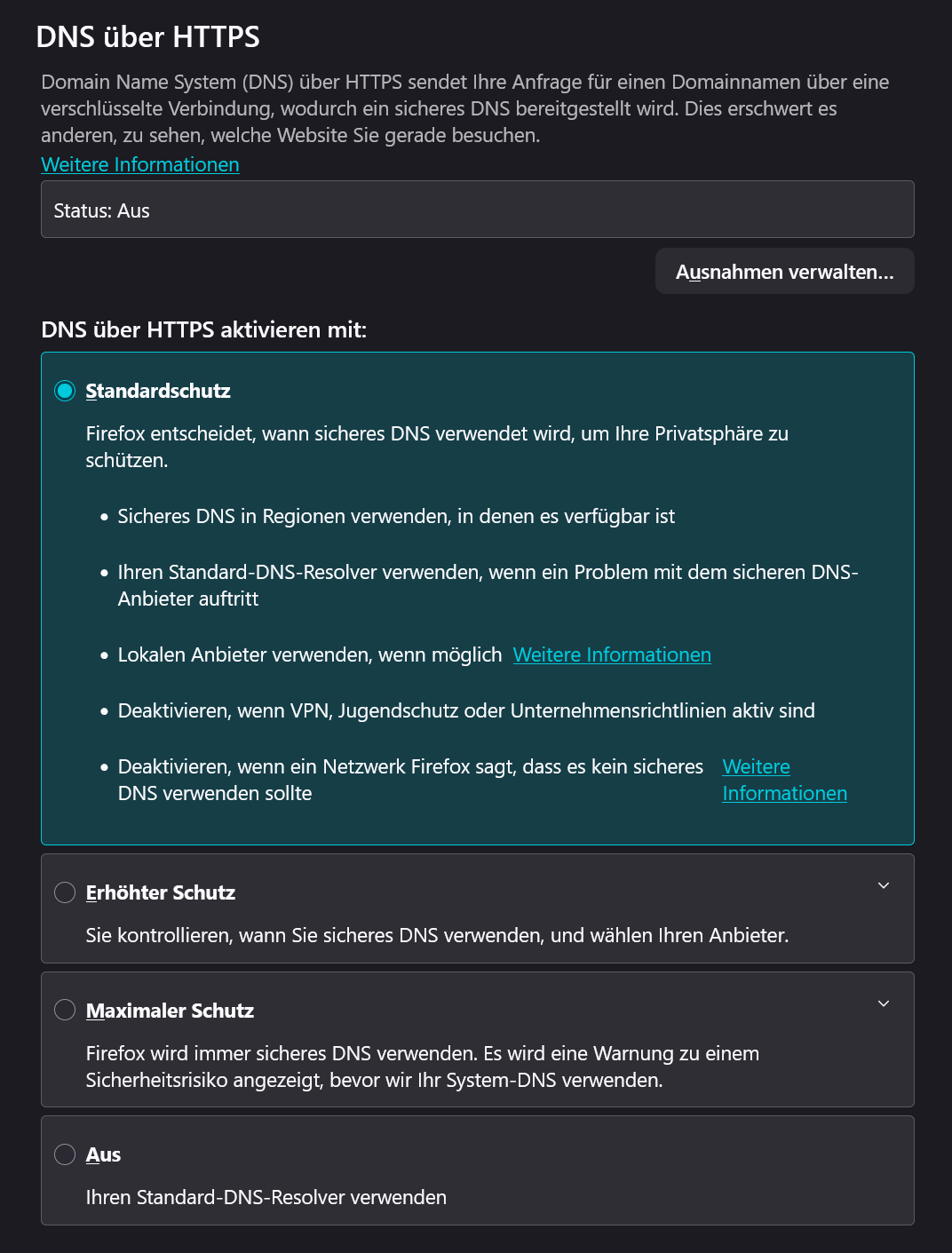
If so and it is still not working it could be that it is an issue related to Vodafone's Dual Stack lite.. fortunetly the Telekom still gives you Dual Stack so a "true" iPv4 maybe it is related to that, if you are not using iPv6 in your home network.. or alternatively you ask Vodafone to give you a "full dual stack" theoretically they have to give it to.. maybe they do, wouldn't be a disadvantage. ^^
- Copy Link
- Report Inappropriate Content
Re. Firmware: Interesting. Here it shows:
1.3.6 Build 20251028 Rel. 12399 - Model ER8411 V1.0
Seems that they have different Builds within one version number.
- Copy Link
- Report Inappropriate Content
@Eg64 Ohhh, that can be.. since I have a firmware fixing this.
To fix your issue, just go to URL filering, select all and allow all. You can test it quite easy for me did KUdotDE load as you described the Commerzbank online banking website. That is then this MTU issue.
- Copy Link
- Report Inappropriate Content
Information
Helpful: 0
Views: 1396
Replies: 22
Voters 0
No one has voted for it yet.