App use per client

App use per client

App use per client
App use per client
a week ago
Model: OC300  
Hardware Version:
Firmware Version: 1.32.10 Build 20260117 Rel.84796

ENVIRONMENT

I have a Controller OC300, a router ER8411 and some EAP615. Router is not DHCP neither DNS (handled by a Windows Server).
I have Deep Packet Inspection (DPI) on, Client Recognition on, History Data Retention on.

I have a working blocking rule for some Application filters (in other words, App filter is working).


PROBLEM

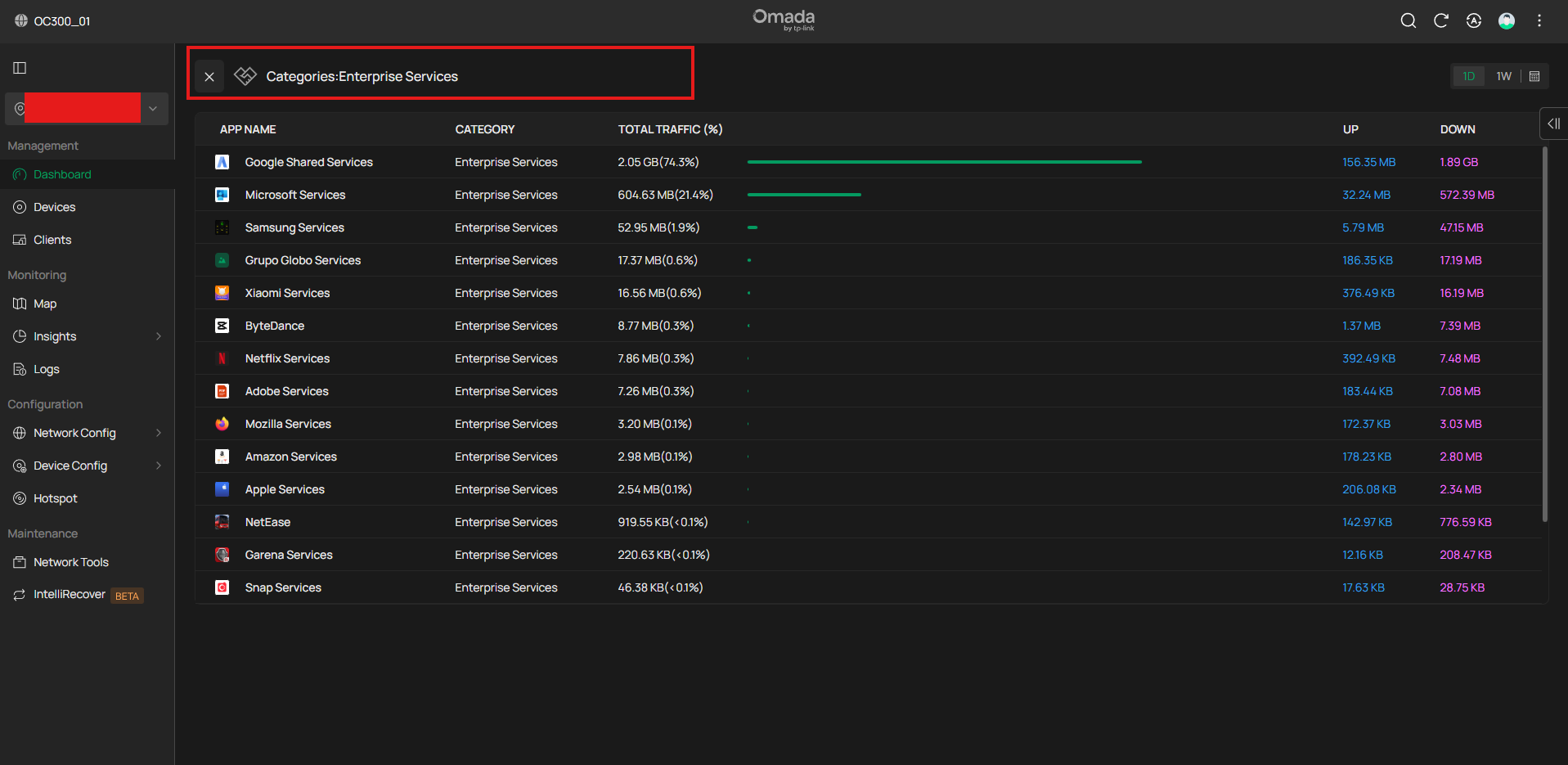
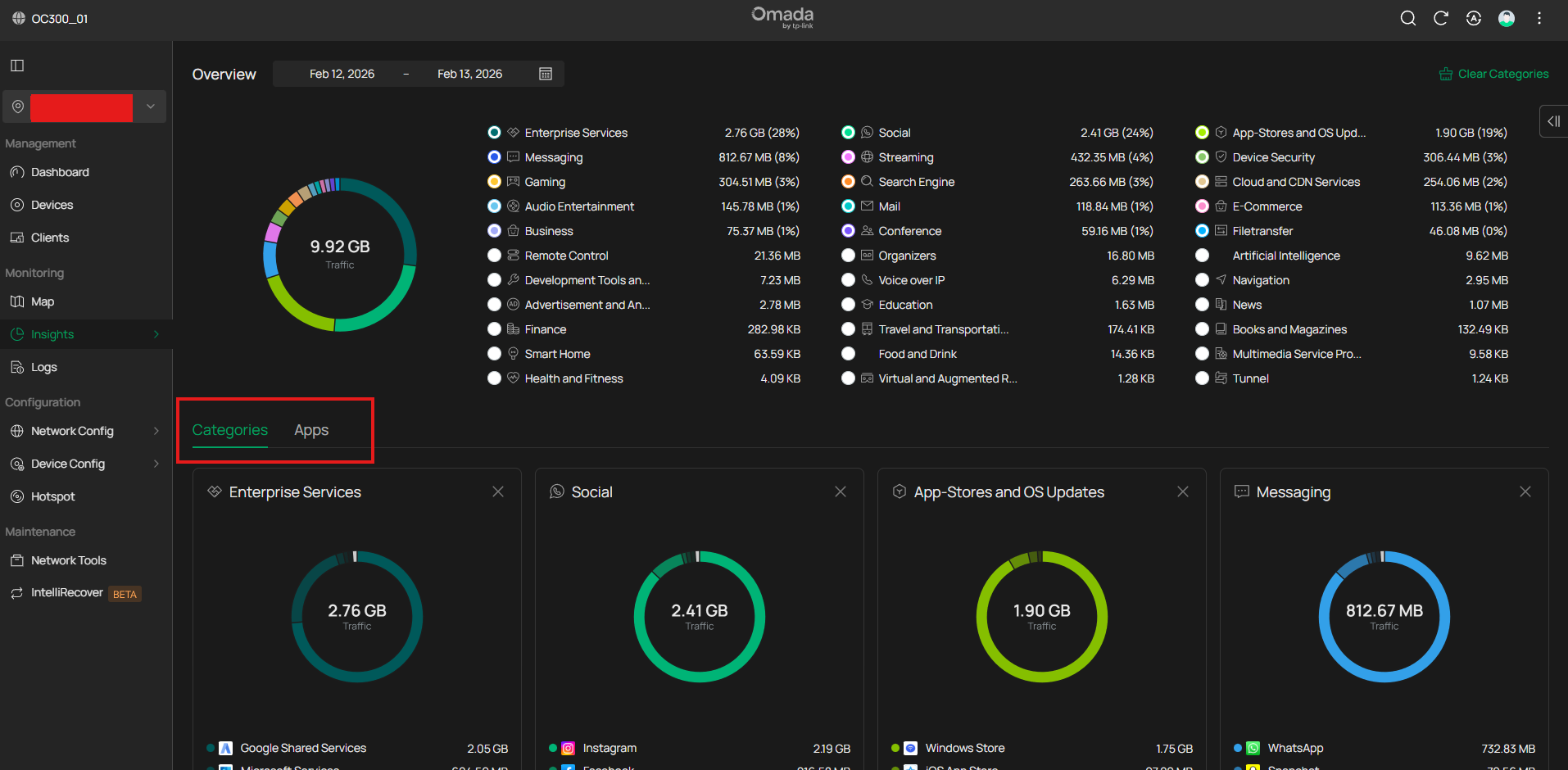
Although all of this i cannot see Application use per client. I can see Application use overall, but not by each client.

I see no Users tab in Insights > Application Analytics.

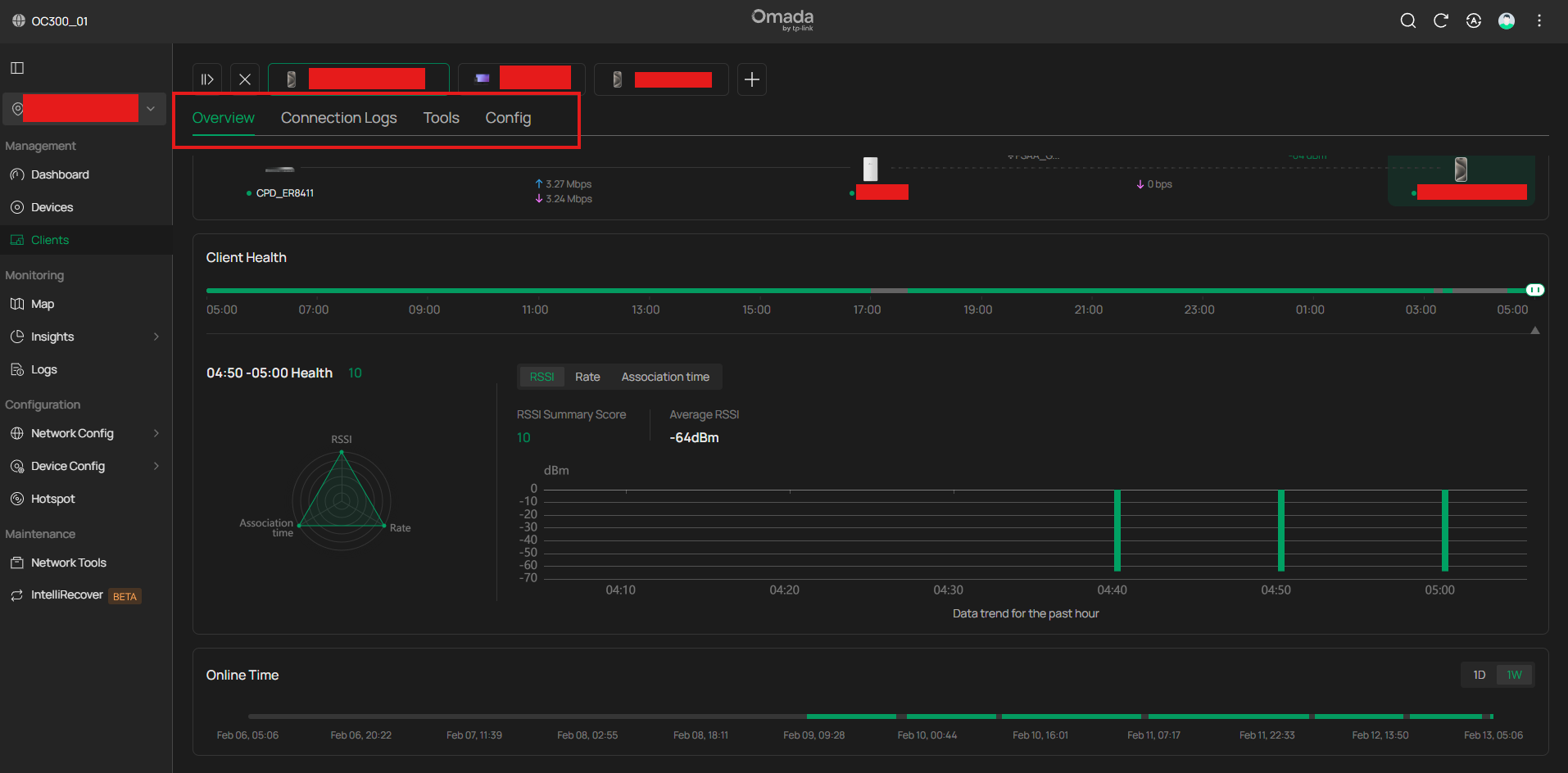
I see no Statistics tab in Client Management Window.


How to view App usage per client?


  0      
  0      
#1
Options
5 Reply
Re:App use per client
a week ago

  @Melo_at_TPL1nk 


Only OC400 and Software controllers support per-user DPI data

  0  
  0  
#2
Options
Re:App use per client
a week ago

  @GRL OMG.... I have been reading lots of manuals, materials, forums, tips. Even had a terrible disagreement with AI regards this problem.

Are you positive with that? Where is this effing info, for god sake?

  0  
  0  
#3
Options
Re:App use per client
a week ago

  @Melo_at_TPL1nk 


Yes, positive, there have been many threads asking the same questions.

  0  
  0  
#4
Options
Re:App use per client
a week ago

  @GRL ok buddy, thanks for helping me out.


To be honest, it feels ABSOLUTELY FRUSTRATING.

I got a dedicated no cheap hardware OC300 expecting to be the best. As it seems the best would be taking a old spare computer and use the Software Controller.

Unbelievable.


  0  
  0  
#5
Options
Re:App use per client
a week ago

  @Melo_at_TPL1nk 

btw the Omada SDN Controller User Guide (v6.0) EXPLICITY describes and ILUSTRATES the presence of a "Users" tab in Application Analytics and a "Statistics" tab within the Manage Client window for viewing per-user DPI data, NOT TELLING about REQUIREMENTS.

  0  
  0  
#6
Options