Remote Access Feature

Remote Access Feature

Remote Access Feature
2026-04-13 11:06:15 - last edited 2026-04-28 11:38:44
Tags: #Controller #Remote access
Hardware Version: V6
Firmware Version: 6.2.0.15

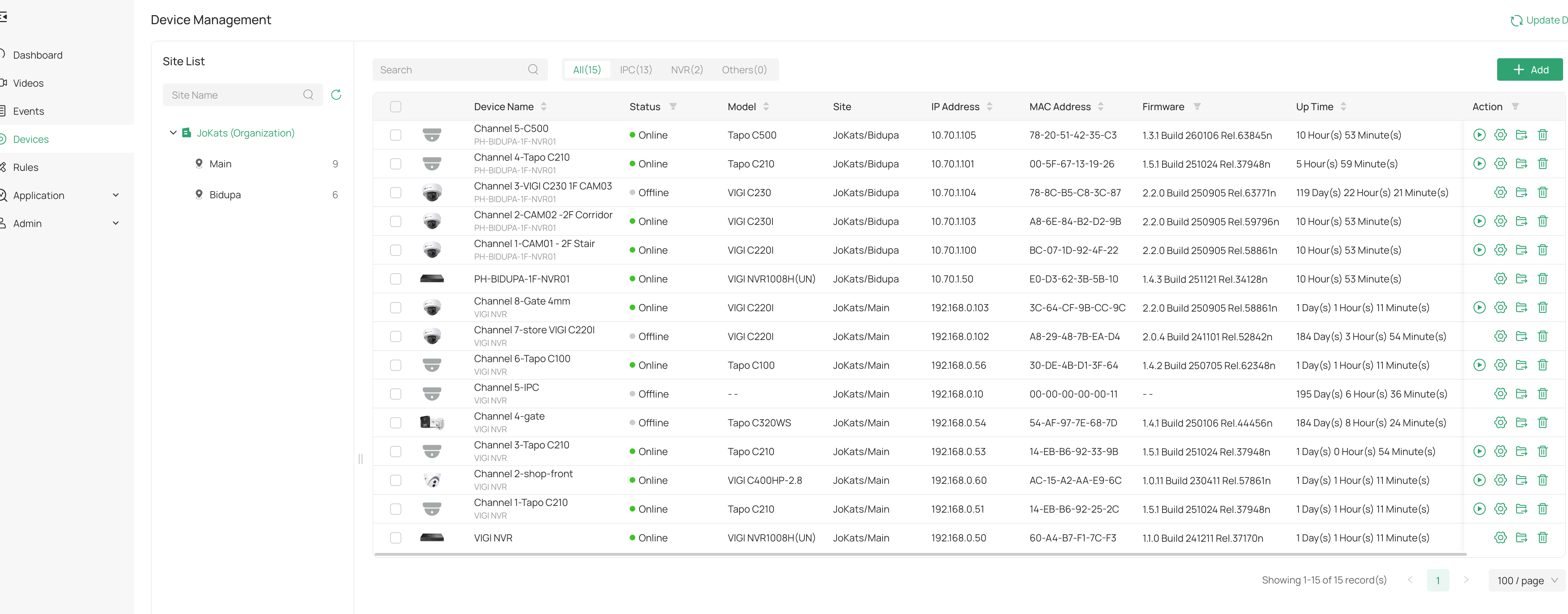
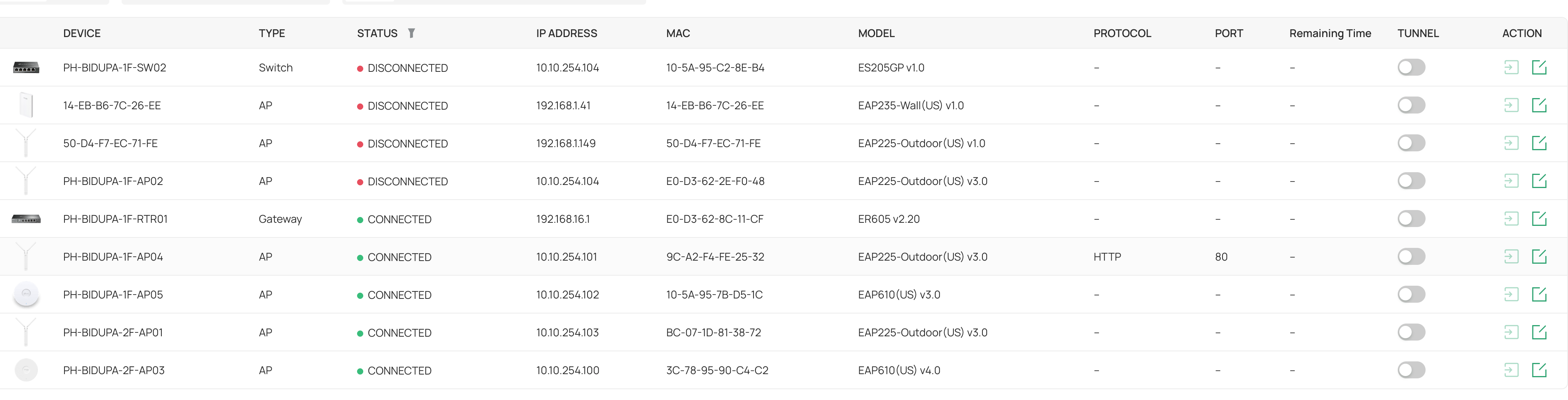
Im using my own software controller hosted on VPS. Im running in MSP and currently running 6.2.0.15. Im curious to know how this remote access feature work, I look at the document it support software controller atleast 6.2. Cloud Access is enabled but i only have one model (only one out of two eap225 outdoor v3.0 shown below). showing HTTPS/HTTP.  So i tried to enabled it but no luck. It says "Cannot enable the tunnel. There is no connected device that supports remote access in the current site." My CCTVs are connected in Omada Guard via my VIGI NVRs. Is it because my models doesnt support? 


One of the reason why i need this to remotely access because everytime there is a blackout, one of my Vigi NVR1008H (HW V2.2) doesn't connect back to Omada Cloud but my old NVR1008H (HW V1.0) is ok


0
0
#1
1 Accepted Solution
Re:Remote Access Feature-Solution
2026-04-14 09:29:16 - last edited 2026-04-28 11:38:44

 Hi,@Wifi-freak 
Thank you for posting on our business forum.


We would like to confirm with you first: could you please clarify the specific remote access method you are referring to?

Generally speaking, if the device is connected to an active valid internet network and bound to Omada Guard, you can remotely access your VIGI device via omada.tplinkcloud.com. Therefore, remote access will work normally as long as your device maintains a stable internet connection.

If you are referring to any other type of remote access setup, could you please kindly describe how you have deployed your remote access and provide the relevant configuration details?


Recommended Solution
0
0
#3
3 Reply
Re:Remote Access Feature-Solution
2026-04-14 09:29:16 - last edited 2026-04-28 11:38:44

 Hi,@Wifi-freak 
Thank you for posting on our business forum.


We would like to confirm with you first: could you please clarify the specific remote access method you are referring to?

Generally speaking, if the device is connected to an active valid internet network and bound to Omada Guard, you can remotely access your VIGI device via omada.tplinkcloud.com. Therefore, remote access will work normally as long as your device maintains a stable internet connection.

If you are referring to any other type of remote access setup, could you please kindly describe how you have deployed your remote access and provide the relevant configuration details?


Recommended Solution
0
0
#3
Re:Remote Access Feature
Yesterday

  @Nathan-TP 


Hi Nathan, based on the wording, I suspect they are talking about Site > Network Tools > Remote Access.


I have tried to use this feature across multiple routers (ER605 v2 to ER8411), switches (SG2008P to SG3428XP) and AP's (EAP225 to EAP772) and all of them bring up the same error of: "There is no connected device that supports remote access in the current site."


With no clear indication on the error or the support page (https://support.omadanetworks.com/en/document/119055/), I cannot work out the cause of this error. If there is a requirement to have the Omada Controller on-premise or Omada Guard, that is not clearly articulated in the support document.


Note: I'm using a self-hosted Omada controller in a cloud host however this would impact people with an on-prem Omada controller with port forwarding to it so that other sites can be managed from the 1 controller.

0
0
#4
Re:Remote Access Feature
21 hours ago


Hi, @JordanW 
Thank you for pointing this out.

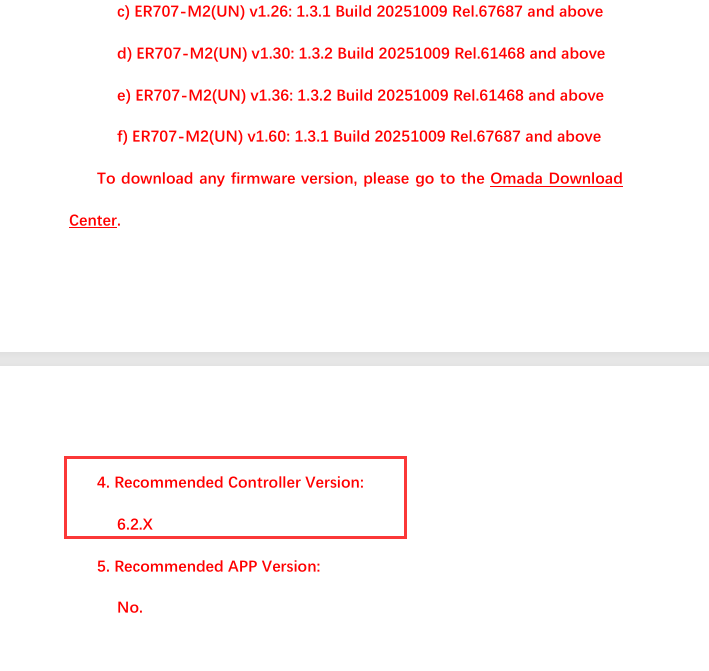
Remote Access is a newly added feature launched with Omada Network V6.2. To enable this feature, your gateway needs to run a firmware fully adapted to V6.2, and part of your switches/access points also require V6.2 version firmware. If the current firmware of your Omada devices is not fully compatible with V6.2, you will encounter the error prompt: "There is no connected device that supports remote access in the current site."

And yes, this requirement was not clearly stated in our official documentation, and we sincerely appreciate your valuable feedback. 

To check whether your device firmware is fully compatible with Controller V6.2, you can visit the device Support page on our official website, click into the Download section, and check the Release Note of the corresponding firmware for your device. For example, the latest firmware of ER707-M2 V1.x has explicitly marked support for Omada Network 6.2, while the compatible firmware for ER605 and ER8411 will be launched in subsequent updates.

For all other Omada devices, we recommend upgrading to the latest available firmware. Thank you for your understanding.


0
0
#5