Omada IoT Transport Stream Config Fails: Unclassified Device Class (ap_462856)

I would like to report a bug with the IoT Transport Stream configuration in the controller.
Issue:
When configuring an IoT Transport Stream under Device Config, the "Device Class" section includes four checkboxes: Minew, iBeacon, Eddystone, and Unclassified. If the "Unclassified" checkbox is ticked (either alone or together with others), clicking Apply causes the configuration to fail immediately.
Failure Details:
- Feature: Bluetooth
- Error: "Error parameters: invalid device class. (ErrorCode: ap_462856)"
- The failure appears in Configuration Result > Failed, affecting all APs pushed with this profile.
Steps to Reproduce:
1. Go to Device Config > IoT Transport Stream settings.
2. Under Transport Settings > Device Class, check "Unclassified".
3. Click Apply.
4. Navigate to Devices > Configuration Result — the config shows as Failed with ErrorCode ap_462856.
Expected Behavior:
"Unclassified" is a valid selectable option in the UI. Selecting it should not cause a configuration failure. Either the AP firmware should accept this class, or the UI should prevent selecting it with a clear explanation.
Observed Behavior:
The AP rejects the config with "invalid device class", even though "Unclassified" is presented as a valid option in the controller UI.
Environment:
- Omada Software Controller v6.2.0.17
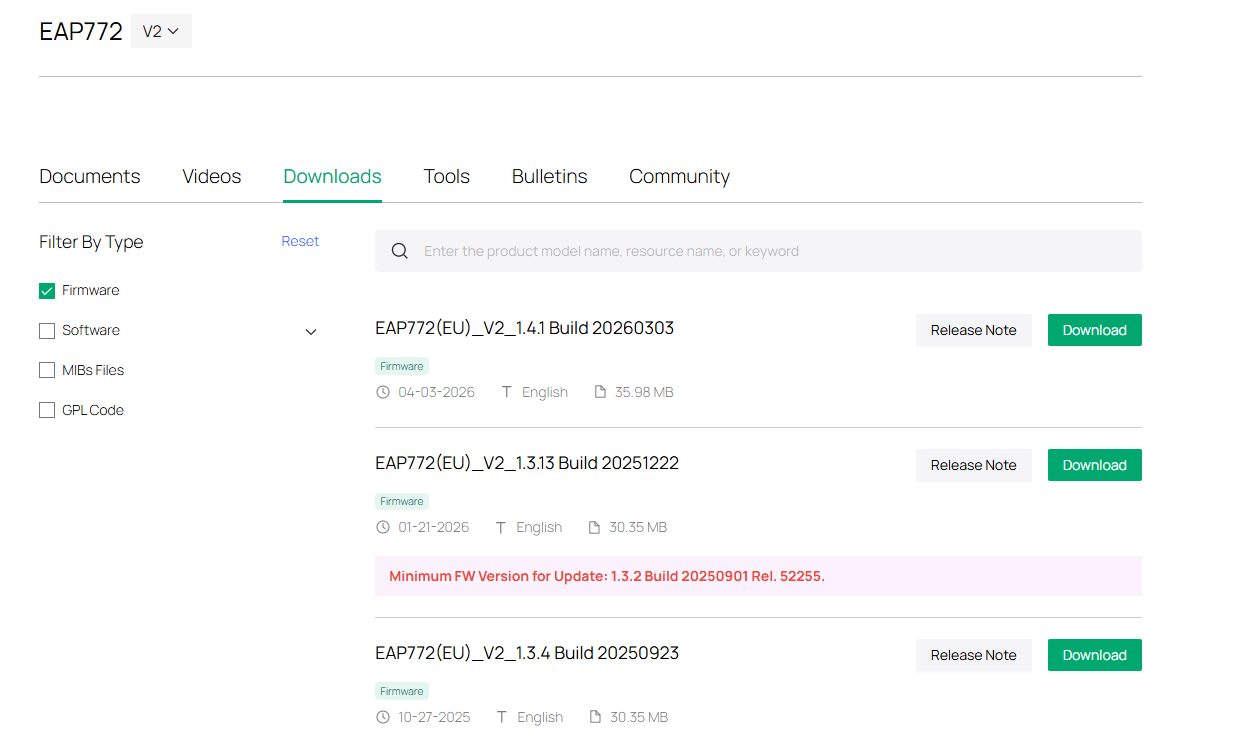
- AP Model: EAP772 v2, Firmware: 1.3.14
Please investigate and fix the mismatch between the controller UI options and what the AP firmware actually accepts.
Thank you!