Issue with Bandwidth Control settings not working.

Issue with Bandwidth Control settings not working.

Issue with Bandwidth Control settings not working.
Sunday
Model: ER707-M2  
Hardware Version:
Firmware Version:

so I have been running some Bandwidth test with this ER707-M2 It is 5/2/2026 and i just downloaded and updated the frimeware today so its up to date.


these are test results I have found


ISP is 2 Gig download and 1 Gig upload


Bandwidth control is enabled for both up and down test are follow


in bound 500 MB / Outbound 250


Bandwidth control is disabled for both up and down test are follow


in bound 500 MB / Outbound 250


Bandwidth control is Enabled up and Disabled for down test are follow


in bound 1970 MB / Outbound 250


Bandwidth control is  Disabled up and enabled for down test are follow


in bound 500 MB / Outbound 850


Disabled for both it is still applying the bandwidth control percentages which is proven becauseif you just enable up or down it effects teh bandwidth flow but there seems to be no way to disable this feature even if you tell it apply settings to disable it.


so seems like there issue with this router I am about to send it back because none of frimeware  updates have fixed this issue.


0
0
#1
3 Reply
Re:Issue with Bandwidth Control settings not working.
Sunday

  @shardy 


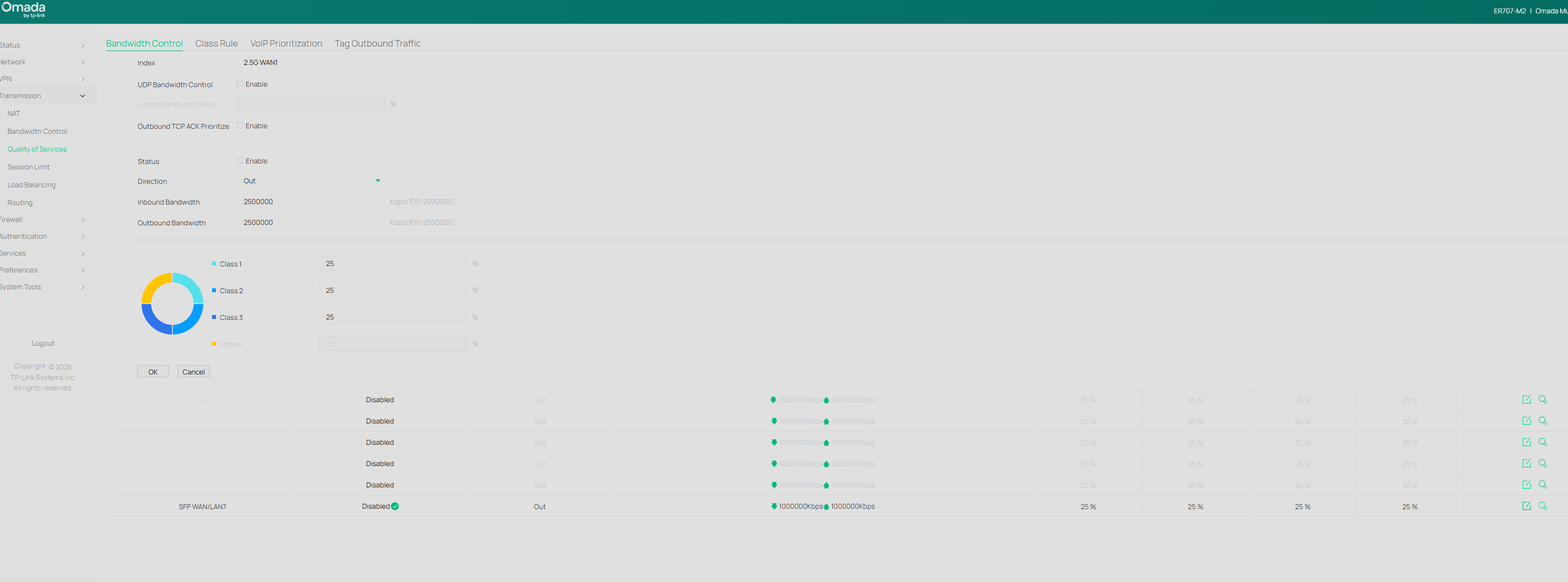
these are settings that i am talking about that are not able to be disabled even when they are disabled.


e59c1cd60a1448c389716d807921308a

0
0
#2
Re:Issue with Bandwidth Control settings not working.
10 hours ago

Hi  @shardy 


Thanks for posting here.

To understand the situation better, please give us the following info:

1. A screenshot of the device page so we can know the hardware version and firmware version of the devices you are using.

2. What type of controller are you using? What's the firmware version?

3. How did you test the speed? Via the controller interface, or a third-party website/tools?

4. Please also share the screenshots of the speedtest results.


The screenshot you sent was unclear, and we can't check the config. Could you please zoom in on the page, capture it, and share it with us again?

0
0
#3
Re:Issue with Bandwidth Control settings not working.
39 minutes ago - last edited 29 minutes ago

  @Vincent-TP 


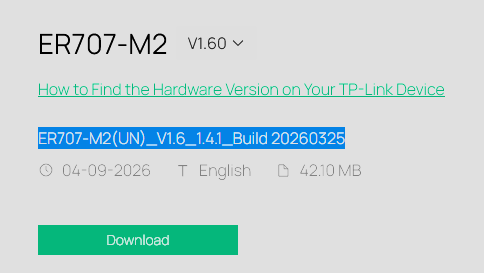
we just ended up sending it back, every test ran shows it was defective or not working correctly software wise below is frime ware we updated ER707-M2 to which is most current verison there is on the web page.


the main issue is this ether one of these two things.


A. device hardware if faulty more than likly not the case 


B. software issue meaning issue with frime ware that has not been correct sense release


both make unit faulty so no reason to keep it and if it is software issue chance are if has been fixed by now it will never get fixed.


also screen is above and in older post is prefectly clear all you need to do is try, down image off of the forum and zoom in your self, i mean it is your company product and reputation not mine.


anwyays we washed our hands of problem by returning it as defective 


0
0
#4