0
Votes

Controller GUI UX Bugs

 
0
Votes

Controller GUI UX Bugs

Controller GUI UX Bugs
12 hours ago - last edited 12 hours ago
Tags: #UX
Model: OC300  
Hardware Version: V1
Firmware Version: 1.34.18 Build 20260506 Rel.79284

1. Dark Mode does not work with local URLs.


I can't change system/dark mode when browsing controller GUI in local URL without valid SSL.


2. Network Name validation doesn't work at all


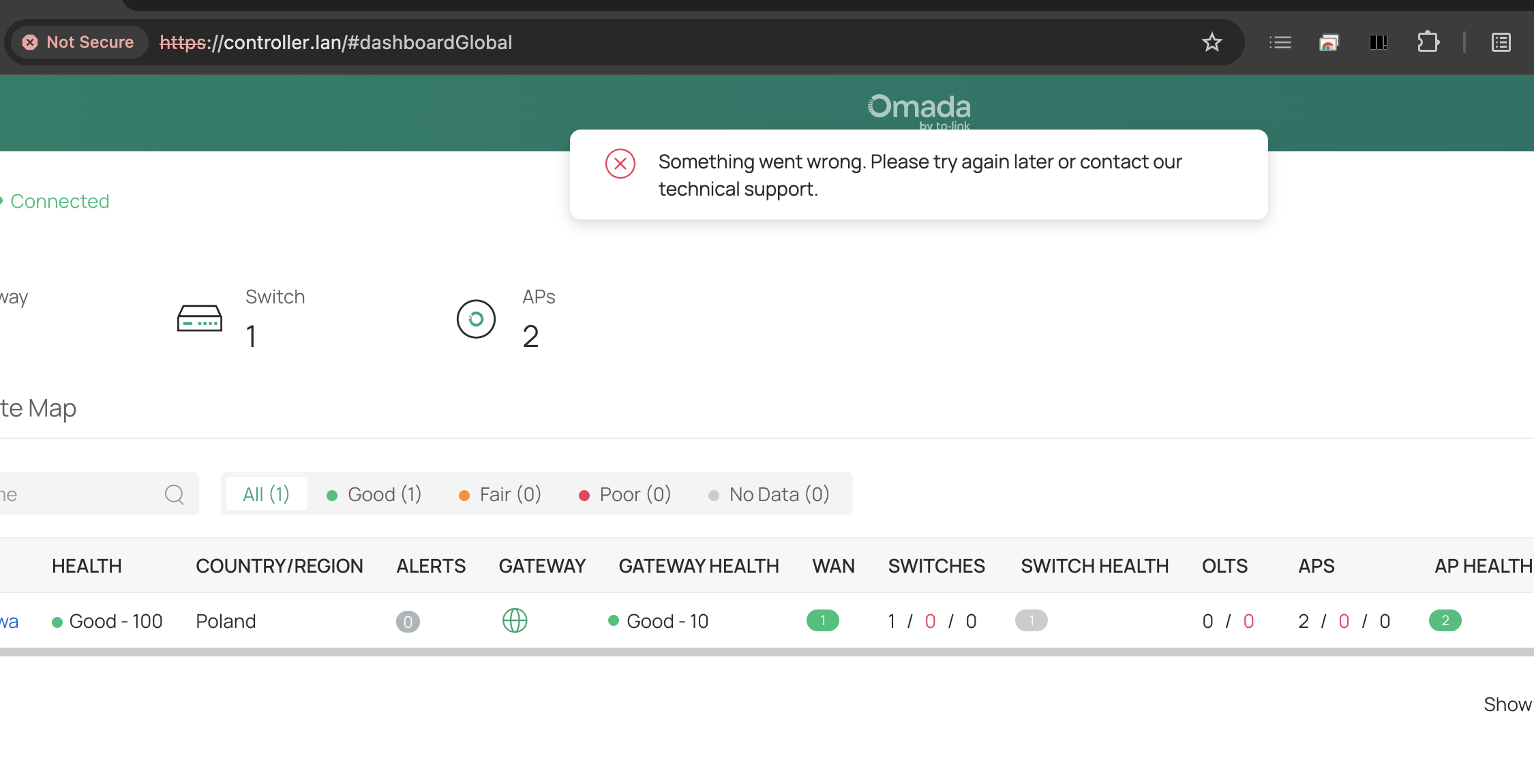
Every time I want to create LAN DNS I get mysterious The config uci commit failed. (ErrorCode: gateway_1010).


Finally, I've found the root cause of the issue: network name cannot use separators other than underscores (here: „Private Network” is invalid because uses space separator).


This is a UX bug because VLAN GUI shloudn't allow you to enter invalid network name. Putting aside the fact that spaces should be valid characters anyway (which is strange that they are not).


Another UX bug here is that config error description should say that explicitly (real cause) instead of some ambigiuous ErrorCode: gateway_1010 that says nothing. For screenshots go to Configuring LAN DNS issue.

#1
Options
1 Reply
Re:Controller GUI UX Bugs
5 hours ago - last edited 5 hours ago

  @KrispPL 


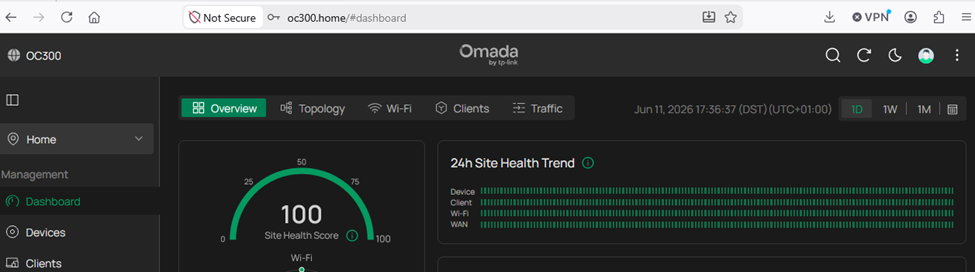
1. Regarding the issue Dark Mode does not work with local URLs. It appears that you have a local browser problem.  The OC300 dark mode works fine here (with no SSL certificate) as shown below.  Everything is OK using Chrome, Firefox , and Edge.


2. Regarding the issue Network Name validation doesn't work at all, there is a related thread here.  There is also mention of the LAN DNS issue in this Reddit thread.


It seems limiting VLAN names to alphanumeric characters and underscores is for avoiding DNS injection risks.  Interestingly, after just testing this, spaces in network names are working on my OC300 (with the same firmware as yours) which suggests this is a gateway bug. The latest gateway firmware release notes for my gateway mention a fix for missing rules and invalid LAN DNS configurations, which likely explains this behavior.  Perhaps a forum moderator can clarify this.


1x ER7406 1x OC300 4x SG2008 1x EAP610 3x EAP650-Desktop 1x EAP772-Outdoor
#2
Options