Unable to see ES208G switch in self-hosted Omada Controller v5

Unable to see ES208G switch in self-hosted Omada Controller v5

Unable to see ES208G switch in self-hosted Omada Controller v5
8 hours ago
Model: ES208GP  
Hardware Version:
Firmware Version:

I have a need for a switch so I've purchased the ES208G to add to my existing Omada network. I run an Omada Software Controller v5.


I'm struggling to get the ES208G to show up for adopting into Omada.


I've connected the ES208G (in bedroom) to a port on an existing SG2008P switch (in basement).  I have logged into the web UI for the ES208G and have set the Inform URL to the IP address of my existing Omada software controller.  


My understanding is the ES208G is compatible with software controller so I'm not sure what else I need to do.


Can anyone guide me on what I might have done incorrectly or have missed?


Thanks much!


  0      
0
#1
Options
2 Reply
Re:Unable to see ES208G switch in self-hosted Omada Controller v5
7 hours ago

  @DDDaniel 


The Switch was probably made after version 5 of the Omada controller came out, so the controller doesn't recognize that witch. But you can upgrade the controller to version 6.2 and the problem will be solved.


  0  
0
#2
Options
Re:Unable to see ES208G switch in self-hosted Omada Controller v5
5 hours ago

Hi  @DDDaniel 


Thanks for reaching out to TP-Link Business Forums.


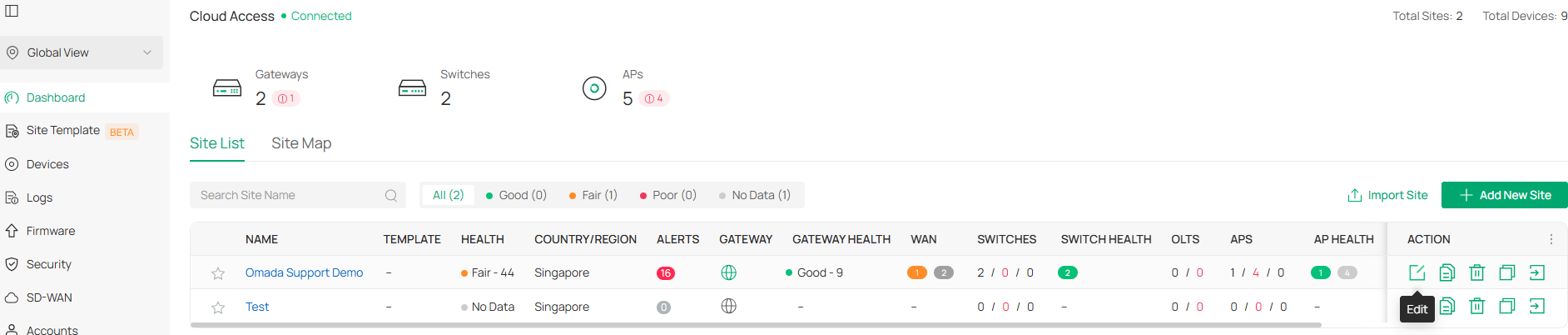
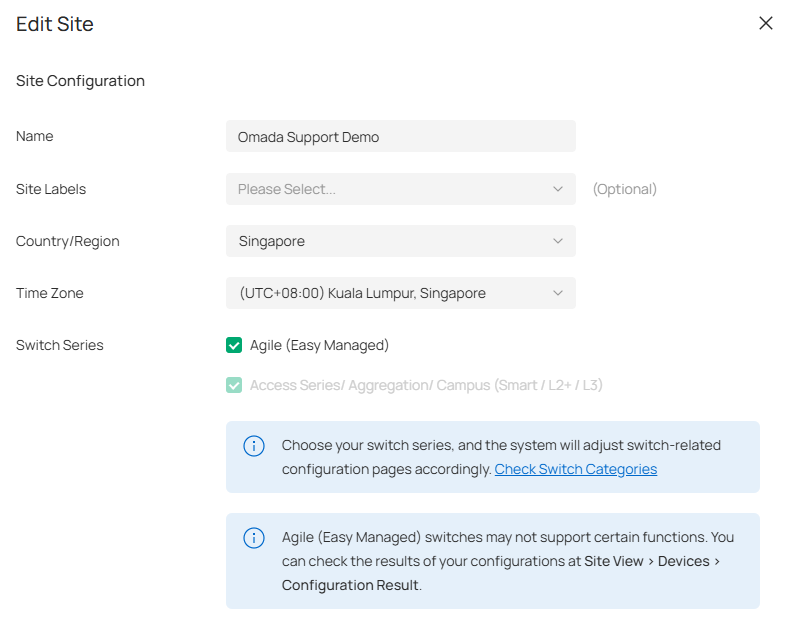
Did you check the Agile Switch Type on your controller?

Are there any VLANs or ACL rules that might block the communication between the switch and the controller?

  0  
0
#3
Options