Hi @SagarThummar
Thanks for reaching out to TP-Link Business Forums.
To better assist in your case, may I confirm the following:
1. What's the entire network topology, e.g., Fortigate - - CPE710 ))) ((( CPE710 - - Switch - - NVR - - Cameras, etc. ?
2. How often does the AP stop responding? (e.g., daily, weekly, randomly after a few hours of operation). Does it occur randomly or happen on a specific timeframe?
3. How do you get the AP working again after it becomes unresponsive? Do you have to physically power cycle it (unplug/plug in the PoE injector)? Or does it eventually recover on its own?
4. When the AP becomes unresponsive, what are the states of the LEDs on the CPE710 itself and on its PoE injector? (Power LED, LAN LED, Wireless/Signal LEDs).
5. Are you using the original TP-Link PoE adapter that came with the CPE710? Is the power source (electrical outlet) stable?
6. Would that be ok for you to disconnect some end-clients from the network and check if the same issue occurs again?
7. Try swapping the two APs' spots and see if the same issue happens again.
8. Try upgrading your CPE to the latest firmware version (V1.1.3).


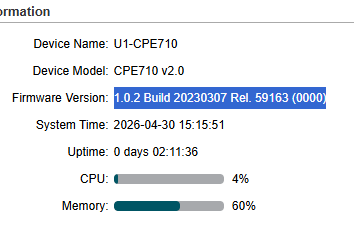 This is AP
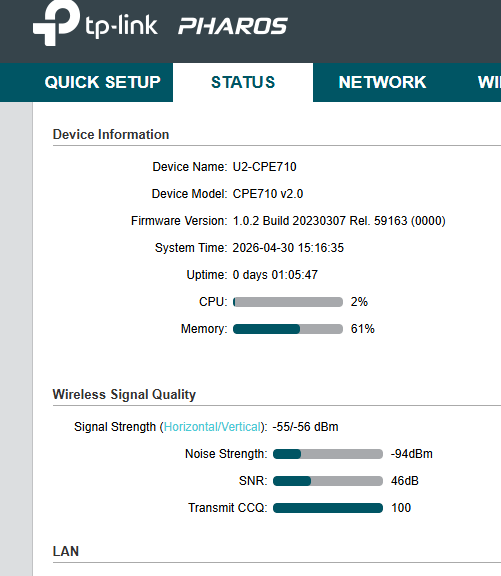 This is Client.
