ER605 HW 2.20: Login fails after

Hello,
I am experiencing a serious issue with two TP-Link Omada ER605 routers (hardware version 2.20).
After upgrading from firmware 2.2.5 to 2.3.0, the local web login no longer works correctly.
What happens:
- I factory reset the ER605.
- I connect directly via browser to the device.
- The initial setup wizard appears.
- I create a new local administrator password.
- After finishing the wizard, the device redirects me to the login page.
- The password I literally just created is immediately rejected as invalid.
Important observations:
- This happens on TWO different ER605 devices.
- Both are hardware version 2.20.
- I reproduced the issue intentionally on the second device.
- The issue occurs immediately after factory reset and fresh setup.
- Browser cache / private mode / different browsers do not help.
- The problem occurs even without Omada Controller adoption.
- I can reproduce it with only a laptop directly connected to the ER605.
- Cloud login itself works, but the devices do not appear in the Omada portal.
At this point the devices are effectively unusable because I cannot log in anymore after setup.
Questions:
- Is this a known bug in firmware 2.3.0 for ER605 v2.20?
- Is there a working downgrade procedure?
- Is there a hidden default account or recovery method?
- Has anybody successfully recovered from this state?
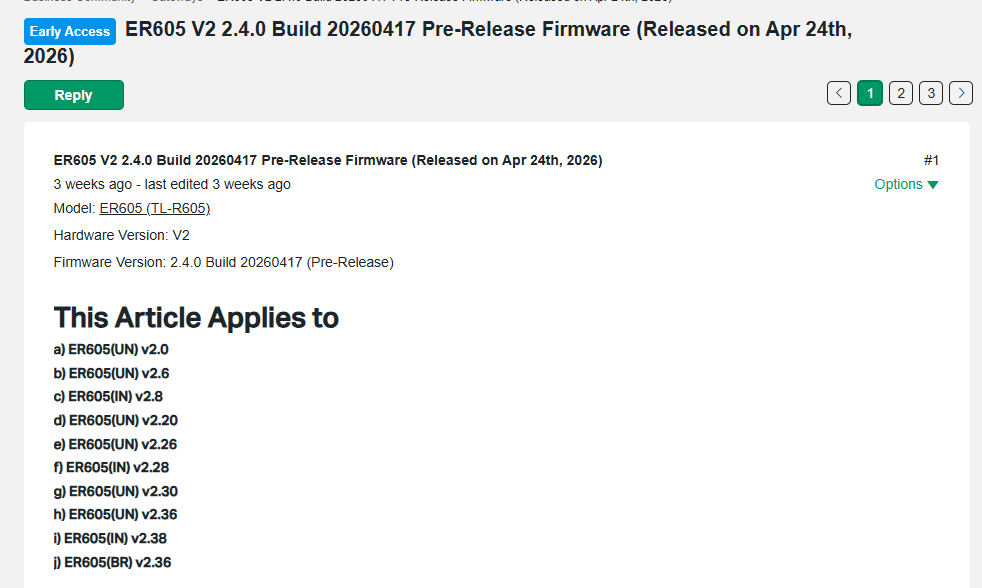
- Are firmware files for ER605 v2.20 available somewhere? The TP-Link firmware archive/download pages seem confusing and inconsistent regarding hardware revisions.
Additional information: The Firmware download page ist listig several FW versions such as 2.2.6, 2.3.0, 2.3.2, 2.3.2, etc for the HW 2.20 device, but after downloading the file names reveal that the zip archives are for HW Version 2.0, so the FW upgrade procedure fails with with "please check file content", except for the FW 2.3.0 file which seems to be OK and thus I upgraded to this version, knowing that it is not the latest version, but the latest available. According to this issue I can not choese 2.20 in the above listed " Hardware Version" field.
Serios question folks: is this really sort of quality management at TP link?
Any help would be greatly appreciated.
Thank you.