Danfoss Link internet connection issue with Deco m5 (wifi is fine)
 This thread has been locked for further replies. You can start a new thread to share your ideas or ask questions.
Hello,
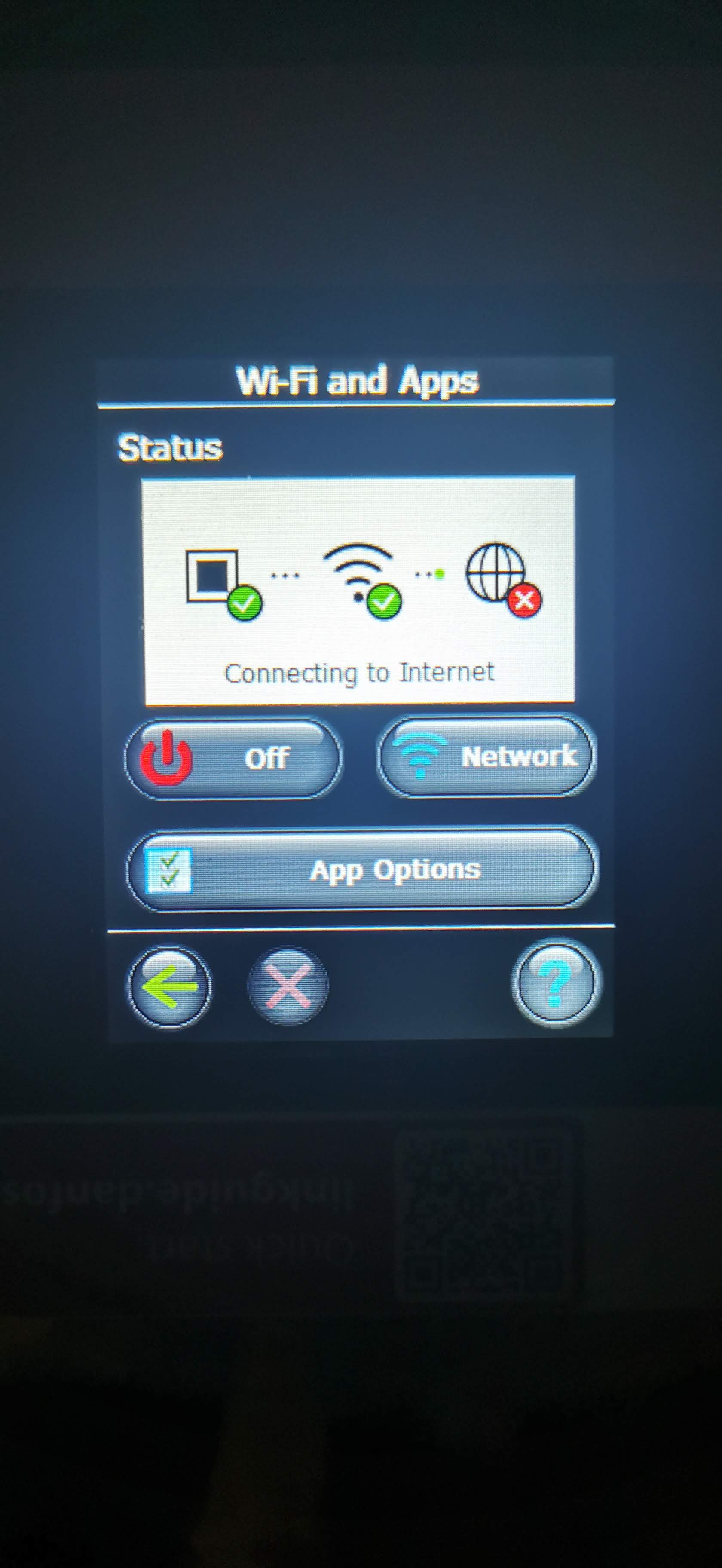
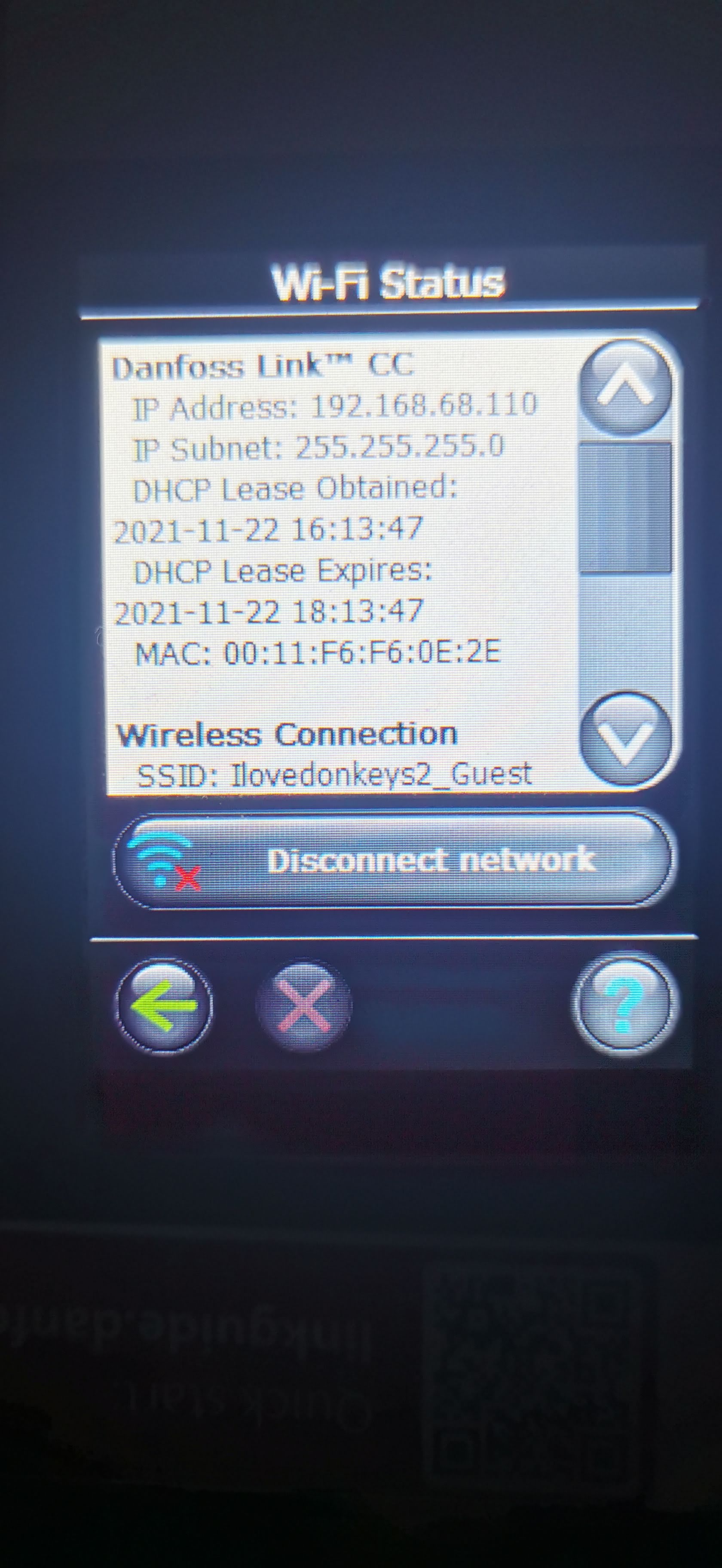
I control my heating via a wifi connected device at each radiator (I am in an old building) but the main controler (brand is Danfoss, device is called Link) will not hold a connection to the internet. (I have contacted Danfoss and they will not help at all). That is, it connects to my wireless network just fine (and there is good internet connection) but the Danfoss device will not connect to the internet, so I can not control my system.
This problem is somewhat intermittent. That is, when I set up, the Deanfoss device will connect briefly to the internet, but then after 5 minutes or so will drop. Let me be extremely clear, there is nothing wrong with the internet connection, and the the CC Link is right next to the wireless router.
I have tried to follow the advice on the Danfoss webpage - infow below
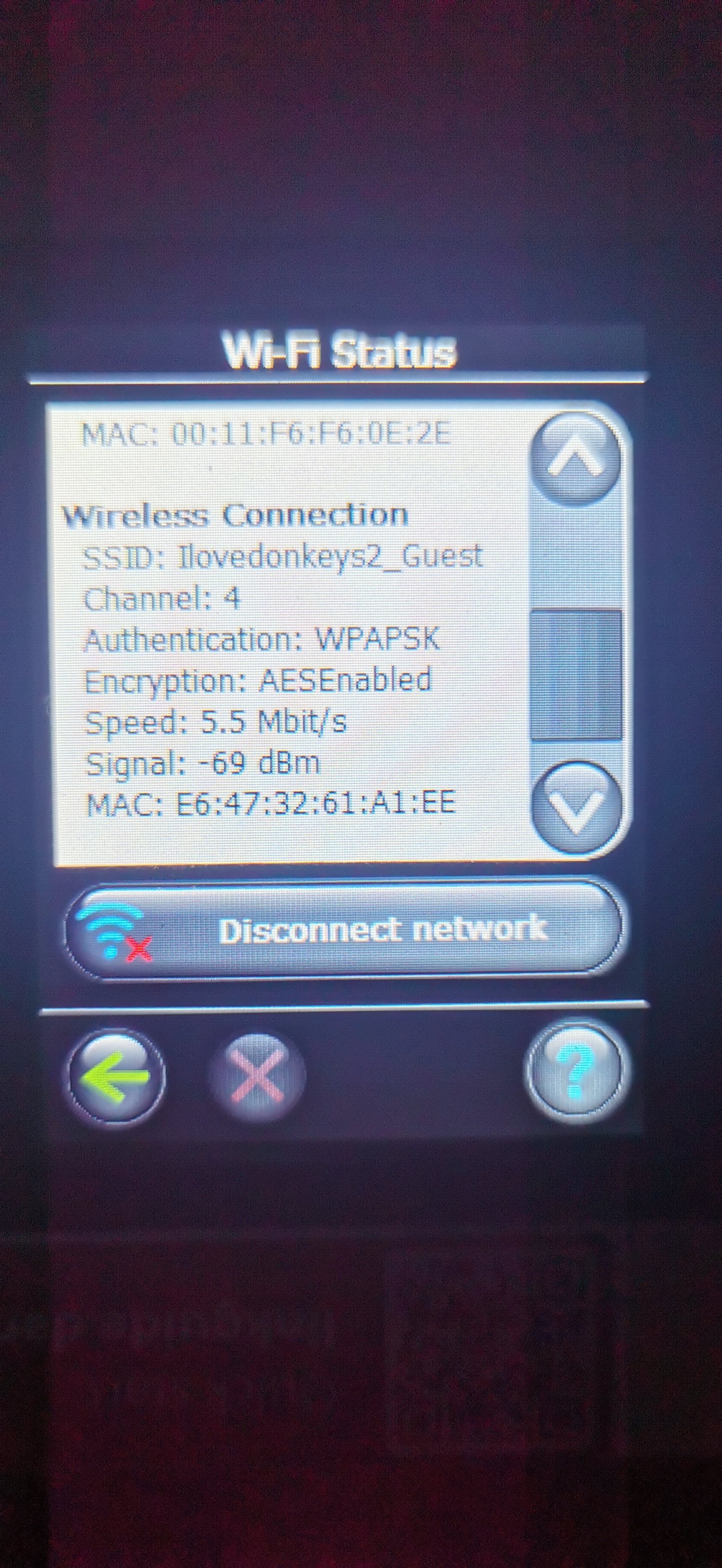
But this does not solve the problem. I have even tried setting up a separate "guest network" on my Deco just for the Danfoss device, but this still does not solve the problem.
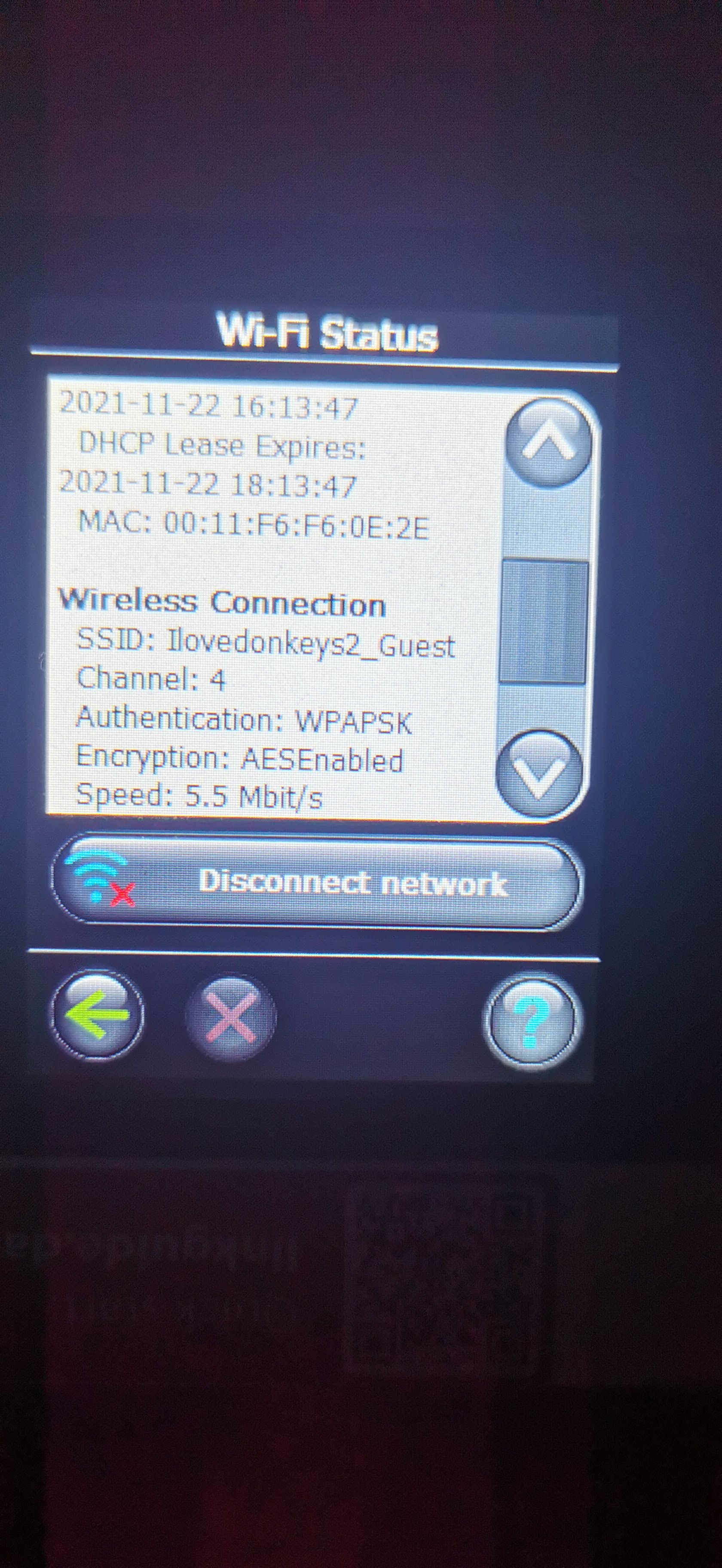
I attach some photos that may help explain better.
Does anyone have any ideas ? Thanks !!
Recommended Wi-Fi / Router setting for use with Danfoss Link CC
| Parameter | Value | Comments |
| SSID | Any unique name | |
| Hidden | Disable | |
| Frequency (*) | 2.4 GHz | The Danfoss Link CC can only support 2.4 GHz |
| 2.4 GHZ mode (*) | 802.11b/g/n | Do not use N only mode |
| Security (*) | WPA2 Personal (AES) | Do not use mixed mode WPA/WPA2 |
| Channel (*) | Fixed (channel 1,6.or 11) | Use one of the channels (1,6 or 11) with least interference |
| 2.4 GHz channel width (*) | 20 MHz | Do not use 40 MHz |
| MAC address authentication or filtering | Disable | |
| DHPC | Enable | Only one DHCP server per network |
| Ports used | 80 and 443 |