
Tether App Connection Issue
 This thread has been locked for further replies. You can start a new thread to share your ideas or ask questions.
Few months back, I downloaded the Tether app and was able to connect with my AX73 Router and was able to monitor the connection and security. I uninstalled the applicatiion after a few days but it was working absolutely fine.
I recently switched phones and installed the app on the new phone, login with TPLink ID and search for the connected TPLink devices. I could find my AX73 Router as it should. Now when I try to connect to the router, the connection screen just keep loading and the connection fails. This happened multiple times so I went on to reset my router to factory settings.
After resetting the router to default factory settings, I logged in to WiFi using the default SSID (TPLink-XXXXX something) and password which I found in the original box paper. Now, this time I was able to connect to my router using the Tether app and there were no connection timeout error or something.
So, I restored my previous backup (before factory resetting) again and tried to login and... I started getting the same timeout error again. I don't have access to my previous phone so I just cannot check with it. I'm already logged in with my TPLink ID in my router (connect via IP Address) and have tried binding/unbinding it multiple times.
I'm currently using S23 with Android 14 One Ui with June 1 2024 patch update. I can only think of this change between the time period. I'll try to login from any other phone but I don't think it's going to work.
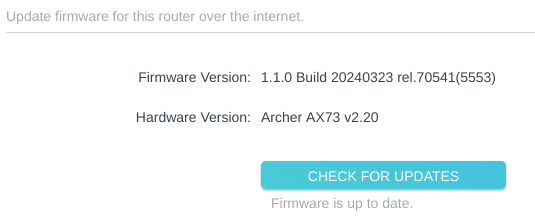
Router: AX73 Firmware Version: 1.1.0 Build 20240323 rel.70541(5553) Hardware Version: V2.20
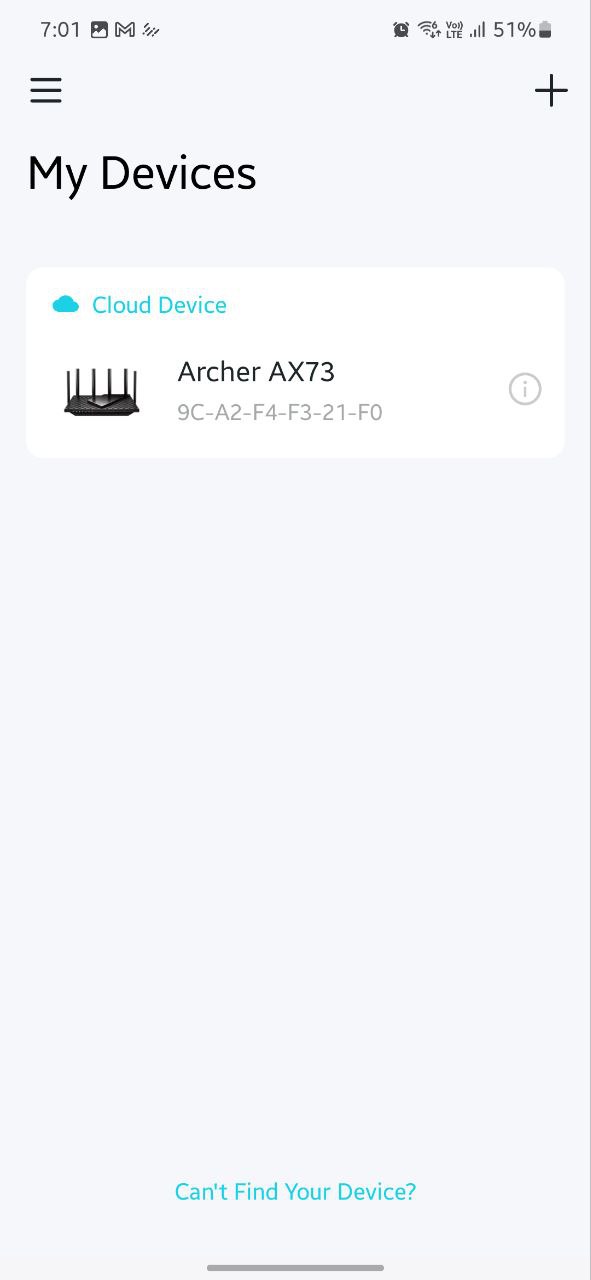
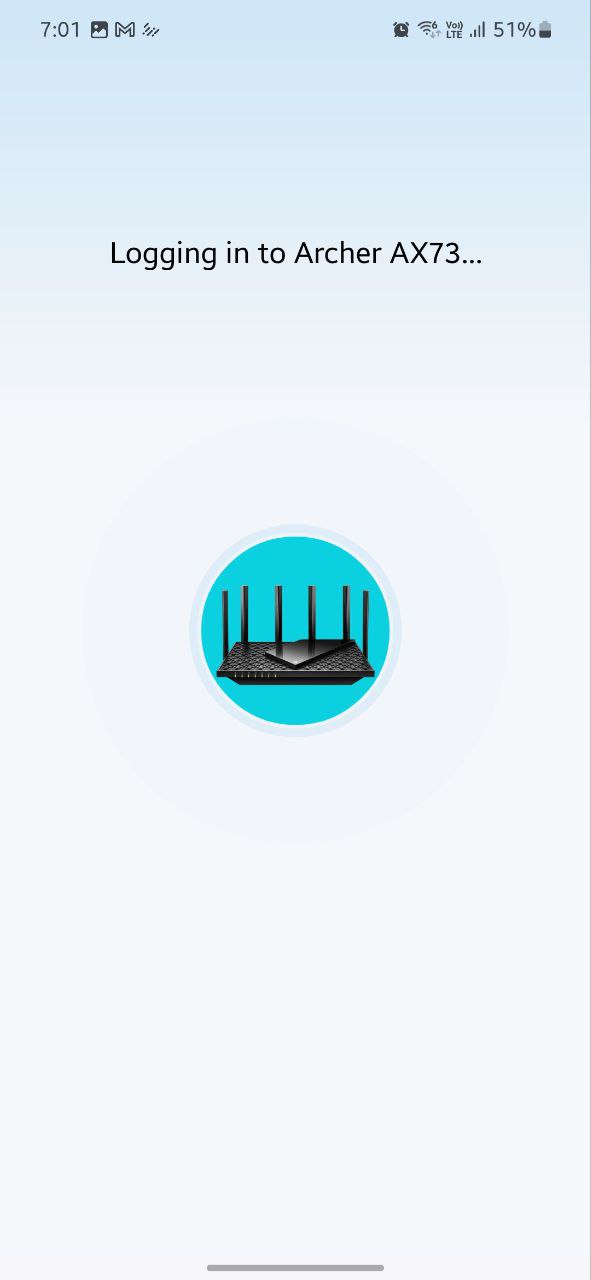
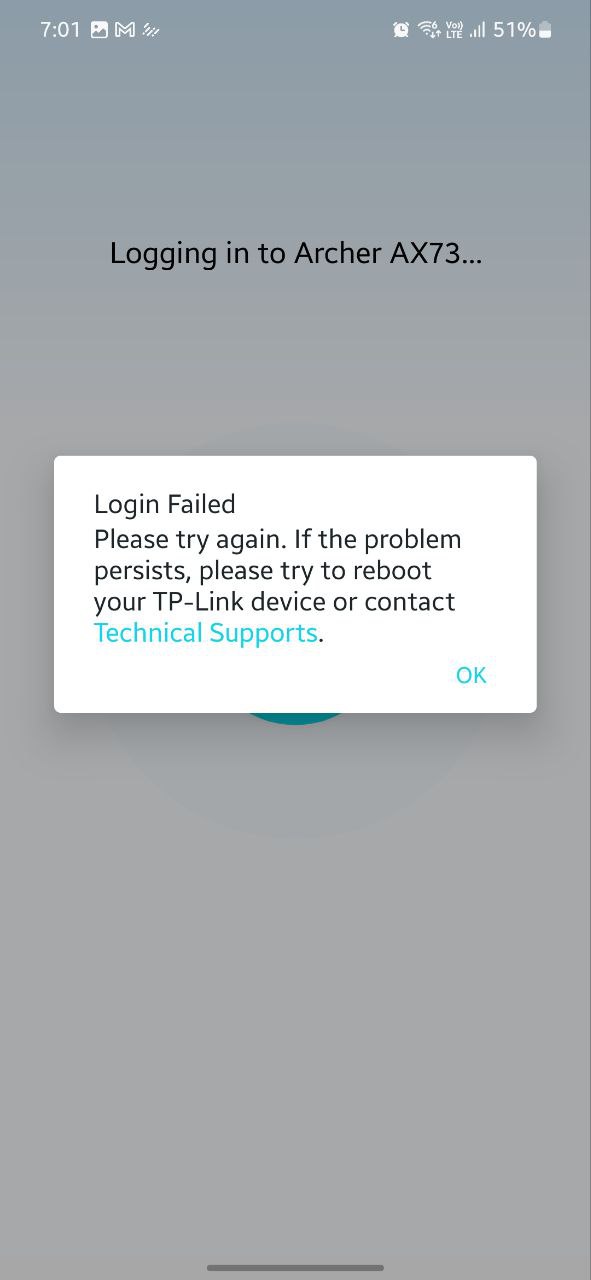
Do let me know if there is any fix for this. Thanks for all the answers.
