Deco BE65 and X50
 This thread has been locked for further replies. You can start a new thread to share your ideas or ask questions.
Hi Currently Purchased 2 BE65 Mesh Routers, i currently have 3 Deco X50 Nodes
as I've just had 2GBs Fibre installed so hence the new purchase.
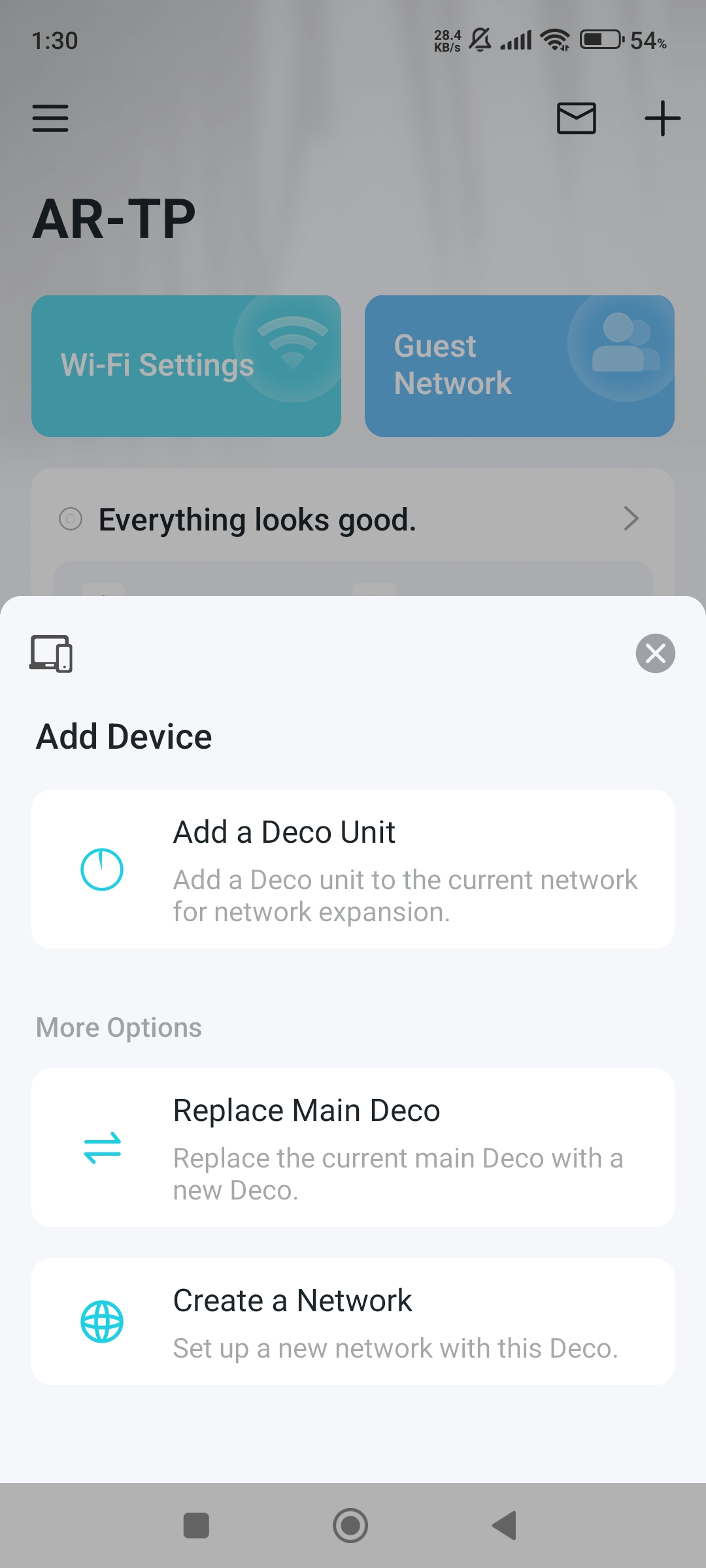
ive tried installing one of the BE65 units and it joins the current mesh successfully but then goes offline, so I don't have option to set it as the Master Hub,
no I need to delete the network first start again? Using the BE65 first as the Master?
Hi Currently Purchased 2 BE65 Mesh Routers, i currently have 3 Deco X50 Nodes
as I've just had 2GBs Fibre installed so hence the new purchase.
ive tried installing one of the BE65 units and it joins the current mesh successfully but then goes offline, so I don't have option to set it as the Master Hub,
no I need to delete the network first start again? Using the BE65 first as the Master?