
OC200 upgrade to 1.37.10 Build 20251118 Rel.39419 failing
 This thread has been locked for further replies. You can start a new thread to share your ideas or ask questions.
Hi,
Good evening,
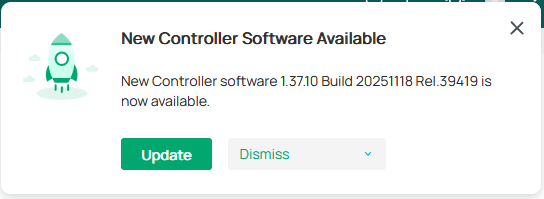
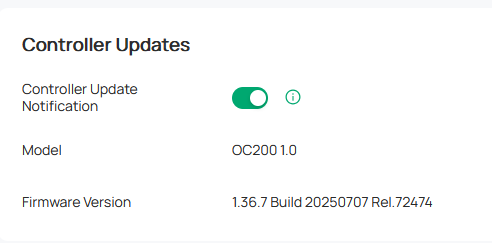
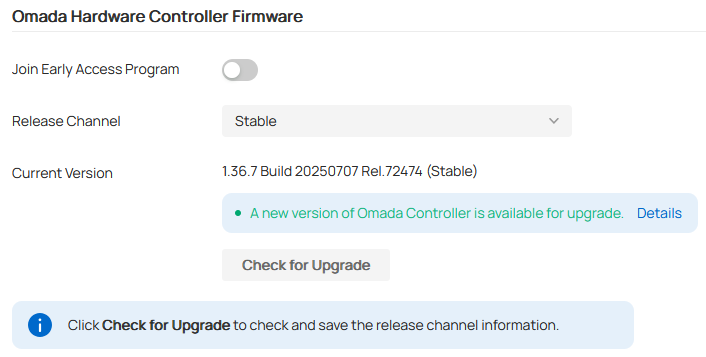
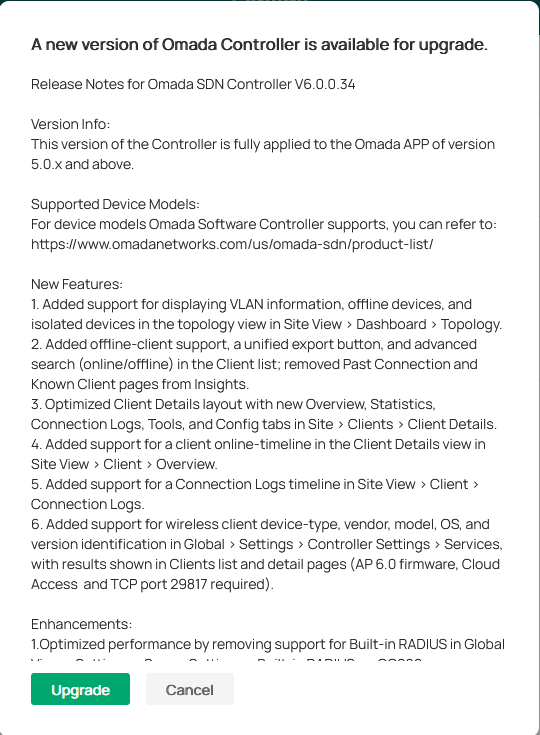
New controller sw version apparently available to upgrade but fails.
Steps done:
1-Receive message and apply for update.
2-Percentage bar showing download and installation and say after a while rebooting controller.
3-It will never come up again.
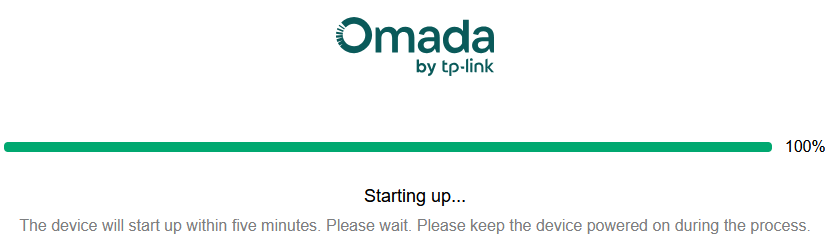
4-trying to reach out the controller IP after several time it just shows the logo animation like it would be loading, but doesn't move from there.
5-tried 3 times, the same behavior.
Added the logs of the 3 attempts, oc200 server.log.
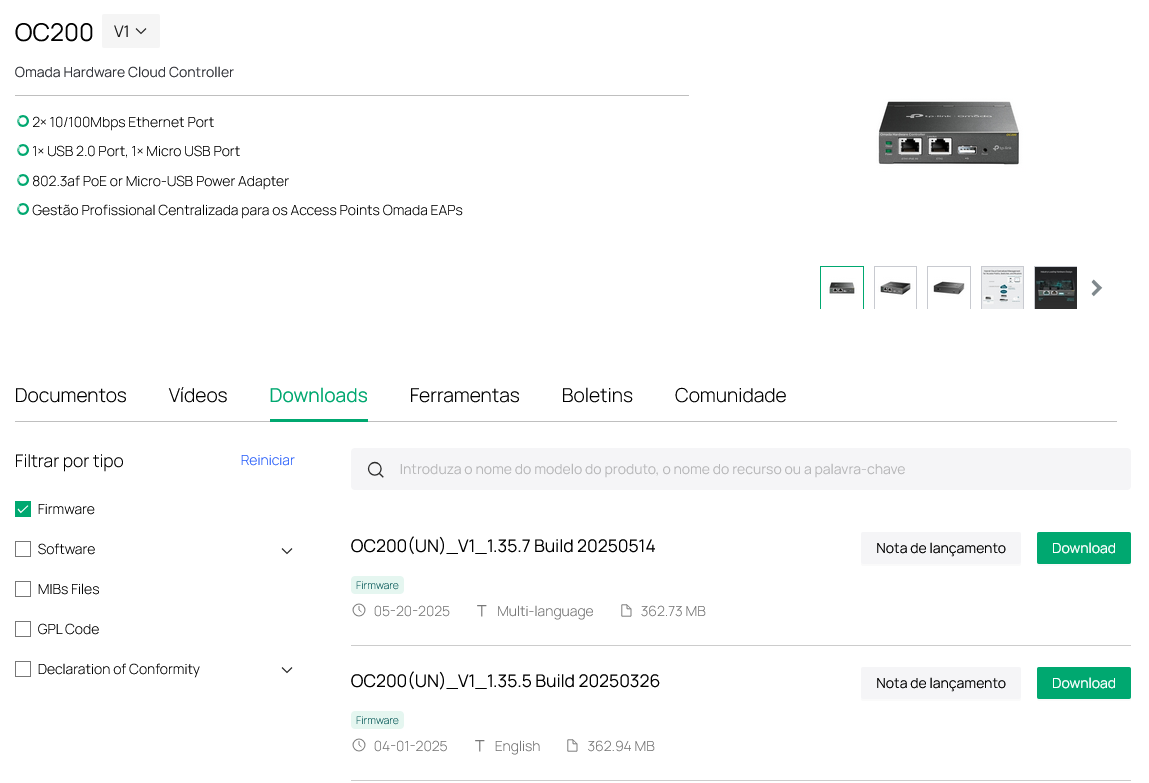
It's also strange that that version of firmware is not available to download and the announcement was done in Facebook(USA), not sure if it applies to EUR region.
BR

- Copy Link
- Subscribe
- Bookmark
- Report Inappropriate Content
Hi,
-->> Problem Solved <<--
I have to say that i'm pleased and i would to say thank you for the support provided. I hope TP-LINK continues to evolve OMADA products improving customer satisfaction.
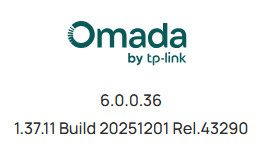
I have seen the new firmware version and the upgrade went without any issue.
The controller seems fast/responsive comparing to have i was used to.
BR
- Copy Link
- Report Inappropriate Content


Thanks for posting here.
Did you plug a USB stick into the USB port for backup?
It's also strange that that version of firmware is not available to download and the announcement was done in Facebook(USA), not sure if it applies to EUR region.
>>>Different websites are maintained by different teams. Thanks for the feedback, ,I had forward it to the relevant team and they will update it ASAP. Thanks.
We checked the logs you shared and there is no obvious clue for this issue.
To better assist you, I've created a support ticket via your registered email address and escalated it to our support engineer to look into the issue. The ticket ID is TKID251152615. Please check your email box and ensure the support email is well received. Thanks!
Once the issue is addressed or resolved, please update this topic thread with your solution to help others who may encounter the same problem as you did.
Many thanks for your excellent cooperation and patience!
- Copy Link
- Report Inappropriate Content
Hi,
Good evening,
Thanks for supporting.
-"... Did you plug a USB stick into the USB port for backup?...".
Mosh: No USB pen connected to the device. Actually i would like to buy a pen to do backups, but i have been told that the reliability of the pen matters. Could you please made a suggestion what a particular brand and/or model?
Request made in the ticket was attended.
Thanks
BR
- Copy Link
- Report Inappropriate Content
Hi @Mosh1021
The OC200 supports USB drives formatted in FAT32 and NTFS.
Mosh1021 wrote
Hi,
Good evening,
Thanks for supporting.
-"... Did you plug a USB stick into the USB port for backup?...".
Mosh: No USB pen connected to the device. Actually i would like to buy a pen to do backups, but i have been told that the reliability of the pen matters. Could you please made a suggestion what a particular brand and/or model?
Request made in the ticket was attended.
Thanks
BR
- Copy Link
- Report Inappropriate Content
Hi,
-->> Problem Solved <<--
I have to say that i'm pleased and i would to say thank you for the support provided. I hope TP-LINK continues to evolve OMADA products improving customer satisfaction.
I have seen the new firmware version and the upgrade went without any issue.
The controller seems fast/responsive comparing to have i was used to.
BR
- Copy Link
- Report Inappropriate Content

I wish it worked consistently for me - I've had 4 OC200s (both v1 and v2) fail in the same way with this update - see this thread.
- Copy Link
- Report Inappropriate Content
Information
Helpful: 0
Views: 1144
Replies: 5
Voters 0
No one has voted for it yet.