Deco X20 Crashes and Blocks Apps/Websites

Deco X20 Crashes and Blocks Apps/Websites

Deco X20 Crashes and Blocks Apps/Websites
2 weeks ago - last edited a week ago
Model: Deco X20  
Hardware Version: V2
Firmware Version: 1.0.3 build 20210205 rel. 35873

Hello TP-Link team,

I’m experiencing two major issues with my Deco X20 units, both of which are updated to the latest firmware and software:

  1. Crashes with HomeShield Protection Whenever I enable any of the HomeShield protection features—malicious content filtering, intrusion prevention, or infected device quarantine—the Deco units crash. This includes my hardwired connection, which stops working entirely until I disable the settings and restart the system.

    • Firmware confirmed as up to date via the Deco app

    • Restarted both units after enabling protection

    • Tested each protection setting individually Unfortunately, the issue persists.

  2. Blocking Apps and Websites (Even with HomeShield/QoS Disabled) Even when HomeShield protection and QoS are disabled, the Deco X20s are blocking certain apps and websites on my smart devices. To get them to work, I have to switch my phone to mobile data to start the app or content, then switch back to Wi-Fi to cast to my TV. This behavior is consistent and very disruptive.

Could you confirm if these are known bugs and whether firmware fixes are planned? In the meantime, is there a recommended workaround to keep my network stable and ensure apps/websites function properly without having to toggle between mobile data and Wi-Fi?

Thank you

  3      
  3      
#1
Options
1 Accepted Solution
Re:Deco X20 Crashes and Blocks Apps/Websites-Solution
2 weeks ago - last edited a week ago

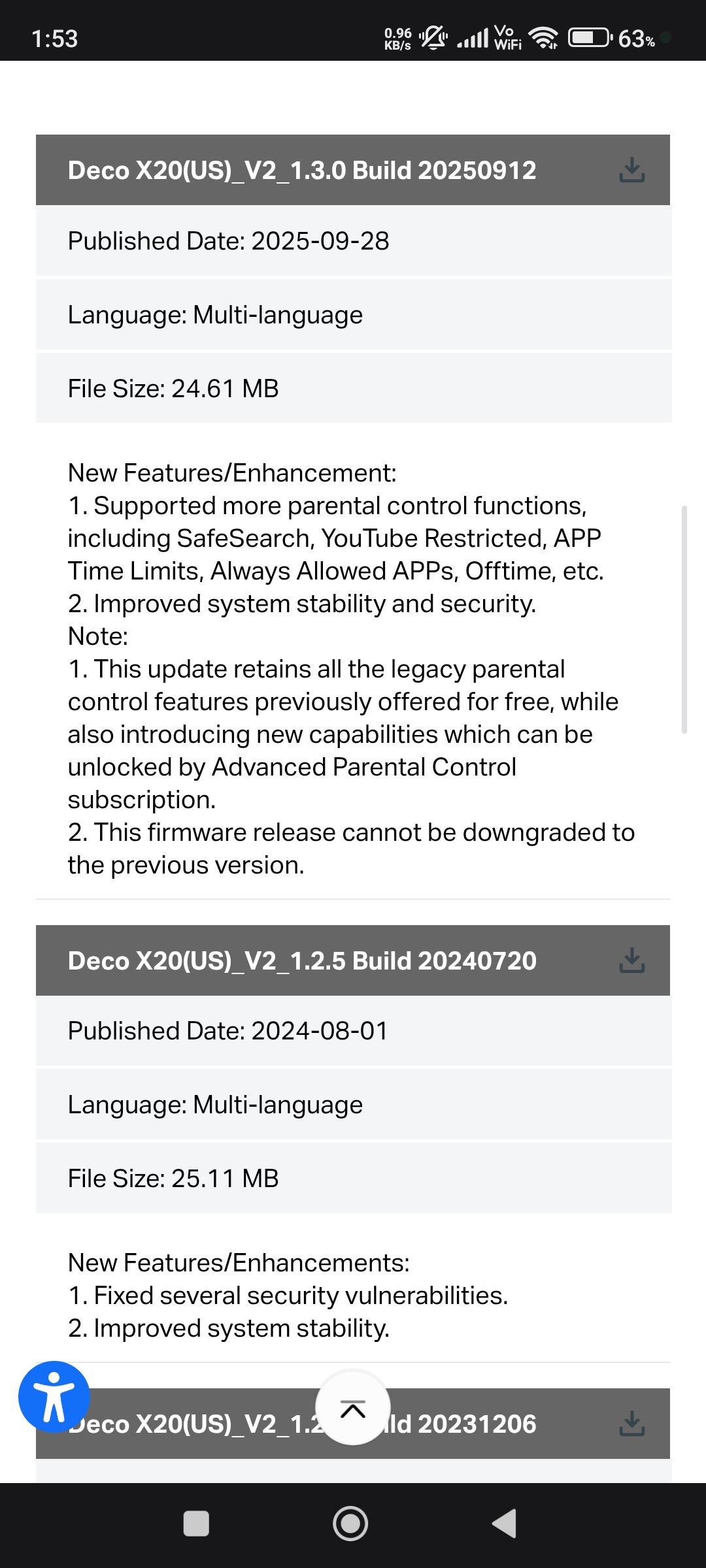
  @ijperry Bro there is a new firmware 1.3.0 for Deco X20 (V2) hardware which is released in 2025.


https://www.tp-link.com/us/support/download/deco-x20/v2/#Firmware


Please & Thank You !! ❤️
Recommended Solution
  0  
  0  
#2
Options
5 Reply
Re:Deco X20 Crashes and Blocks Apps/Websites-Solution
2 weeks ago - last edited a week ago

  @ijperry Bro there is a new firmware 1.3.0 for Deco X20 (V2) hardware which is released in 2025.


https://www.tp-link.com/us/support/download/deco-x20/v2/#Firmware


Please & Thank You !! ❤️
Recommended Solution
  0  
  0  
#2
Options
Re:Deco X20 Crashes and Blocks Apps/Websites
a week ago
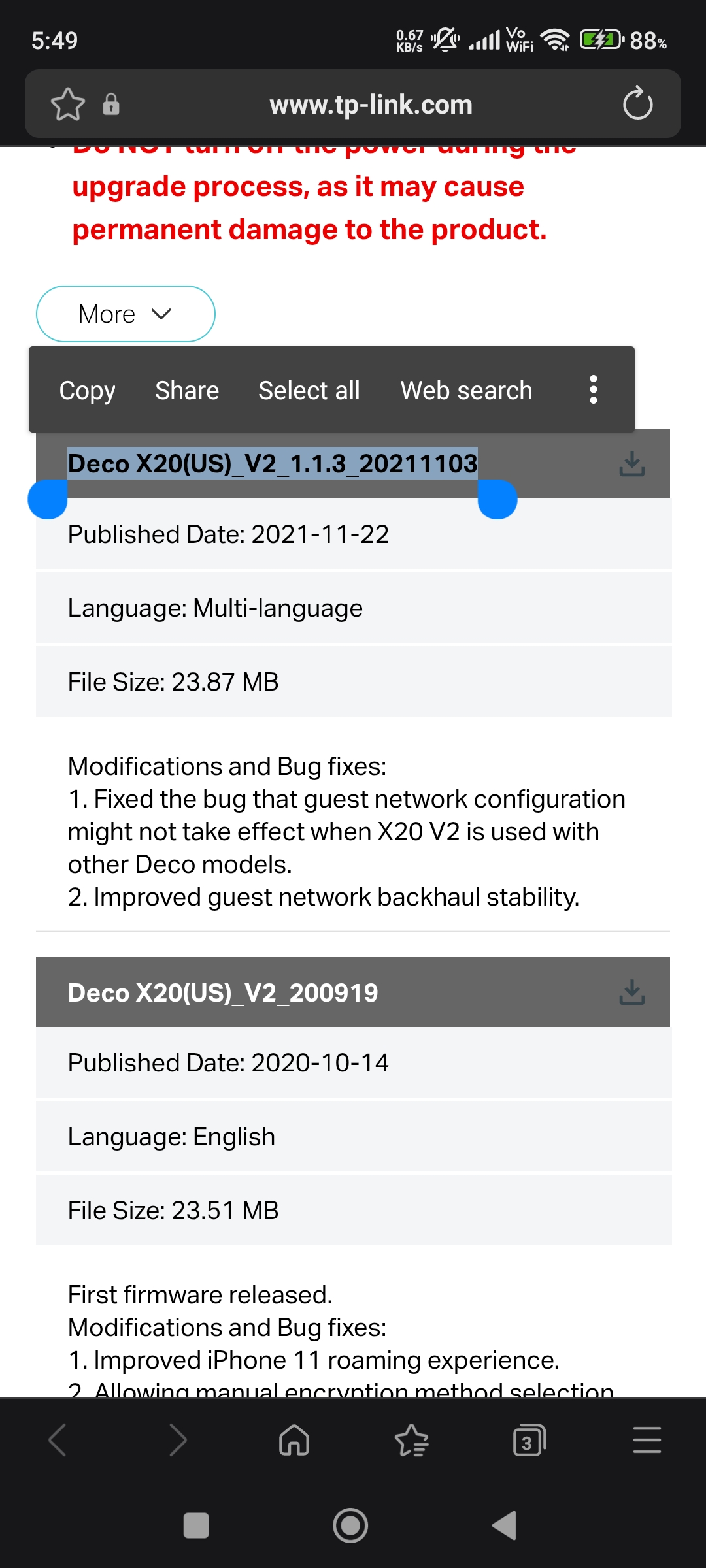
Hey! Thanks this was helpful! I ended up using this link because I am in Canada, so the release is from 2021. There are scary red letters warning me about downloading the 2025 version since I am not in the US. https://www.tp-link.com/ca/support/download/deco-x20/v2/#Firmware Thanks again!
  0  
  0  
#3
Options
Re:Deco X20 Crashes and Blocks Apps/Websites
a week ago - last edited a week ago

  @ijperry Bro did'nt you see that Deco X20 (V2) is also using US firmware because Canada is a part of US not China 😄 The link i provided you is 100% fine and sometime they stopped updating the firmwares on website. Like im from Pakistan and im using Deco M4 but on Pakistan's website there is 2019 firmware but i updated from US website and there is no issue because tplink's official said that to me.


Please & Thank You !! ❤️
  0  
  0  
#4
Options
Re:Deco X20 Crashes and Blocks Apps/Websites
Thursday

  @ARGamingPK1 Ok I've updated everything but I STILL have app blocking issues. Any other tips?

  1  
  1  
#5
Options
Re:Deco X20 Crashes and Blocks Apps/Websites
Thursday

  @ijperry No idea...Sorry 🥺

Please & Thank You !! ❤️
  0  
  0  
#6
Options