
Deco M9+ Starling Gen3
Deco M9+ Starling Gen3

I am experiencing connectivity issues with my Starlink setup and would like your assistance. My configuration is as follows:
Starlink with Gen 3 router, currently set to bypass mode
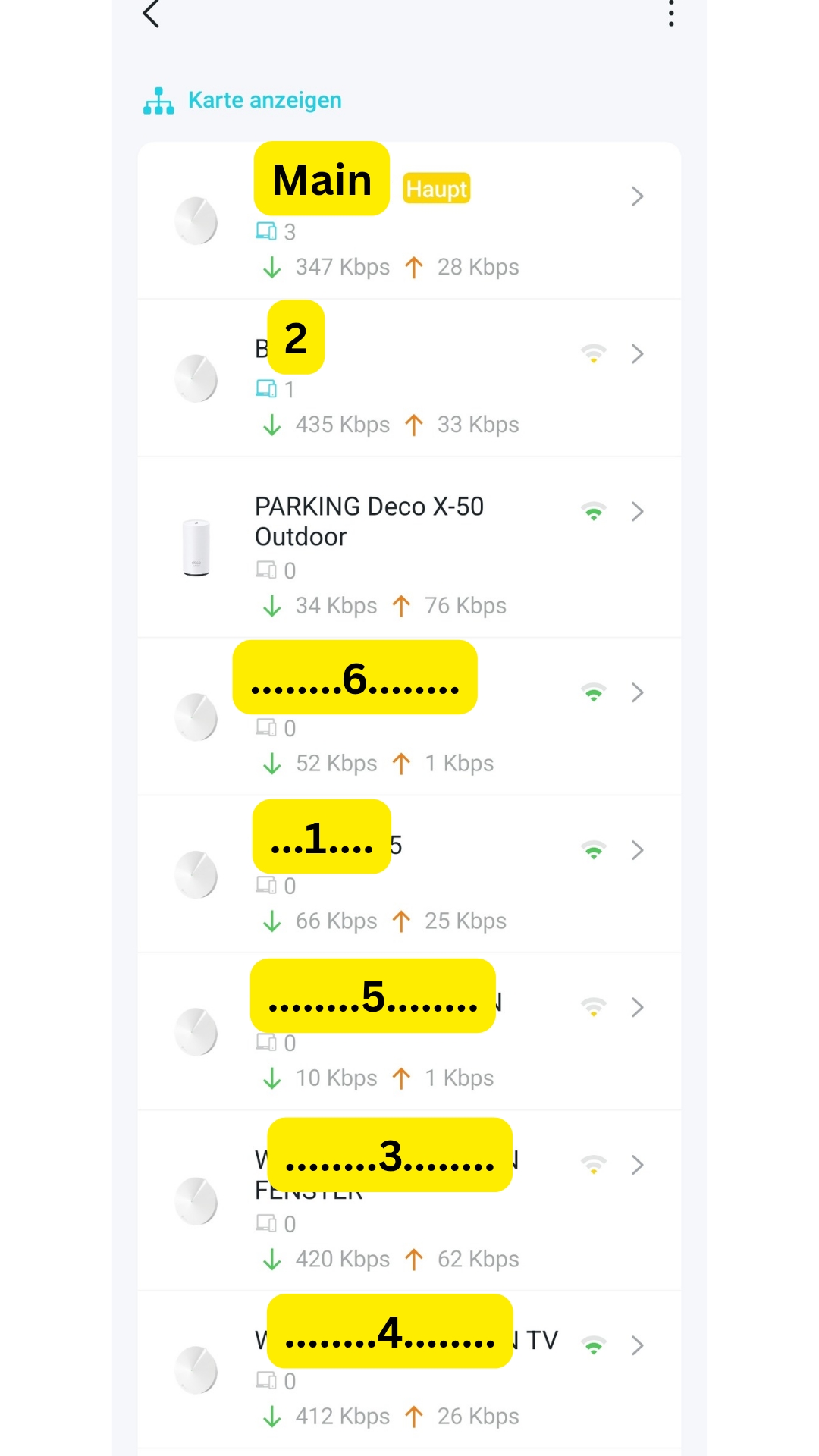
The rest of my network consists mainly of 8 Deco M9+ units running the latest available firmware (one of them is the main deco) and one Deco X50-outdoor
The issue I am facing is that my internet connection is not stable. I notice sudden drops in speed, occasional interruptions, and streaming services do not function smoothly.
Could you advise on possible causes for these interruptions and recommend any troubleshooting steps or adjustments to improve stability?
Thank you for your support.
- Copy Link
- Subscribe
- Bookmark
- Report Inappropriate Content
- Copy Link
- Report Inappropriate Content
- Copy Link
- Report Inappropriate Content

- Copy Link
- Report Inappropriate Content
- Copy Link
- Report Inappropriate Content
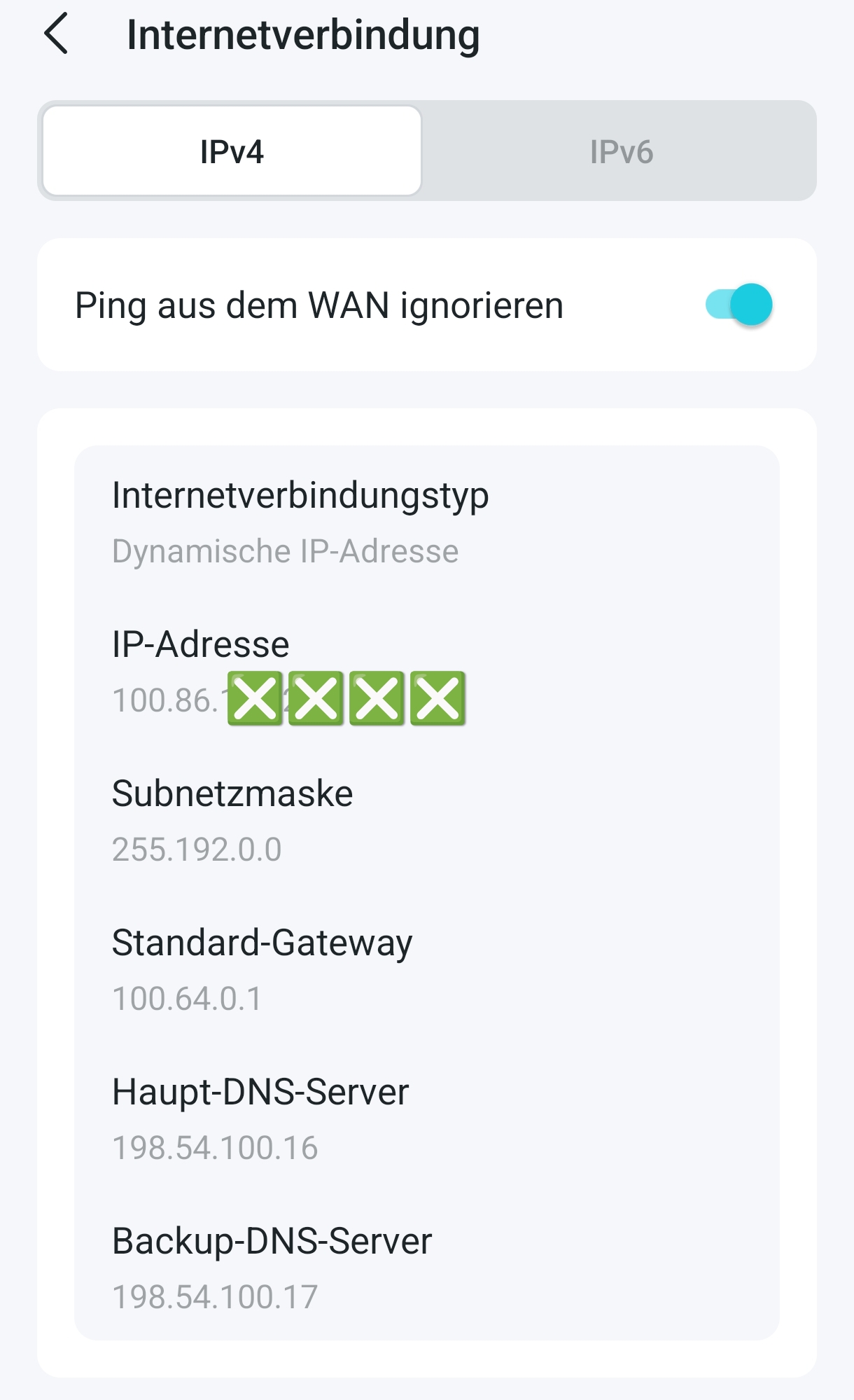
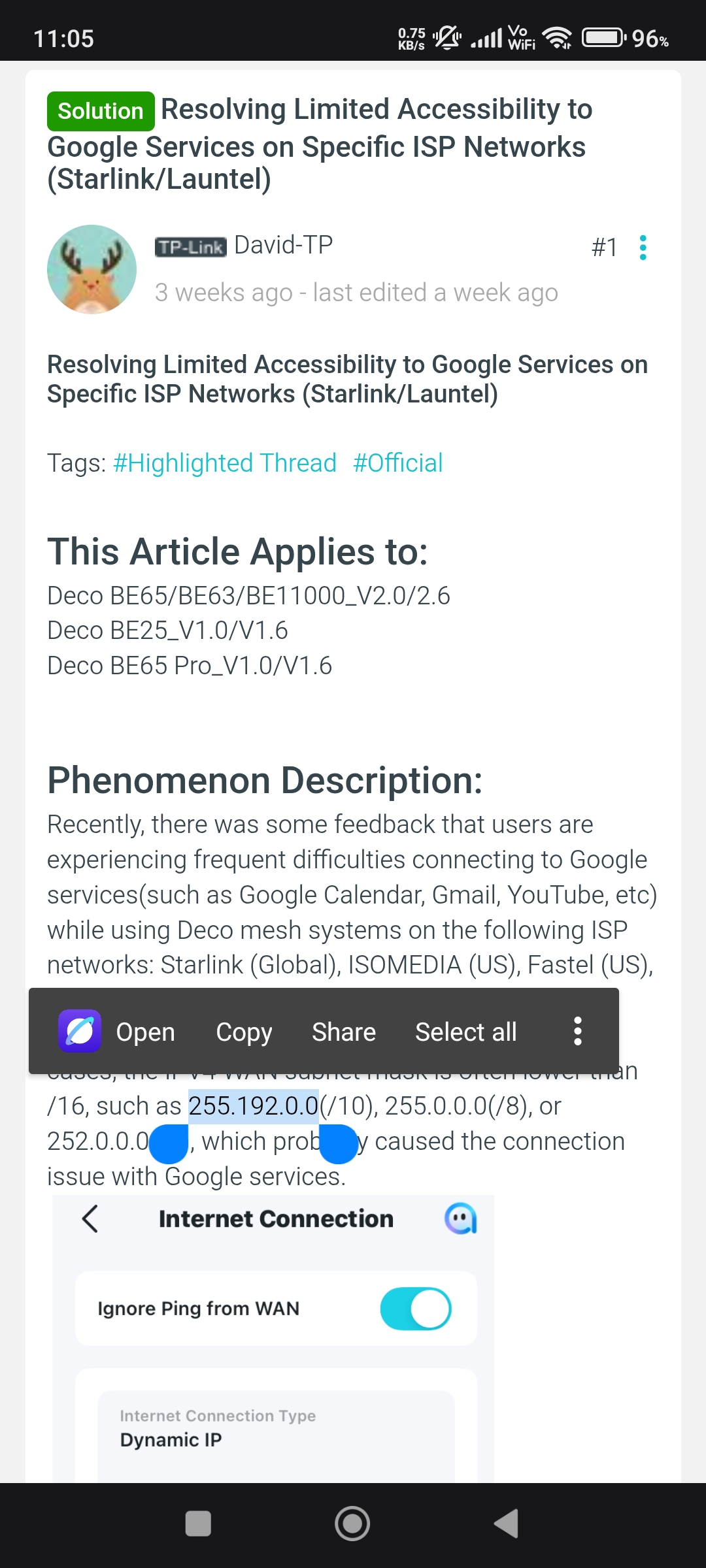
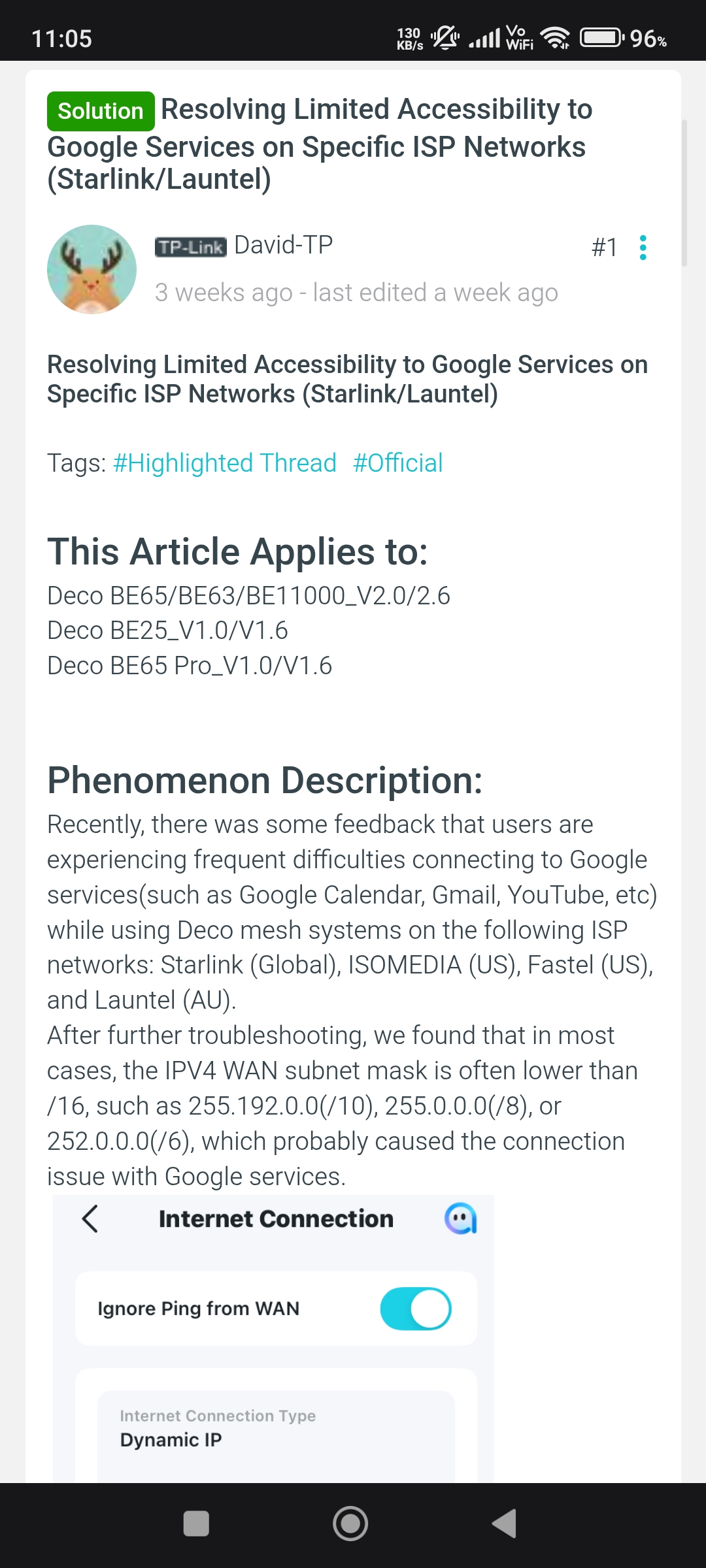
@Chky have u tried to change subnet mask to 255.255.255.0 manually in internet connection settings? You have to wait for the beta firmware because many people facing this issue on different Deco models on Starlink and Launtel ISP.
- Copy Link
- Report Inappropriate Content
Since no solution could be found for my problem, I am now using my Starlink without the Deco system. At the same time, I am looking for more professional alternatives, such as products from the Omada range or competing solutions that work more reliably.
I am very disappointed with this experience.
- Copy Link
- Report Inappropriate Content
@Chky Im 100% sure your issue is related to subnet mask and until then you can use Deco in AP Mode and give your clients static ip address from Starlink DHCP list.
- Copy Link
- Report Inappropriate Content
Information
Helpful: 1
Views: 1256
Replies: 17
Voters 1
