
RE450 Loses Connection Repeatedly and Shows Very Slow Internet Speed

Hello everyone,
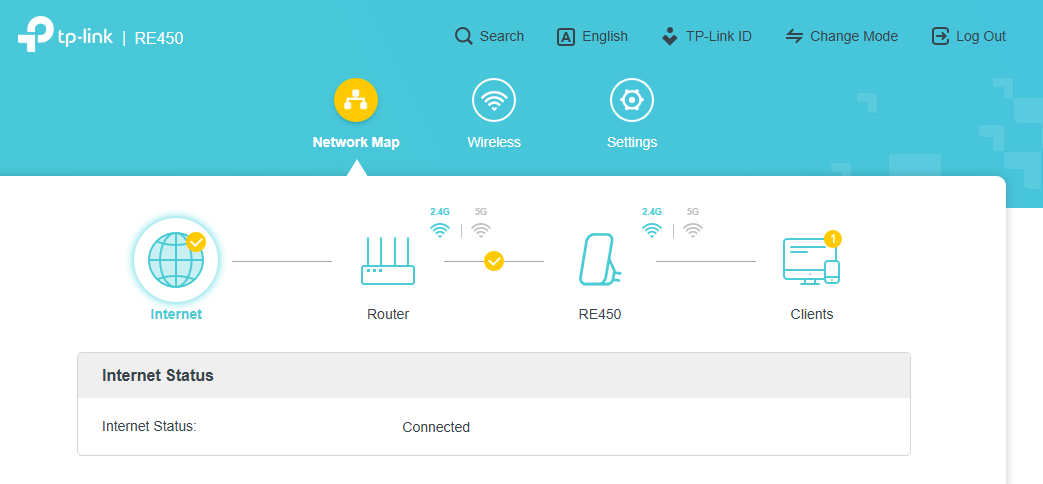
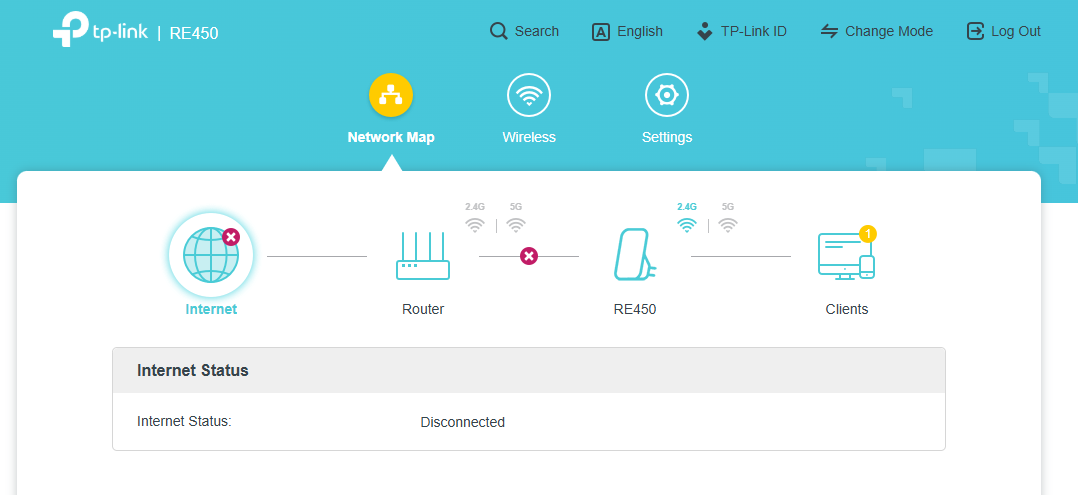
I recently purchased the RE450 and configured it exactly according to the installation guide. As far as I can tell, everything during the setup process went correctly. When I access the RE450’s management panel, it shows that all connections are working properly. However, after some time the connection drops and changes to “Not Connected”, then after a while it reconnects again — as if it were intermittent.
The LED that indicates the connection stays solid blue for a moment, then turns off, then turns blue again, and so on.
I recorded a video showing the connection LED behavior: https://youtube.com/shorts/ISOwcp1cSPE
Even with the RE450 placed right next to the main router, this issue continues. I have already updated the firmware and it is running the latest version. Additionally, even when the
RE450 is next to the router, the internet speed becomes extremely slow when connected through the extender.
Does anyone know what might be causing this or how to fix it?
Thank you in advance.