Archer AX55 router configuration

Archer AX55 router configuration
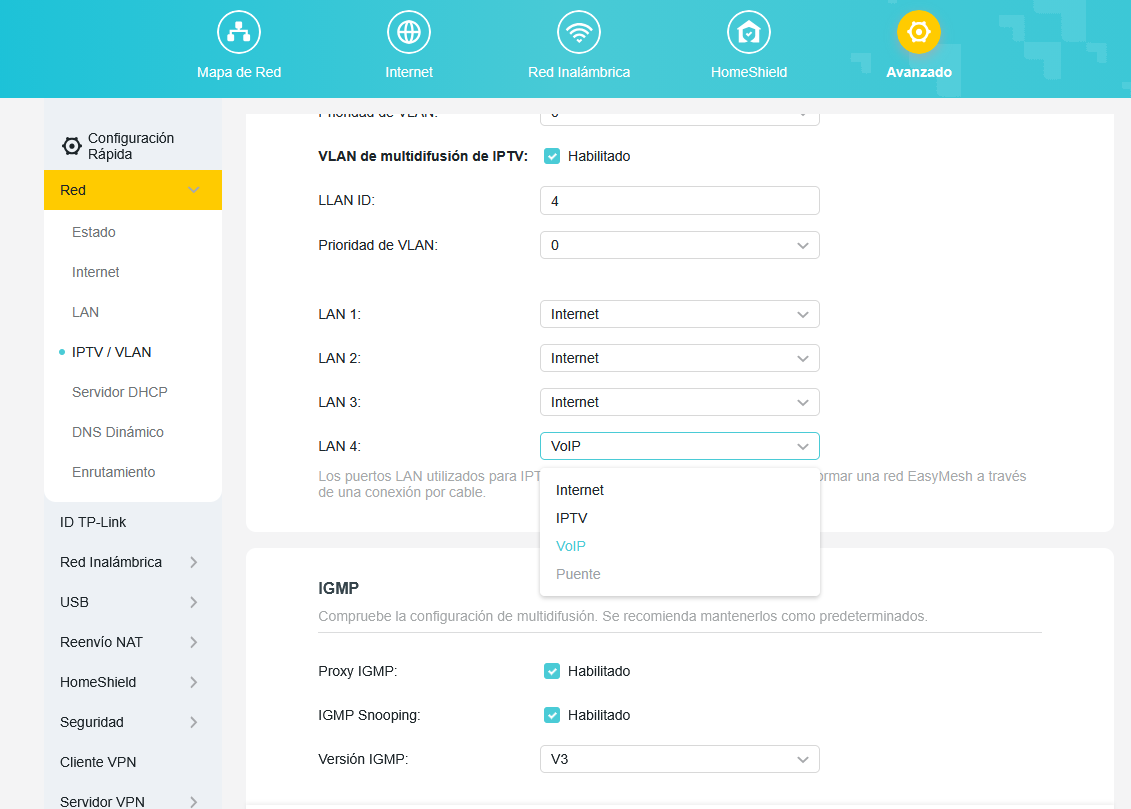
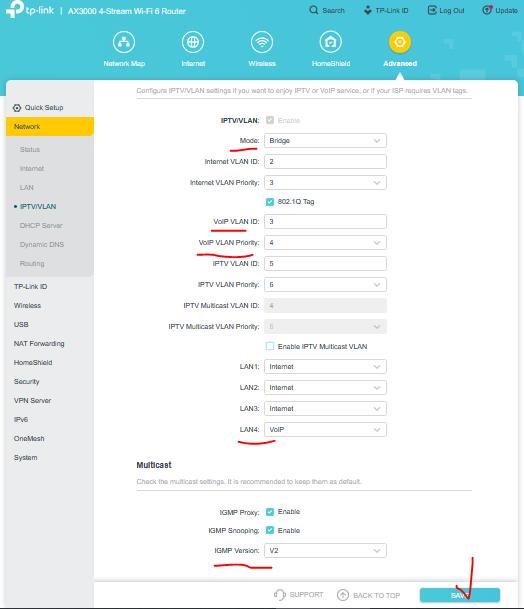
I'm contacting you to find a solution to my router configuration. I have it configured with the pppOe keys, and it's providing internet access to both wired and wireless devices. However, when I try to put LAN4 in bridge mode, it won't let me. I need it to work because that port will connect to another router from my internet provider, which will only provide landline service. I've tried several configurations, including enabling IPTV/VLAN, VoIP, and multicast, but I haven't been able to get it working. Obviously, IPTV/VLAN is enabled because I don't have internet access without it. How can I enable bridge mode on LAN4? Is it a firmware issue? Any help would be greatly appreciated.
Thank you.