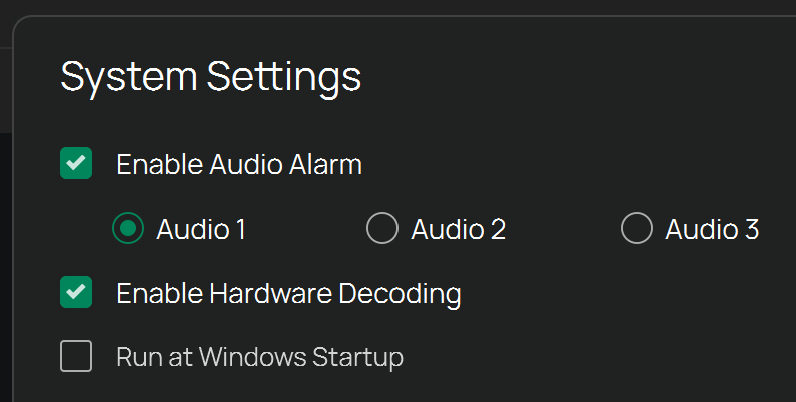
Text in VIGI Security Manager user interface is pixelated
 This thread has been locked for further replies. You can start a new thread to share your ideas or ask questions.
Hello,
Using VIGI Security Manager with Windows 11 here.
I have a problem with the text rendered in the user interface, it is pixelated, although I have a 4K screen. To illustrate, here is a screenshot with the VIGI Security Manager interface, and other software all around/ As you can see, the other software (web browser, operating system desktop) renders text properly, it is clean; but text in VIGI Security Manager is pixelated (zoom in to 100%, please):
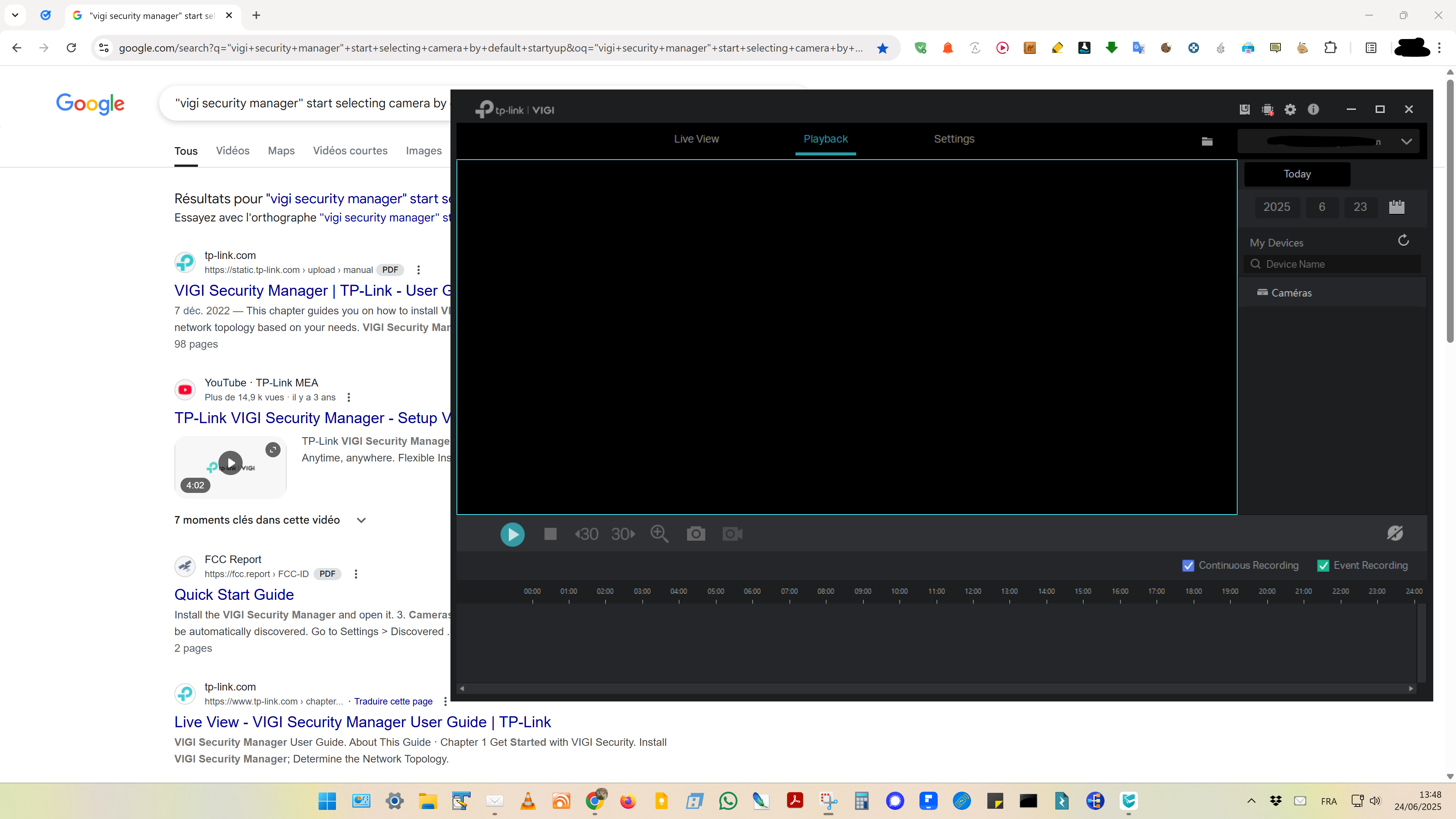
I opened the properties of the VIGI Security Manager executable file, opened the "Compatibility" tab, clicked "Change high DPI settings" and tried all sorts of settings there, to no avail... I'm really frustrated because the screen has a 4K resolution, but the interface of the application is very poor because of the way text is rendered... The remaining applications open display text properly, so the problem doesn't come from my computer...
Could you help me sort this out, please?
Thank you!