Downgrade OC200 to Omada Controller V3.2

Downgrade OC200 to Omada Controller V3.2

Downgrade OC200 to Omada Controller V3.2
Tuesday
Model: OC200  
Hardware Version: V1
Firmware Version: 1.37.11 Build 20251201 Rel.43290

Hi,


I've got an OC200 V1 here that I want to use as a controller for some older EAP245 V1.


The OC200 V1 currently has up-to-date firmware (Omada Controller V6.0), but the EAP245 V1 is apparently only supported up to Omada Controller V3.2.


After finding this "Downgrade" guide https://www.tp-link.com/en/support/faq/3684/ I downloaded firmware OC200(UN)_V1_1.2.3 Build 20200430 from the OC200 product webpage and tried to install it.

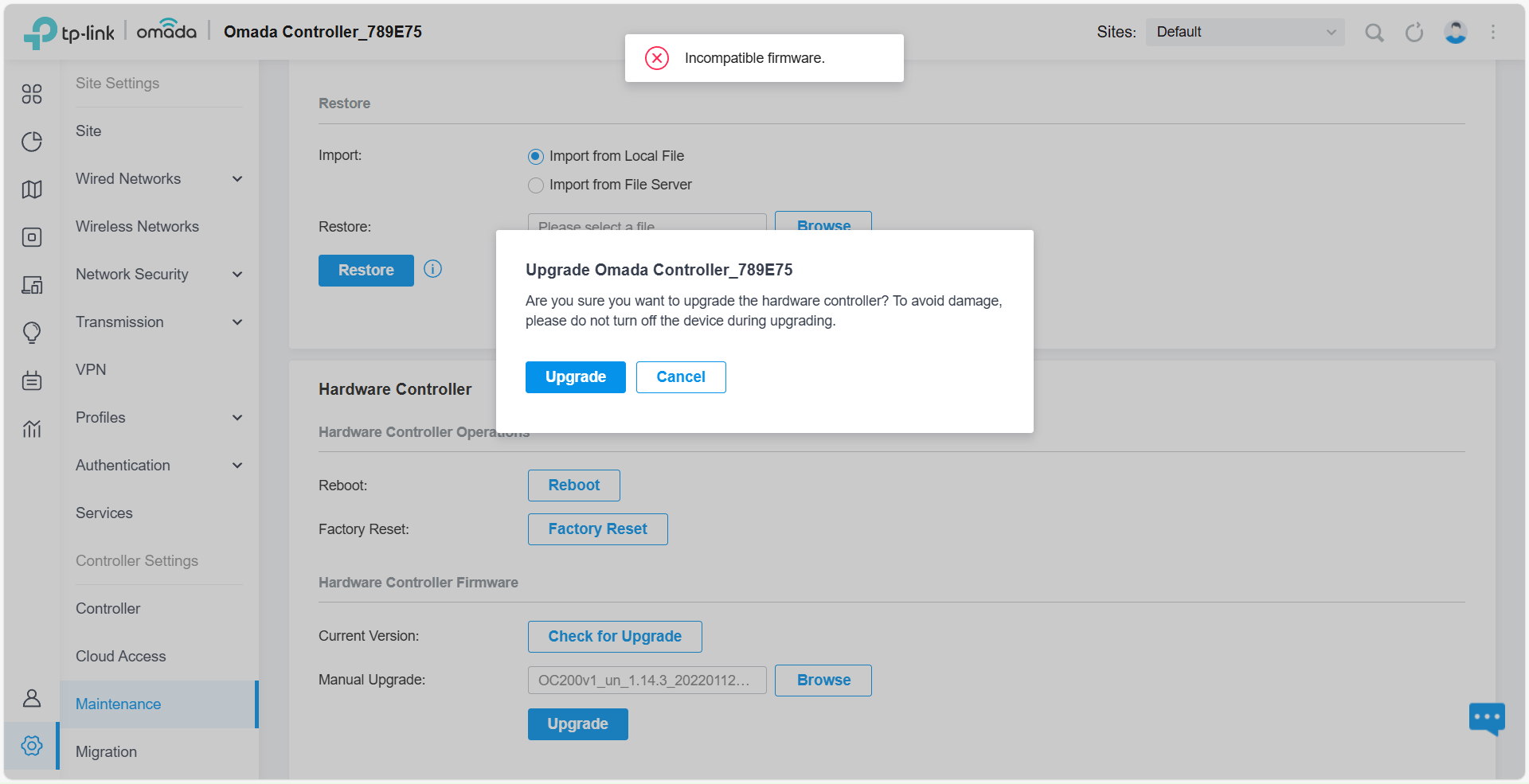
However, after I click the second "Upgrade" button I see the mouse cursor cycling for a while and then the message "Upgrade failed X" pops up.


Am I doing something wrong? What is the correct procedure for downgrading the OC200 V1 to Omada Controller V3.2?


I found older threads about downgrading the OC200 in this forum, but they didn't mention what to do if it fails.

  0      
  0      
#1
Options
2 Reply
Re:Downgrade OC200 to Omada Controller V3.2
Yesterday

Hi  @woozle 


Thanks for posting here.

It might be because the downgrade spans too many versions.

We recommend downgrading step by step—for example, downgrade in the following order:

latest version of V5  > the earliest version of V5  > the latest version of V4 > the earliest version of V4 > the earliest version of V3.


We will also test whether this is possible locally and will update here once there is a result. 

  0  
  0  
#2
Options
Re:Downgrade OC200 to Omada Controller V3.2
Yesterday

  @Vincent-TP 


Thanks for your reply.


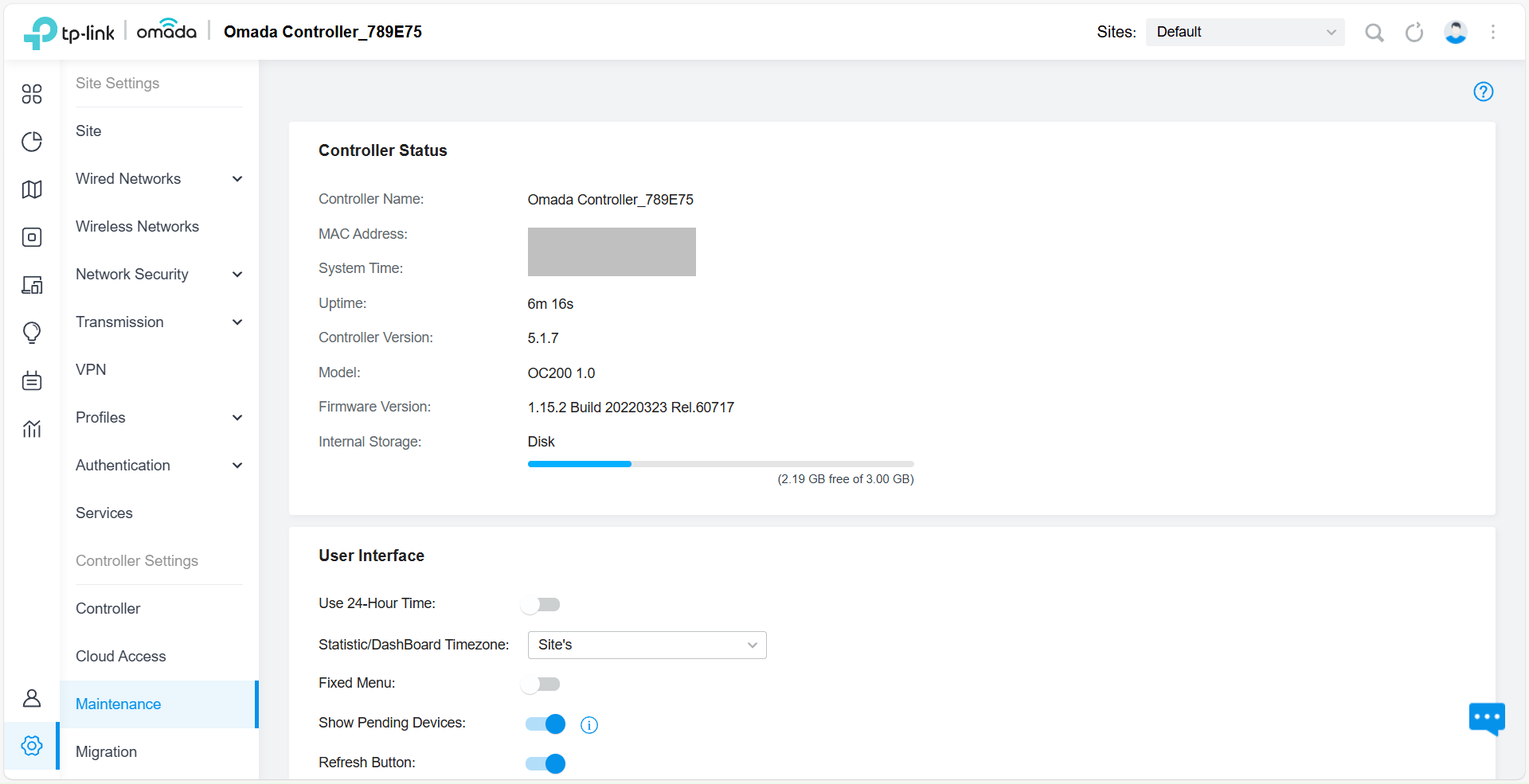
I managed to downgrade in several steps to OC200(UN)_V1_1.15.2_20220323, but then I got stuck. The version right before that, which is OC200(UN)_V1_1.14.3_20220112, does not install.


  0  
  0  
#3
Options