Remote Access Feature

Remote Access Feature

Remote Access Feature
2 weeks ago - last edited Tuesday
Tags: #Controller #Remote access
Hardware Version: V6
Firmware Version: 6.2.0.15

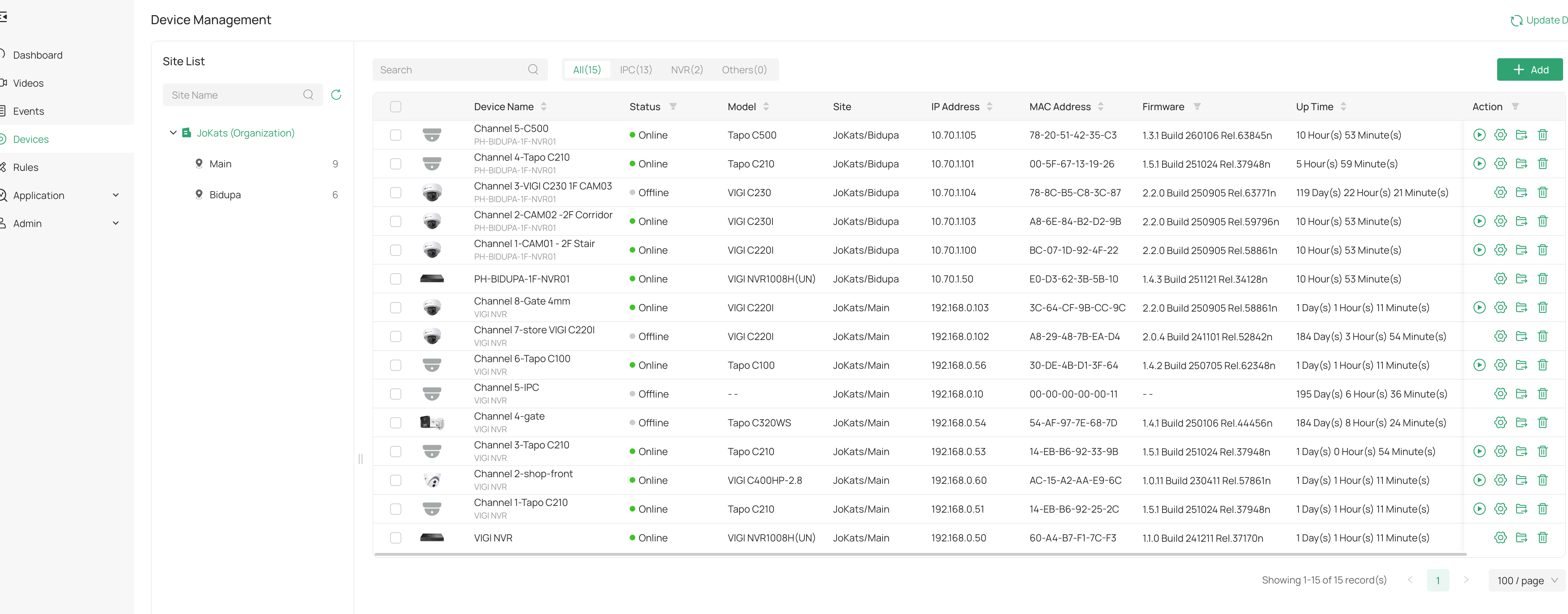
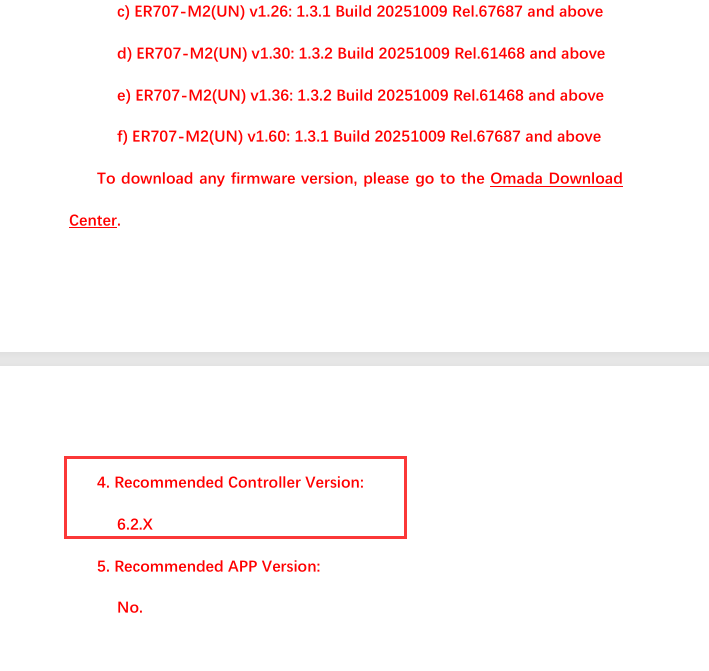
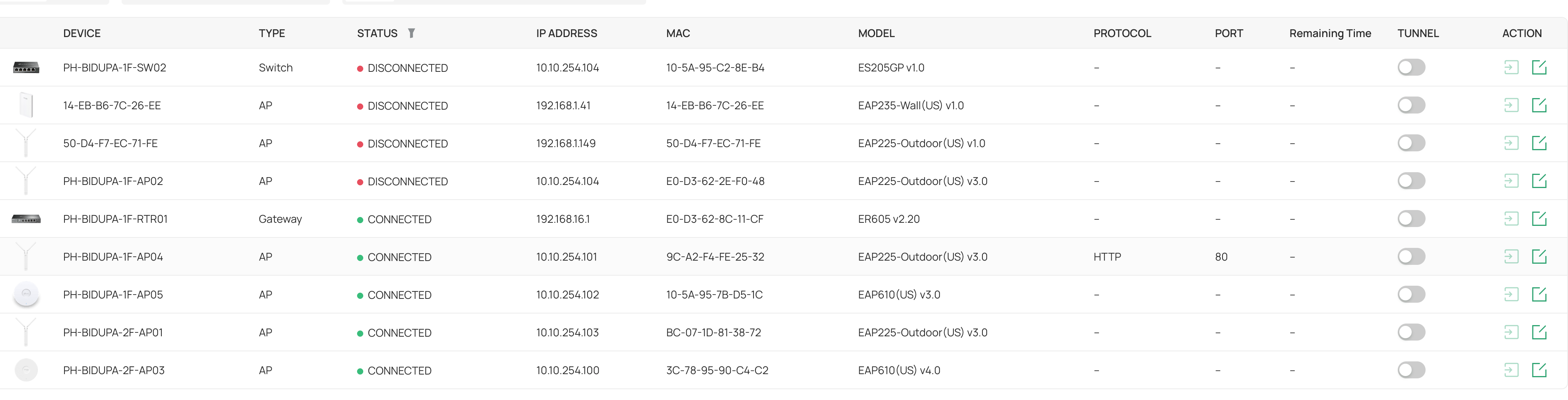
Im using my own software controller hosted on VPS. Im running in MSP and currently running 6.2.0.15. Im curious to know how this remote access feature work, I look at the document it support software controller atleast 6.2. Cloud Access is enabled but i only have one model (only one out of two eap225 outdoor v3.0 shown below). showing HTTPS/HTTP.  So i tried to enabled it but no luck. It says "Cannot enable the tunnel. There is no connected device that supports remote access in the current site." My CCTVs are connected in Omada Guard via my VIGI NVRs. Is it because my models doesnt support? 


One of the reason why i need this to remotely access because everytime there is a blackout, one of my Vigi NVR1008H (HW V2.2) doesn't connect back to Omada Cloud but my old NVR1008H (HW V1.0) is ok


0
0
#1
1 Accepted Solution
Re:Remote Access Feature-Solution
2 weeks ago - last edited Tuesday

 Hi,@Wifi-freak 
Thank you for posting on our business forum.


We would like to confirm with you first: could you please clarify the specific remote access method you are referring to?

Generally speaking, if the device is connected to an active valid internet network and bound to Omada Guard, you can remotely access your VIGI device via omada.tplinkcloud.com. Therefore, remote access will work normally as long as your device maintains a stable internet connection.

If you are referring to any other type of remote access setup, could you please kindly describe how you have deployed your remote access and provide the relevant configuration details?


Recommended Solution
0
0
#3
1 Reply
Re:Remote Access Feature-Solution
2 weeks ago - last edited Tuesday

 Hi,@Wifi-freak 
Thank you for posting on our business forum.


We would like to confirm with you first: could you please clarify the specific remote access method you are referring to?

Generally speaking, if the device is connected to an active valid internet network and bound to Omada Guard, you can remotely access your VIGI device via omada.tplinkcloud.com. Therefore, remote access will work normally as long as your device maintains a stable internet connection.

If you are referring to any other type of remote access setup, could you please kindly describe how you have deployed your remote access and provide the relevant configuration details?


Recommended Solution
0
0
#3