Archer C64 thru Sercomm GPON not connecting
 This thread has been locked for further replies. You can start a new thread to share your ideas or ask questions.
Hello, first post here. Hoping for some help getting my C64 connected to the (fiber) Internet thru our Secomm GPON.
The C64 is new and seems to be working fine, except that it will not connect to the internet. Our connection is fiber and comes thru A Sercomm Simple GPON SFU.
The provided router is SercommModel IP3442M-L/US
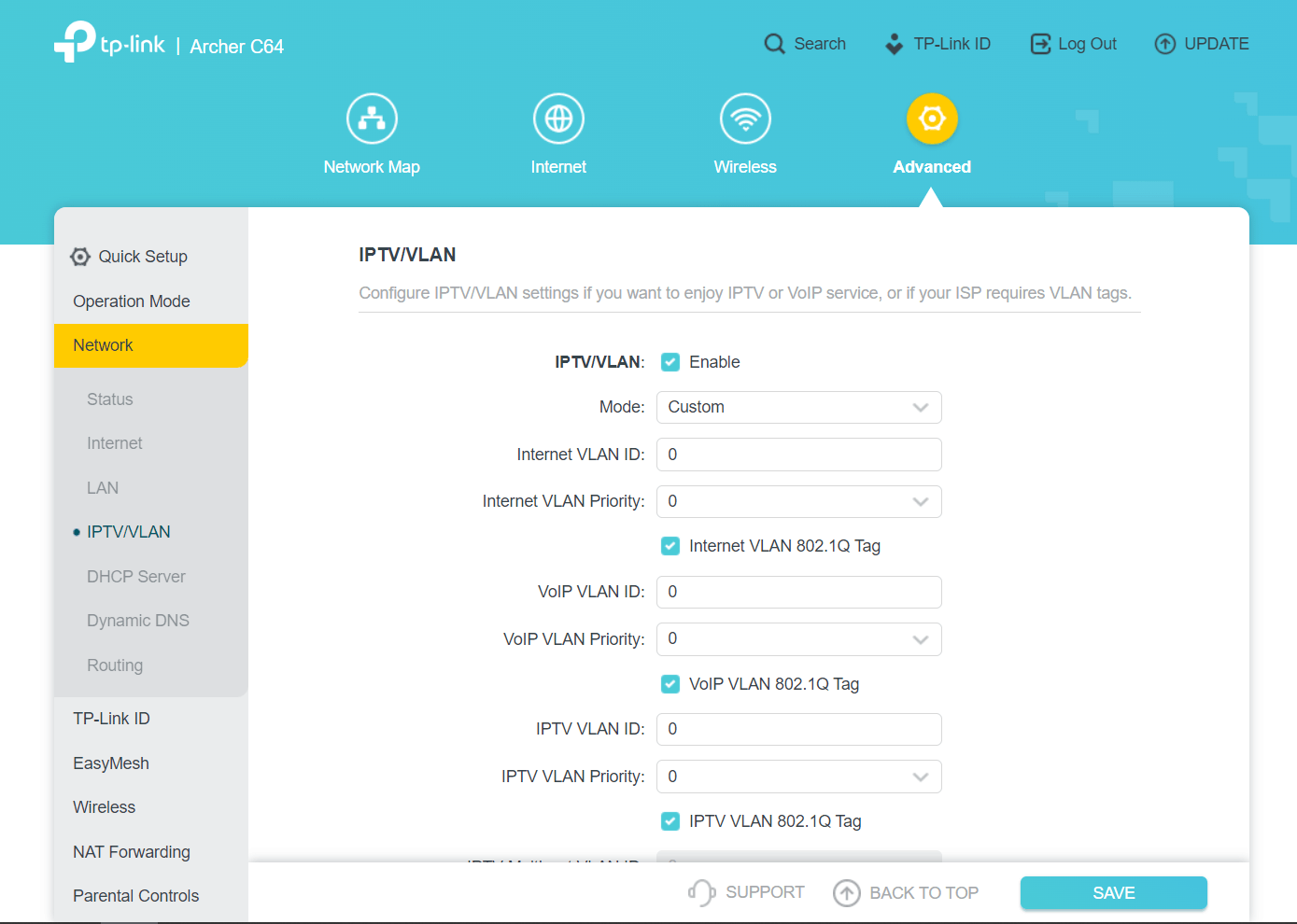
I have read the article about connecting your router to the VLAN here: How to configure VLAN ID for your internet connection on wireless router (For new logo) | TP-Link España
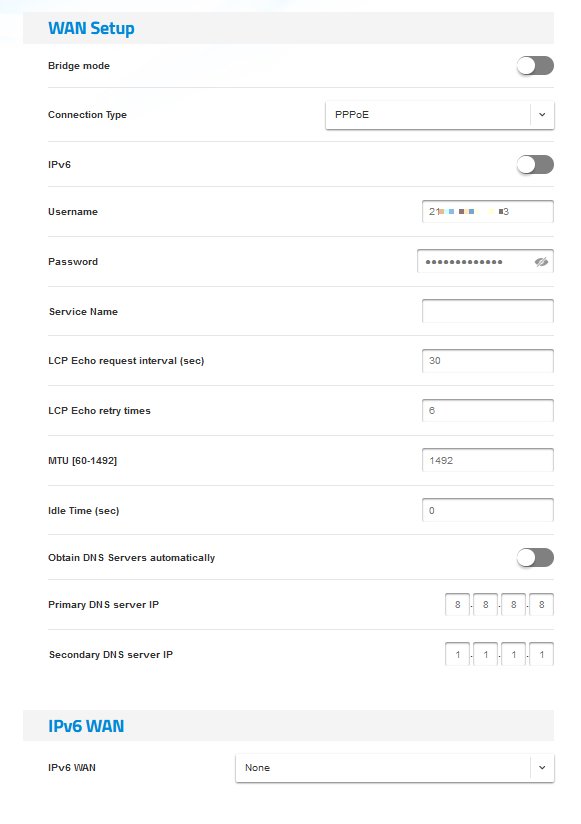
But the C64 does not appear to have these settings, as far as I can find. I have configured the C64 to as close as possible mimic the settings in the provider's router. Below is a screenshot of the settings in the Sercomm router.
Any help would be most appriciated, thanks.