Seeking Advice: ER706W / Omada Standard Limitations - Need Geo-Filtering & Full DPI

Seeking Advice: ER706W / Omada Standard Limitations - Need Geo-Filtering & Full DPI

Seeking Advice: ER706W / Omada Standard Limitations - Need Geo-Filtering & Full DPI
17 hours ago
Model: ER706W  
Hardware Version: V1
Firmware Version: v 1.2

Hello everyone,

I'm a new Omada user and I'm very impressed with the system so far. I particularly love the Omada Cloud Controller interface and the ease of centralized management.

However, I've run into a significant limitation regarding advanced security features with my current setup, which includes the ER706W Multi-WAN VPN Router.
 

1. Current Setup & Goal

  • Gateway: TP-Link ER706W

  • Internet Connections: I am using two WAN links: one Starlink connection and one Fiber Optic connection.

  • Traffic Management: I currently use the ER706W's Load Balancing feature (set at 7:3) to utilize both connections simultaneously.

  • Goal: Implement robust network security features for a home lab/advanced home network.


2. Missing Features & Problem

I purchased the ER706W based on its advanced capabilities, but I am finding two key features are either limited or completely excluded from the Omada Standard setup I am currently running:

  • Geo-IP Filtering (Geo-Blocking): I cannot find the option to create Location Groups or apply Geo-IP filtering in the Router ACLs. I understand this feature might be exclusive to the "Omada Pro" license or specific high-end business Gateways (like the ER8411). Is this correct?

  • Per-User DPI Data: While the ER706W supports DPI, I need the "Get per-user DPI data" capability to view detailed reports (who is using Netflix, who is using YouTube, etc.) for better network monitoring and Application Control.
     

3. Request for Solutions

I need a clear path forward to gain access to these advanced features while remaining within the Omada Ecosystem (because I enjoy the Omada Cloud experience so much).

My primary questions are:

  1. Is Geo-IP Filtering possible at all with the ER706W via a specific firmware or controller version?

  2. If not, which specific Omada Router/Gateway model (e.g., ER7206, ER605, or higher-end ER8411) must I purchase to guarantee access to the Geo-IP Filtering and full per-user DPI reporting features?

  3. Is there a specific Omada Controller version (Software or Hardware) required to unlock these advanced security features on a compatible Gateway?


Thank you in advance for your guidance. Any advice on the minimal hardware upgrade needed to achieve this functionality would be greatly appreciated!

  0      
  0      
#1
Options
13 Reply
Re:Seeking Advice: ER706W / Omada Standard Limitations - Need Geo-Filtering & Full DPI
16 hours ago
Important clarification: I forgot to state this clearly in the main post, but this setup is for personal use (advanced home user / home lab), not for a business or enterprise. Therefore, I am looking for the most cost-effective and minimal hardware upgrade within the Omada Ecosystem that will unlock the Geo-IP Filtering and full per-user DPI features. Thank you!
  0  
  0  
#2
Options
Re:Seeking Advice: ER706W / Omada Standard Limitations - Need Geo-Filtering & Full DPI
16 hours ago

  @Mesaque 


If you want to filter by country, it's pretty simple. Go to router acl, then create acl allow or deny in the same way you filter other things.
You can create location group or enter country directly.

  0  
  0  
#3
Options
Re:Seeking Advice: ER706W / Omada Standard Limitations - Need Geo-Filtering & Full DPI
16 hours ago - last edited 16 hours ago

  @Mesaque 


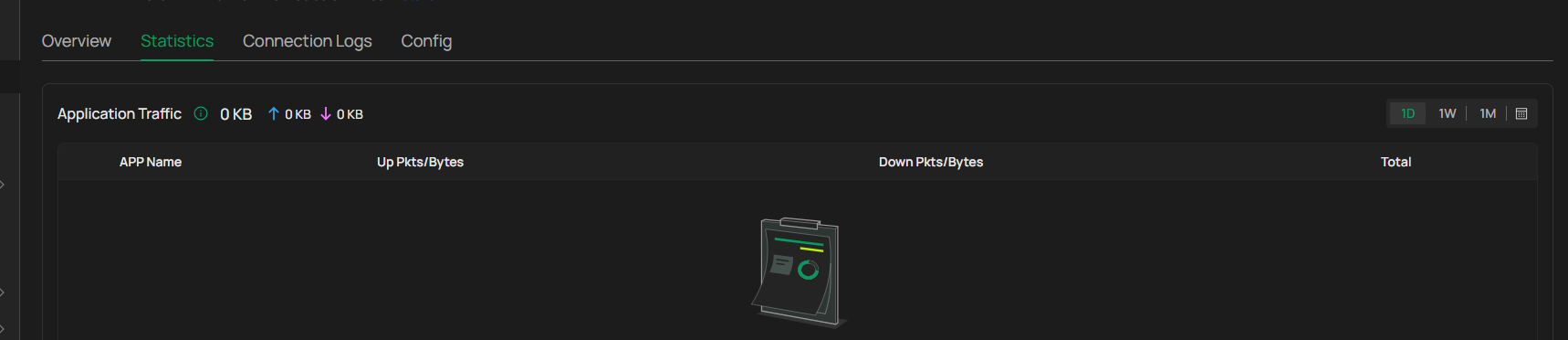
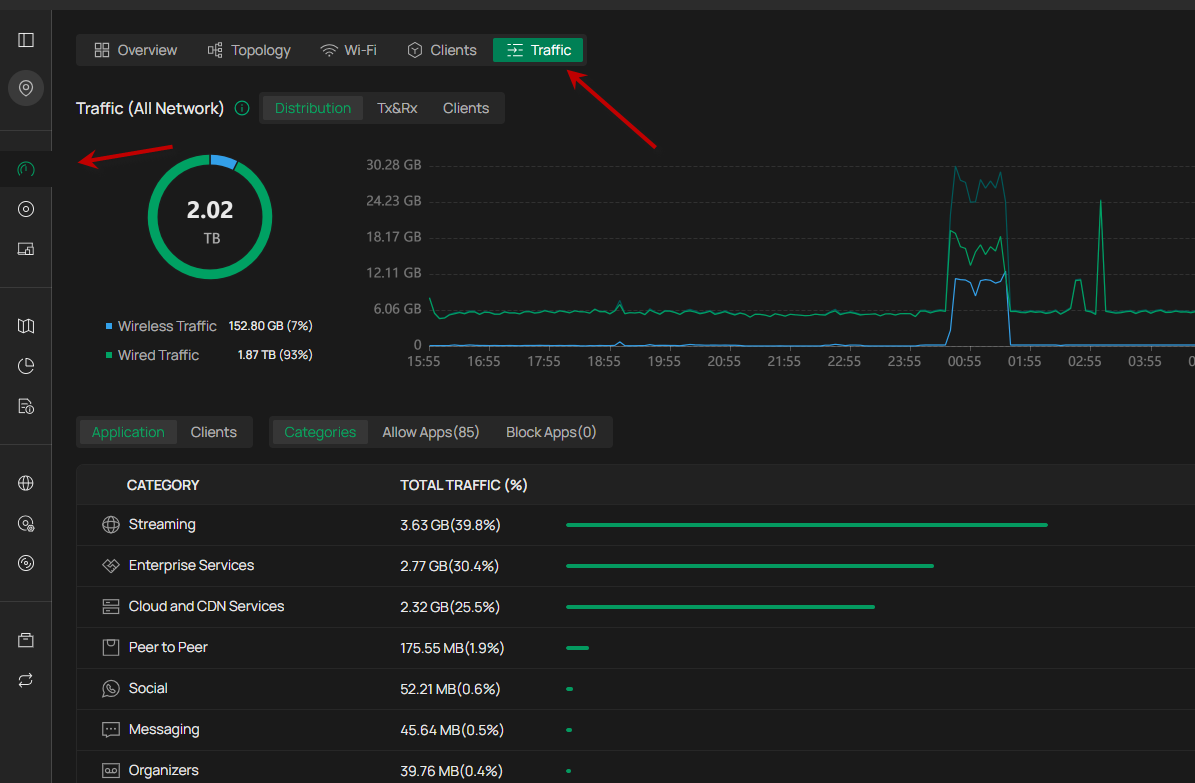
per use dpi can be found here.
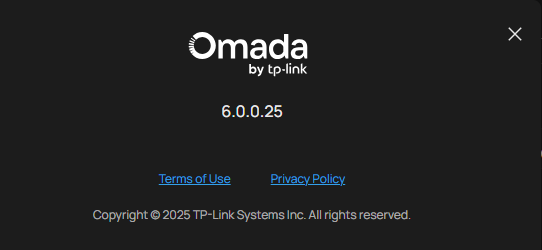
I don't know which controller you have but on verion 6.1 it is here.


you can also find it if you click on the client and manage client, then statistics


  0  
  0  
#4
Options
Re:Seeking Advice: ER706W / Omada Standard Limitations - Need Geo-Filtering & Full DPI
16 hours ago - last edited 16 hours ago

  @MR.S 

print

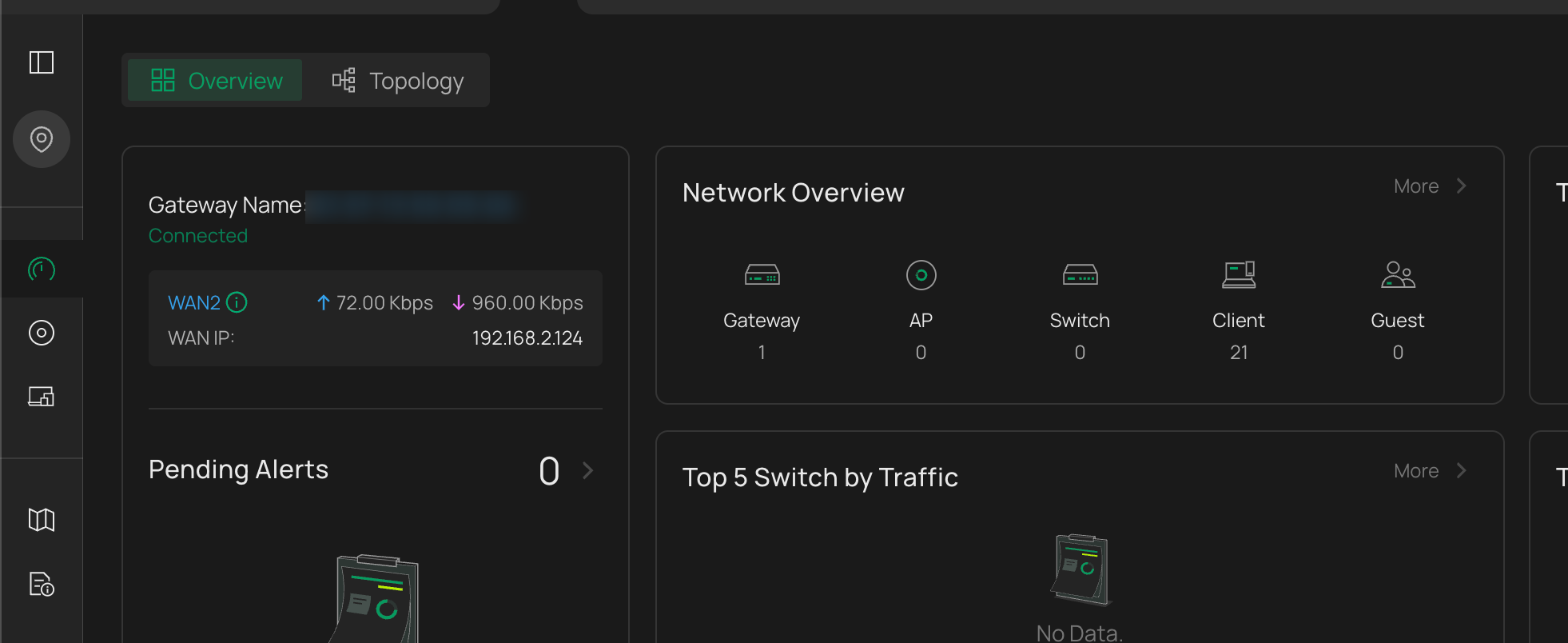
i dont have Traffic Option

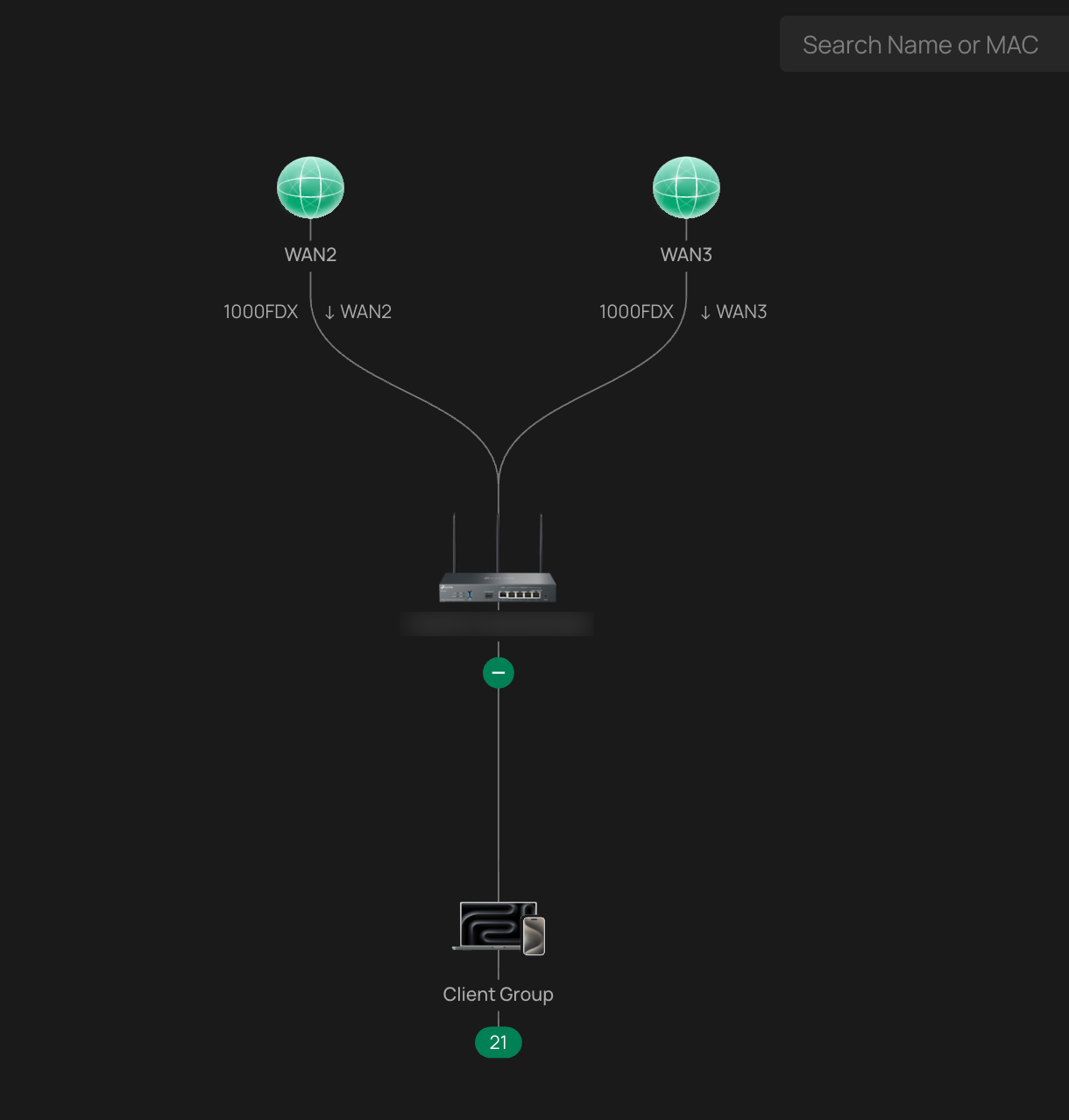
My Topology

  0  
  0  
#5
Options
Re:Seeking Advice: ER706W / Omada Standard Limitations - Need Geo-Filtering & Full DPI
16 hours ago

  @Mesaque 


Are you using the free version of the cloud controller? Essential? If you are using it, there are not many functions, it is only basic, I recommend you use a sef hosted controller. You can install it on windows or linux, or buy an OC220 hardware controller.


  0  
  0  
#6
Options
Re:Seeking Advice: ER706W / Omada Standard Limitations - Need Geo-Filtering & Full DPI
16 hours ago
OC200 do the work? or i really need OC220 ?
  0  
  0  
#7
Options
Re:Seeking Advice: ER706W / Omada Standard Limitations - Need Geo-Filtering & Full DPI
16 hours ago

  @Mesaque 


oc200 will work, it is very slow so a new faster one has been released called oc220, I recommend it, oc200 is too bad for the new software that is coming now. but that is your choice.


  0  
  0  
#8
Options
Re:Seeking Advice: ER706W / Omada Standard Limitations - Need Geo-Filtering & Full DPI
12 hours ago

  @MR.S 


In my OC300 with the latest v6.0 firmware. I don't have a Statistics tab under Manage Client.  Is this new to v6.1 or is it something unique to the upper end Omada devices?

1x ER7406 1x OC300 4x SG2008 1x EAP610 3x EAP650-Desktop
  0  
  0  
#9
Options
Re:Seeking Advice: ER706W / Omada Standard Limitations - Need Geo-Filtering & Full DPI
12 hours ago

  @jra11500 


to be honest, i don't remember how it was in version 6.0, but there is a lot new in 6.1 especially this with clients and network overview. i think you will get the same on OC300,


I know @GRL  has an OC300 maybe he can answer.

  0  
  0  
#10
Options
Re:Seeking Advice: ER706W / Omada Standard Limitations - Need Geo-Filtering & Full DPI
12 hours ago - last edited 12 hours ago

  @jra11500 


I adopted a access point to a test installation I have that is not updated, its look like there is in version 6.0 to

I have no router or anything so no apps, but the menu is there.


  0  
  0  
#11
Options